AI Meme Generator
Press the AI Meme button, type an idea, and ship a finished AI meme in under 10 seconds — no template hunting, no Photoshop, no font work. The AI meme generator writes the caption, picks the visual, and adds the meme text for you. Free, with 130 daily Stamina.

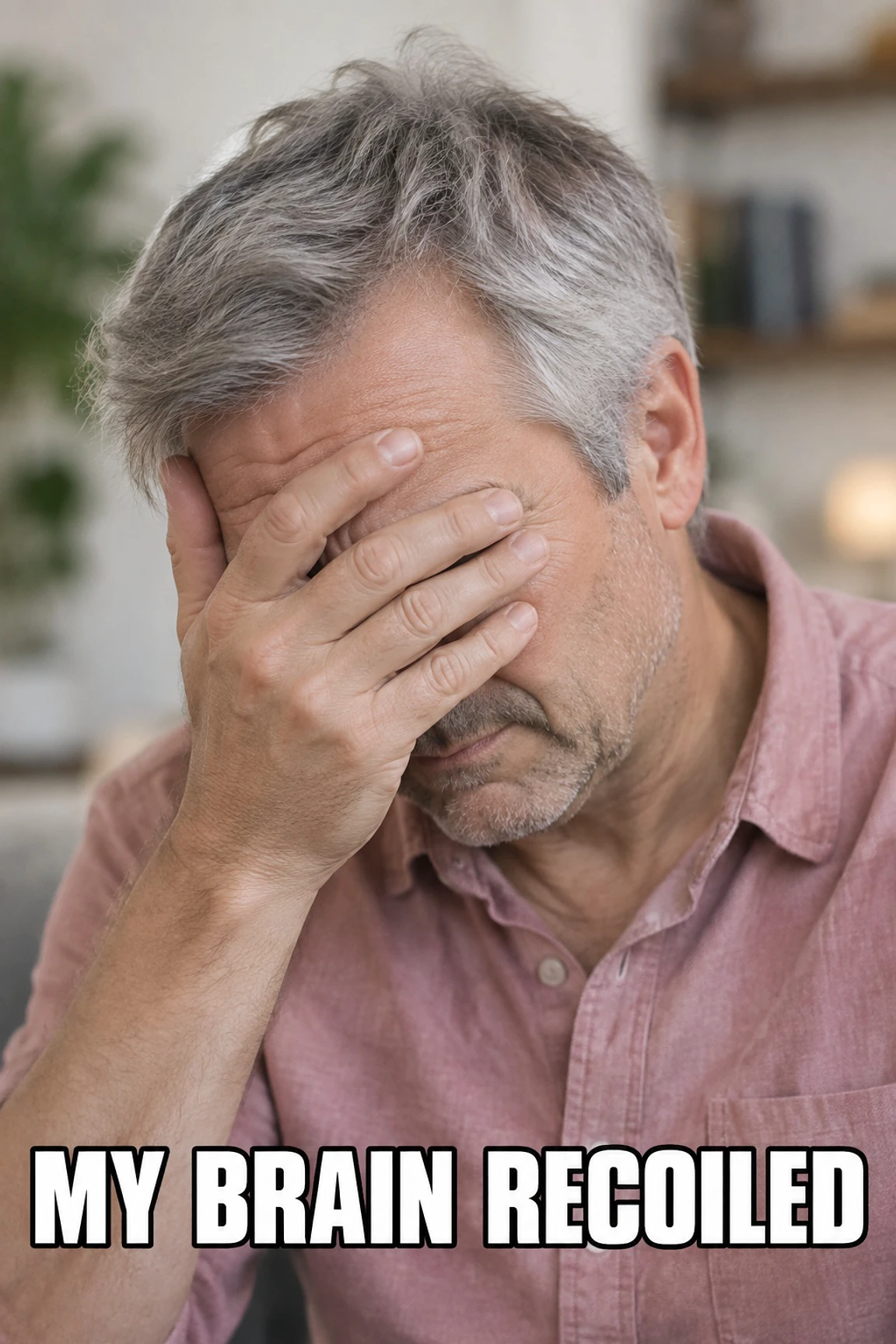
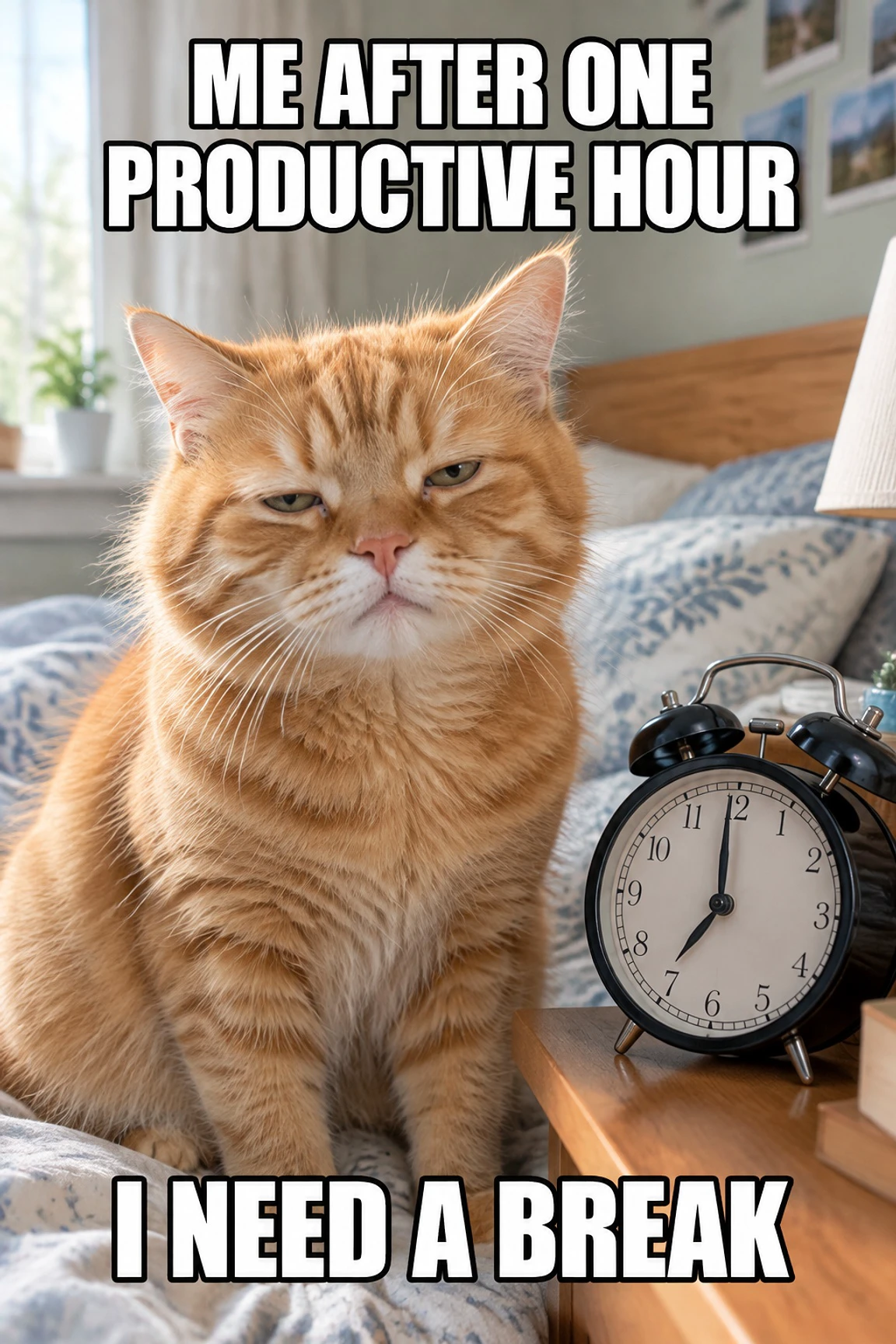
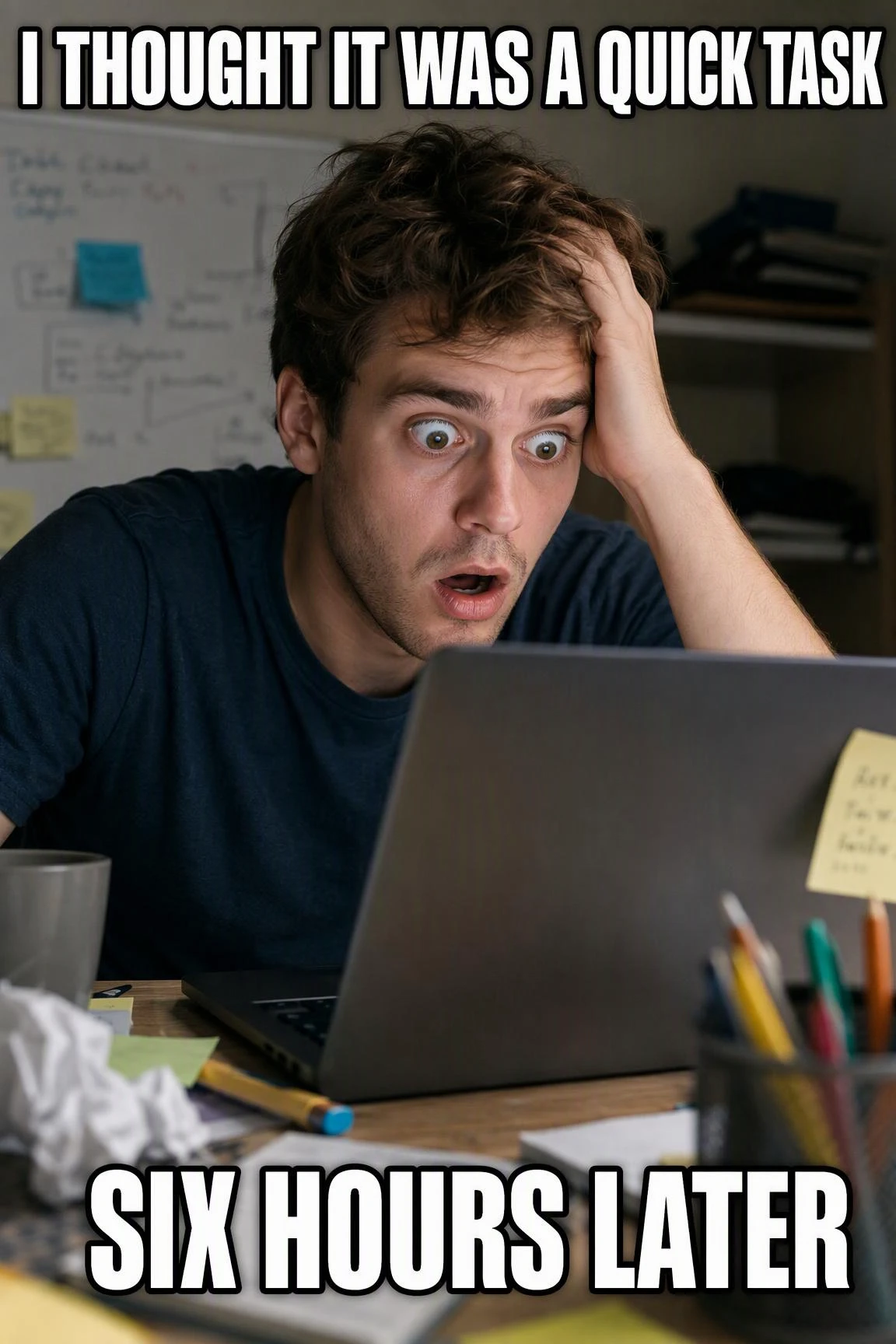
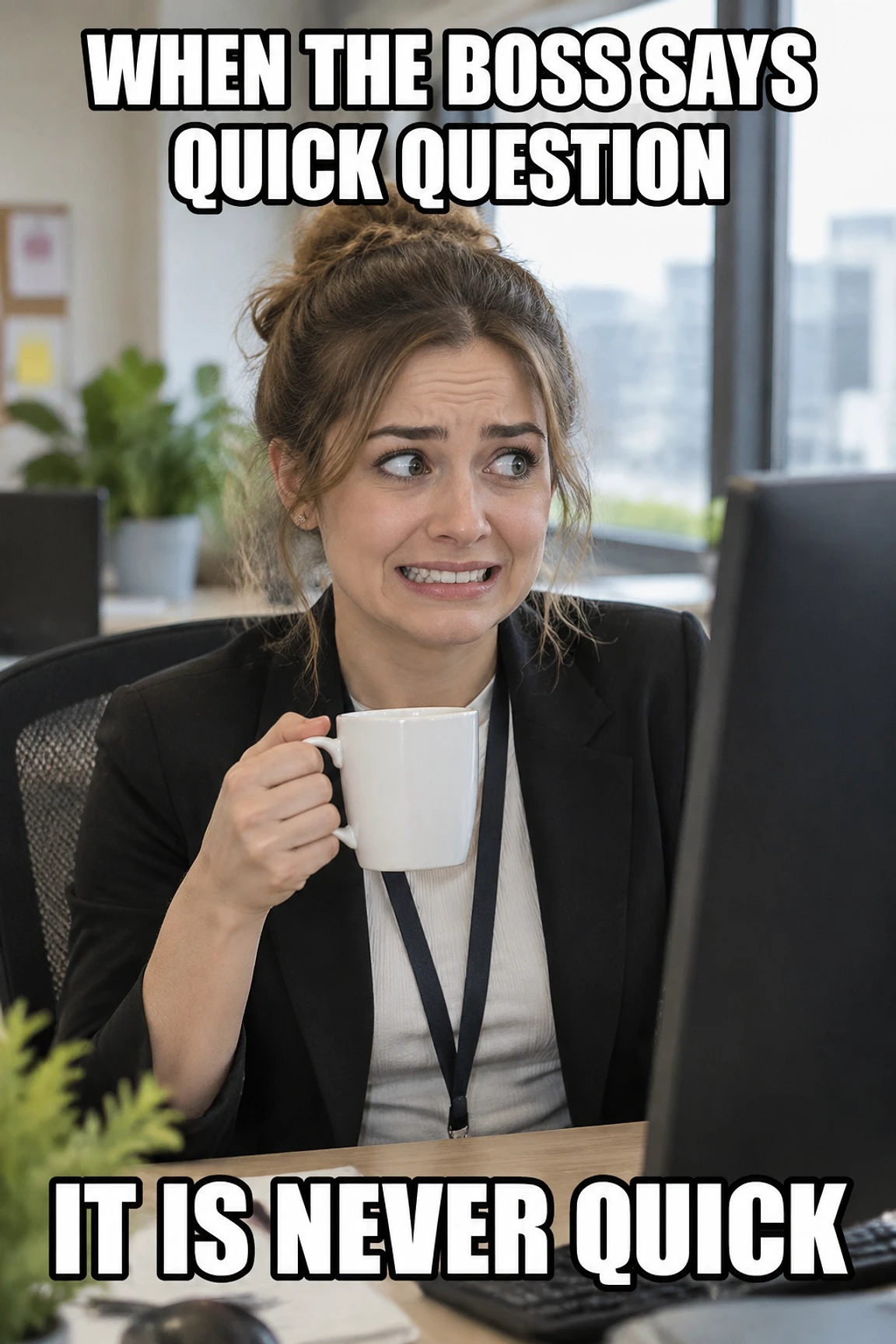
How to Use the AI Meme Generator in 3 Steps
From blank cursor to posted AI meme in three clicks.
Type Your Idea
Type a subject, phrase, or vibe — for example "Monday morning," "ENFP at a party," or "cursed cat." Or click Random Memeable and let the AI pick everything.
Click the AI Meme Button
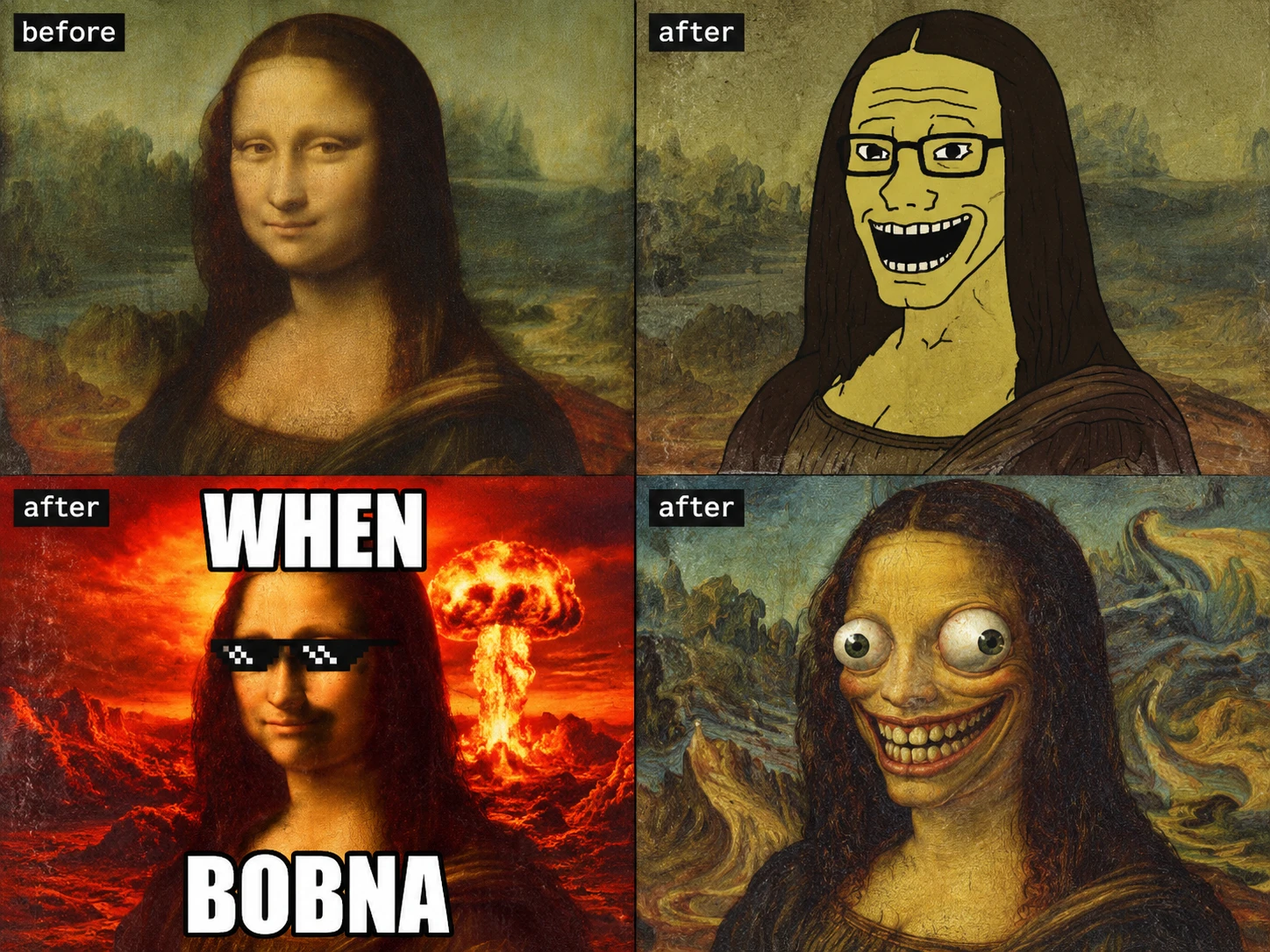
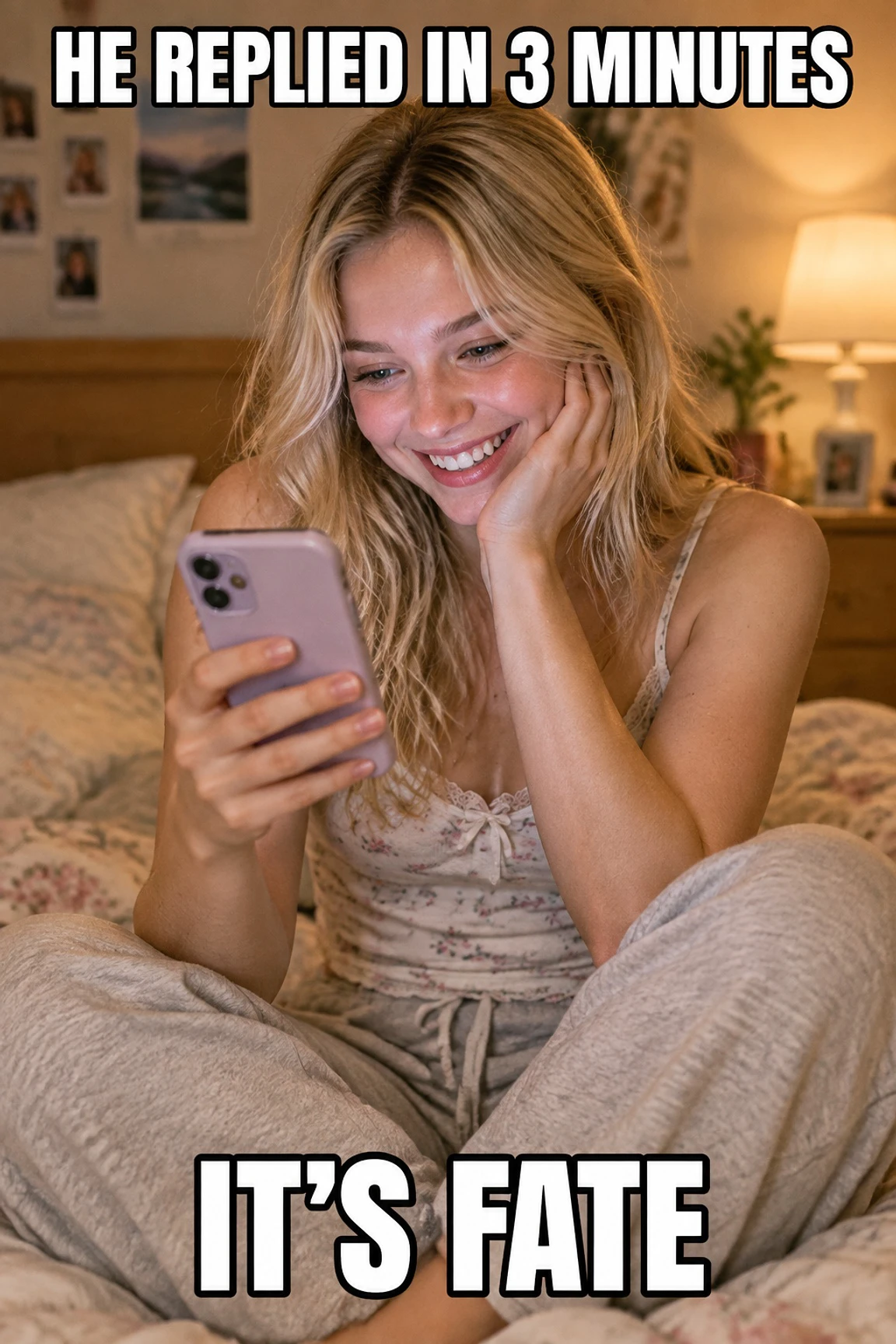
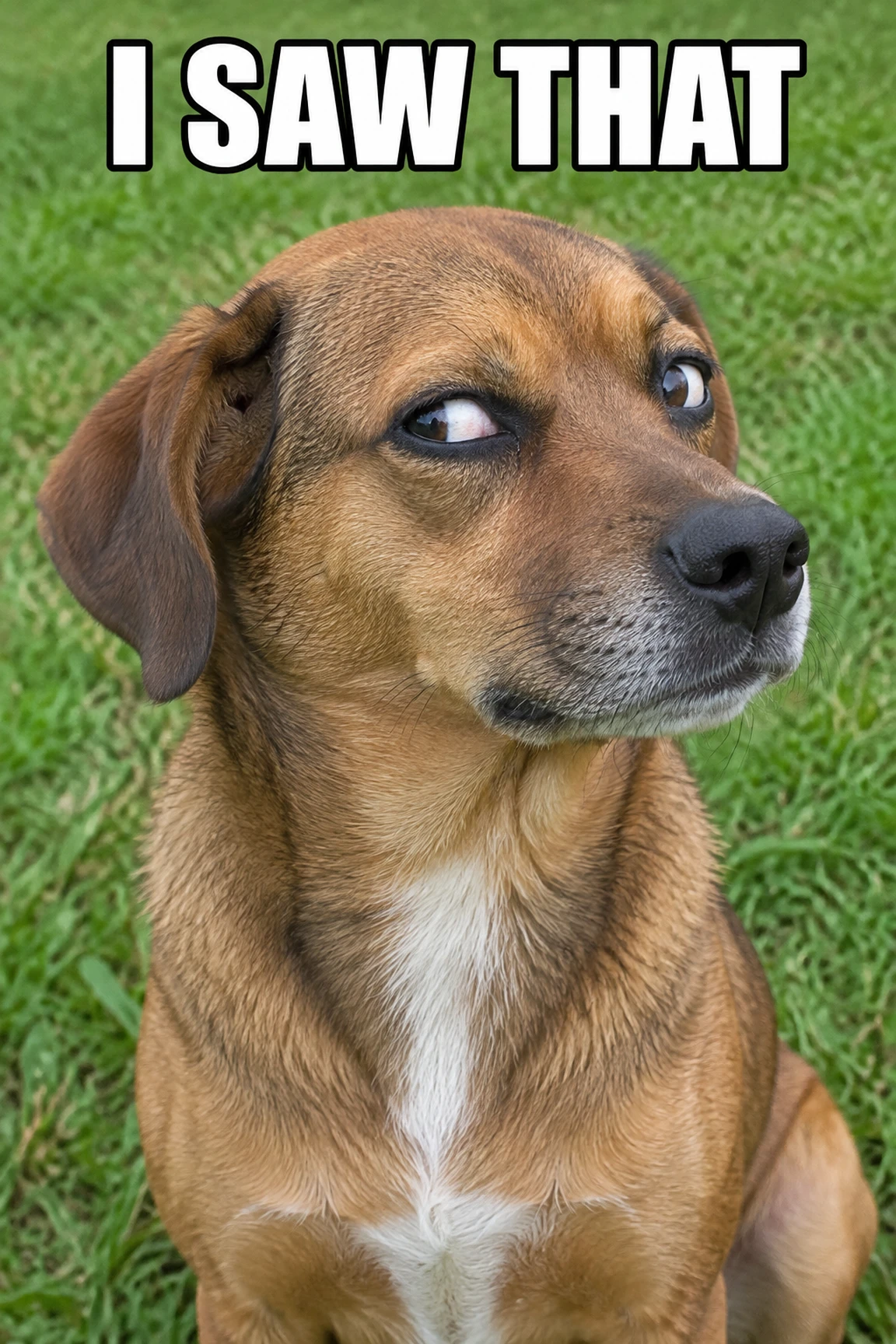
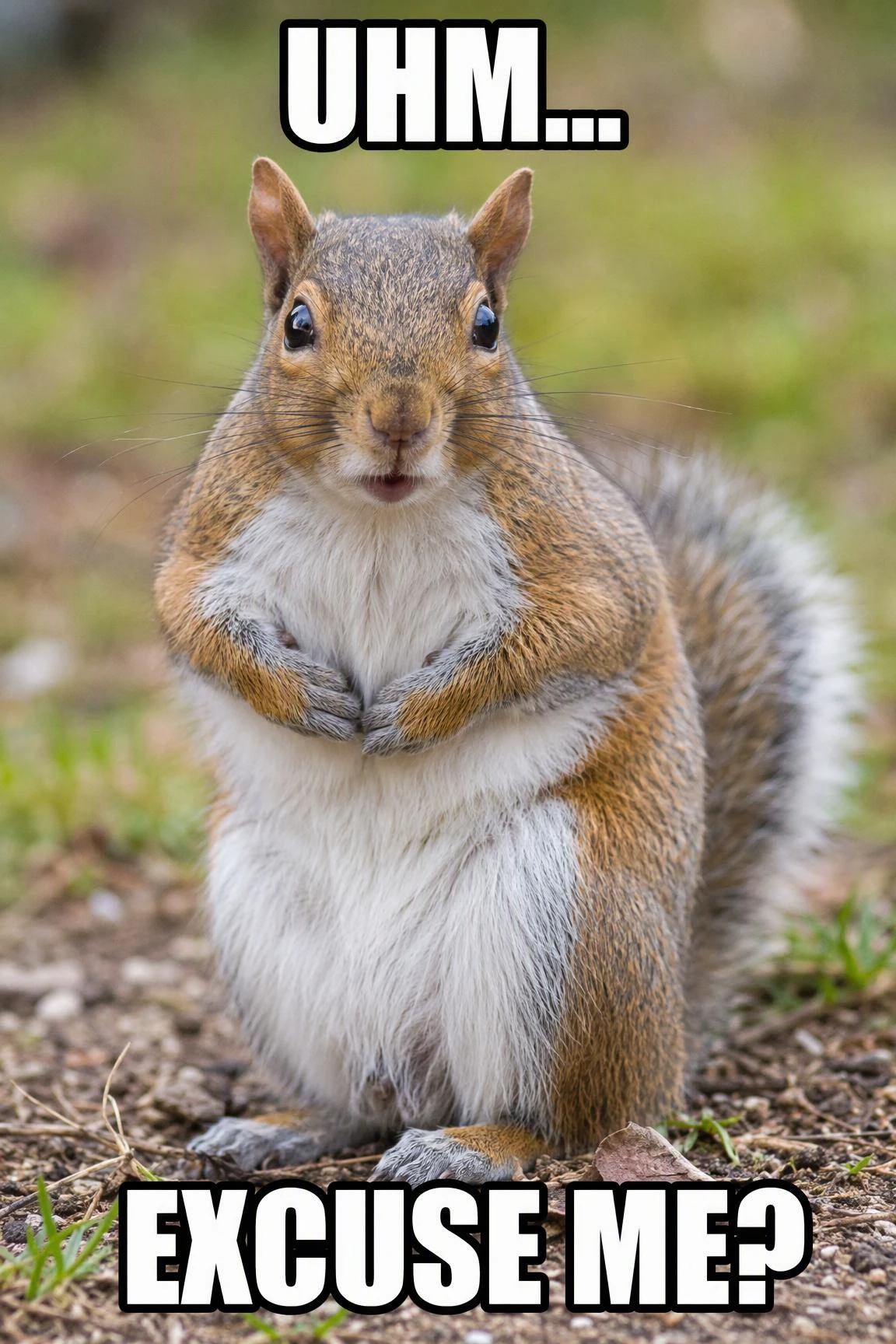
Choose static AI meme, GIF meme, or AI meme video. Pick your style (Wojak, deal-with-it, cursed, wholesome, classic caption). Select your language. Press the AI Meme button.
Refine and Export
Preview it. Export as a square 1080×1080 PNG, a GIF meme, or an AI meme video. Drop it into Twitter, Discord, TikTok, Instagram, or your group chat — no editing, no cropping, no second tool needed.
How This AI Meme Generator Creates, Captions, and Formats Memes
Starting with a blank canvas is slow. This tool turns a simple idea into a finished meme, so you can skip template hunting, caption writing, and manual layout. For broader visual projects, start with the AI image generator.
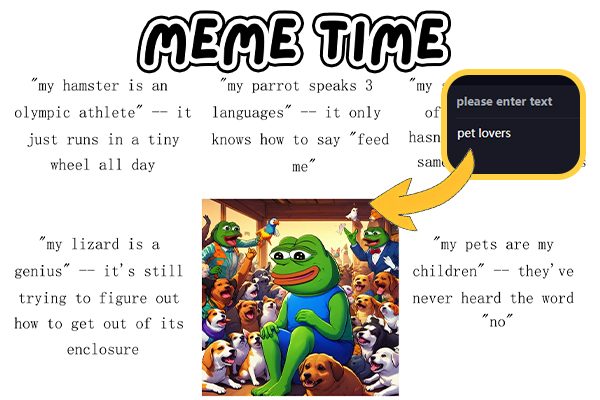
Start With One Simple Idea
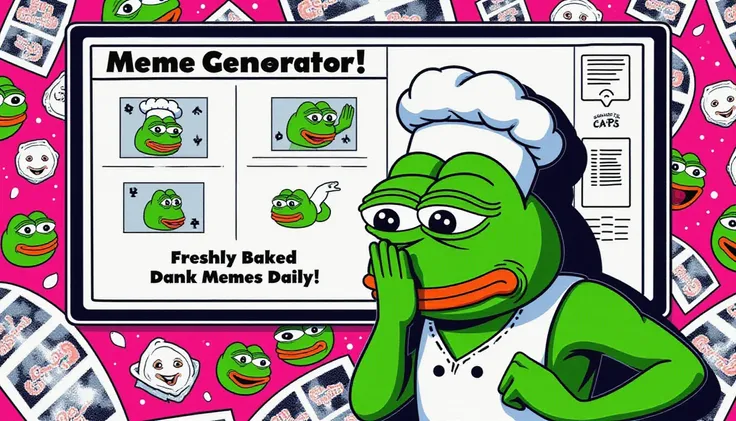
Describe a mood, joke, or situation in one line. The generator turns it into a ready-to-share meme in seconds, so you do not need to search for the right template or build a layout from scratch. You can also create familiar formats like Sad Frog memes from the same simple idea.
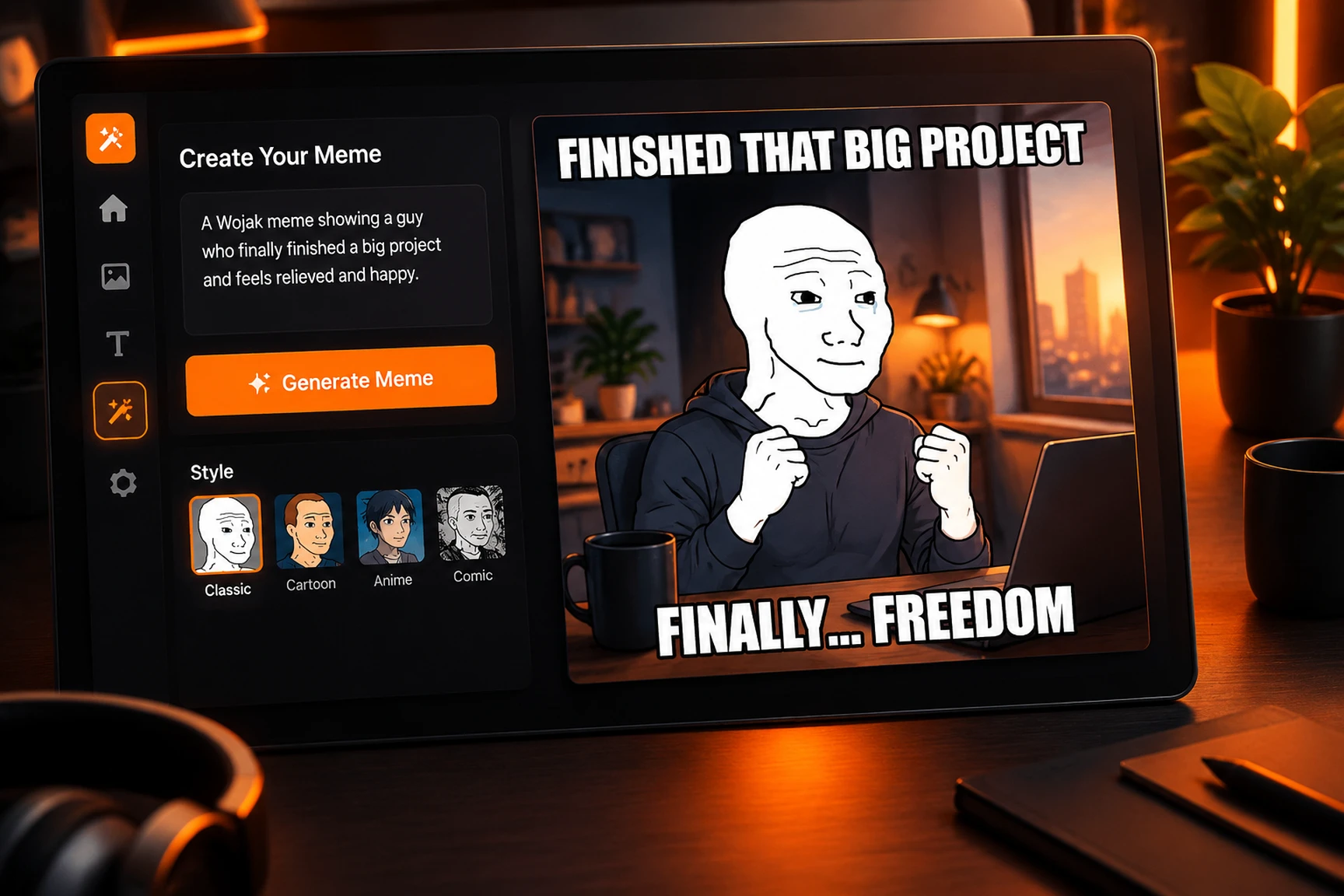
Skip Caption Writing and Layout Work
The tool creates the punchline and places it on the image for you. It can add the meme text automatically, so you can focus on the idea instead of choosing fonts, adjusting text boxes, or rewriting captions. This keeps the process simple when you need a meme quickly.
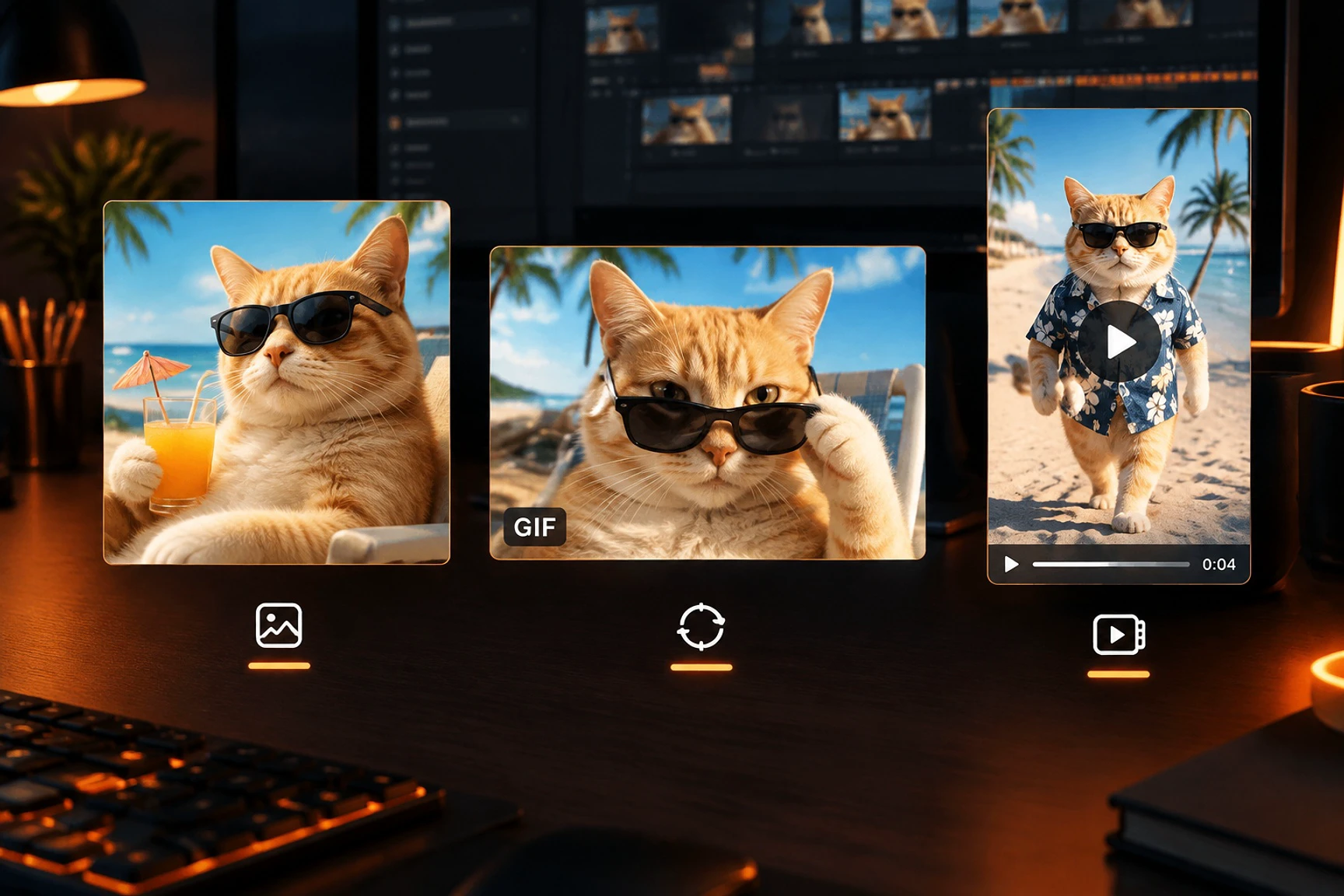
Make the Format You Need
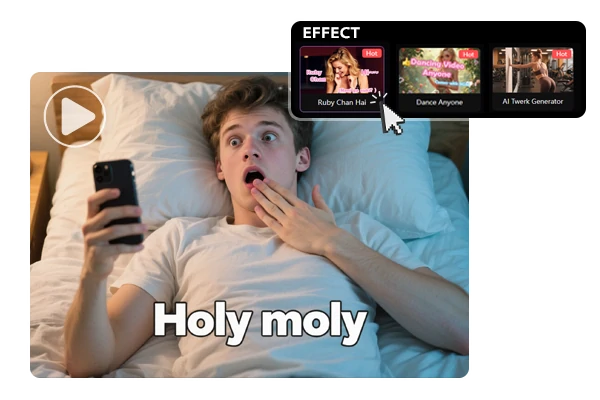
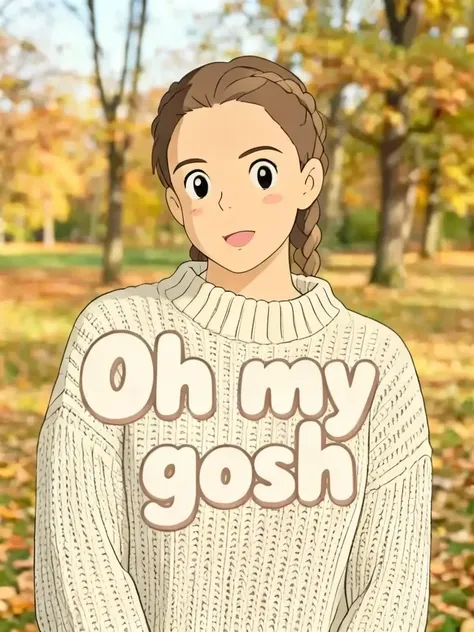
Create a static image for posts and chats, a GIF for quick reactions, or a video for short-form platforms. Start with one prompt and choose the output that fits your channel, including AI meme videos for short-form content.
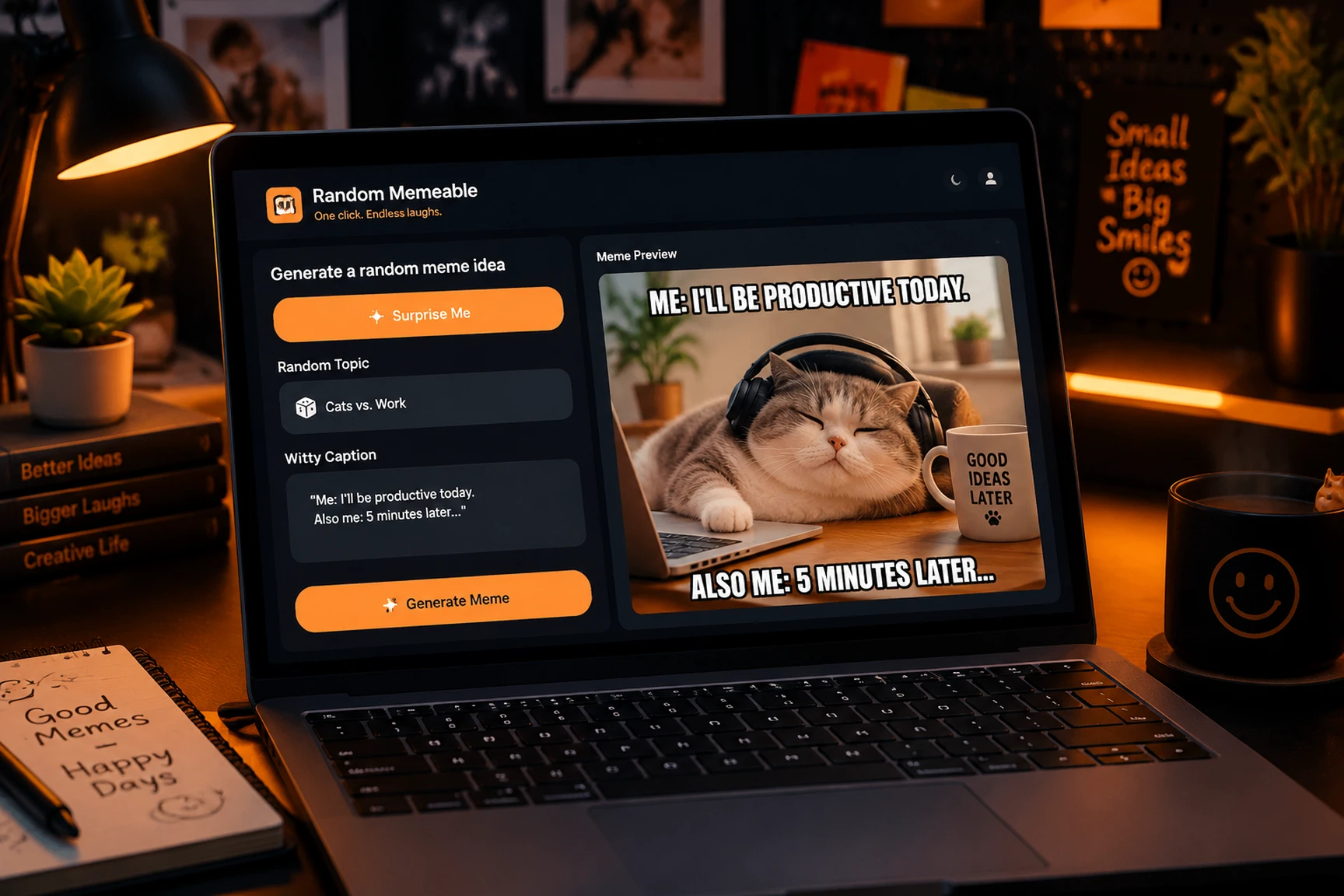
Keep Creating When You Are Stuck
No idea ready? Random Memeable suggests a topic, tone, punchline, and format so you can start creating without staring at a blank input. It is useful for quick experiments, daily posts, and content planning.
Try the AI Meme Generator Free on SeaArt AI
Open the workspace to turn a prompt into a post, reaction, or short clip. Your 130 daily Stamina are ready to use, with no credit card required.
Frequently Asked Questions

What is the AI meme generator?

Is the AI meme generator free to use?
Yes. The AI meme maker is completely free. Every account gets 130 daily Stamina, enough to make memes dozens of times — plus the same credits cover face swap, AI dance generator, and image-to-video. No credit card, no watermark.
How does the AI Meme button work?
Enter a prompt, select a style, language, and output type, then press the AI Meme button. The generator prepares a draft you can review and export, whether you want an AI meme, a reaction loop, or a short video.
What does Random Memeable do?
Random Memeable is an inspiration mode for moments when you do not have a prompt. Each roll provides a new concept that you can use as-is or refine into an AI-generated meme, making it easier to create fun memes for a content queue.
Can I make GIF memes and AI meme videos too?
Yes. Use a still image when the joke needs a single frame, a looping GIF meme for a quick response, or an AI meme video when timing and movement add to the punchline. Each format is designed for a different sharing context.
Can I use AI-generated memes commercially?
Yes. Content made with the AI meme maker can be used for marketing, ad creatives, and brand social posts. Do not upload images of real people without their permission.
What size do memes export in?
Static AI memes export as 1080×1080 PNG files. GIF memes use the same square ratio, while video exports use MP4 at the duration you select. The square layout is ready for mobile feeds and chat apps.