50M
+Creator

Create engaging, funny memes for free with the SeaArt AI meme video generator. Turn images or text into meme videos, or craft your own memes with AI video templates in one click.
Explore different video models to find the right style, speed, and quality for your meme videos.

SeaArt AI meme video generator lets you create custom meme videos by text or description of a funny scenario. After you submit your text, the AI will generate a meme video complete with humorous captions and visuals. This streamlined process doesn't require any design skills - just a conception for your meme. In seconds, you'll have a unique, shareable meme video ready for any social platform.

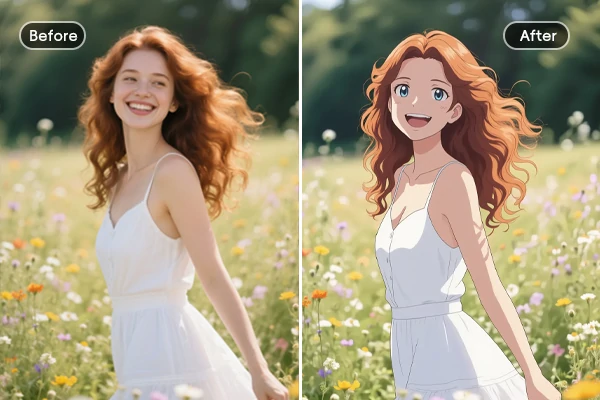
Upload your chosen meme image or photo to the AI meme video generator, and watch as it automatically adds animated effects, transitions, and playful text overlays. The tool can zoom, pan, or add motion stickers to highlight the funniest parts of your image. You can further customize the video by selecting different animation styles or adding your own captions, resulting in a unique, lively meme video that's even funnier.

Not enough inspiration to create meme videos? With multiple AI video templates at your fingertips, SeaArt AI completes your meme creation in one click. Explore a vast template library, including memes like "Ruby Chan, Hai" and the Blue Shirt Guy Dancing, to spark your creativity. These ready-made AI effects ensure your meme videos remain fresh, fun, and visually captivating for your audience.

This AI meme video maker not only empowers marketers to craft funny memes that better resonate with customers but also helps creators boost engagement and increase their chances of going viral. By streamlining the creation of humorous meme videos, you can quickly respond to trending topics and audience preferences, making your brand or channel maintain a strong and competitive online presence.


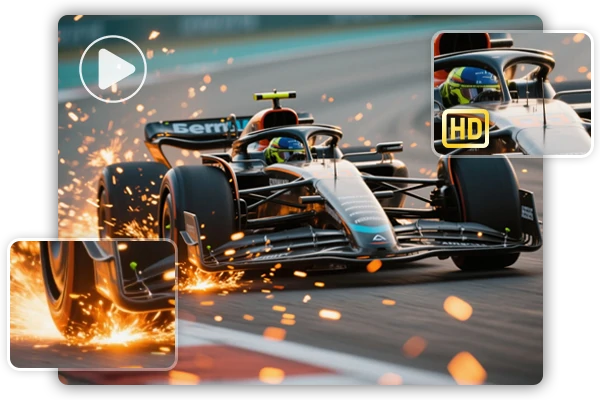
Watermark-Free, HD Output
Create HD meme videos without watermarks for free.

Social Media Friendly Export
Export meme videos in the perfect formats and sizes for all platforms.



Vast Template Database
A wide variety of video templates for every style and occasion.

Step 1: Input Your Content
Upload an image or enter the prompts to start creating with AI meme video generator.
Step 2: Personalize Your Creation
Customize your meme creation by selecting video models or templates and other relevant parameters.
Step 3: Generate and Save
Click the "Generate" button, and wait for a few minutes. Once you're satisfied with the result, save the generated meme videos to your device.













Are the generated memes copyrighted?

Any tips for creating viral video memes?
To create viral video memes, keep your content short, relatable, and visually engaging. Use trending templates and timely references to boost shareability. Add bold, witty captions that stand out even without sound, and export in the ideal format for each social platform. High-quality visuals and quick reactions to current events increase your chances of going viral. Most importantly, stay authentic and experiment with different ideas to see what resonates with your audience.
Where can I post the AI meme videos to share with others?
You can share your AI meme videos on popular social media platforms such as Instagram, TikTok, Twitter, Facebook, and YouTube. Additionally, consider posting them in relevant online communities like Reddit, Discord servers, WhatsApp groups, and meme forums. Sharing on messaging apps or embedding them in blog posts and websites can also help your meme videos reach a wider audience and boost their chances of going viral.