50M
+Creator

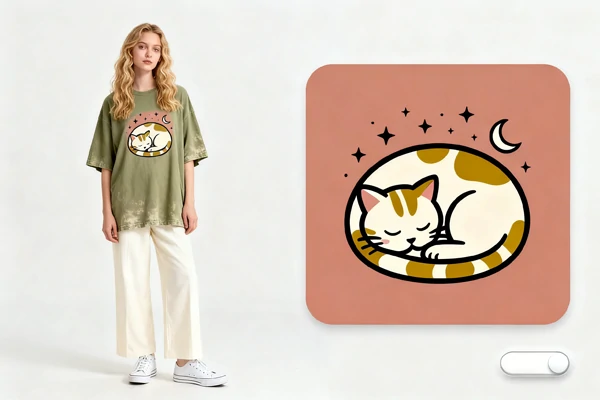
Turn a text prompt into crisp, editable vector-style artwork for logos, icons, stickers, and illustrations that stay sharp across web and print.
Move faster than a blank canvas. Start with text, test a direction, and keep the parts that can survive real design review.


Prompt First Workflow
Start with one text prompt and get usable vector directions fast, without building a manual shape library from zero.

Built for Repeat Tasks
Keep output style steady across batches so campaign assets, product graphics, and social kits look related instead of random.



Editable Asset Structure
Get organized layers and clean edges that are easier to tweak for color, spacing, and brand updates later.

Web and Print Ready
Export assets that stay clear across landing pages, packaging drafts, banners, and large screens.
Move from idea to production-ready artwork with text-to-vector generation, multi-format asset creation, and clean output that stays sharp and easy to refine.
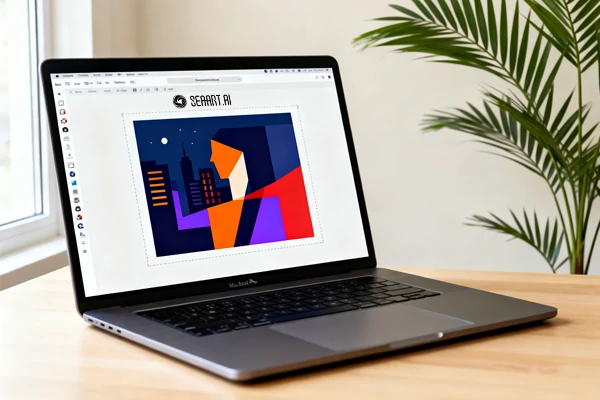
Describe your idea in plain language, and the tool turns that text into vector-ready artwork. This text-to-vector flow works well for quick concept rounds, early brand exploration, and ad creative testing when you need options now, not after a long manual drawing cycle.
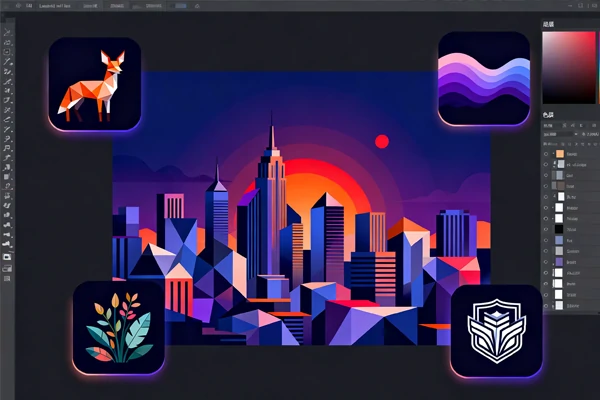
One workflow supports three common production needs: icon sets for product UI, logo directions for brand drafts, and sticker packs for social or print merch. You can keep a shared art style while changing subject, color, and shape details for each delivery channel.
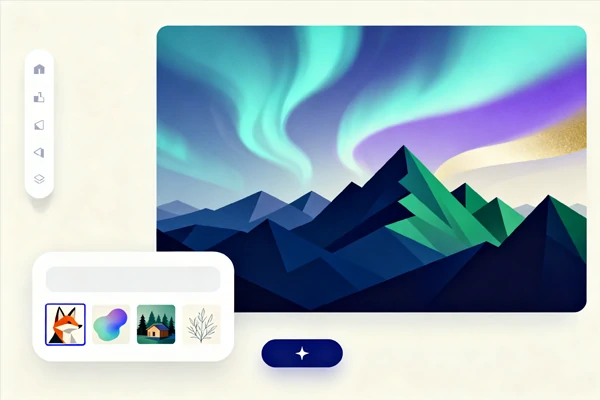
Output stays sharp on mobile screens, desktop banners, and printed materials because vector paths do not break when resized. The same clean structure also makes color swaps, spacing fixes, and shape tweaks easier, so teams can refine high-quality assets without repeated redraw work.
If you already have references, prompts, or rough directions, you can begin now and turn them into usable outputs quickly. Try the free AI art generator, then route logo drafts to ai logo generator workflows for cleaner brand assets.
The workflow stays short: write the direction, compare the first batch, then refine the file for the place it needs to live.
Write the Prompt
Describe subject, style, and use case in one clear sentence.
Generate and Compare
Generate a batch, keep the strong options, and remove weaker results.
Edit and Export
Adjust color and geometry, then export for web, product, or print.

Can I use it for product interface icon systems?

Can it help with brand drafts and creator merch?
Yes. Test logo concepts early, then reuse the same style family for sticker packs, event swag, social posts, and lightweight promo assets.
How is this different from a normal image generator?
A normal raster image can lose clarity when resized, while vector output stays sharp across sizes. That matters for UI kits, print items, and brand systems.
Do I still need manual editing after generation?
Usually yes, especially for final brand work. Generation gives a strong base, then a designer can tighten spacing, shape balance, and typography.
What prompt format works best for high-quality output?
Use subject + style + usage context in one line, such as "minimal leaf logo for skincare packaging." Avoid vague prompts when consistency matters.
Can I explore related tools from this workflow?
Yes. For icon-specific tasks, use ai icon generator; for pack-style assets, open ai sticker generator.