Crea flusso di lavoro
Costruito su SeaArt ComfyUI
creation

Ti potrebbe piacere

Flussi di lavoro in evidenza

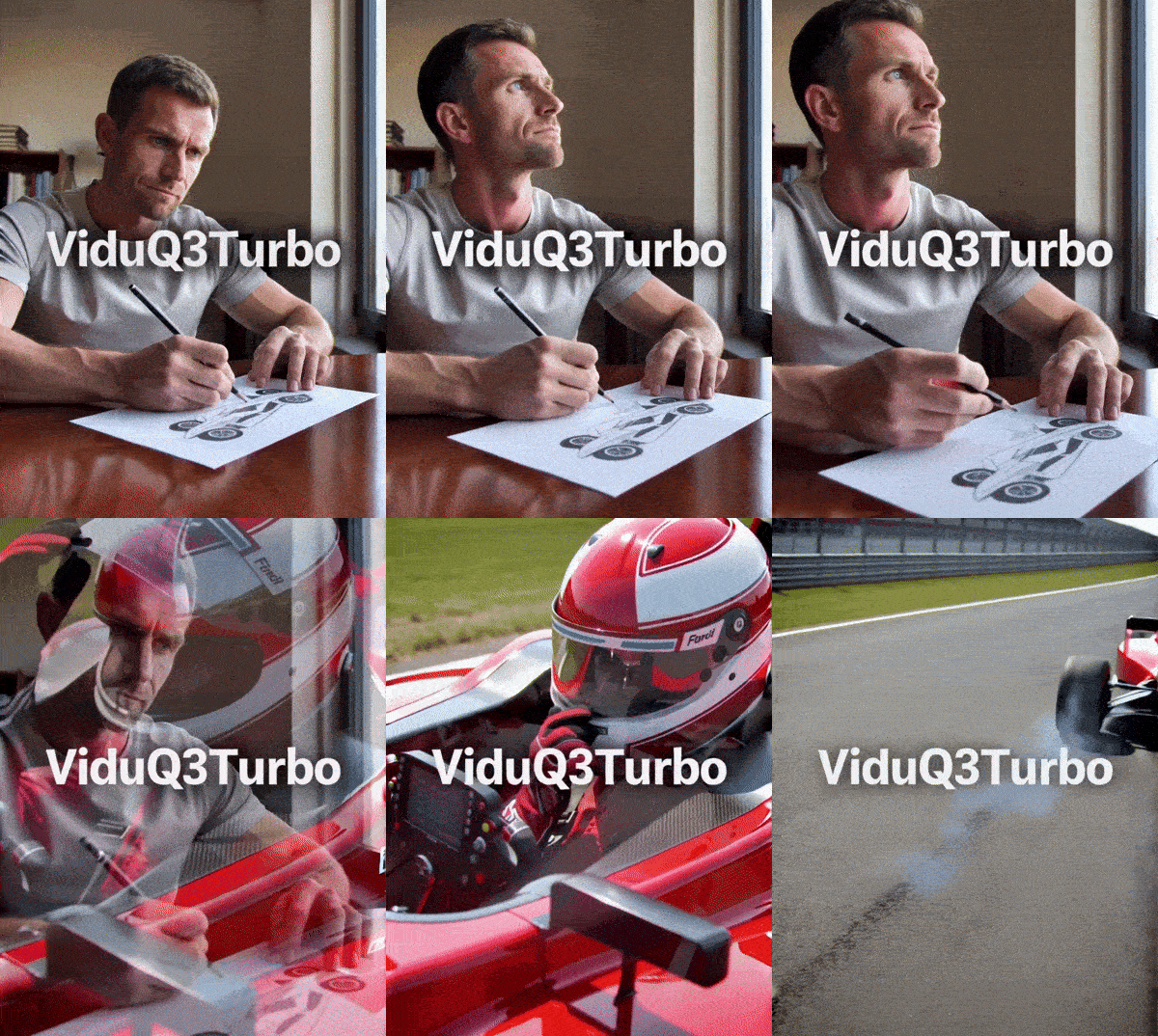
LTX2.3-Audio-video generation

LTX-2.3 is an open-source audio-video foundation model released by Lightricks. Its core feature is not simply generating video alone or producing video first and adding audio later. Instead, it places both video and audio within a single generation framework, directly producing synchronized visuals and sound. Officially, it is described as a DiT-based audio-video foundation model, meaning a joint audio-video generation model built on Diffusion Transformer architecture.Compared with many traditional video generation approaches, the biggest difference of LTX-2.3 is its native audio-visual synchronization. If a prompt includes speaking, singing, ambient sound, or rhythmic motion, the model attempts to align lip movements, actions, and sound within a single generation process, rather than relying on post-processing to dub audio or correct lip sync afterward. This makes it especially valuable for dialogue videos, character singing, and short narrative scenes.
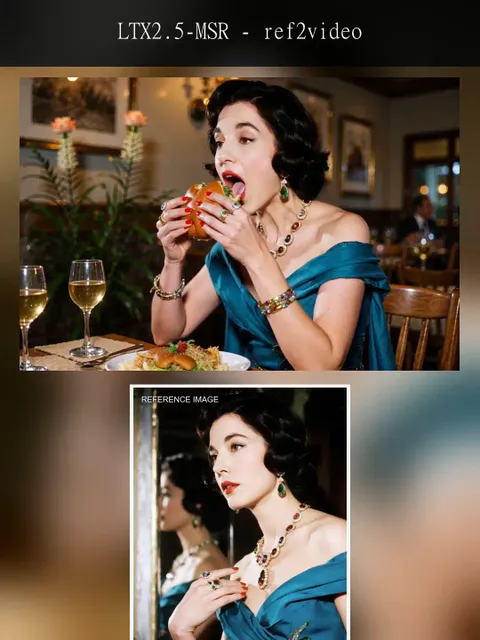
LTX2.3-Audio-video generation

5.0

LTX-2.3 is an open-source audio-video foundation model released by Lightricks. Its core feature is not simply generating video alone or producing video first and adding audio later. Instead, it places both video and audio within a single generation framework, directly producing synchronized visuals and sound. Officially, it is described as a DiT-based audio-video foundation model, meaning a joint audio-video generation model built on Diffusion Transformer architecture.Compared with many traditional video generation approaches, the biggest difference of LTX-2.3 is its native audio-visual synchronization. If a prompt includes speaking, singing, ambient sound, or rhythmic motion, the model attempts to align lip movements, actions, and sound within a single generation process, rather than relying on post-processing to dub audio or correct lip sync afterward. This makes it especially valuable for dialogue videos, character singing, and short narrative scenes.
avatar
avatar_frame
SeaArt Comfy Helper
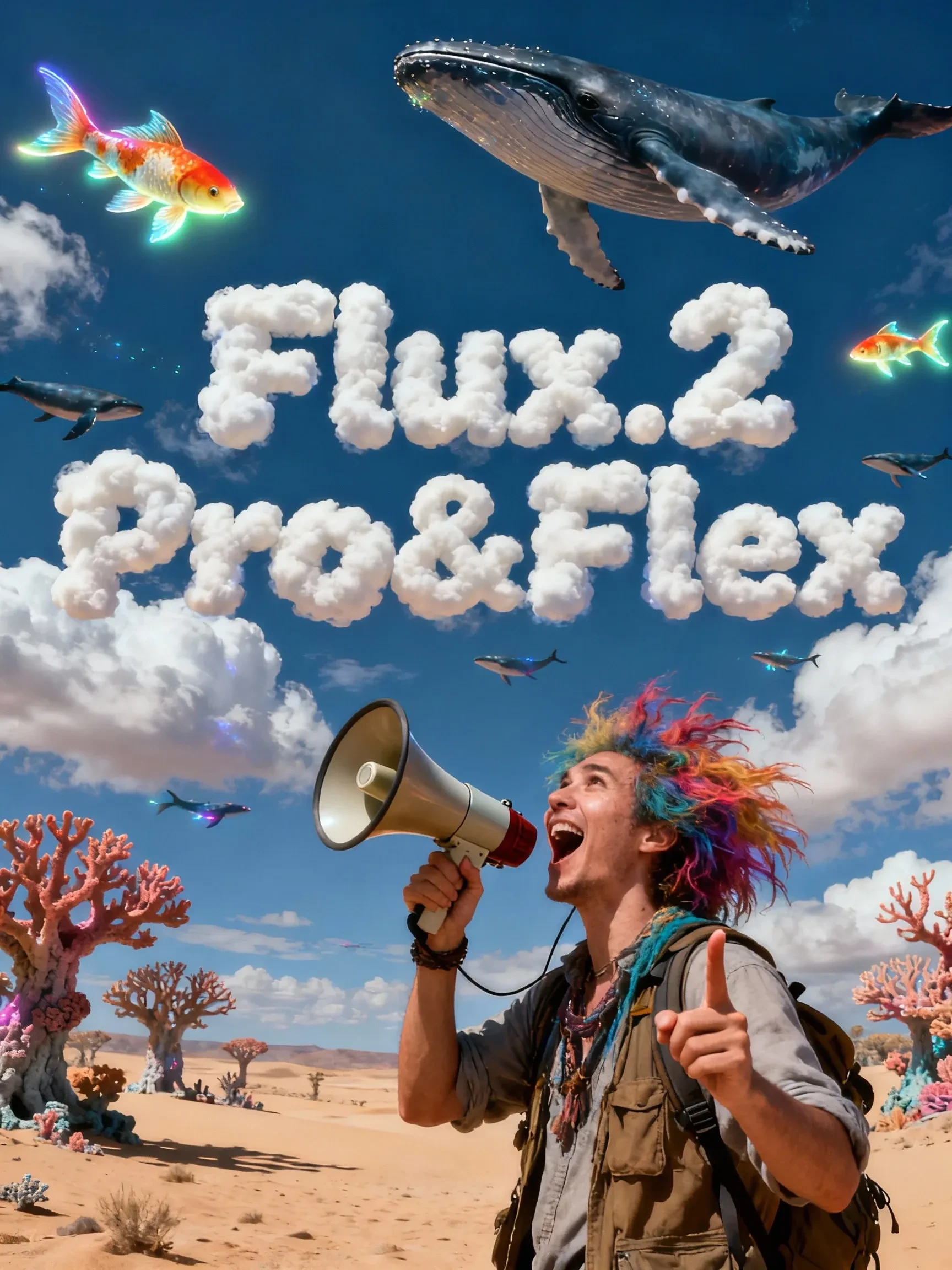
Flux.2 Pro&Flex

This workflow is providing access to two distinct versions: FLUX.2 Pro and FLUX.2 Flex. You can switch between them based on your specific needs for image precision and cost efficiency.🧩 Versions & Capabilities1. FLUX.2 ProCapabilities: Capable of generating high-quality images. Ideal for most standard creative tasks, style exploration, and rapid generation.Pricing (Credits):Text Only: 55 (≤1024px) / 70 (>1024px)Image Input: 80 (≤1024px) / 100 (>1024px)2. FLUX.2 FlexCapabilities: Compared to Pro, Flex excels in handling complex lighting, intricate textures, and adherence to long, complex prompts. It is the premier choice for ultimate image quality, commercial poster output, and high-precision editing tasks.Pricing (Credits):Text Only: 110 (≤1024px) / 140 (>1024px)Image Input: 220 (≤1024px) / 260 (>1024px)

Flux.2 Pro&Flex

4.9

This workflow is providing access to two distinct versions: FLUX.2 Pro and FLUX.2 Flex. You can switch between them based on your specific needs for image precision and cost efficiency.🧩 Versions & Capabilities1. FLUX.2 ProCapabilities: Capable of generating high-quality images. Ideal for most standard creative tasks, style exploration, and rapid generation.Pricing (Credits):Text Only: 55 (≤1024px) / 70 (>1024px)Image Input: 80 (≤1024px) / 100 (>1024px)2. FLUX.2 FlexCapabilities: Compared to Pro, Flex excels in handling complex lighting, intricate textures, and adherence to long, complex prompts. It is the premier choice for ultimate image quality, commercial poster output, and high-precision editing tasks.Pricing (Credits):Text Only: 110 (≤1024px) / 140 (>1024px)Image Input: 220 (≤1024px) / 260 (>1024px)
avatar
avatar_frame
SeaArt Comfy Helper

Wan Video

Wan2.2 VACE - Multimodal control-KJ

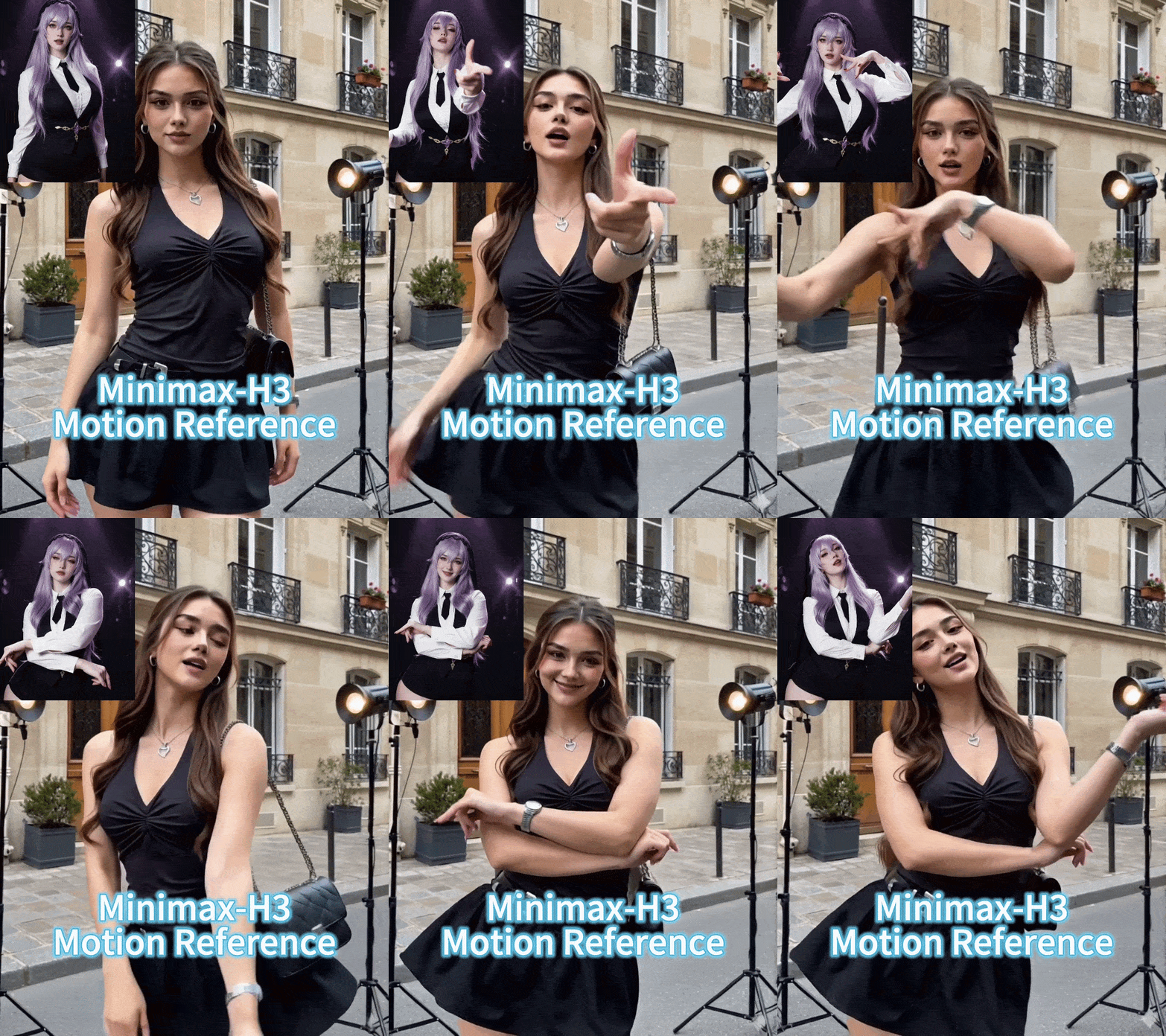
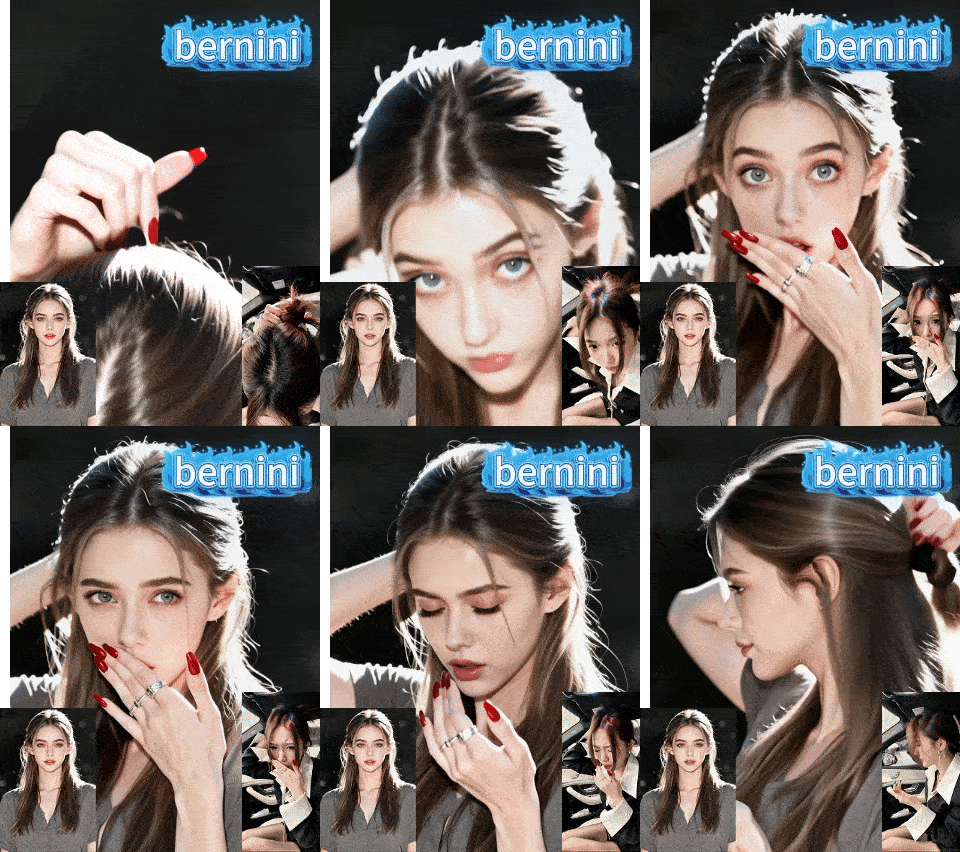
Continue the “unified editing/control” paradigm on the 2.2 backbone. The 2.2 backbone adopts a Mixture‑of‑Experts (MoE) design—high‑noise and low‑noise experts operating at different denoising stages—to improve quality and detail while keeping inference costs manageable. A representative controllable variant is Wan2.2‑VACE‑Fun‑A14B, which supports multi‑modal control conditions (Canny, Depth, OpenPose, MLSD, Trajectory, etc.). A typical workflow is: provide a reference image (to preserve identity/appearance) plus a driving video or its parsed control signals (e.g., pose sequence, trajectory, time‑varying depth/edges) to generate a video driven by that reference image. The VACE/Fun family provides these temporal control interfaces and the unified task support.

Wan2.2 VACE - Multimodal control-KJ

4.7

Continue the “unified editing/control” paradigm on the 2.2 backbone. The 2.2 backbone adopts a Mixture‑of‑Experts (MoE) design—high‑noise and low‑noise experts operating at different denoising stages—to improve quality and detail while keeping inference costs manageable. A representative controllable variant is Wan2.2‑VACE‑Fun‑A14B, which supports multi‑modal control conditions (Canny, Depth, OpenPose, MLSD, Trajectory, etc.). A typical workflow is: provide a reference image (to preserve identity/appearance) plus a driving video or its parsed control signals (e.g., pose sequence, trajectory, time‑varying depth/edges) to generate a video driven by that reference image. The VACE/Fun family provides these temporal control interfaces and the unified task support.
avatar
avatar_frame
SeaArt Comfy Helper
Wan2.2‑Fun-Inp-KJ

Wan2.2‑Fun‑InP is part of the Wan2.2‑Fun series. It supports conditioning on a start frame and an end frame to estimate the in‑between transition and produce temporally consistent video results for controllable image‑to‑video applications.What it addresses:Traditional image‑to‑video workflows typically extend motion from a single starting image. By adding an optional end keyframe, Fun‑InP helps the motion, composition, and overall content progress toward a specified target, making transitions easier to control and the sequence more coherent.Inputs: start‑frame image, end‑frame image (optional text prompt / control signals).Output: a video clip made up of interpolated middle frames, with the first and last frames visually consistent with the provided keyframes.

Wan2.2‑Fun-Inp-KJ

4.5

Wan2.2‑Fun‑InP is part of the Wan2.2‑Fun series. It supports conditioning on a start frame and an end frame to estimate the in‑between transition and produce temporally consistent video results for controllable image‑to‑video applications.What it addresses:Traditional image‑to‑video workflows typically extend motion from a single starting image. By adding an optional end keyframe, Fun‑InP helps the motion, composition, and overall content progress toward a specified target, making transitions easier to control and the sequence more coherent.Inputs: start‑frame image, end‑frame image (optional text prompt / control signals).Output: a video clip made up of interpolated middle frames, with the first and last frames visually consistent with the provided keyframes.
avatar
avatar_frame
SeaArt Comfy Helper
Wan2.1 Minimax-Remover - Video erase -KJ

Core Focus: Video-level object removal. Given a sequence of video frames and a corresponding mask, it seamlessly removes the masked object and fills in the background while maintaining temporal consistency, minimizing artifacts or remnants.Method Highlights:Minimum-Maximum Optimization: Tames bad noise during training and inference, improving the model's robustness to masked regions and reducing the probability of object regeneration.Two-Stage Architecture: First, a simplified DiT (Diffusion Transformer) structure is used to learn the removal capability; then, a version with fewer sampling steps and faster inference is obtained through "CFG de-distillation."Efficiency Features: Extremely low inference steps (approximately 6 steps in the official example), and does not rely on CFG, resulting in high speed and low resource consumption, suitable for long videos/batch processing. References

Wan2.1 Minimax-Remover - Video erase -KJ

3.0

Core Focus: Video-level object removal. Given a sequence of video frames and a corresponding mask, it seamlessly removes the masked object and fills in the background while maintaining temporal consistency, minimizing artifacts or remnants.Method Highlights:Minimum-Maximum Optimization: Tames bad noise during training and inference, improving the model's robustness to masked regions and reducing the probability of object regeneration.Two-Stage Architecture: First, a simplified DiT (Diffusion Transformer) structure is used to learn the removal capability; then, a version with fewer sampling steps and faster inference is obtained through "CFG de-distillation."Efficiency Features: Extremely low inference steps (approximately 6 steps in the official example), and does not rely on CFG, resulting in high speed and low resource consumption, suitable for long videos/batch processing. References
avatar
avatar_frame
SeaArt Comfy Helper
LongCat-Video extension

🐱 LongCat-Video: Infinite Video Extension Workflow【One-Sentence Intro】Break the duration limit of AI video generation 🚀What Can It Do?This is an advanced workflow based on the **Wan2.1** model, designed to solve the core pain points of AI videos being "too short" and "disjointed when extended."♾️ Infinite Extension Just provide an image or a short video clip, and the workflow will automatically generate subsequent frames like a "relay race," theoretically allowing for infinite generation.Seamless "Invisible" Stitching It automatically trims the awkward beginnings of extended segments, making the transition between clips as smooth as silk, with absolutely no visible stitching marks.【Use Cases】Creating ultra-long looping landscape videos.Producing coherent narrative shorts, no longer limited by the 5-second barrier.

LongCat-Video extension

4.3

🐱 LongCat-Video: Infinite Video Extension Workflow【One-Sentence Intro】Break the duration limit of AI video generation 🚀What Can It Do?This is an advanced workflow based on the **Wan2.1** model, designed to solve the core pain points of AI videos being "too short" and "disjointed when extended."♾️ Infinite Extension Just provide an image or a short video clip, and the workflow will automatically generate subsequent frames like a "relay race," theoretically allowing for infinite generation.Seamless "Invisible" Stitching It automatically trims the awkward beginnings of extended segments, making the transition between clips as smooth as silk, with absolutely no visible stitching marks.【Use Cases】Creating ultra-long looping landscape videos.Producing coherent narrative shorts, no longer limited by the 5-second barrier.
avatar
avatar_frame
SeaArt Comfy Helper

Nuova Scelta

卓越总部工作流程

This workflow aims to create high-quality images without being a turtle slow. It consists of a USDU acting as a refiner and a chain of detailers. The result is very good quality images with an execution time of less than one minute and thirty seconds. Times range from 1:10 to 1:30 minutes.It is optimized to work with the recommended latent resolutions for Illustrious-XL, which are close to 832x1216. These resolutions avoid long, deformed bodies, elongated faces, broken columns, etc. Don't worry, the workflow refinement leaves the images with tremendous quality.I left a Preview Image from the initial Ksmapler so you can see if your Checkpoint, LoRA, and Prompt are causing problems (if your problem comes from here, it's a problem with your own model configuration, LoRA, and prompt; don't blame the workflow!).If you have questions, suggestions, or want to point out errors, feel free to comment. Oh, and don't forget to post your artwork! :3

卓越总部工作流程

5.0

This workflow aims to create high-quality images without being a turtle slow. It consists of a USDU acting as a refiner and a chain of detailers. The result is very good quality images with an execution time of less than one minute and thirty seconds. Times range from 1:10 to 1:30 minutes.It is optimized to work with the recommended latent resolutions for Illustrious-XL, which are close to 832x1216. These resolutions avoid long, deformed bodies, elongated faces, broken columns, etc. Don't worry, the workflow refinement leaves the images with tremendous quality.I left a Preview Image from the initial Ksmapler so you can see if your Checkpoint, LoRA, and Prompt are causing problems (if your problem comes from here, it's a problem with your own model configuration, LoRA, and prompt; don't blame the workflow!).If you have questions, suggestions, or want to point out errors, feel free to comment. Oh, and don't forget to post your artwork! :3
avatar
avatar_frame
Pls win Pls
Evento Sfida
Base
Generazione video
Generazione audio
Generazione 3D
FLUX
Stile
Design
Fotografia
Elaborazione immagini
Gioco creativo
Filtro Nodo
Filtra

Benvenuto in SeaArt AI Workflow

Semplifica il tuo processo creativo con i workflow del generatore di arte IA di SeaArt, progettati per soddisfare le diverse esigenze di artisti, designer e creativi. Da immagini IA a video IA, SeaArt AI offre tutto ciò di cui hai bisogno per dare vita alla tua visione artistica.

Perché utilizzare il ComfyUI Workflow su SeaArt AI?

Interfaccia Semplice

SeaArt AI offre un'interfaccia intuitiva che rende facile configurare i workflow. Tutti i workflow sono progettati per tutti, anche se non hai competenze di programmazione.

Workflow Personalizzabili

Progetta il tuo workflow a modo tuo. Dalla formazione avanzata LoRA alla generazione complessa di testo-in-immagine, ogni passaggio è regolabile per soddisfare le tue esigenze.

Alta Efficienza

SeaArt ottimizza i processi di creazione di arte IA. Approfitta di tempi di rendering più veloci e di minori ostacoli tecnici. Crea immagini sorprendenti rapidamente.

Molti workflow su SeaArt AI

Migliaia di Workflow per la Creazione di Arte IA

Sblocca la tua visione artistica con il SeaArt Workflow. Accedi a migliaia di workflow preimpostati per generare arte IA senza sforzo in formati come testo-in-immagine, immagine-in-immagine e immagine-in-video. Questi workflow si integrano con potenti modelli IA come Flux, SD 3.5 e altre opzioni popolari, incluso ControlNet, offrendoti la flessibilità di creare immagini sorprendenti in base alle tue preferenze.

Workflow personalizzabili su SeaArt AI

Controllo Completo con Workflow Personalizzabili

Con SeaArt Workflow, hai il pieno controllo sul tuo processo di generazione. Offriamo potenti opzioni di personalizzazione che ti permettono di adattare i workflow alle tue esigenze specifiche. Regola i parametri, cambia modelli IA e perfeziona le impostazioni per assicurarti che il risultato finale rispecchi la tua visione.

Domande Frequenti

collapse

Cos'è il ComfyUI Workflow?

Il Workflow di SeaArt AI è uno strumento innovativo che va oltre i semplici prompt di testo. A differenza dei tradizionali generatori di arte IA, SeaArt offre un sistema di workflow visivo, dove puoi creare workflow personalizzati per controllare il processo di generazione di immagini e video con precisione granulare.

expand

Che tipo di arte IA posso generare con i workflow?

Questi workflow ti permettono di creare facilmente una vasta gamma di arte IA, tra cui ritratti realistici, paesaggi fantastici, personaggi anime e creazioni astratte. Puoi facilmente creare testo-in-immagine, immagine-in-immagine, e immagine-in-video, oltre a applicare trasferimenti di stile e persino generare modelli 3D.

expand

Il ComfyUI Workflow è adatto ai principianti?

Sì! Con la nostra interfaccia intuitiva drag-and-drop e anteprime in tempo reale, il Workflow di SeaArt è accessibile sia ai principianti che agli utenti avanzati, rendendo facile la creazione di arte IA.

expand

Posso personalizzare il mio workflow?

Sì. SeaArt AI offre varie impostazioni personalizzabili che ti permettono di configurare il tuo workflow in base alle esigenze specifiche del tuo progetto.