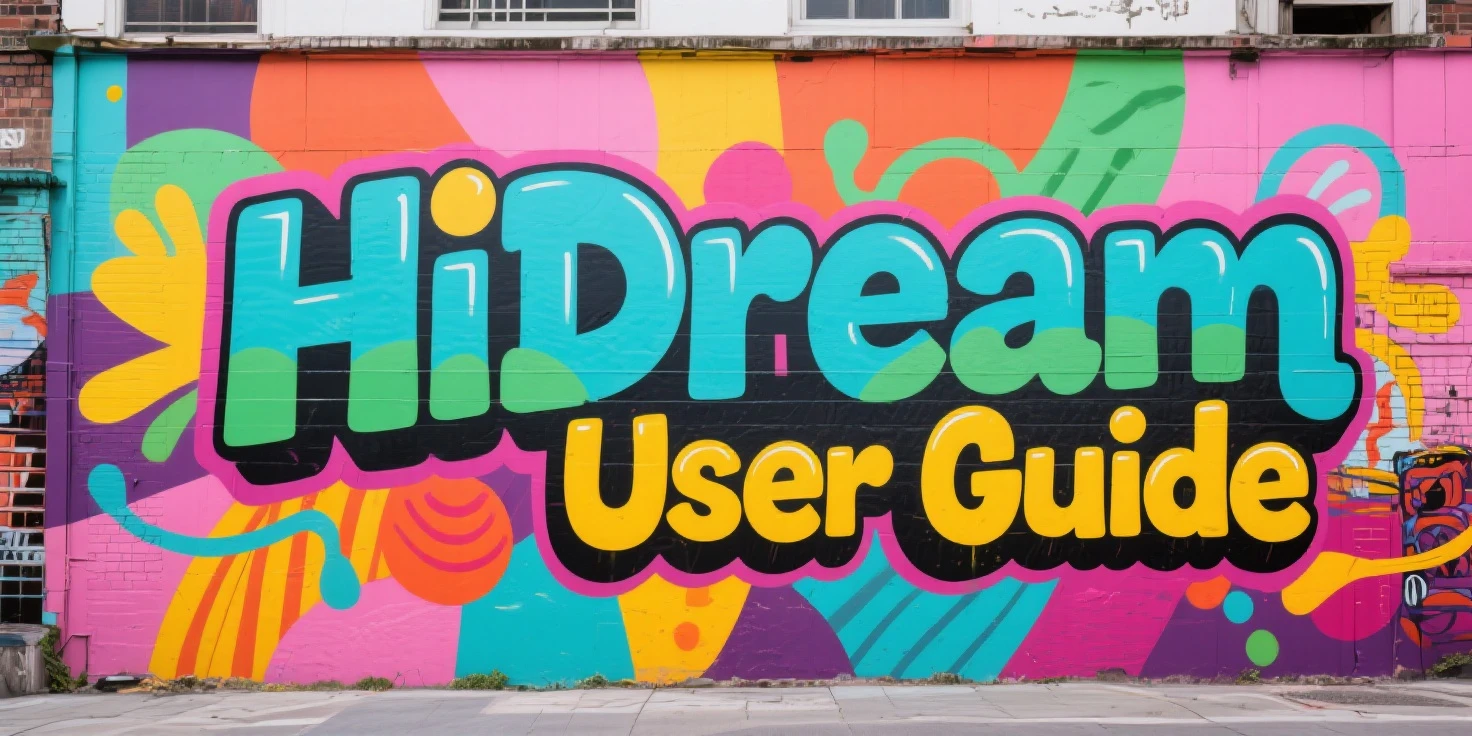
HiDream is an 17B parameters open-source image generation model that trained from scratch. Model outperforms other open-source image models on the benchmark tests with it's advanced prompt following skills. It's a multistyle model that capable of creating photography, photorealism, illustration, cartoon and more. HiDream seems like it will be worthy competitor to Flux but users should note that, this is not fully developed model yet. Full training still requires approximately 10 months of training with multiple H100 graphic cards. So you can think this version as a glimpse of future. If they can gather enough budget and training goes well, of course...
This model uses VAE of Flux but it's completely different model, it's not trained over Flux. Model uses text encoders from Google/T5-v1.1 and Meta-Llama/Llama-3.1-8B-Instruct. HiDream allows you to own your creations made with model but users have all the responsibility of it, means creations still should follow rules of Apache 2.0 and Llama 3.1 Community License Agreement.
Before Start | Noticeable Differences
HiDream base model has some similarities to Flux model in prompting, this means HiDream is also tend to natural language prompting and doesn't allow some features as Flux did before:
- Keyword Weighting does not work. e.g. `(term:1.3), [[term]], (((term)))`
- Keyword Blending/Edit tools does not work.
- BREAK does not effect.
- Better understanding of natural language prompts.
- It can create different subjects in image without any effort.
e.g. `dog and cat` generates two different anatomically correct animal on HiDream while most of other models tends to generate creatures that are a combination of these two animals.
HiDream dev and fast versions ignores negative prompts but full version doesn't ignore negative prompts. Negative prompts are not necessary for model to work good but users still have option to use unlike the Flux. Also it has outstanding art, artist style knowledge compared to Flux, as many of you know Flux was pretty weak at understanding references and recognizing them but HiDream has strong database of styles like Stable Diffusion models. This makes HiDream great option for users couldn't find enough artist knowledge and beauty in Flux.
What This Model Excels At
- Creating multiple styles including photorealistic, cartoon, illustration and more.
- High quality outputs in general.
- Strong prompt understanding capabilities, close enough to Flux.
- Recognizes artist, art style and art movements. Styles are not 100% same but references are very effective to control model's style. For example, you can use name of a professional photographer to have similar quality on your images or use a professional artist name to have their style on your illustration.
- Model has better capabilities than Flux and Stable Diffusion base models.
- Can create text renders in prompt similar to Flux and SD3.5 models. Text rendering capability is really good.
- Full version has negative prompt support while dev and fast versions doesn't require negative prompts.
Cautions For Optimal Usage
- Don't use brackets in your prompt.
- You can use it from quick tool, ComfyUI or standart generation page.
- Model has certain resolution options recommended by developers, it's recommended to prefer that resolution options.
- It's not best model to generate , better to wait for LoRA support or new HiDream based models.
- Text must be used inside of quotation marks `"`.
- Negative prompts are not necessary but still can be used in full version for unwanted stuff.
Recommended Resolution Options
1024×1024
768×1360 - 1360×768
880×1168 - 1168×880
1248×832 - 832×1248
Version Setting Differences
- Negative prompt is only effective on Full version, other versions can't use negative prompts.
- CFG value of Dev and Fast version must be `1` since they don't use negative prompts. Full version is great with `CFG: 5`.
- Full and Fast versions requires `shift: 3` value while Dev version requires `shift: 6` value.
- Users can try different samplers and find best one for themselves. Popular options are `euler+beta`, `dpmpp_2m+karras/beta`, `uni_pc`, `ipndm+beta`, `lcm+normal`.
Recommended Sampling Steps
- Full: 50
- Dev: 28
- Fast: 8-16
Prompt Style
HiDream excels at natural language prompts but it can also perform well with tag based prompts. Text rendering and prompt understanding capabilities of model is really impressive. It allows users to use artists, photographers and more as reference so users can change style of model just with prompting. Additionally, users should note that negative prompt only works with Full version.
Text Render | Typography
HiDream has outstanding text renders compared to other AI image generators, user must write `text` inside of quotation marks `"` to seperate it from prompt. e.g.
`"Hello World" text written on a screen of old television`
Recommended Prompt Order
- Style/Medium
- Subject
- Subject Details
- Art/Artist References
- Additional Details
- Lighting/Shadow
- Additional Modifiers
Natural Language Prompt
Start with your subject and describe subject's details, style and medium. Then add additional details to create composition of image such as lighting, background, effects. After that you can add last modifiers to complete your prompt.
Note: Dot `.` can be used inside of prompt after finishing sentences.
Suggested Usage
Use natural language prompt and don't seperate every word with comma `,` then reinforce composition of image with additional tags.
Prompt Examples
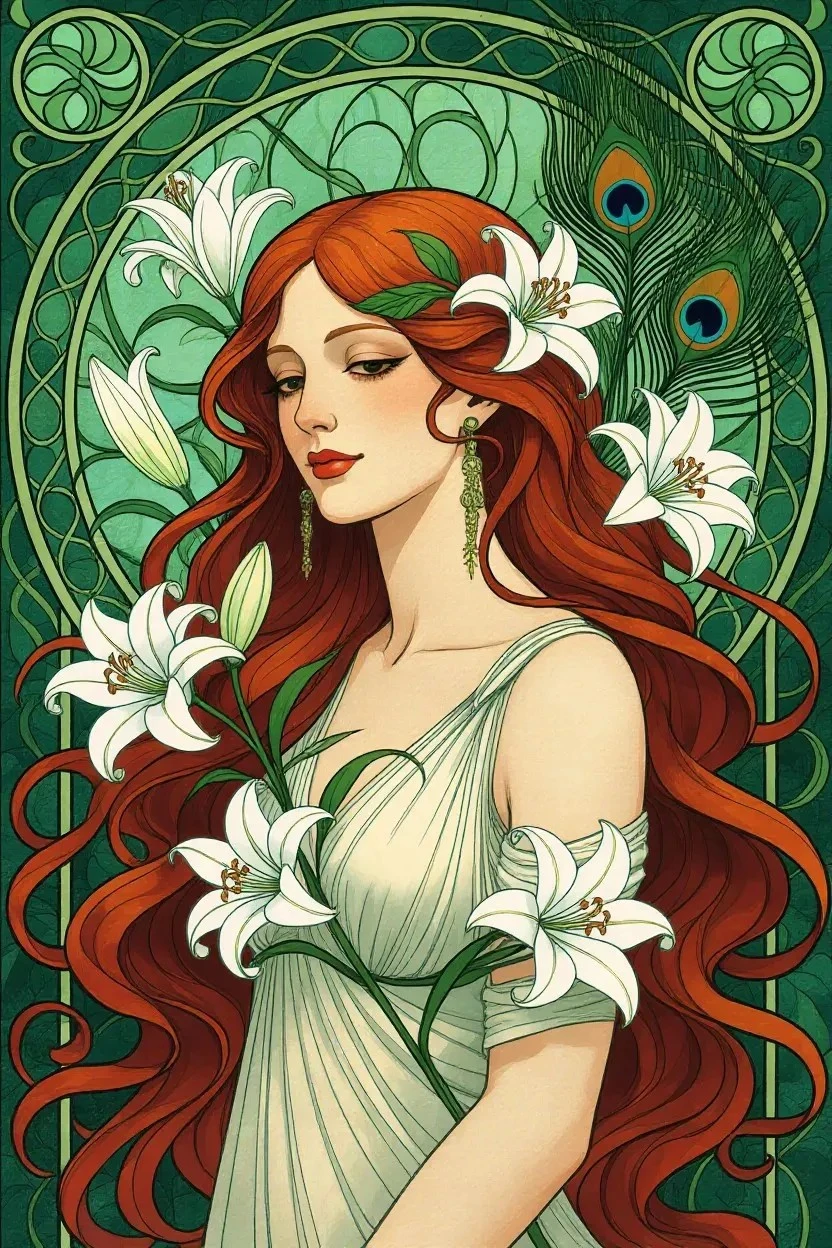
Art Nouveau Portrait (NF4 Dev)
Positive Prompt
`Art Nouveau illustration of a graceful woman with long auburn hair intertwined with blooming lilies and delicate peacock feathers. Background is filled with swirling organic lines, stylized floral motifs in shades of emerals green and gold, and subtle, stained glass effect. Curvilinear style of Art Nouveau.`
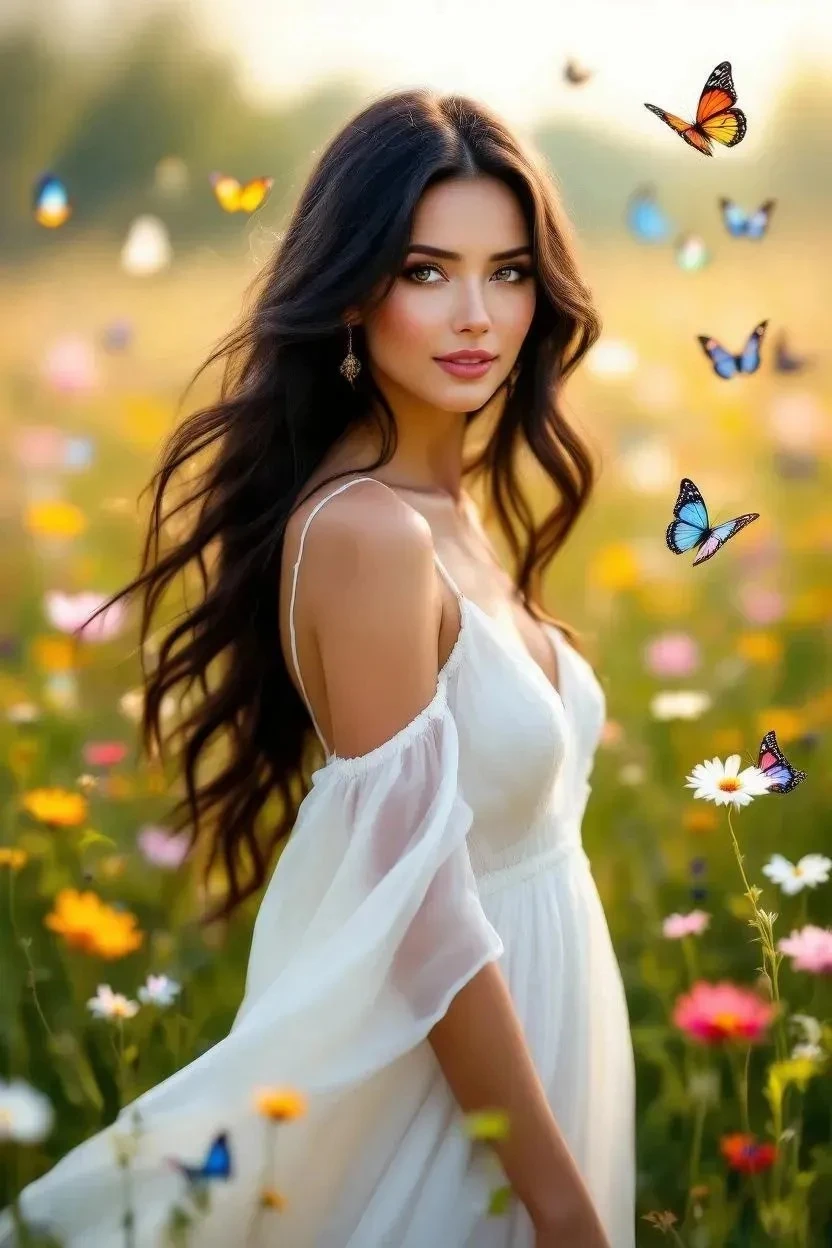
Beauty of Wildflowers (NF4 Full)
Positive Prompt
`portrait of a gorgeous lady with long dark hair, standing in a field filled with wildflowers. She is wearing a flowing white dress and she is surrounded by a swarm of colorful butterflies, soft and ethereal style, oil painting, warm lighting with a shallow depth of field, dreamy atmosphere`
Negative Prompt
`bad, ugly, jpeg artifacts`
HiDream Workflow: https://www.seaart.ai/workFlowDetail/d02v2sle878c73cil0h0
Quick Tool: https://www.seaart.ai/workFlowAppDetail/cvt38fle878c73870ir0