워크플로우 생성
SeaArt ComfyUI 기반으로 구축
creation

좋아할지도 몰라요

추천 워크플로우

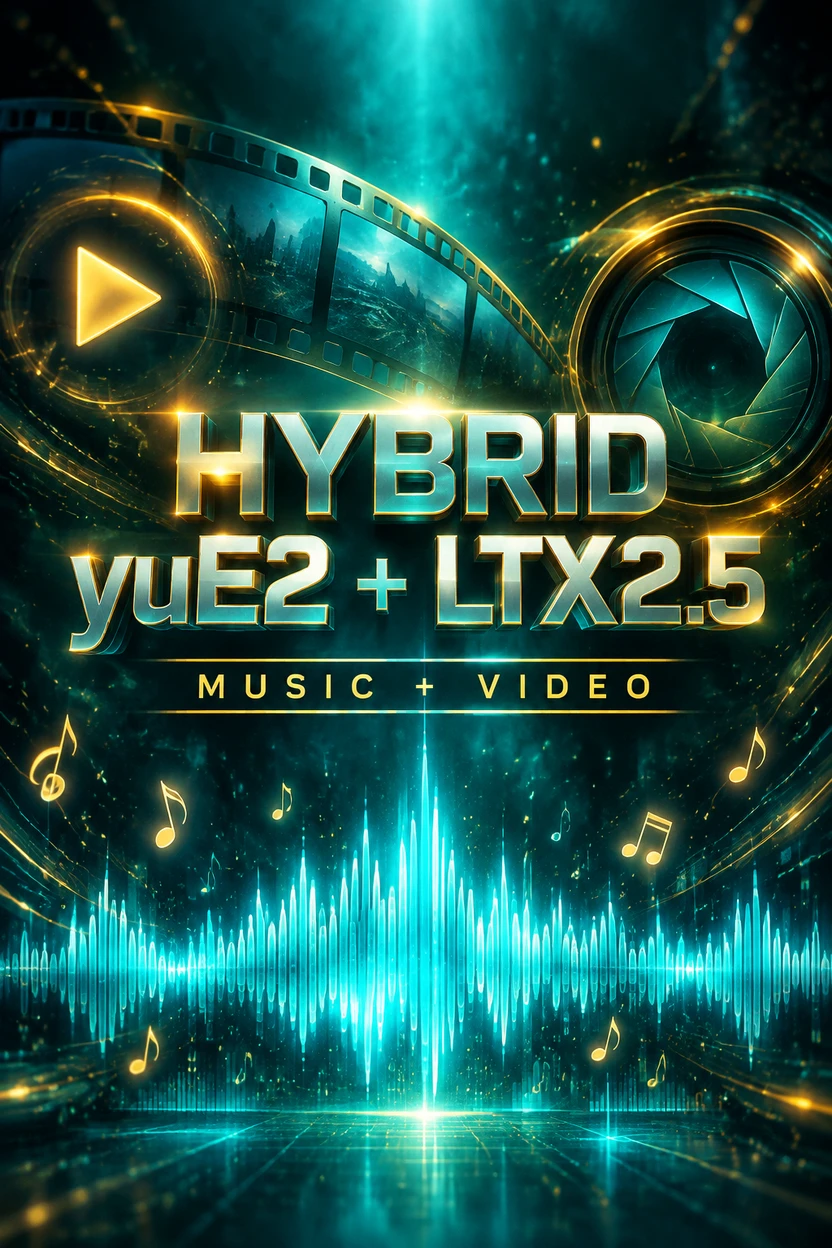
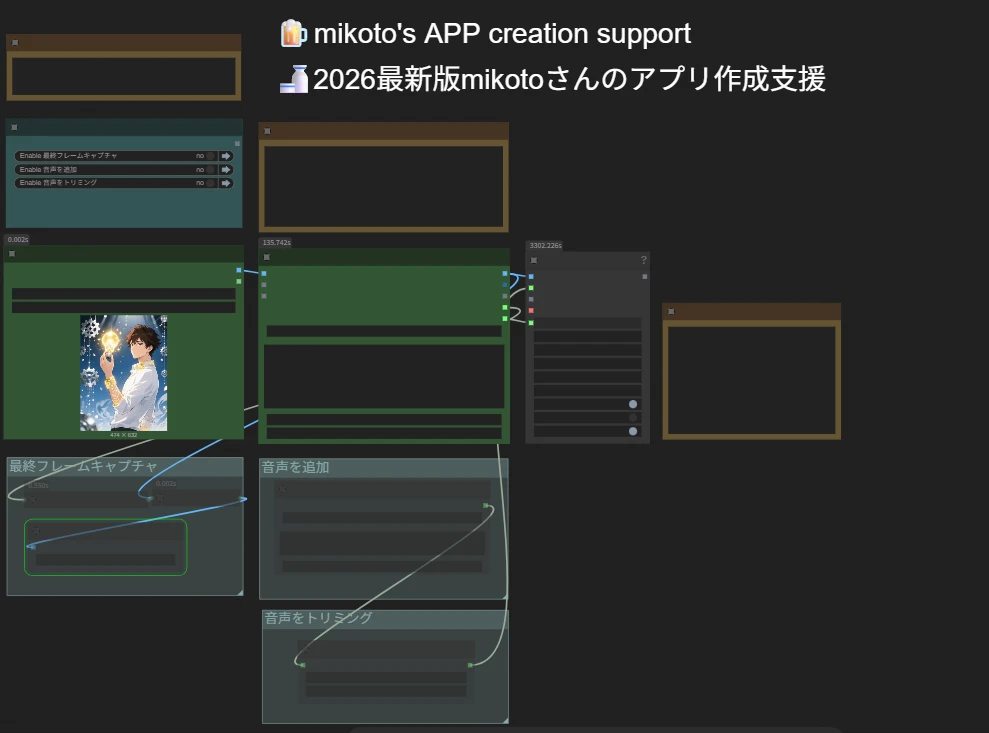
LTX2.3-Audio-video generation

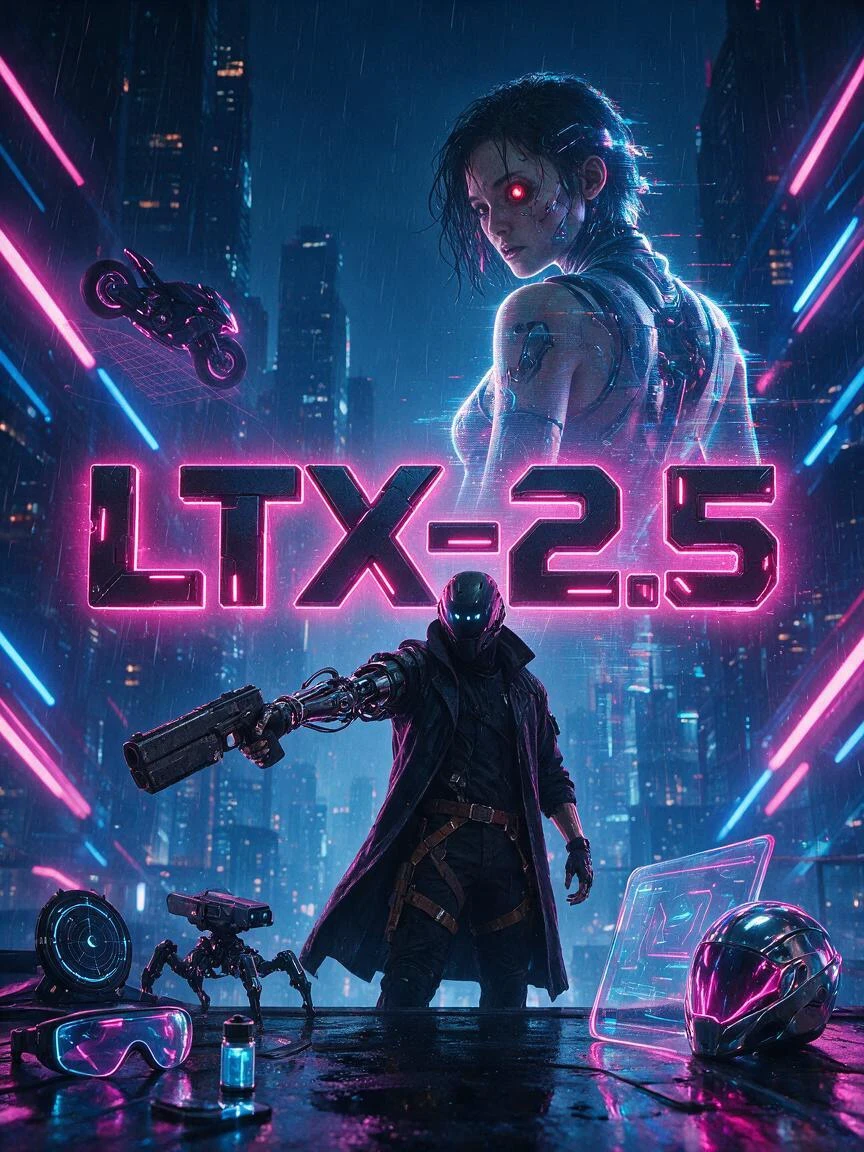
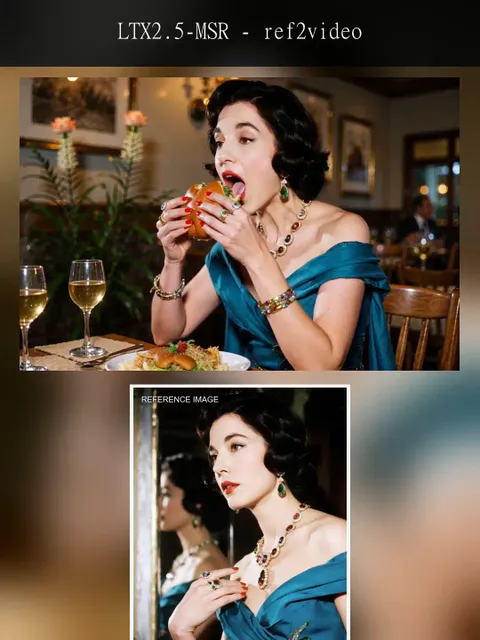
LTX-2.3 is an open-source audio-video foundation model released by Lightricks. Its core feature is not simply generating video alone or producing video first and adding audio later. Instead, it places both video and audio within a single generation framework, directly producing synchronized visuals and sound. Officially, it is described as a DiT-based audio-video foundation model, meaning a joint audio-video generation model built on Diffusion Transformer architecture.Compared with many traditional video generation approaches, the biggest difference of LTX-2.3 is its native audio-visual synchronization. If a prompt includes speaking, singing, ambient sound, or rhythmic motion, the model attempts to align lip movements, actions, and sound within a single generation process, rather than relying on post-processing to dub audio or correct lip sync afterward. This makes it especially valuable for dialogue videos, character singing, and short narrative scenes.
LTX2.3-Audio-video generation

5.0

LTX-2.3 is an open-source audio-video foundation model released by Lightricks. Its core feature is not simply generating video alone or producing video first and adding audio later. Instead, it places both video and audio within a single generation framework, directly producing synchronized visuals and sound. Officially, it is described as a DiT-based audio-video foundation model, meaning a joint audio-video generation model built on Diffusion Transformer architecture.Compared with many traditional video generation approaches, the biggest difference of LTX-2.3 is its native audio-visual synchronization. If a prompt includes speaking, singing, ambient sound, or rhythmic motion, the model attempts to align lip movements, actions, and sound within a single generation process, rather than relying on post-processing to dub audio or correct lip sync afterward. This makes it especially valuable for dialogue videos, character singing, and short narrative scenes.
avatar
avatar_frame
SeaArt Comfy Helper
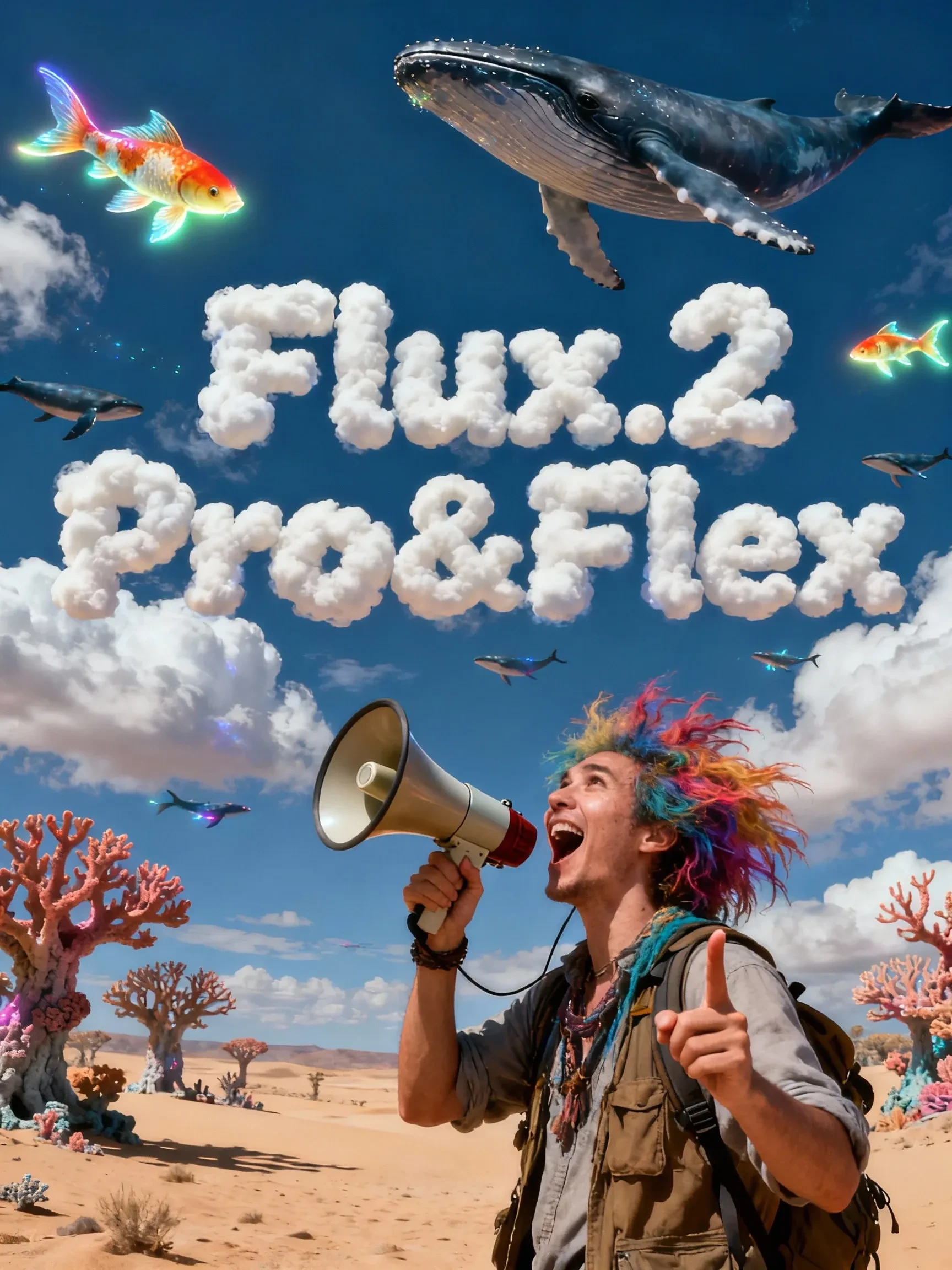
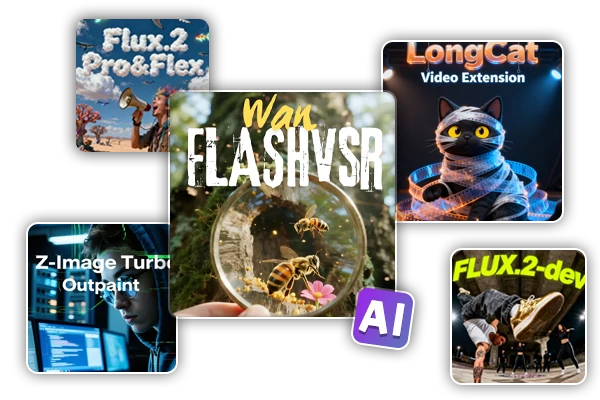
Flux.2 Pro&Flex

This workflow is providing access to two distinct versions: FLUX.2 Pro and FLUX.2 Flex. You can switch between them based on your specific needs for image precision and cost efficiency.🧩 Versions & Capabilities1. FLUX.2 ProCapabilities: Capable of generating high-quality images. Ideal for most standard creative tasks, style exploration, and rapid generation.Pricing (Credits):Text Only: 55 (≤1024px) / 70 (>1024px)Image Input: 80 (≤1024px) / 100 (>1024px)2. FLUX.2 FlexCapabilities: Compared to Pro, Flex excels in handling complex lighting, intricate textures, and adherence to long, complex prompts. It is the premier choice for ultimate image quality, commercial poster output, and high-precision editing tasks.Pricing (Credits):Text Only: 110 (≤1024px) / 140 (>1024px)Image Input: 220 (≤1024px) / 260 (>1024px)

Flux.2 Pro&Flex

4.9

This workflow is providing access to two distinct versions: FLUX.2 Pro and FLUX.2 Flex. You can switch between them based on your specific needs for image precision and cost efficiency.🧩 Versions & Capabilities1. FLUX.2 ProCapabilities: Capable of generating high-quality images. Ideal for most standard creative tasks, style exploration, and rapid generation.Pricing (Credits):Text Only: 55 (≤1024px) / 70 (>1024px)Image Input: 80 (≤1024px) / 100 (>1024px)2. FLUX.2 FlexCapabilities: Compared to Pro, Flex excels in handling complex lighting, intricate textures, and adherence to long, complex prompts. It is the premier choice for ultimate image quality, commercial poster output, and high-precision editing tasks.Pricing (Credits):Text Only: 110 (≤1024px) / 140 (>1024px)Image Input: 220 (≤1024px) / 260 (>1024px)
avatar
avatar_frame
SeaArt Comfy Helper

Wan Video

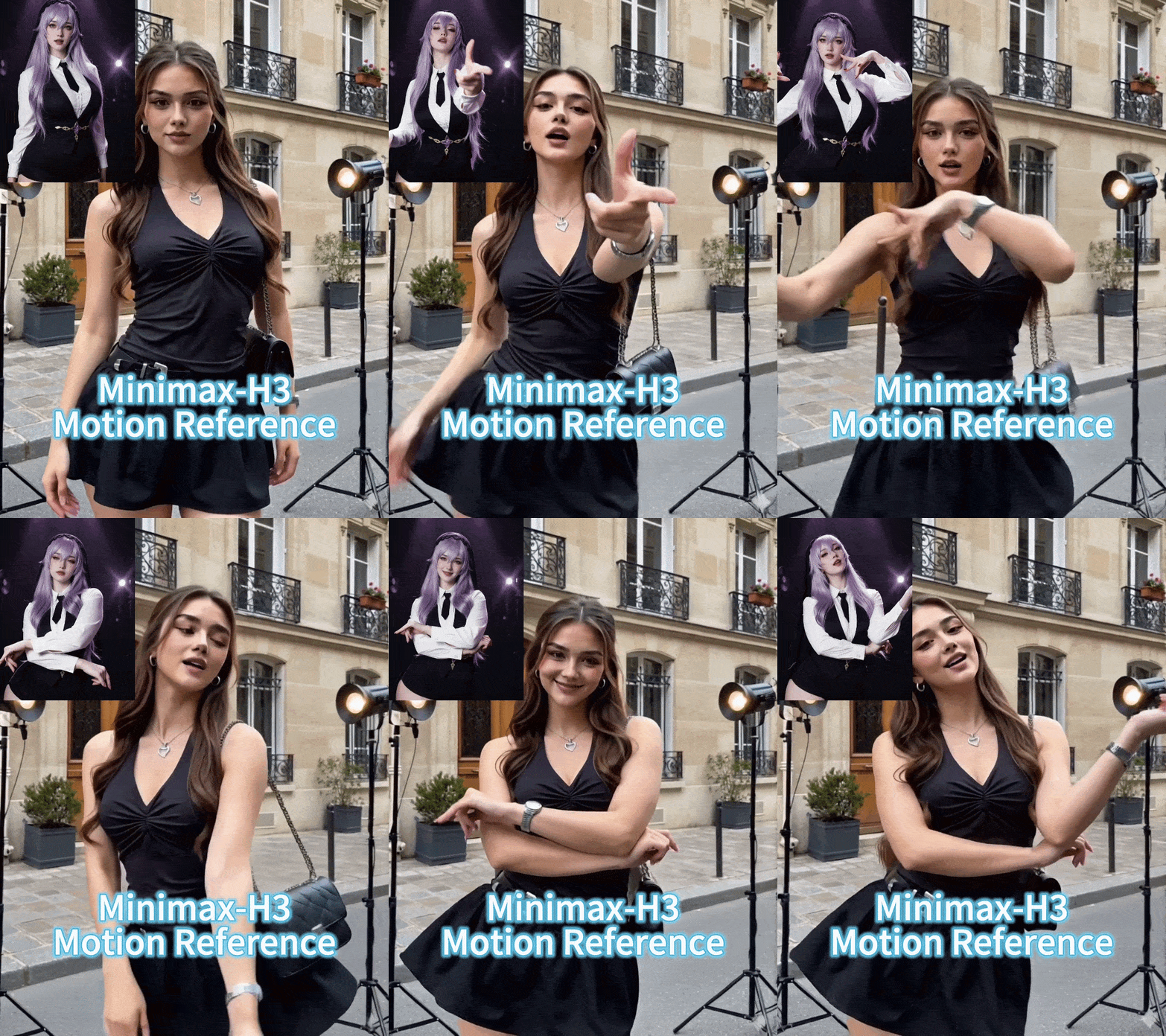
Wan2.2 VACE - Multimodal control-KJ

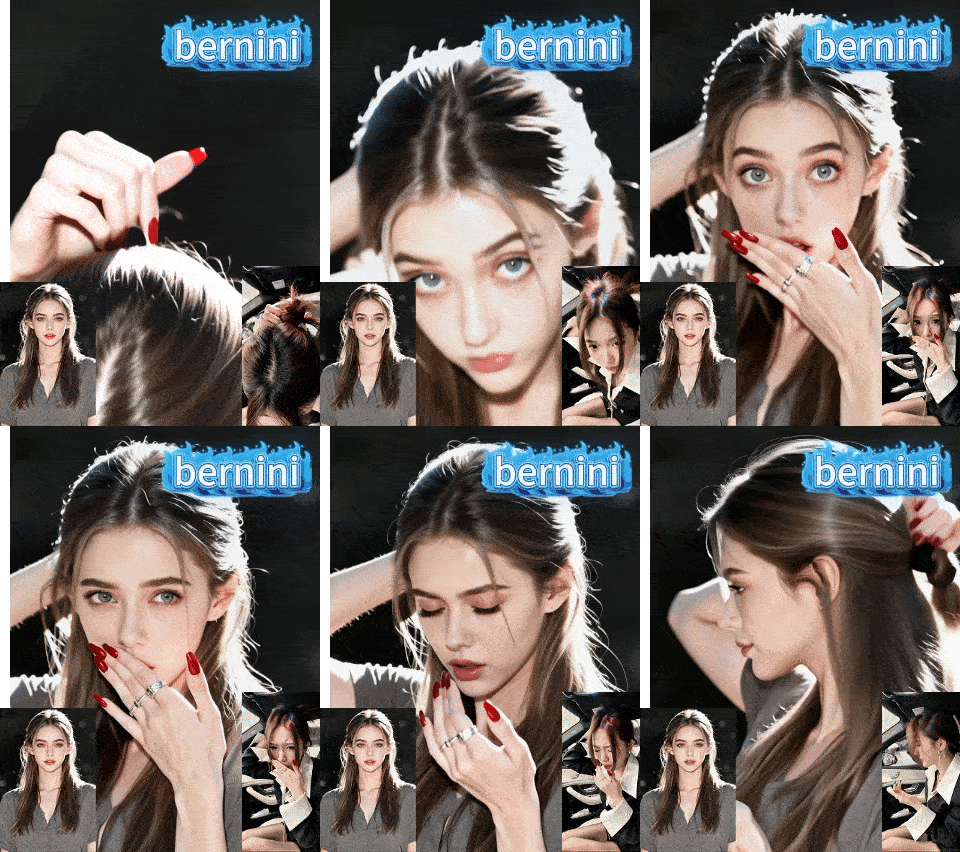
Continue the “unified editing/control” paradigm on the 2.2 backbone. The 2.2 backbone adopts a Mixture‑of‑Experts (MoE) design—high‑noise and low‑noise experts operating at different denoising stages—to improve quality and detail while keeping inference costs manageable. A representative controllable variant is Wan2.2‑VACE‑Fun‑A14B, which supports multi‑modal control conditions (Canny, Depth, OpenPose, MLSD, Trajectory, etc.). A typical workflow is: provide a reference image (to preserve identity/appearance) plus a driving video or its parsed control signals (e.g., pose sequence, trajectory, time‑varying depth/edges) to generate a video driven by that reference image. The VACE/Fun family provides these temporal control interfaces and the unified task support.

Wan2.2 VACE - Multimodal control-KJ

4.7

Continue the “unified editing/control” paradigm on the 2.2 backbone. The 2.2 backbone adopts a Mixture‑of‑Experts (MoE) design—high‑noise and low‑noise experts operating at different denoising stages—to improve quality and detail while keeping inference costs manageable. A representative controllable variant is Wan2.2‑VACE‑Fun‑A14B, which supports multi‑modal control conditions (Canny, Depth, OpenPose, MLSD, Trajectory, etc.). A typical workflow is: provide a reference image (to preserve identity/appearance) plus a driving video or its parsed control signals (e.g., pose sequence, trajectory, time‑varying depth/edges) to generate a video driven by that reference image. The VACE/Fun family provides these temporal control interfaces and the unified task support.
avatar
avatar_frame
SeaArt Comfy Helper
Wan2.2‑Fun-Inp-KJ

Wan2.2‑Fun‑InP is part of the Wan2.2‑Fun series. It supports conditioning on a start frame and an end frame to estimate the in‑between transition and produce temporally consistent video results for controllable image‑to‑video applications.What it addresses:Traditional image‑to‑video workflows typically extend motion from a single starting image. By adding an optional end keyframe, Fun‑InP helps the motion, composition, and overall content progress toward a specified target, making transitions easier to control and the sequence more coherent.Inputs: start‑frame image, end‑frame image (optional text prompt / control signals).Output: a video clip made up of interpolated middle frames, with the first and last frames visually consistent with the provided keyframes.

Wan2.2‑Fun-Inp-KJ

4.5

Wan2.2‑Fun‑InP is part of the Wan2.2‑Fun series. It supports conditioning on a start frame and an end frame to estimate the in‑between transition and produce temporally consistent video results for controllable image‑to‑video applications.What it addresses:Traditional image‑to‑video workflows typically extend motion from a single starting image. By adding an optional end keyframe, Fun‑InP helps the motion, composition, and overall content progress toward a specified target, making transitions easier to control and the sequence more coherent.Inputs: start‑frame image, end‑frame image (optional text prompt / control signals).Output: a video clip made up of interpolated middle frames, with the first and last frames visually consistent with the provided keyframes.
avatar
avatar_frame
SeaArt Comfy Helper
Wan2.1 Minimax-Remover - Video erase -KJ

Core Focus: Video-level object removal. Given a sequence of video frames and a corresponding mask, it seamlessly removes the masked object and fills in the background while maintaining temporal consistency, minimizing artifacts or remnants.Method Highlights:Minimum-Maximum Optimization: Tames bad noise during training and inference, improving the model's robustness to masked regions and reducing the probability of object regeneration.Two-Stage Architecture: First, a simplified DiT (Diffusion Transformer) structure is used to learn the removal capability; then, a version with fewer sampling steps and faster inference is obtained through "CFG de-distillation."Efficiency Features: Extremely low inference steps (approximately 6 steps in the official example), and does not rely on CFG, resulting in high speed and low resource consumption, suitable for long videos/batch processing. References

Wan2.1 Minimax-Remover - Video erase -KJ

3.0

Core Focus: Video-level object removal. Given a sequence of video frames and a corresponding mask, it seamlessly removes the masked object and fills in the background while maintaining temporal consistency, minimizing artifacts or remnants.Method Highlights:Minimum-Maximum Optimization: Tames bad noise during training and inference, improving the model's robustness to masked regions and reducing the probability of object regeneration.Two-Stage Architecture: First, a simplified DiT (Diffusion Transformer) structure is used to learn the removal capability; then, a version with fewer sampling steps and faster inference is obtained through "CFG de-distillation."Efficiency Features: Extremely low inference steps (approximately 6 steps in the official example), and does not rely on CFG, resulting in high speed and low resource consumption, suitable for long videos/batch processing. References
avatar
avatar_frame
SeaArt Comfy Helper
LongCat-Video extension

🐱 LongCat-Video: Infinite Video Extension Workflow【One-Sentence Intro】Break the duration limit of AI video generation 🚀What Can It Do?This is an advanced workflow based on the **Wan2.1** model, designed to solve the core pain points of AI videos being "too short" and "disjointed when extended."♾️ Infinite Extension Just provide an image or a short video clip, and the workflow will automatically generate subsequent frames like a "relay race," theoretically allowing for infinite generation.Seamless "Invisible" Stitching It automatically trims the awkward beginnings of extended segments, making the transition between clips as smooth as silk, with absolutely no visible stitching marks.【Use Cases】Creating ultra-long looping landscape videos.Producing coherent narrative shorts, no longer limited by the 5-second barrier.

LongCat-Video extension

4.3

🐱 LongCat-Video: Infinite Video Extension Workflow【One-Sentence Intro】Break the duration limit of AI video generation 🚀What Can It Do?This is an advanced workflow based on the **Wan2.1** model, designed to solve the core pain points of AI videos being "too short" and "disjointed when extended."♾️ Infinite Extension Just provide an image or a short video clip, and the workflow will automatically generate subsequent frames like a "relay race," theoretically allowing for infinite generation.Seamless "Invisible" Stitching It automatically trims the awkward beginnings of extended segments, making the transition between clips as smooth as silk, with absolutely no visible stitching marks.【Use Cases】Creating ultra-long looping landscape videos.Producing coherent narrative shorts, no longer limited by the 5-second barrier.
avatar
avatar_frame
SeaArt Comfy Helper

새로운 픽

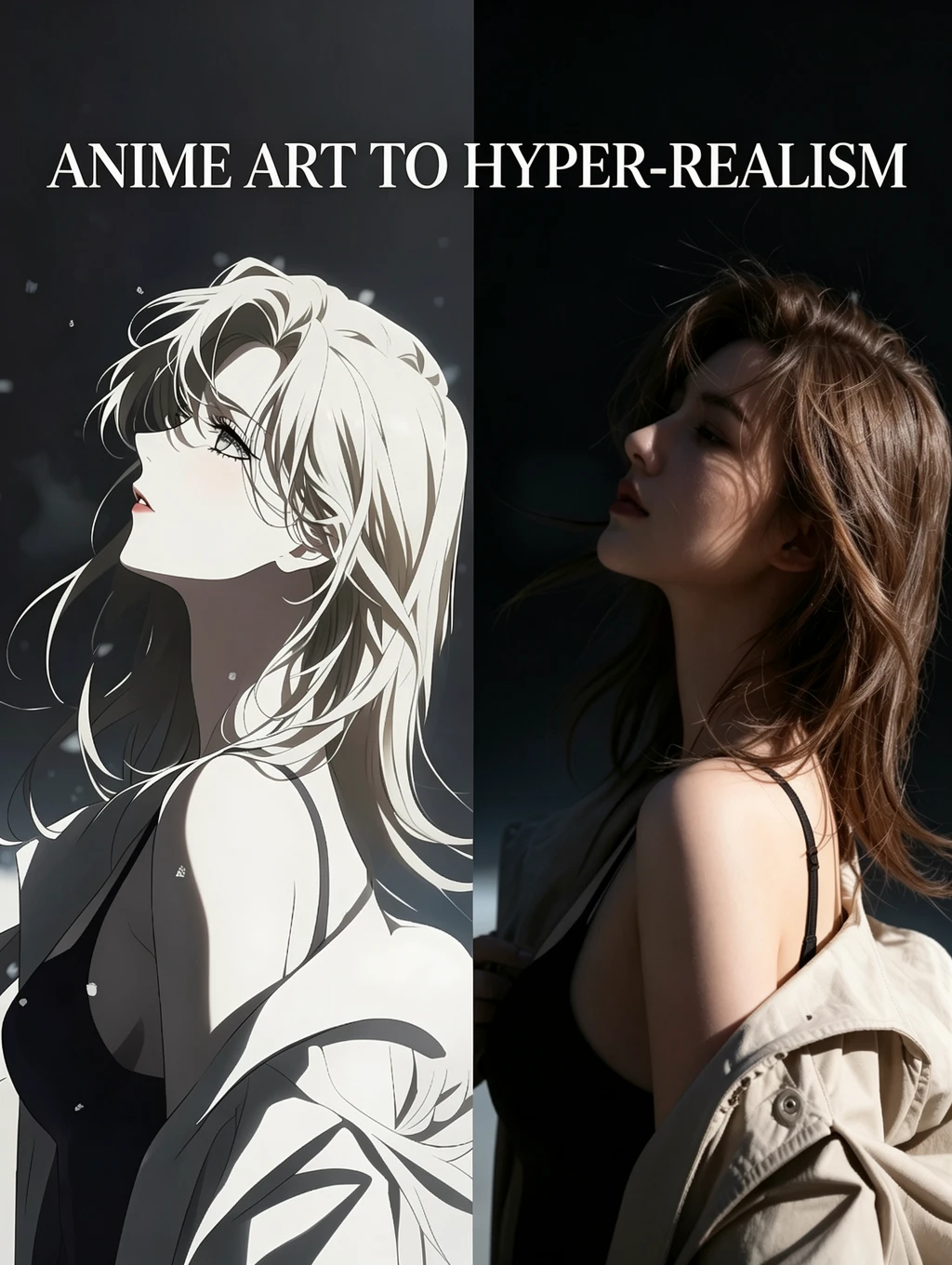
卓越总部工作流程

This workflow aims to create high-quality images without being a turtle slow. It consists of a USDU acting as a refiner and a chain of detailers. The result is very good quality images with an execution time of less than one minute and thirty seconds. Times range from 1:10 to 1:30 minutes.It is optimized to work with the recommended latent resolutions for Illustrious-XL, which are close to 832x1216. These resolutions avoid long, deformed bodies, elongated faces, broken columns, etc. Don't worry, the workflow refinement leaves the images with tremendous quality.I left a Preview Image from the initial Ksmapler so you can see if your Checkpoint, LoRA, and Prompt are causing problems (if your problem comes from here, it's a problem with your own model configuration, LoRA, and prompt; don't blame the workflow!).If you have questions, suggestions, or want to point out errors, feel free to comment. Oh, and don't forget to post your artwork! :3

卓越总部工作流程

5.0

This workflow aims to create high-quality images without being a turtle slow. It consists of a USDU acting as a refiner and a chain of detailers. The result is very good quality images with an execution time of less than one minute and thirty seconds. Times range from 1:10 to 1:30 minutes.It is optimized to work with the recommended latent resolutions for Illustrious-XL, which are close to 832x1216. These resolutions avoid long, deformed bodies, elongated faces, broken columns, etc. Don't worry, the workflow refinement leaves the images with tremendous quality.I left a Preview Image from the initial Ksmapler so you can see if your Checkpoint, LoRA, and Prompt are causing problems (if your problem comes from here, it's a problem with your own model configuration, LoRA, and prompt; don't blame the workflow!).If you have questions, suggestions, or want to point out errors, feel free to comment. Oh, and don't forget to post your artwork! :3
avatar
avatar_frame
Pls win Pls
챌린지 이벤트
기본
영상 생성
오디오 생성
3D 생성
FLUX
스타일
디자인
사진 촬영
이미지 처리
창의적 활용
노드 필터링
필터

SeaArt AI 워크플로우에 오신 것을 환영합니다

SeaArt의 AI 아트 생성 워크플로우를 통해 창작 과정을 단순화하세요. 이 워크플로우는 예술가, 디자이너, 창작자의 다양한 요구를 충족하도록 설계되었습니다. AI 이미지부터 AI 비디오까지, SeaArt AI는 여러분의 예술적 비전을 실현하는 데 필요한 모든 것을 제공합니다.

왜 SeaArt AI에서 ComfyUI 워크플로우를 사용해야 할까요?

간단한 인터페이스

SeaArt AI는 직관적인 인터페이스를 제공하여 워크플로우 설정을 쉽게 만듭니다. 모든 워크플로우는 코딩 경험이 없어도 누구나 사용할 수 있도록 설계되었습니다.

맞춤형 워크플로우

여러분만의 방식으로 워크플로우를 설계하세요. 고급 LoRA 훈련부터 정교한 텍스트-이미지 생성까지 모든 단계를 필요에 맞게 조정할 수 있습니다.

높은 효율성

SeaArt는 AI 아트 제작 과정을 최적화합니다. 더 빠른 렌더링 시간과 적은 기술적 장애를 경험하며, 멋진 비주얼을 신속하게 제작하세요.

SeaArt AI의 다양한 워크플로우

수천 개의 AI 아트 생성 워크플로우

SeaArt 워크플로우로 여러분의 예술적 비전을 실현하세요. 텍스트-이미지, 이미지-이미지, 이미지-비디오와 같은 형식으로 AI 아트를 손쉽게 생성할 수 있는 수천 개의 사전 설정된 워크플로우에 액세스하세요. 이러한 워크플로우는 Flux, SD 3.5와 같은 강력한 AI 모델과 ControlNet을 포함한 인기 있는 옵션과 통합되어, 여러분의 선호에 맞는 멋진 비주얼을 창작할 수 있는 유연성을 제공합니다.

SeaArt AI의 맞춤형 워크플로우

맞춤형 워크플로우로 완벽한 제어

SeaArt 워크플로우를 사용하면 생성 과정을 완벽하게 제어할 수 있습니다. 강력한 커스터마이징 옵션을 통해 워크플로우를 여러분의 특정 요구에 맞게 조정할 수 있습니다. 매개변수를 수정하고, AI 모델을 변경하며, 설정을 세부적으로 조정하여 최종 결과물이 여러분의 비전에 부합하도록 만드세요.

FAQs

collapse

ComfyUI 워크플로우란 무엇인가요?

SeaArt AI의 워크플로우는 단순한 텍스트 프롬프트를 넘어선 혁신적인 도구입니다. 기존의 AI 아트 생성기와 달리 SeaArt는 시각적 워크플로우 시스템을 제공하여 이미지 및 비디오 생성 과정을 세밀하게 제어할 수 있는 맞춤형 워크플로우를 제작할 수 있습니다.

expand

워크플로우로 어떤 종류의 AI 아트를 생성할 수 있나요?

이 워크플로우를 사용하면 사실적인 초상화, 판타지 풍경, 애니메이션 캐릭터, 추상 작품 등 다양한 AI 아트를 손쉽게 생성할 수 있습니다. 텍스트-이미지, 이미지-이미지, 이미지-비디오 생성은 물론, 스타일 전환을 적용하거나 심지어 3D 모델을 생성할 수도 있습니다.

expand

ComfyUI 워크플로우는 초보자에게 적합한가요?

네! SeaArt의 사용자 친화적인 드래그 앤 드롭 인터페이스와 실시간 미리보기 기능 덕분에, 초보자와 고급 사용자 모두 쉽게 사용할 수 있어 AI 아트 제작이 단순해집니다.

expand

워크플로우를 커스터마이징할 수 있나요?

네. SeaArt AI는 다양한 커스터마이징 설정을 제공하여 프로젝트 요구에 맞게 워크플로우를 설정할 수 있도록 지원합니다.