50M
+Creator

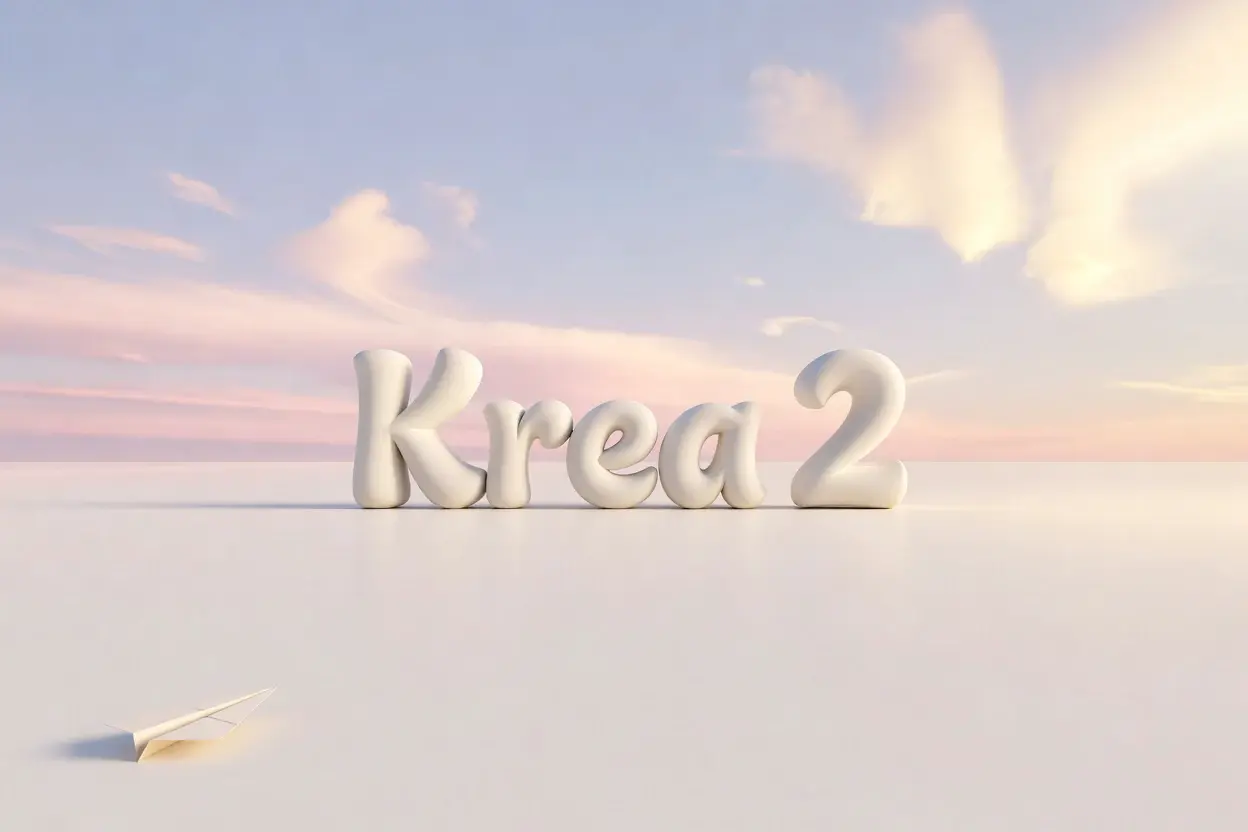
Turn prompts, references, and moodboards into polished images with strong aesthetics, clear composition, and flexible style control.
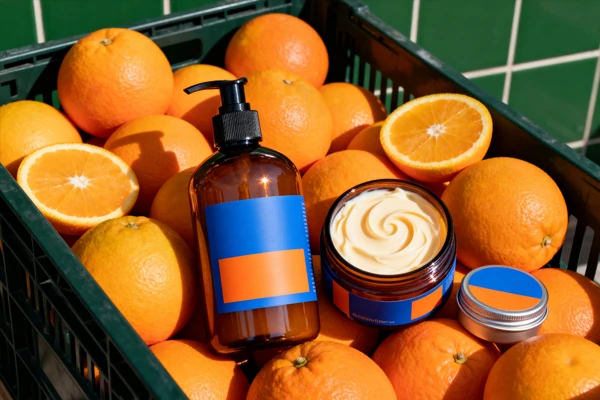
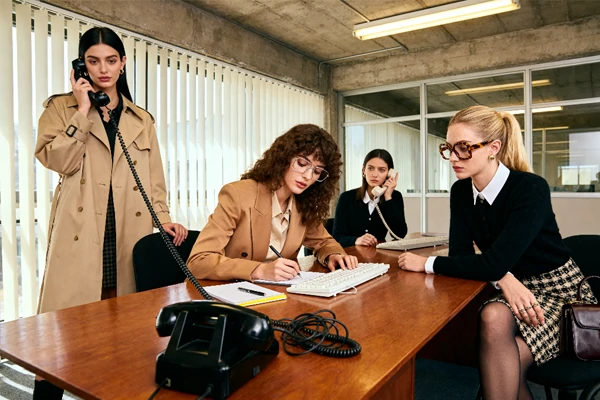
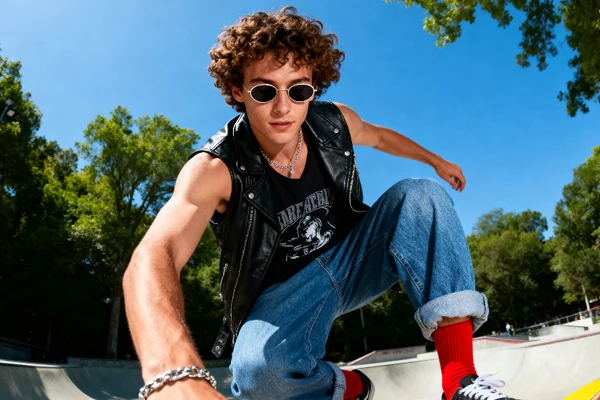
See how creators use Krea 2 to make brand visuals, editorial portraits, product scenes, campaign sets, and cinematic concept frames.
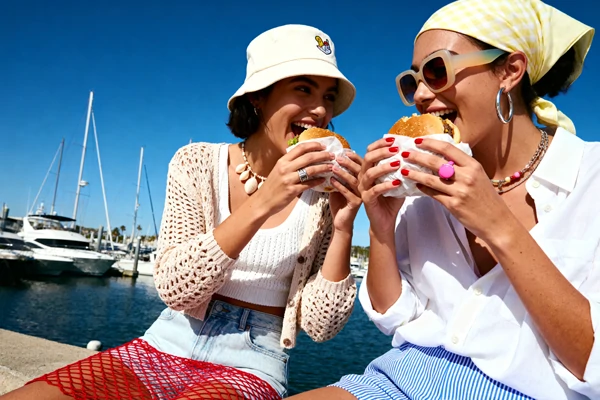
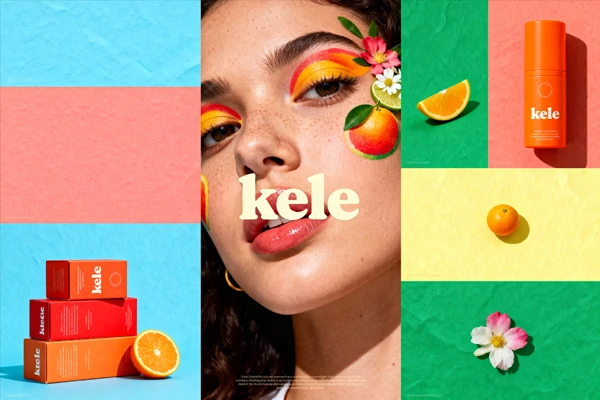
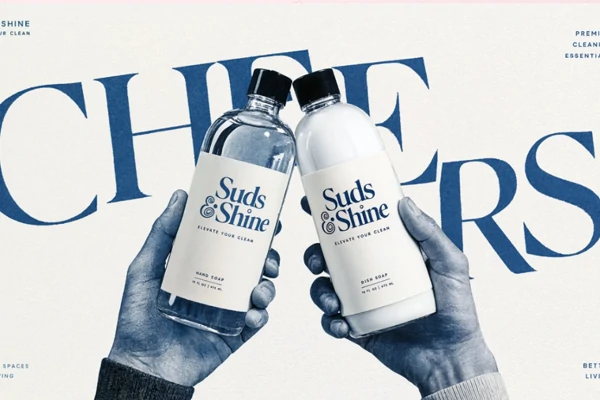


Professional Aesthetics
Designed for refined aesthetics, expressive outputs, cleaner art direction, and polished final drafts.

Simple Creative Input
Start with a short brief and shape the result without heavy setup.



Fast Draft Review
Move from an initial idea to review-ready options quickly for team feedback.

Trusted Model Base
Based on an open release with documented Raw and Turbo checkpoint options.
Select the Model
Choose the model in SeaArt AI, then start with a text prompt, style reference, or moodboard.
Describe Direction
Describe the subject, composition, lighting, camera feel, color tone, texture, and intended aesthetic.
Generate and Refine
Generate quick drafts and compare variations, then refine the strongest direction for final output.
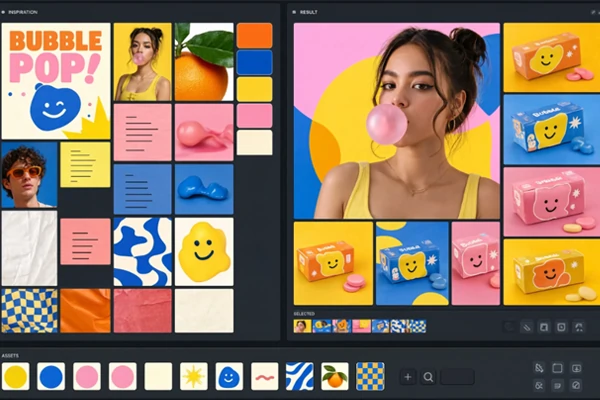
Use a single reference when the look is already clear, or build a moodboard when the direction depends on several textures, motifs, and palettes. Turn loose visual preferences into a clear starting point for free AI art generator workflows and early concept reviews.
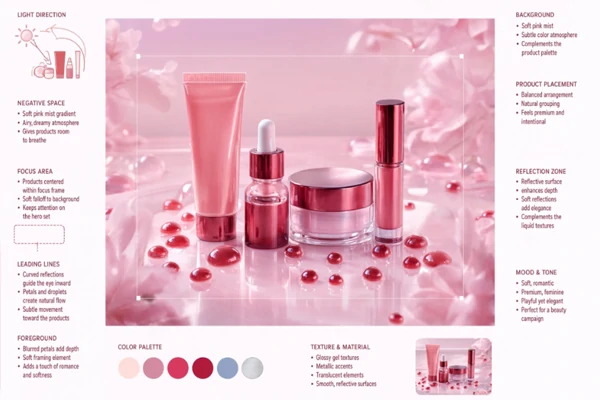
Build structured scenes from more than a subject line. Define the hero object, camera angle, depth, foreground, background, and spacing so product shots, architectural scenes, portraits, and concept frames have a readable focal path and a more intentional visual hierarchy.
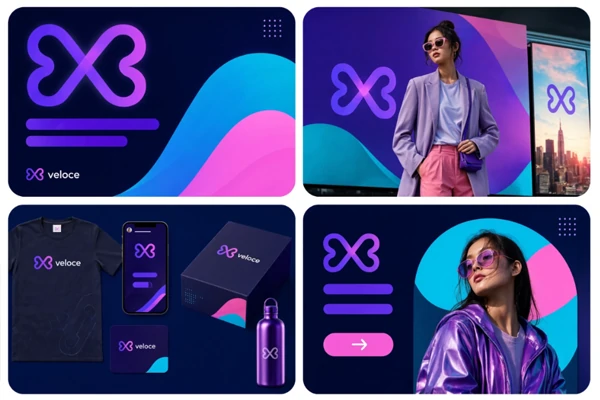
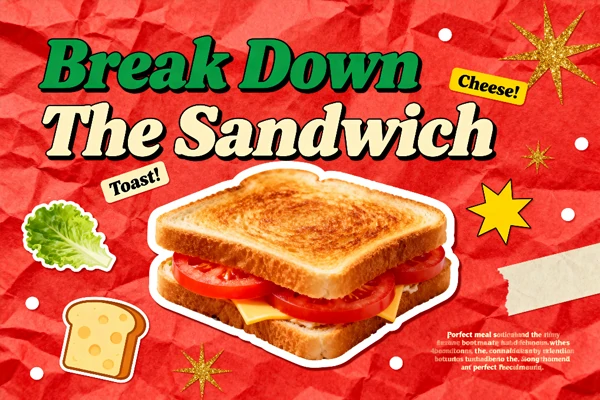
Use one visual language across a full set of deliverables: hero image, product still, social crop, thumbnail, and pitch visuals. Teams can compare aspect ratios and presentation directions in the AI image generator before building a full campaign.
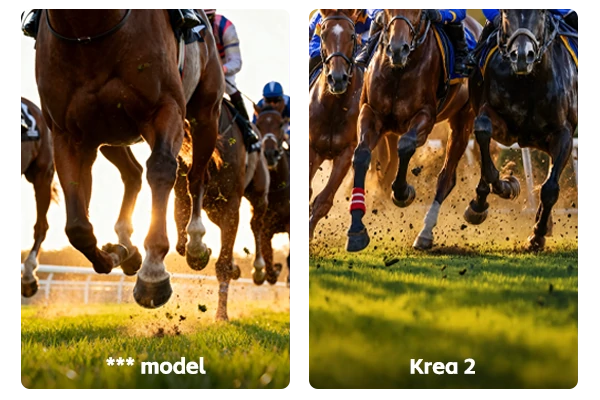
Simple prompts can produce a wider spread of strong images instead of repeating the same concept with minor changes. When a creative brief still needs exploration, art directors, designers, and content teams get several polished directions to compare before choosing a final path.













What does the model do on SeaArt AI?

Do I need a complex prompt to start?
No. Start with a simple subject and goal, then add constraints only when you need tighter control over style, format, or use case.
When should I use Raw or Turbo?
Use Raw when you want to understand the base model's behavior, and use Turbo when speed matters for drafts, comparisons, and fast creative review.
Can this help with client-ready presentations?
Yes. The model is useful for presenting several polished creative routes before committing to a shoot, render, or final design system.
What should I refine after the first result?
Pick one issue first, such as subject scale, lighting strength, crop ratio, or background density. Changing too many variables at once makes the direction harder to judge.