50M
+Creator

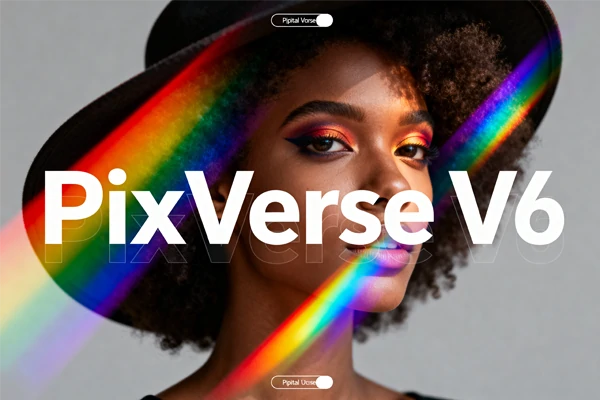
No filming gear, no editing software, no audio tools - just type a prompt and get a publish-ready 1080P video with sound in seconds.
PixVerse V6 is the latest AI video generation model from PixVerse AI - now available to use directly on SeaArt AI.
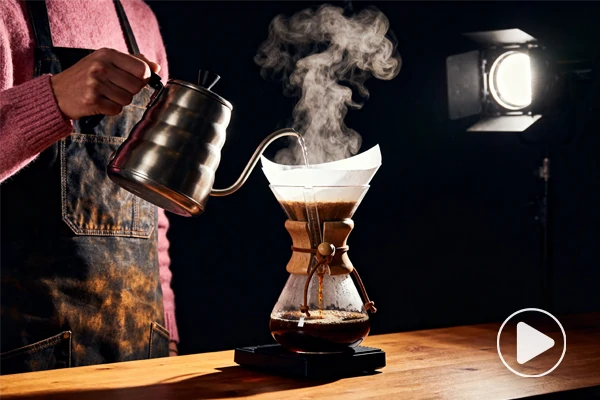
Product Ads and Commercials
Generate polished product videos with cinematic camera angles and synchronized voiceover - no filming crew, no post-production, just one prompt to a publish-ready ad.
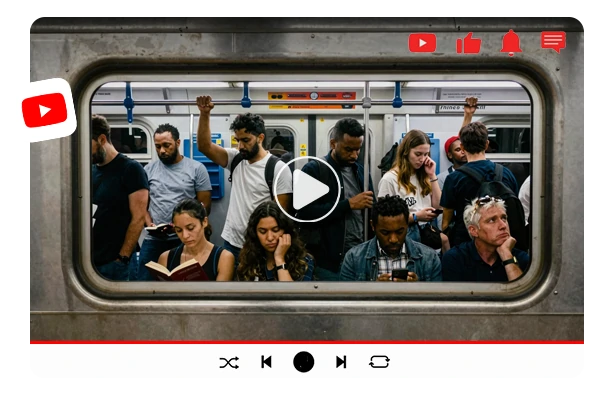
Short Narrative Films
Build character-driven stories where expressions and emotions stay consistent scene to scene. Ideal for YouTube shorts, brand storytelling, or creative portfolios.
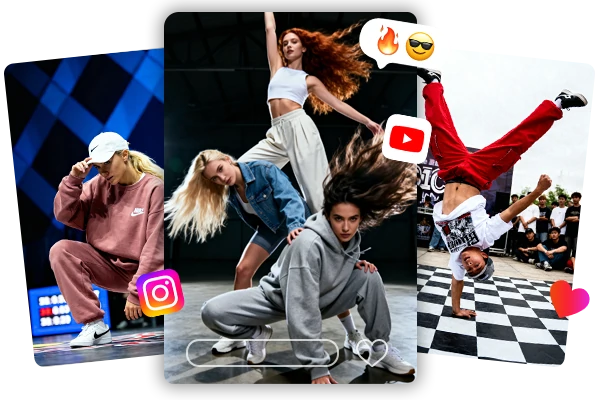
Social Media Video Content
Quickly produce eye-catching videos with dynamic camera moves and native audio for TikTok, Instagram Reels, or any platform that rewards scroll-stopping visuals.
Type a single prompt and get a multi-shot 15-second 1080P video with synchronized audio - dialogue, sound effects, and background music included. PixVerse V5.5 introduced multi-shot generation; V6 pushes it further with native audiovisual output and multilingual text overlays. What used to require a video editor, audio tools, and hours of post-production now happens in one generation.
Describe a dolly-in, aerial reveal, or tracking shot and V6 executes it with smooth, artifact-free motion. Building on the visual clarity of PixVerse V5.6, camera movements are now sharper and more accurate. Physics simulation also improves - objects collide, fall, and interact with realistic spatial behavior throughout the scene.
Facial expressions, body language, and emotional tone stay consistent across every frame - even through scene changes. Describe an arc like "a nervous speaker gaining confidence" and V6 delivers it beat by beat. This makes the PixVerse v6 AI video generator practical for narrative ads, social stories, and any content where believable character performance matters.


Intuitive to Use
Clean AI video generator interface with a simple prompt box. Type what you want, hit generate—no timeline editing or production skills needed.

Built-in Prompt Assistant
Smart prompt suggestions help you describe scenes, camera moves, and emotions like a pro - even if you've never made a video before.



Works on Any Device
Cloud-based generation runs entirely in your browser - desktop, tablet, or phone. No local GPU, no downloads, no installations.

pixverse6_step_sub
Enter Your Prompt
Open the PixVerse V6 AI video generator and type a text prompt or upload a reference image.
Adjust Settings and Generate
Set duration, quantity, and other video options, then hit generate to create your video.
Download and Share
Preview the result, download your video, and publish directly to any platform.













What is PixVerse V6?

Is my content kept private and secure?
All uploads and generated videos are processed over encrypted connections. You can fully delete your content from servers at any time, and nothing is shared publicly unless you choose to publish it yourself.