
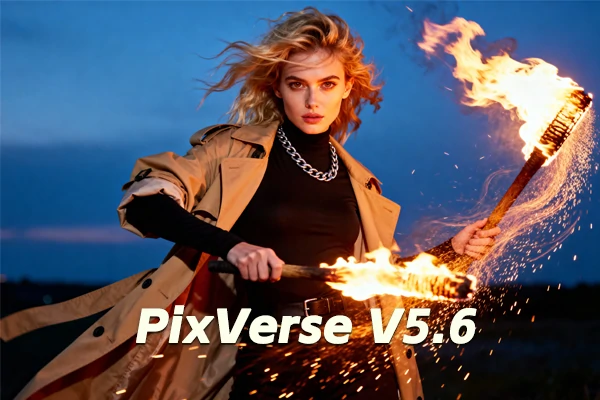
PixVerse V5.6 AI Video Generator
Transform images and text into cinematic videos instantly with PixVerse V5.6's breakthrough multi-character lip sync, distortion-free clarity, studio-quality audio, and seamless text-to-video magic.
Create Your Dream Videos with PixVerse V5.6
Clearer Videos, Smoother Motion
PixVerse V5.6 delivers noticeably clearer videos in up to 1080p HD, with fewer distortions during fast action or complex camera movements. Text-to-video outputs now show better composition, more consistent lighting, and richer textures from the start. Your scenes look more polished and professional without extra editing work.
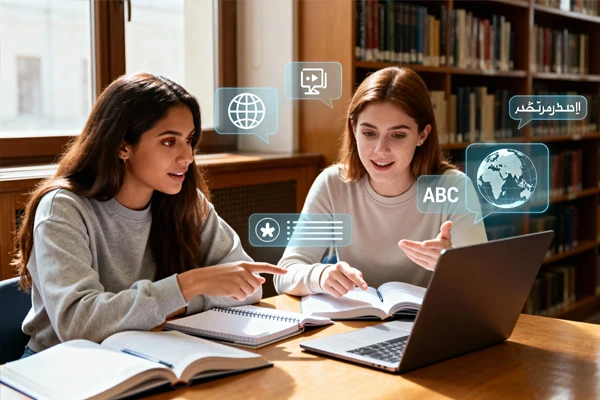
Perfect Lip Sync for Everyone
When multiple people talk in your video, their lip movements now match dialogue timing far better than PixVerse V5.5. The rhythm feels natural, emotions come through clearly, and multi-language voice-overs sound authentic rather than robotic. Every character's speech looks and sounds believable, making conversations feel genuinely real.
Audio That Matches Reality
Background sounds and sound effects now match what's happening on screen more logically in your 5-10 second clips. Footsteps sound right for the surface, ambient noise fits the location, and audio cues time perfectly with actions. Part of PixVerse AI video generation improvements, the audio feels less artificial and more immersive than earlier models.
How to Use PixVerse V5.6 AI Video Generator
Upload Your Image or Enter Text Prompt
Click the upload area or drag your image file directly. For text-to-video, enter your detailed scene description.
Select PixVerse V5.6 and Customize Settings
Choose PixVerse V5.6 model, adjust video duration, resolution, and audio preferences to match your creative vision.
Generate and Download Your Video
Click generate and wait for AI processing to complete. Download your studio-quality video with refined audio when ready.
Explore More AI Video Generators
Discover other powerful AI video generators on SeaArt AI. Compare different models, test various styles, and choose the one that matches your project requirements and creative vision.


PixVerse V5.6 – FAQs

What is PixVerse V5.6?

What video quality can I get with PixVerse V5.6?
PixVerse V5.6 generates videos up to 1080p HD resolution in 5-10 second durations. The improved algorithm delivers clearer visuals with fewer distortions during fast movements, making your content suitable for professional projects and social media platforms.
Do I need video skills to use PixVerse V5.6 model?
No video experience required. PixVerse V5.6 handles the technical work automatically - just upload your image or type your idea, and the AI creates professional videos with proper lighting, composition, and audio. Perfect for beginners and professionals alike.





