 Enterprise Version
Generate
History
Private Creation
Private Creation
Create private works that are only visible to yourself.
[Private Creation] is a premium feature that is available after becoming an SVIP.
Unlock Now
Already the end

No Data
No Data
Details
Report
Not Interested
Original
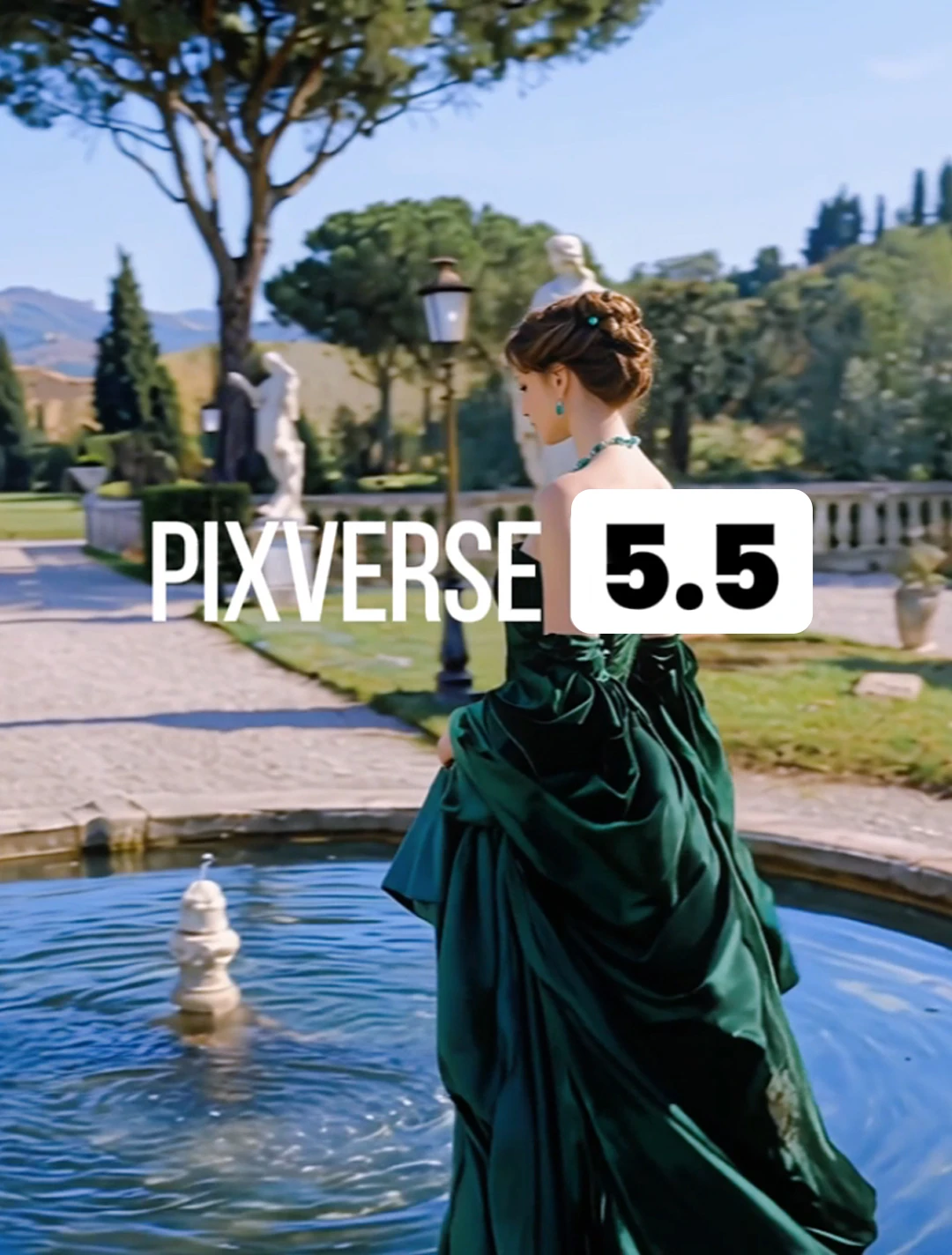
Pixverse 5.5 AI Video Generator
527
0
628
2026-01-22 11:01:32 Update
#Popular
#Video Generation
...View More
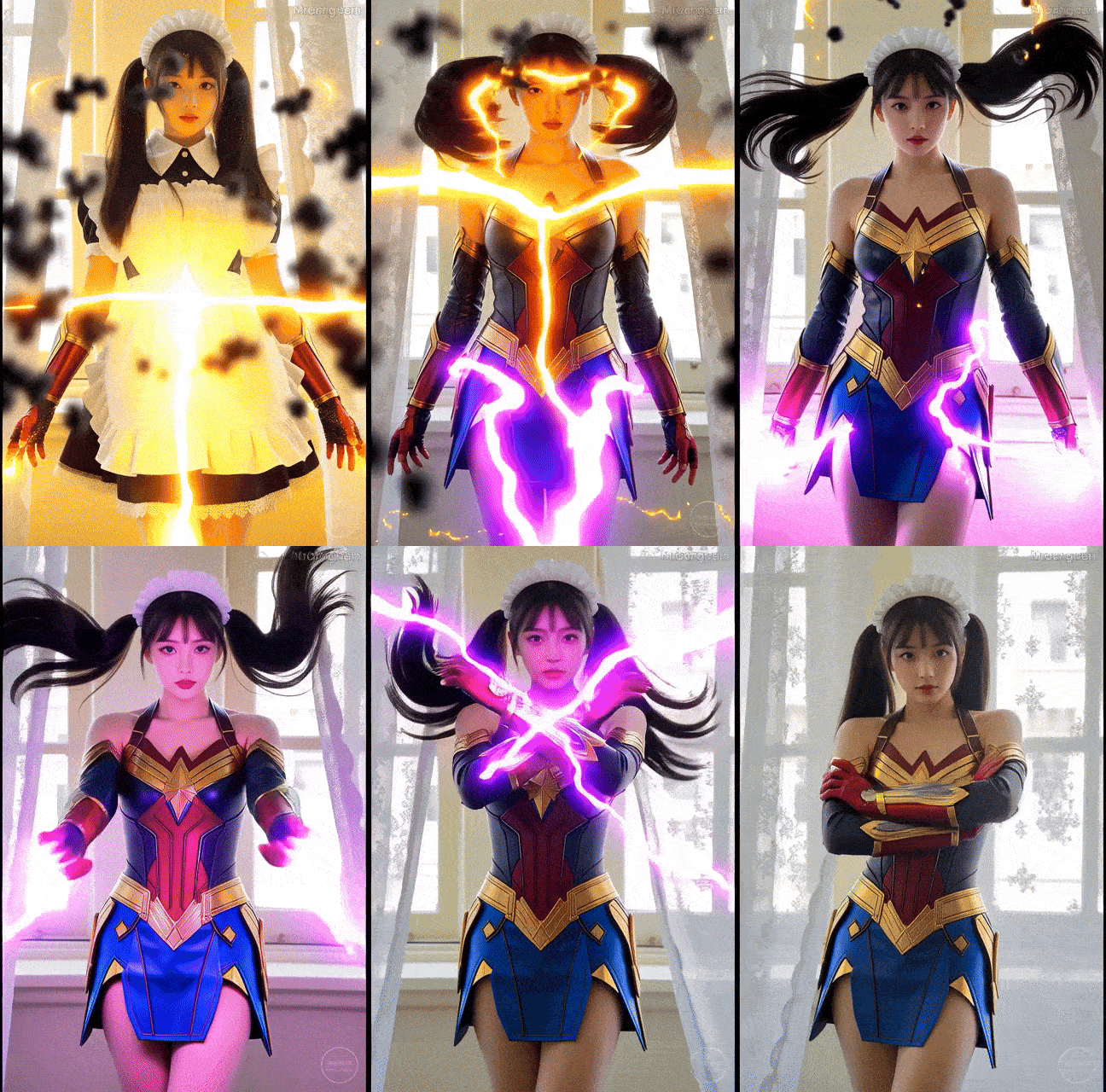
Use PixVerse v5.5 AI video generator to create complete story videos with sound effects. Multi-camera control, audio-visual synchronization, instantly generate videos that can be directly published.
Pixverse 5.5 AI Video Generator
View Translation
Rating & Review
3.7 /5
Not enough ratings or reviews received yet
more

No data available


Explore Related









Download SeaArt App
Continue your AI creation journey on mobile devices
PixVerse V5.5: Multi-Shot Videos with Intelligent Camera Control
Instantly try PixVerse V5.5 AI video generator at SeaArt AI. Create multi-shot videos with synchronized audio, director-level camera control, and professional cinematography.
Create Multi-Shot AI Videos with Synchronized Audio
PixVerse V5.5 generates complete micro-narrative units with synchronized sound, multiple camera angles, and professional cinematography. Input one image and description and you can receive a complete video with dialogue, background music, and sound effects automatically matched to visual actions. Your ideas transform into ready-to-publish videos with logical flow and coherent plots in seconds.
Multi-Shot Camera Control with Director-Level Thinking
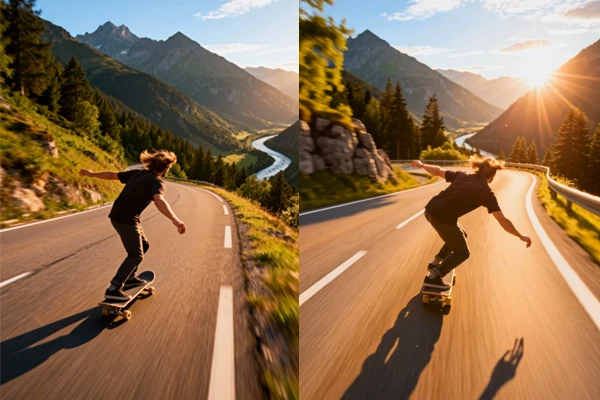
PixVerse V5.5 video generator understands cinematic montage and automatically applies professional camera movements. It switches between close-ups, medium shots, and wide shots with smooth push-ins, transitions, and more effects. PixVerse V5.5 thinks like a director, automatically choosing the perfect camera angles for your story, creating videos that look like true movie clips rather than single-angle video.
HD AI Videos with Complete Soundscapes
PixVerse V5.5 enables you to generate videos in 5, 8, or 10-second durations with complete sound fields including BGM, SFX, and character dialogues. The AI video generator produces rich audio that makes videos more comprehensive and engaging. Character rhythm, actions, and lip-sync align perfectly with dialogue, ensuring narrative logic flows smoothly from beginning to end.
No Prompt Engineering Required
Forget spending hours crafting the perfect prompt. Simply describe what you want like "a woman walking through a city at sunset" and PixVerse V5.5 understands your vision. The enhanced "thinking type" feature interprets your creative intent, automatically building scene structures, matching color tones, and generating complete videos with synchronized audio. You focus on creativity; the AI handles the technical details.
What Makes PixVerse V5.5 Special?


Sound That Moves With Your Story
Generate complete soundscapes including dialogue, narration, background music, and environmental sound effects that perfectly synchronize with video.

Cinema-Quality Output
From 360p to stunning 1080p HD, create videos that look professionally shot. Choose 5, 8, or 10-second clips that capture your story perfectly.



Lightning-Fast Results
Get your 1080p HD video in just 30 seconds. Delivers professional results faster than you can grab a coffee, turning your ideas into reality almost instantly.

Director-Level Camera Work
Watch as PixVerse V5.5 automatically switches between multiple shots and angles. Your videos look like they were shot by a professional film crew.
How to Use PixVerse V5.5 AI Video Generator?
Step 1: Input Your Content
Upload a single image or enter a text description describing your video concept. For multi-shot videos, include scene descriptions with shot transitions.
Step 2: Personalize Your Creation
Specify your prompts, choose duration and resolution for your video.
Step 3: Generate and Download
Click the "Generate" button, and wait for a few minutes. Once you're satisfied with the result, save the AI generated videos to your device.
FAQs About the PixVerse V5.5 AI Video Generator

What is PixVerse V5.5 AI Video Generator?
PixVerse 5.5 is an advanced AI video model that supports multi-modal input (text prompts and image references), native audio generation with accurate audio-visual synchronization, and multi-shot generation with intelligent camera control. It creates 5-10 second videos in seconds, generating complete micro-narrative units with synchronized sound and professional cinematography.

What video resolutions and durations are available?
PixVerse V5.5 supports multiple quality options: 360p, 540p, 720p, and 1080p. Duration options include 5, 8, and 10 seconds. Higher resolutions like 1080p support 5 and 8-second durations, while lower resolutions support all three duration options.
How do I write effective prompts for PixVerse V5.5 multi-shot videos?
Describe your scenes with shot transitions using phrases like "Cut to the next scene" or "Transition to." Specify camera movements ("close-up," "wide shot," "camera pushes in"), character actions, and dialogue. Example: "Shot 1: Wide shot of character walking. Cut to Shot 2: Close-up of character's face saying 'Hello.'" The AI understands these cinematic instructions and creates professional transitions automatically.
How fast is PixVerse V5.5 compared to previous versions?
The PixVerse 5.5 can generate 1080p HD videos in approximately 30 seconds, achieving a significant productivity leap compared to previous models. This speed is category-defining among current competitors, making it ideal for rapid content creation workflows.
What types of videos can I create with PixVerse V5.5?
PixVerse V5.5 transforms video creation across industries. Generate viral TikTok and Instagram Reels with synchronized audio instantly. Showcase products from multiple angles with professional cinematography. Build movie trailers using multi-shot storytelling that automatically creates tension. Produce brand campaigns with complete soundscapes and create dynamic storyboards before shooting. From social media contents, fashion showcases to educational materials, PixVerse V5.5 delivers ready-to-publish videos with intelligent camera control, eliminating manual editing and dramatically reducing production costs.
Explore More AI Apps




More
SUNRISEAI PTE. LTD.