
Seedance 2.0 Mini AI Video Generator
Generate short AI videos from text or images with faster iteration for social clips, product ideas, and creative testing.


How to Create Seedance 2.0 Mini AI Videos in 3 Steps
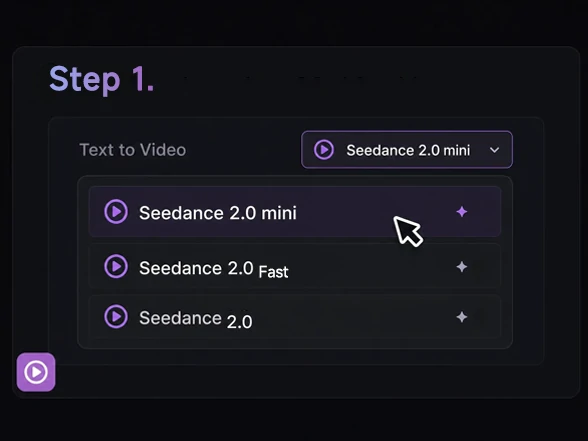
Choose the Mini Model
Open the video generator and select Seedance 2.0 Mini from the model options.
Add Image and Prompt
Upload a reference image, then describe the subject, action, camera motion, and mood.
Generate and Download
Generate the clip, review the preview, then download the version ready for sharing.
What Can You Create with Seedance 2.0 Mini
From prompt drafts and reference images to storyboards, product scenes, social ads, and client review clips, Seedance 2.0 Mini helps creators turn abstract ideas into short visual drafts before production gets expensive.
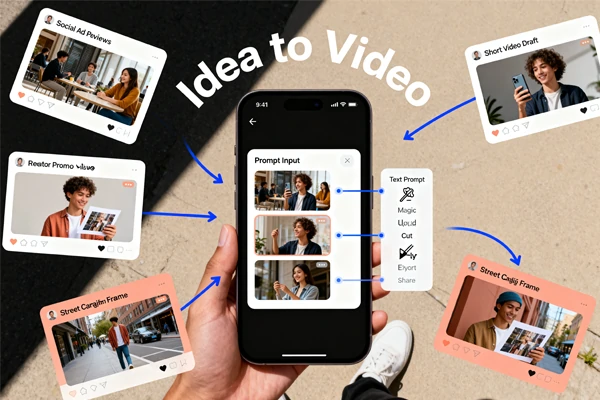
Create Short Clips Fast
Seedance 2.0 Mini is made for quick visual drafts, not slow studio planning. Start with a text prompt or reference image, then shape a compact clip for ads, thumbnails, creator hooks, and product scenes. Use Seedance AI video generator workflows when you want to move from idea to watchable motion inside one creation space, especially when a team needs a first look before editing or production begins.
Turn Images Into Motion
Static images can become moving scenes with camera drift, subject action, and atmosphere added through a short prompt. This is useful when you already have a product shot, character concept, or campaign image and need motion for a post. Image-to-video creation keeps the source image as the anchor for the final clip, so the idea stays grounded.
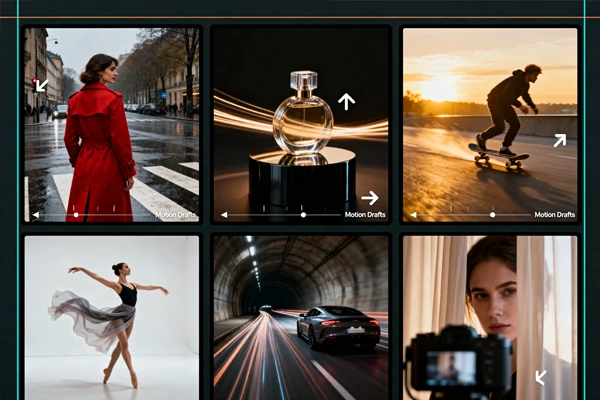
Write Motion Like Direction
Good prompts feel closer to a short director note than a technical command. Mention the subject, action, lens movement, lighting, and pace, then let the tool build a draft you can judge visually. The Mini model works best when prompts stay specific: a slow push-in, a hand turning the object, a street scene at dusk, or a character pausing before the camera.
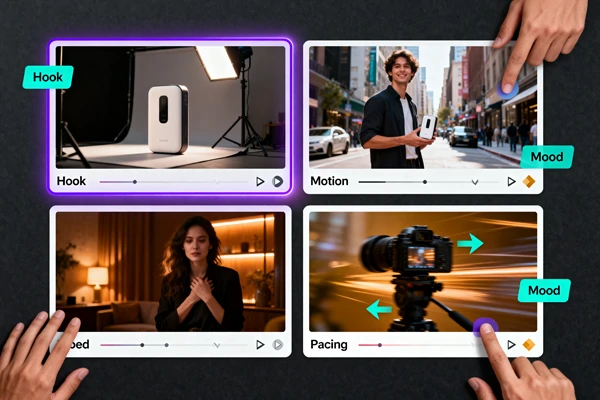
Compare Ideas Before Production
The Mini model is useful when the job is exploratory: testing several hooks, trying different camera paths, or checking whether a product scene feels worth polishing. Use Seedance 2.0 Mini for early creative decisions, then move stronger concepts into the Seedance 2.0 Short Film Generator when you need longer scenes, richer finishing, or campaign-ready variants.
Start a Short AI Video Draft
Create inside SeaArt AI and turn a prompt into motion.
Why Choose Seedance 2.0 Mini?


Faster Iteration
Test prompts, refine motion, and compare creative directions before committing to a final version.

Clean Preview Quality
Keep subjects readable, camera movement controlled, and visual details clear enough for review.



Prompt Friendly
Describe camera movement, subject action, mood, and pacing in plain creative language.

Watermark-Free Output
Export clean short clips for drafts, social posts, and client review without visible branding.
Professional Video Use Cases for Seedance 2.0 Mini
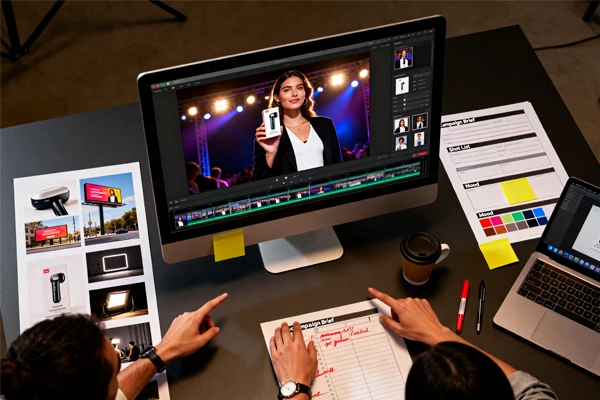
Brand Campaign Drafts
Build polished concept clips for launches, paid ads, pitch decks, and campaign reviews before a production team commits budget to filming.
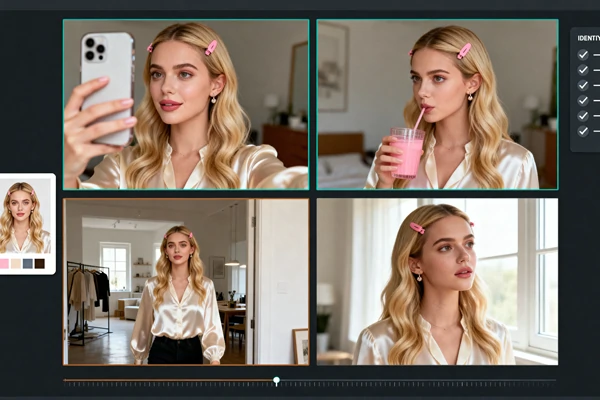
Consistent Character Scenes
Maintain a coherent character identity across intro shots, reaction beats, and scene changes, so storyboards are easier to review before a longer edit.
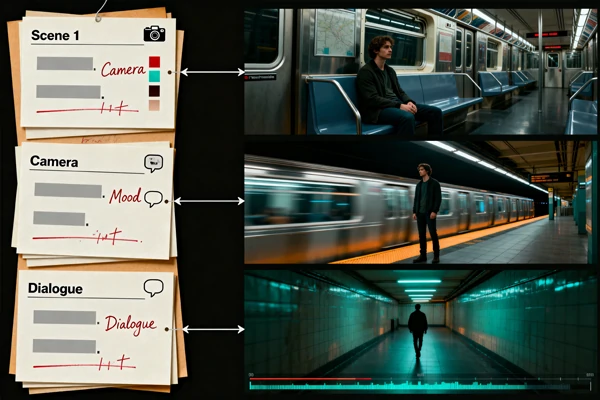
Script Draft Previews
Turn a creator's script into a quick video draft before the production meeting, so the team can review pacing, scenes, and story direction from visuals instead of text alone.
SeaArt AI Trusted by












Frequently Asked Questions

What is Seedance 2.0 Mini?

When should I use the Mini version instead of a larger video model?
Use Mini when you need to compare ideas quickly, test a hook, or turn a still image into a short preview. A larger model makes more sense when the final output needs extended duration, heavier detail, or more polished campaign finishing. A practical workflow is to draft in Mini first, then scale only the strongest direction.
Can I use images as the starting point?
Yes, image-led creation is one of the practical uses for this model. Upload a clear reference image, then describe the motion you want, such as a slow camera push, object rotation, background movement, or a character gesture. Stronger source images usually produce easier-to-read motion because the model has clearer visual details to follow.
What is the difference between Seedance 2.0 Mini and Seedance 2.0?
Mini is better for lower-cost testing, early drafts, short clips, and fast comparison across prompts, while Seedance 2.0 is the stronger fit when a project needs longer structure, heavier scene detail, or a more finished production pass. Use Mini to test more directions before committing budget and time, then scale the strongest idea into a larger workflow once the direction is clear.
What prompts work best for short AI video generation?
Short, concrete prompts usually work better than broad mood statements. Name the subject, action, camera movement, setting, and pace. For example, describe a product turning slowly under soft studio light or a character walking toward the camera at sunset. Avoid packing several unrelated actions into one prompt, since compact clips need a clear visual priority.