Создать рабочий процесс
Создано на основе SeaArt ComfyUI
creation

Возможно, вам понравится

Избранные рабочие процессы

LTX2.3-Audio-video generation

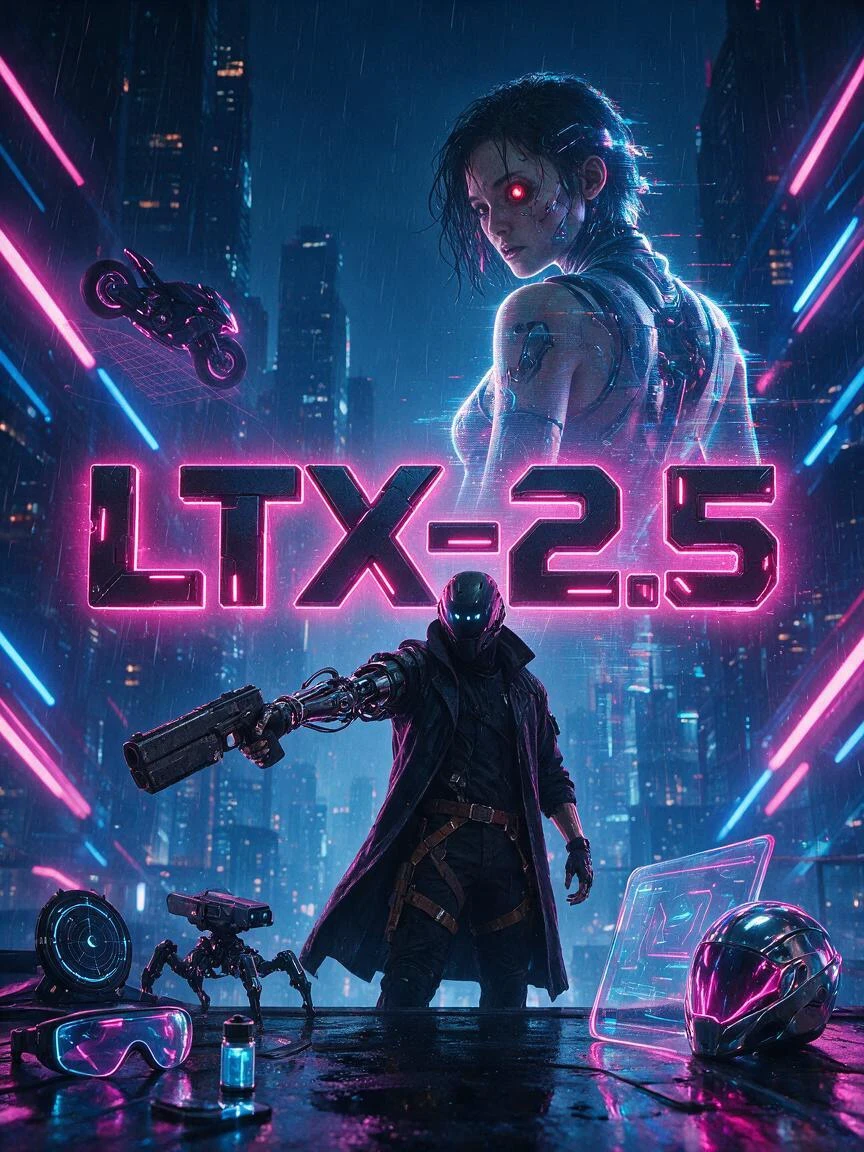
LTX-2.3 is an open-source audio-video foundation model released by Lightricks. Its core feature is not simply generating video alone or producing video first and adding audio later. Instead, it places both video and audio within a single generation framework, directly producing synchronized visuals and sound. Officially, it is described as a DiT-based audio-video foundation model, meaning a joint audio-video generation model built on Diffusion Transformer architecture.Compared with many traditional video generation approaches, the biggest difference of LTX-2.3 is its native audio-visual synchronization. If a prompt includes speaking, singing, ambient sound, or rhythmic motion, the model attempts to align lip movements, actions, and sound within a single generation process, rather than relying on post-processing to dub audio or correct lip sync afterward. This makes it especially valuable for dialogue videos, character singing, and short narrative scenes.
LTX2.3-Audio-video generation

5.0

LTX-2.3 is an open-source audio-video foundation model released by Lightricks. Its core feature is not simply generating video alone or producing video first and adding audio later. Instead, it places both video and audio within a single generation framework, directly producing synchronized visuals and sound. Officially, it is described as a DiT-based audio-video foundation model, meaning a joint audio-video generation model built on Diffusion Transformer architecture.Compared with many traditional video generation approaches, the biggest difference of LTX-2.3 is its native audio-visual synchronization. If a prompt includes speaking, singing, ambient sound, or rhythmic motion, the model attempts to align lip movements, actions, and sound within a single generation process, rather than relying on post-processing to dub audio or correct lip sync afterward. This makes it especially valuable for dialogue videos, character singing, and short narrative scenes.


avatar
avatar_frame
SeaArt Comfy Helper
Flux.2 Pro&Flex

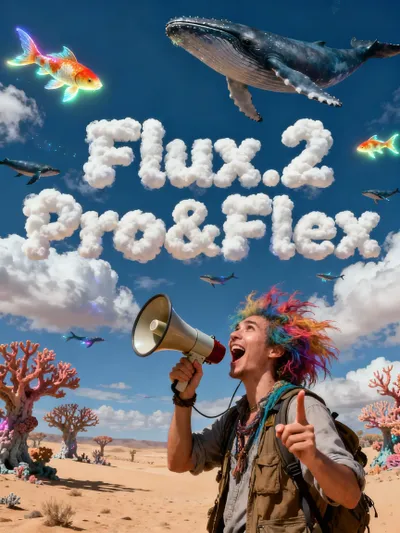
This workflow is providing access to two distinct versions: FLUX.2 Pro and FLUX.2 Flex. You can switch between them based on your specific needs for image precision and cost efficiency.🧩 Versions & Capabilities1. FLUX.2 ProCapabilities: Capable of generating high-quality images. Ideal for most standard creative tasks, style exploration, and rapid generation.Pricing (Credits):Text Only: 55 (≤1024px) / 70 (>1024px)Image Input: 80 (≤1024px) / 100 (>1024px)2. FLUX.2 FlexCapabilities: Compared to Pro, Flex excels in handling complex lighting, intricate textures, and adherence to long, complex prompts. It is the premier choice for ultimate image quality, commercial poster output, and high-precision editing tasks.Pricing (Credits):Text Only: 110 (≤1024px) / 140 (>1024px)Image Input: 220 (≤1024px) / 260 (>1024px)

Flux.2 Pro&Flex

4.9

This workflow is providing access to two distinct versions: FLUX.2 Pro and FLUX.2 Flex. You can switch between them based on your specific needs for image precision and cost efficiency.🧩 Versions & Capabilities1. FLUX.2 ProCapabilities: Capable of generating high-quality images. Ideal for most standard creative tasks, style exploration, and rapid generation.Pricing (Credits):Text Only: 55 (≤1024px) / 70 (>1024px)Image Input: 80 (≤1024px) / 100 (>1024px)2. FLUX.2 FlexCapabilities: Compared to Pro, Flex excels in handling complex lighting, intricate textures, and adherence to long, complex prompts. It is the premier choice for ultimate image quality, commercial poster output, and high-precision editing tasks.Pricing (Credits):Text Only: 110 (≤1024px) / 140 (>1024px)Image Input: 220 (≤1024px) / 260 (>1024px)
avatar
avatar_frame
SeaArt Comfy Helper

Wan Video

Wan2.2 VACE - Multimodal control-KJ

Continue the “unified editing/control” paradigm on the 2.2 backbone. The 2.2 backbone adopts a Mixture‑of‑Experts (MoE) design—high‑noise and low‑noise experts operating at different denoising stages—to improve quality and detail while keeping inference costs manageable. A representative controllable variant is Wan2.2‑VACE‑Fun‑A14B, which supports multi‑modal control conditions (Canny, Depth, OpenPose, MLSD, Trajectory, etc.). A typical workflow is: provide a reference image (to preserve identity/appearance) plus a driving video or its parsed control signals (e.g., pose sequence, trajectory, time‑varying depth/edges) to generate a video driven by that reference image. The VACE/Fun family provides these temporal control interfaces and the unified task support.

Wan2.2 VACE - Multimodal control-KJ

4.7

Continue the “unified editing/control” paradigm on the 2.2 backbone. The 2.2 backbone adopts a Mixture‑of‑Experts (MoE) design—high‑noise and low‑noise experts operating at different denoising stages—to improve quality and detail while keeping inference costs manageable. A representative controllable variant is Wan2.2‑VACE‑Fun‑A14B, which supports multi‑modal control conditions (Canny, Depth, OpenPose, MLSD, Trajectory, etc.). A typical workflow is: provide a reference image (to preserve identity/appearance) plus a driving video or its parsed control signals (e.g., pose sequence, trajectory, time‑varying depth/edges) to generate a video driven by that reference image. The VACE/Fun family provides these temporal control interfaces and the unified task support.
avatar
avatar_frame
SeaArt Comfy Helper
Wan2.2‑Fun-Inp-KJ

Wan2.2‑Fun‑InP is part of the Wan2.2‑Fun series. It supports conditioning on a start frame and an end frame to estimate the in‑between transition and produce temporally consistent video results for controllable image‑to‑video applications.What it addresses:Traditional image‑to‑video workflows typically extend motion from a single starting image. By adding an optional end keyframe, Fun‑InP helps the motion, composition, and overall content progress toward a specified target, making transitions easier to control and the sequence more coherent.Inputs: start‑frame image, end‑frame image (optional text prompt / control signals).Output: a video clip made up of interpolated middle frames, with the first and last frames visually consistent with the provided keyframes.

Wan2.2‑Fun-Inp-KJ

4.5

Wan2.2‑Fun‑InP is part of the Wan2.2‑Fun series. It supports conditioning on a start frame and an end frame to estimate the in‑between transition and produce temporally consistent video results for controllable image‑to‑video applications.What it addresses:Traditional image‑to‑video workflows typically extend motion from a single starting image. By adding an optional end keyframe, Fun‑InP helps the motion, composition, and overall content progress toward a specified target, making transitions easier to control and the sequence more coherent.Inputs: start‑frame image, end‑frame image (optional text prompt / control signals).Output: a video clip made up of interpolated middle frames, with the first and last frames visually consistent with the provided keyframes.
avatar
avatar_frame
SeaArt Comfy Helper
Wan2.1 Minimax-Remover - Video erase -KJ

Core Focus: Video-level object removal. Given a sequence of video frames and a corresponding mask, it seamlessly removes the masked object and fills in the background while maintaining temporal consistency, minimizing artifacts or remnants.Method Highlights:Minimum-Maximum Optimization: Tames bad noise during training and inference, improving the model's robustness to masked regions and reducing the probability of object regeneration.Two-Stage Architecture: First, a simplified DiT (Diffusion Transformer) structure is used to learn the removal capability; then, a version with fewer sampling steps and faster inference is obtained through "CFG de-distillation."Efficiency Features: Extremely low inference steps (approximately 6 steps in the official example), and does not rely on CFG, resulting in high speed and low resource consumption, suitable for long videos/batch processing. References

Wan2.1 Minimax-Remover - Video erase -KJ

3.0

Core Focus: Video-level object removal. Given a sequence of video frames and a corresponding mask, it seamlessly removes the masked object and fills in the background while maintaining temporal consistency, minimizing artifacts or remnants.Method Highlights:Minimum-Maximum Optimization: Tames bad noise during training and inference, improving the model's robustness to masked regions and reducing the probability of object regeneration.Two-Stage Architecture: First, a simplified DiT (Diffusion Transformer) structure is used to learn the removal capability; then, a version with fewer sampling steps and faster inference is obtained through "CFG de-distillation."Efficiency Features: Extremely low inference steps (approximately 6 steps in the official example), and does not rely on CFG, resulting in high speed and low resource consumption, suitable for long videos/batch processing. References
avatar
avatar_frame
SeaArt Comfy Helper
LongCat-Video extension

🐱 LongCat-Video: Infinite Video Extension Workflow【One-Sentence Intro】Break the duration limit of AI video generation 🚀What Can It Do?This is an advanced workflow based on the **Wan2.1** model, designed to solve the core pain points of AI videos being "too short" and "disjointed when extended."♾️ Infinite Extension Just provide an image or a short video clip, and the workflow will automatically generate subsequent frames like a "relay race," theoretically allowing for infinite generation.Seamless "Invisible" Stitching It automatically trims the awkward beginnings of extended segments, making the transition between clips as smooth as silk, with absolutely no visible stitching marks.【Use Cases】Creating ultra-long looping landscape videos.Producing coherent narrative shorts, no longer limited by the 5-second barrier.

LongCat-Video extension

4.3

🐱 LongCat-Video: Infinite Video Extension Workflow【One-Sentence Intro】Break the duration limit of AI video generation 🚀What Can It Do?This is an advanced workflow based on the **Wan2.1** model, designed to solve the core pain points of AI videos being "too short" and "disjointed when extended."♾️ Infinite Extension Just provide an image or a short video clip, and the workflow will automatically generate subsequent frames like a "relay race," theoretically allowing for infinite generation.Seamless "Invisible" Stitching It automatically trims the awkward beginnings of extended segments, making the transition between clips as smooth as silk, with absolutely no visible stitching marks.【Use Cases】Creating ultra-long looping landscape videos.Producing coherent narrative shorts, no longer limited by the 5-second barrier.
avatar
avatar_frame
SeaArt Comfy Helper

Новый выбор

卓越总部工作流程

This workflow aims to create high-quality images without being a turtle slow. It consists of a USDU acting as a refiner and a chain of detailers. The result is very good quality images with an execution time of less than one minute and thirty seconds. Times range from 1:10 to 1:30 minutes.It is optimized to work with the recommended latent resolutions for Illustrious-XL, which are close to 832x1216. These resolutions avoid long, deformed bodies, elongated faces, broken columns, etc. Don't worry, the workflow refinement leaves the images with tremendous quality.I left a Preview Image from the initial Ksmapler so you can see if your Checkpoint, LoRA, and Prompt are causing problems (if your problem comes from here, it's a problem with your own model configuration, LoRA, and prompt; don't blame the workflow!).If you have questions, suggestions, or want to point out errors, feel free to comment. Oh, and don't forget to post your artwork! :3

卓越总部工作流程

5.0

This workflow aims to create high-quality images without being a turtle slow. It consists of a USDU acting as a refiner and a chain of detailers. The result is very good quality images with an execution time of less than one minute and thirty seconds. Times range from 1:10 to 1:30 minutes.It is optimized to work with the recommended latent resolutions for Illustrious-XL, which are close to 832x1216. These resolutions avoid long, deformed bodies, elongated faces, broken columns, etc. Don't worry, the workflow refinement leaves the images with tremendous quality.I left a Preview Image from the initial Ksmapler so you can see if your Checkpoint, LoRA, and Prompt are causing problems (if your problem comes from here, it's a problem with your own model configuration, LoRA, and prompt; don't blame the workflow!).If you have questions, suggestions, or want to point out errors, feel free to comment. Oh, and don't forget to post your artwork! :3
avatar
avatar_frame
Pls win Pls
Челлендж-ивент
Базовый
Генерация видео
Генерация аудио
3D-генерация
FLUX
Стиль
Дизайн
Фотография
Обработка изображений
Креативные способы использования
Фильтр узлов
Фильтр

Добро пожаловать в SeaArt AI Workflow

Упростите свой творческий процесс с помощью рабочих процессов генератора AI-искусства от SeaArt, разработанных для удовлетворения различных потребностей художников, дизайнеров и креаторов. От AI-изображений до AI-видео, SeaArt AI предлагает все, что вам нужно, чтобы воплотить ваше художественное видение в жизнь.

Почему стоит использовать ComfyUI Workflow на SeaArt AI?

Простой интерфейс

SeaArt AI предоставляет интуитивно понятный интерфейс, который делает настройку рабочих процессов легкой. Все рабочие процессы предназначены для всех пользователей, даже если у вас нет опыта в программировании.

Настраиваемые рабочие процессы

Проектируйте ваш рабочий процесс по своему усмотрению. От сложного обучения LoRA до тонкой настройки текст-изображение, каждый шаг можно настроить в соответствии с вашими потребностями.

Высокая эффективность

SeaArt оптимизирует процессы создания AI-искусства. Наслаждайтесь более быстрым временем рендеринга и меньшими техническими трудностями. Создавайте потрясающие визуалы быстро.

Множество рабочих процессов на SeaArt AI

Тысячи рабочих процессов для создания AI-искусства

Откройте ваше художественное видение с SeaArt Workflow. Получите доступ к тысячам предустановленных рабочих процессов для легкого создания AI-искусства в таких форматах, как текст-изображение, изображение-изображение и изображение-видео. Эти рабочие процессы интегрируются с мощными AI-моделями, такими как Flux, SD 3.5 и другими популярными опциями, включая ControlNet, предоставляя вам гибкость для создания потрясающих визуалов, которые соответствуют вашим предпочтениям.

Настраиваемые рабочие процессы на SeaArt AI

Полный контроль с настраиваемыми рабочими процессами

С помощью SeaArt Workflow вы получаете полный контроль над процессом генерации. Мы предлагаем мощные варианты настройки, которые позволяют адаптировать рабочие процессы под ваши конкретные потребности. Настройте параметры, меняйте ИИ-модели и уточняйте настройки, чтобы финальный результат соответствовал вашему видению.

Часто задаваемые вопросы

collapse

Что такое ComfyUI Workflow?

Workflow от SeaArt AI — это инновационный инструмент, который выходит за рамки простых текстовых запросов. В отличие от традиционных генераторов AI-искусства, SeaArt предлагает визуальную систему рабочих процессов, где вы можете строить кастомизированные рабочие процессы для управления процессом создания изображений и видео с точностью до деталей.

expand

Какие типы AI-искусства я могу создавать с помощью рабочих процессов?

Эти рабочие процессы позволяют легко создавать широкий спектр AI-искусства, включая реалистичные портреты, фэнтезийные пейзажи, аниме-персонажей и абстрактные произведения. Вы можете с легкостью создавать текст-изображение, изображение-изображение и изображение-видео, а также применять стильовые трансферы и даже генерировать 3D-модели.

expand

Подходит ли ComfyUI Workflow для новичков?

Да! С нашим удобным интерфейсом перетаскивания и реальными превью, SeaArt Workflow доступен как для новичков, так и для опытных пользователей, делая создание AI-искусства простым.

expand

Могу ли я настроить мой рабочий процесс?

Да. SeaArt AI предлагает различные настраиваемые параметры, которые позволяют установить ваш рабочий процесс в соответствии с нуждами вашего проекта.