

Are you bored with the 5-second or 10-second videos created by AI video generators? Or do you want to create longer videos with seamless results?
First of all, you need to read and understand the contents of my previous articles:
1. seamless transition - intermediate guide
3. seamless video - include explanations of fixed seed process
If you already understand, then in this article, I want to share some tips and tricks for the whole process :
Step one: Determine the type of long take/long shot you want to create.
Choose your own premise, create simple storyline, Whether it's an action scene, a travel scene, or any other scene you want, determine how many video clips you want to create.
for example , i want to create 2B in long take action scene, the premise is she stand on an airplane then jump off, floating in mid air and land on the street, she runs and slides to evade bullets, last she reveals her sword
i decided to use 10 images for 12 videos : with plan to use the first and the last frame with single image reference method (reverse and reveals)
and to achieve final result in 1 minute long take (but the result is 43s 😂, i need to speed up some of the clips)
Step two: Create a storyboard using the fixed seed method.
The prompt of object appearance should remains the same in each image, only the scene, camera angle, and background need to be changed.
For example, here's mine:
1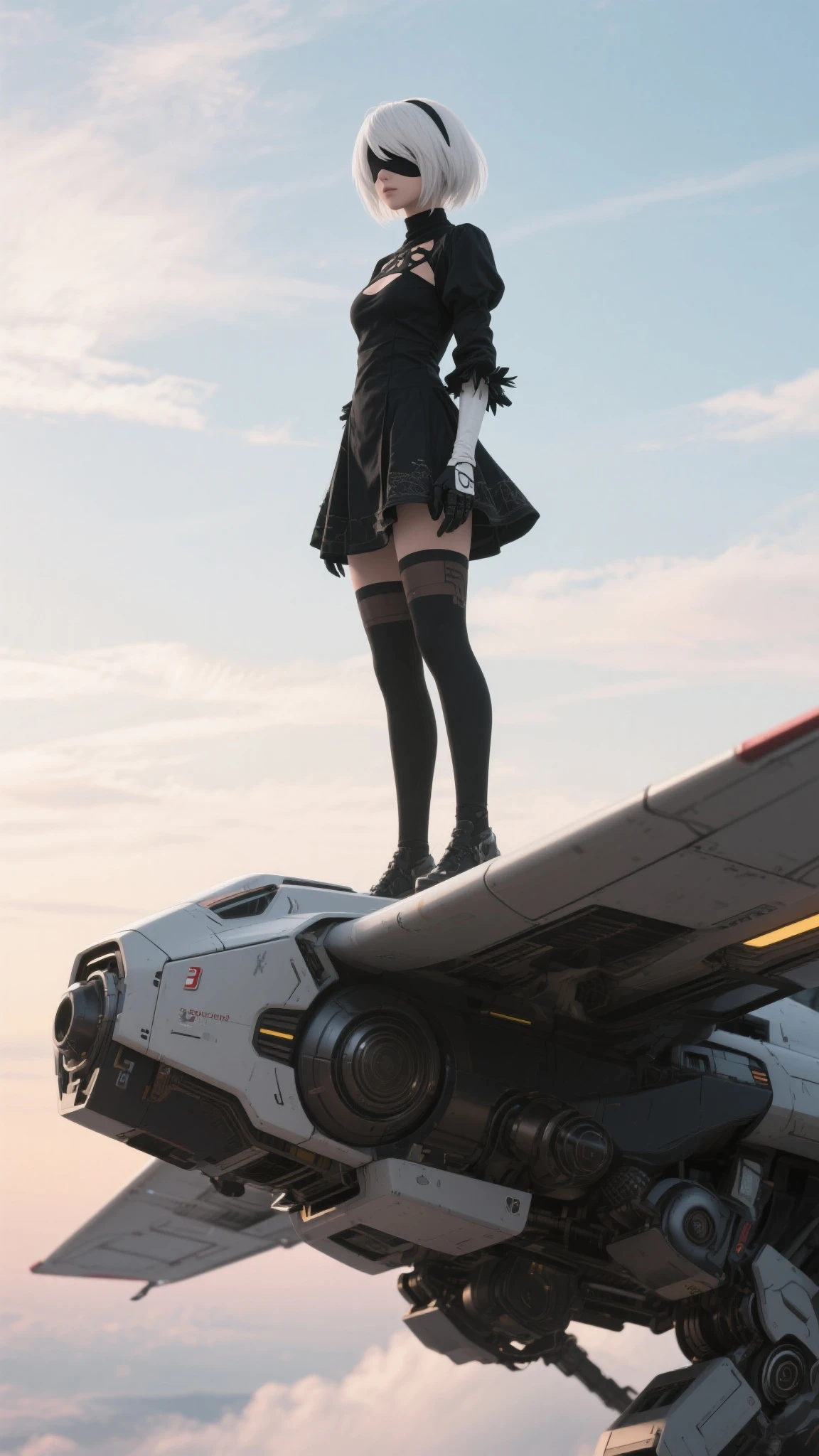 2
2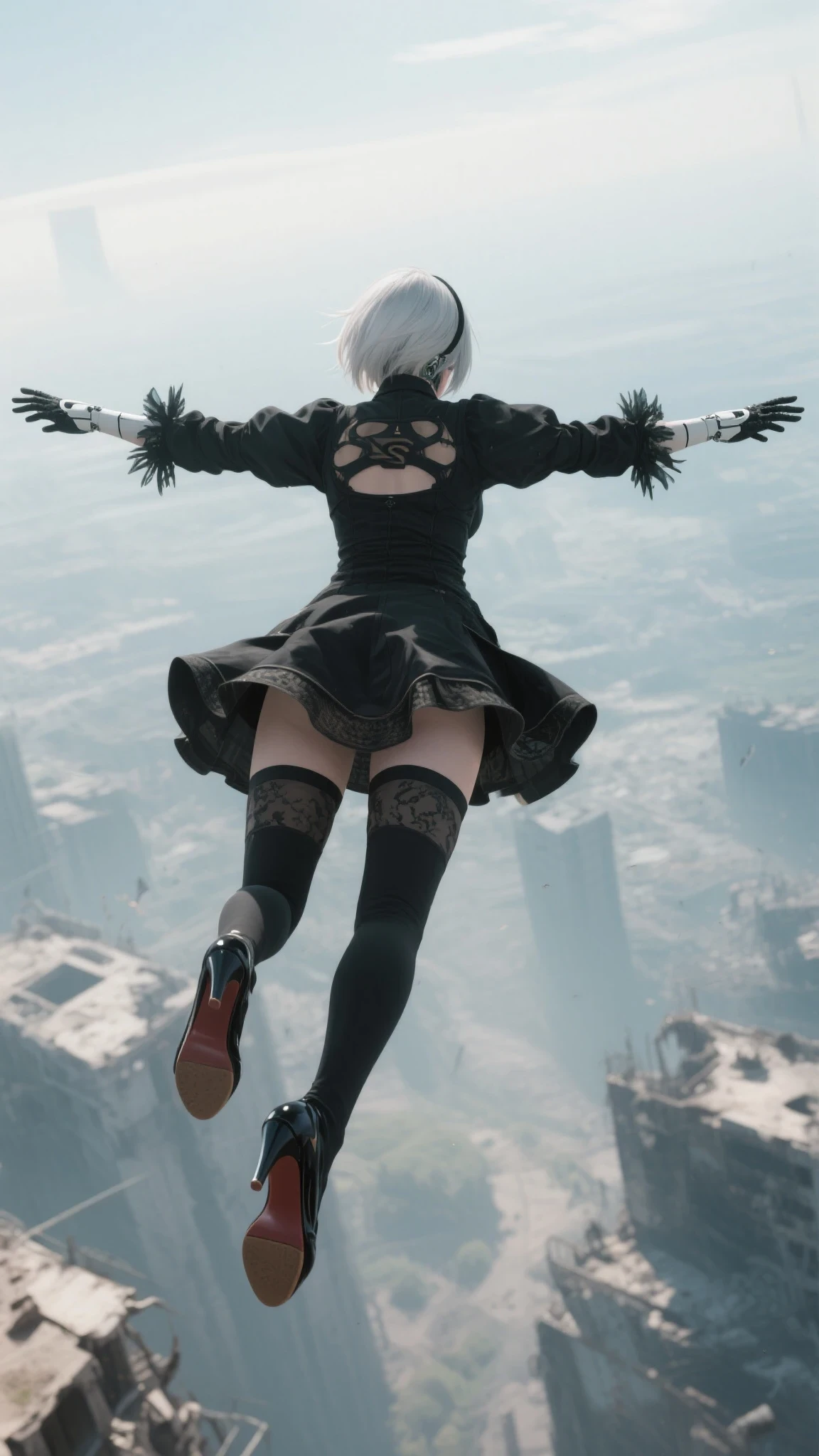 3
3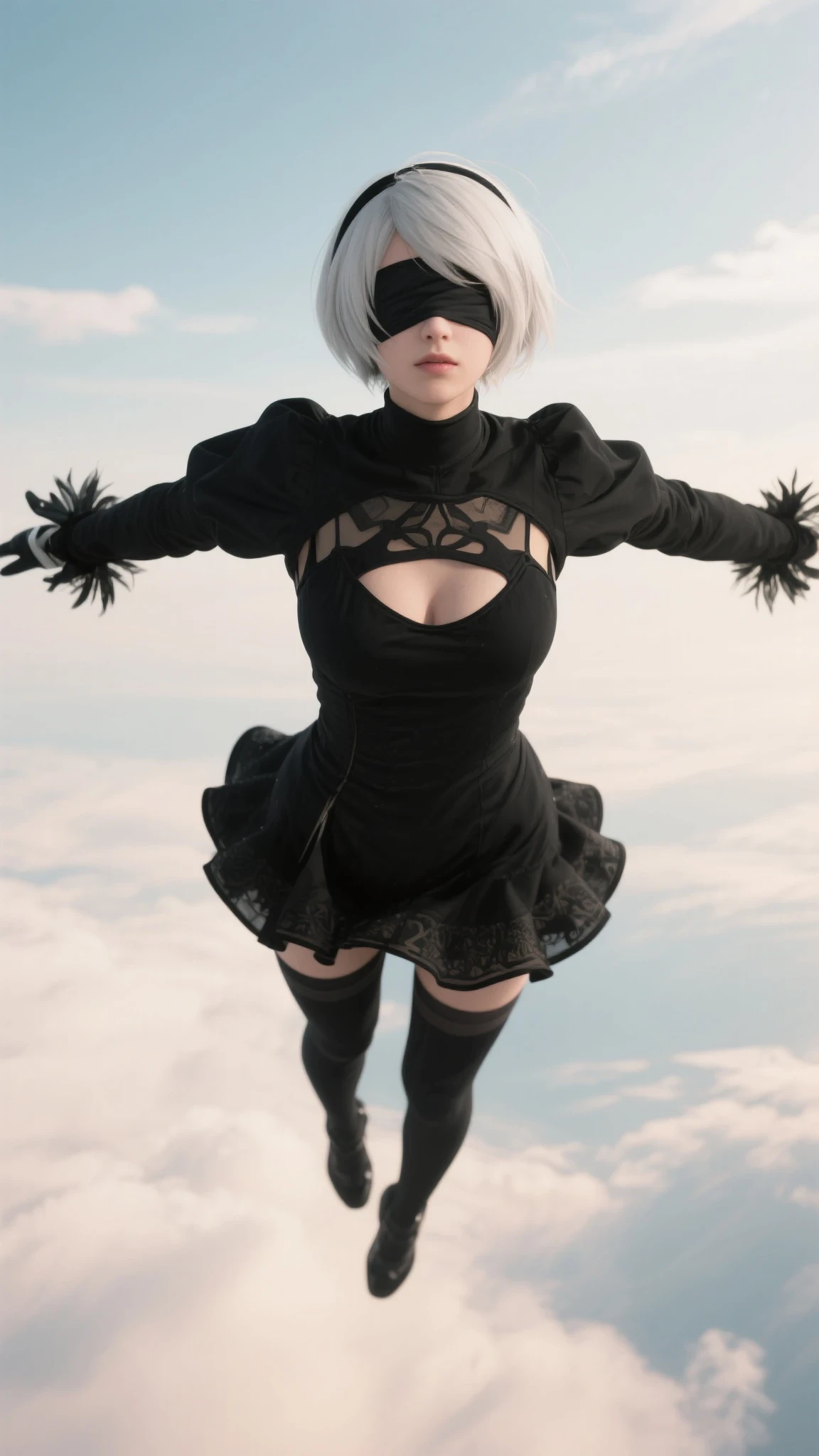
The three images above are for the initial scene, but because the seaart film couldn't produce images that rotated around the body in mid air, I ended up having to make an additional image for the bridge from frame 2 to frame 3. side view :
2A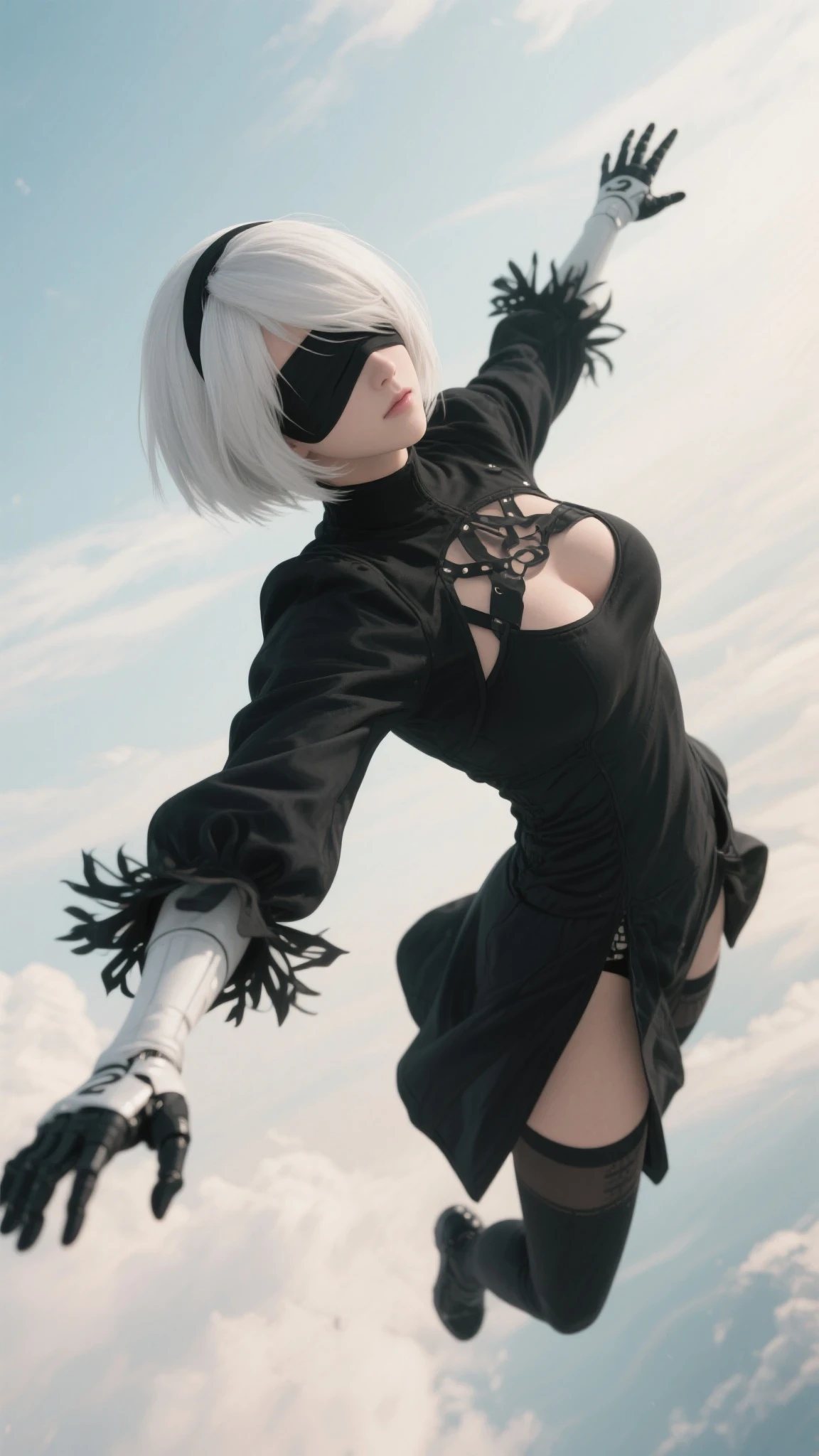 i used around 7K - 8K credits to create seamless video from frame 2 to frame 3 😭 , changing model, none of the works, thats why i made the 2A frame, it helps!
4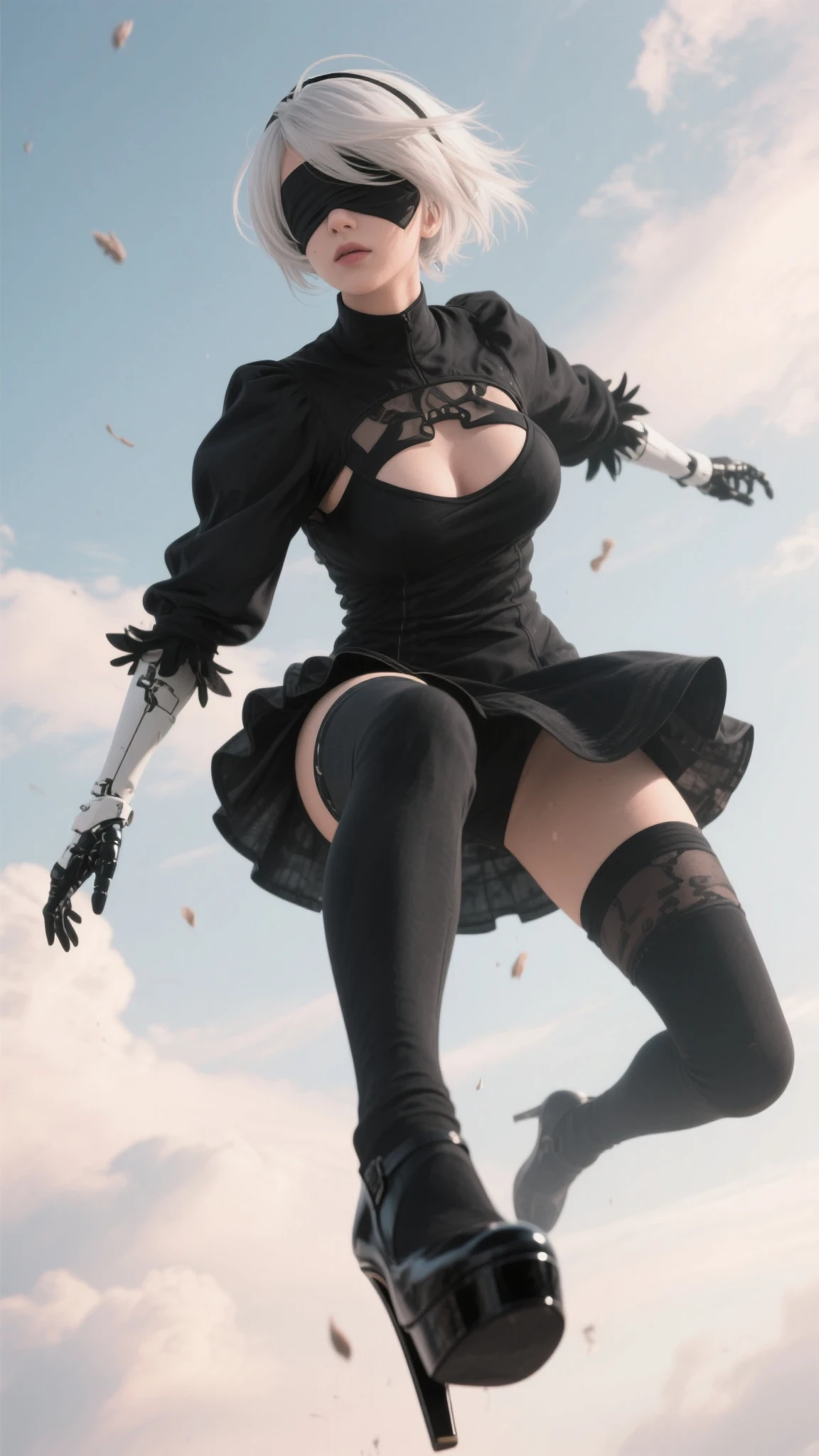 5
5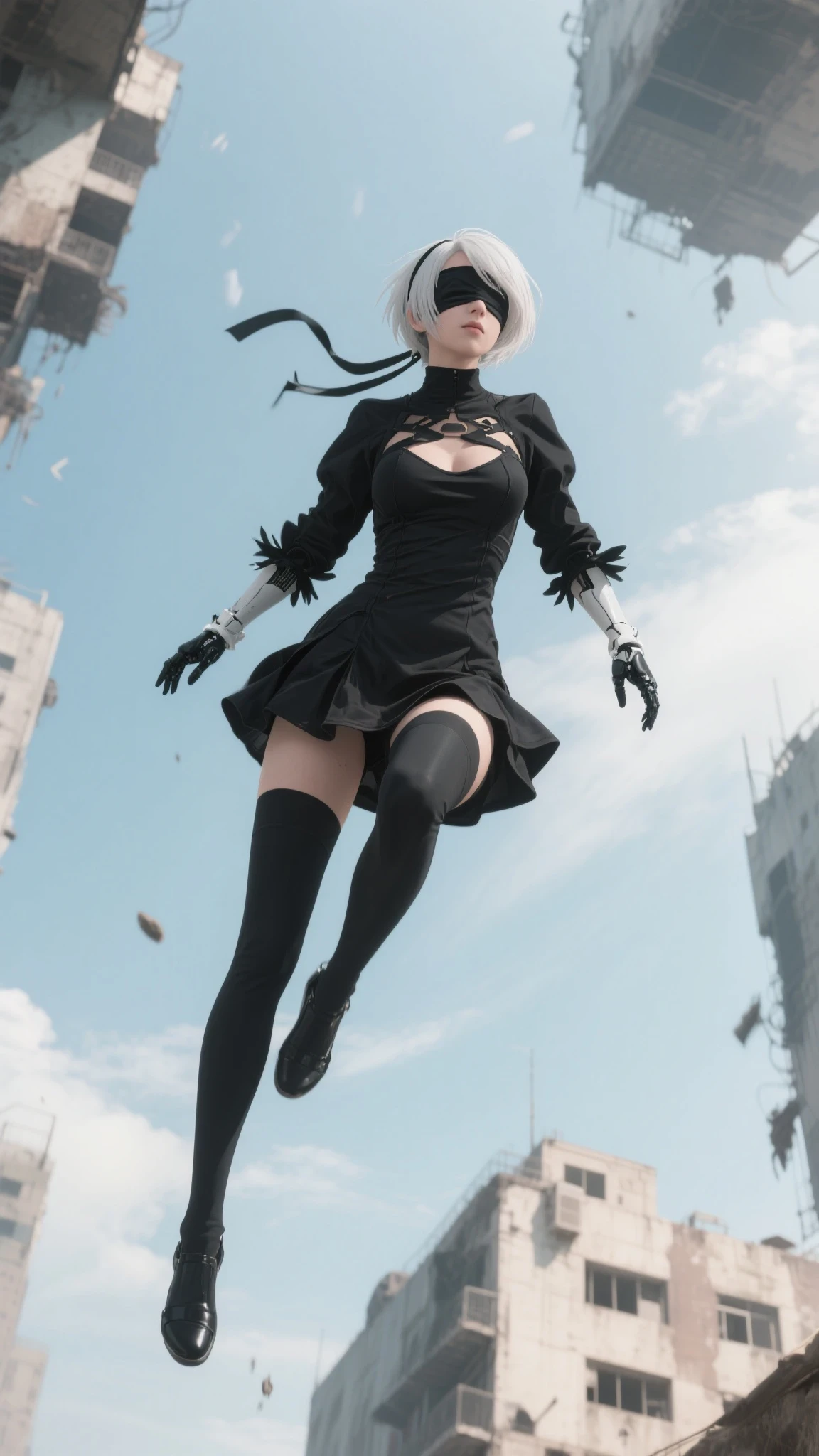 6
6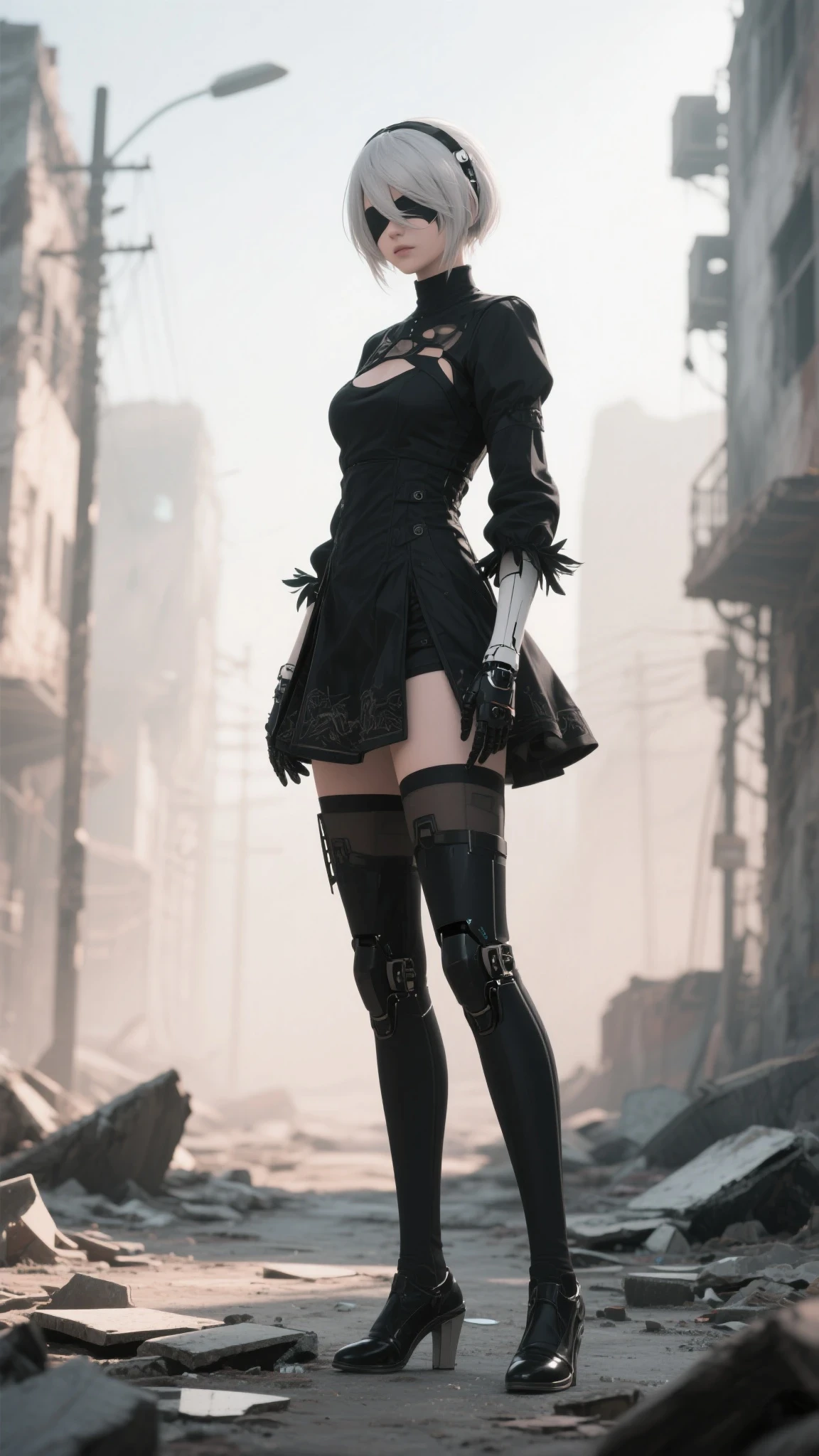
to connect the seamless movement between 4 to 5, 5 to 6 , i need to mirror horizontal frame 5 (look at the legs position)
5 mirror 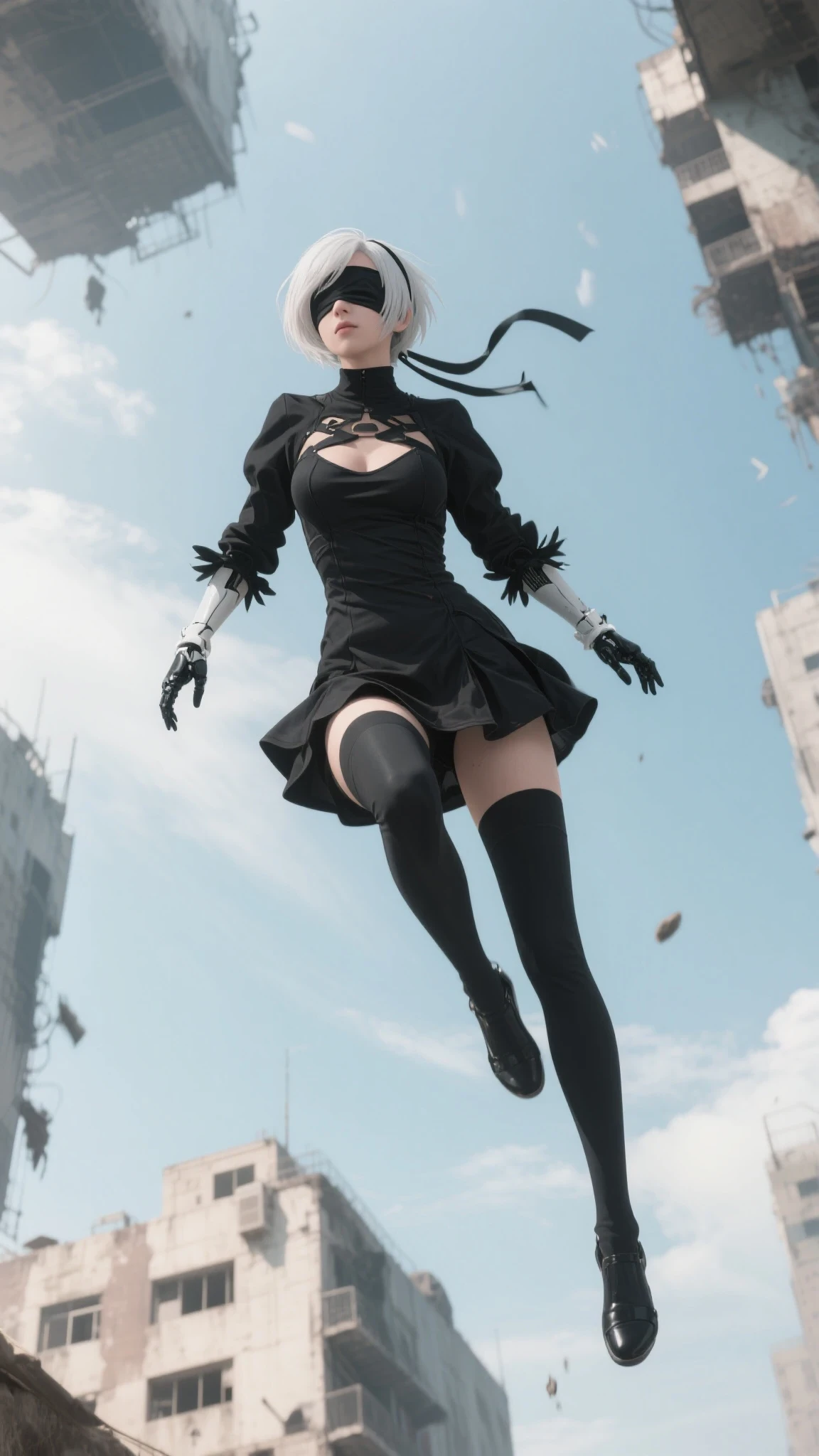
and for frame 6, i forgot to keep the seed fixed on this standing pose, thats why her legs are robotic, but whats done is done 😅
7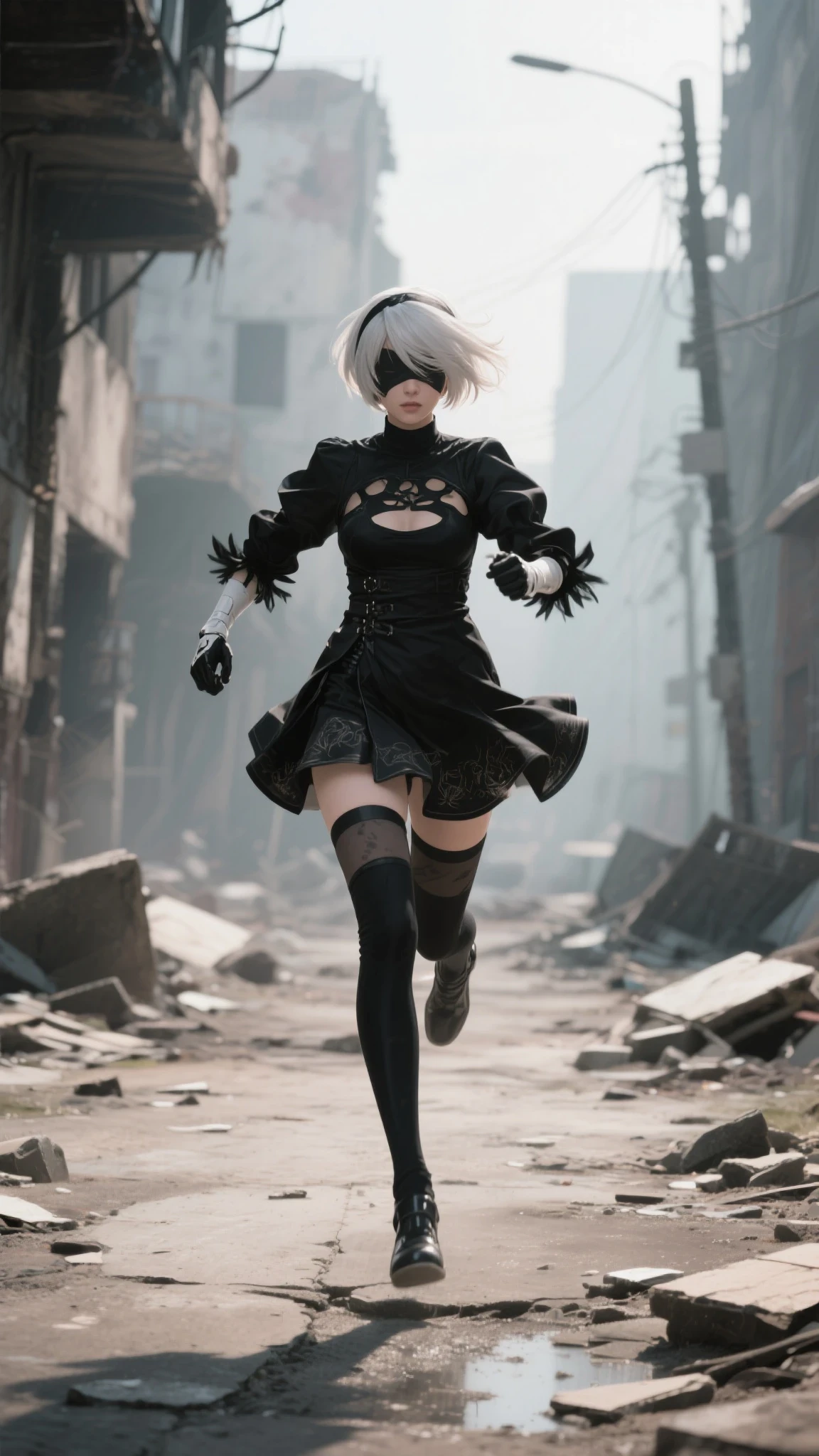 8
8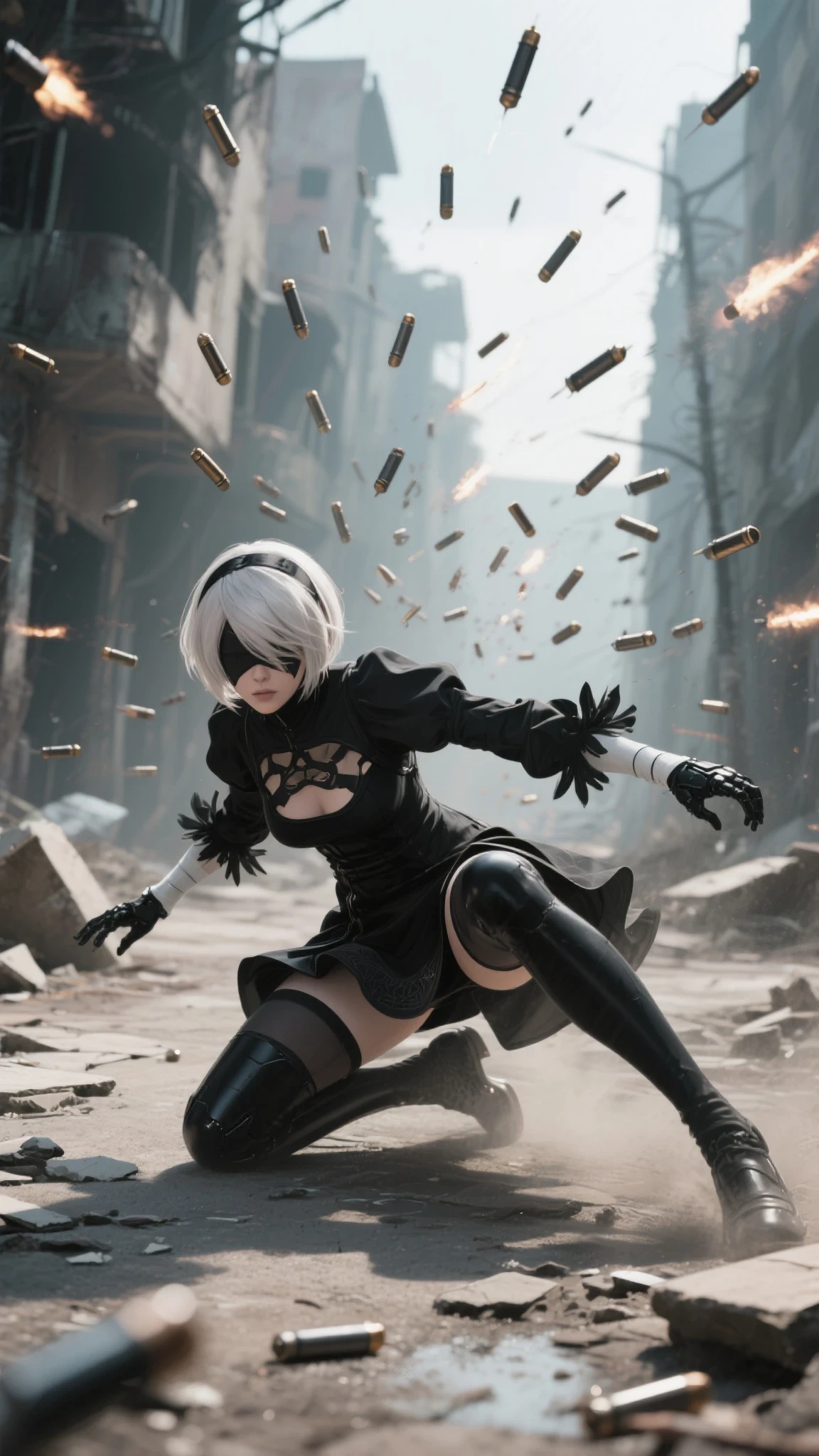 9
9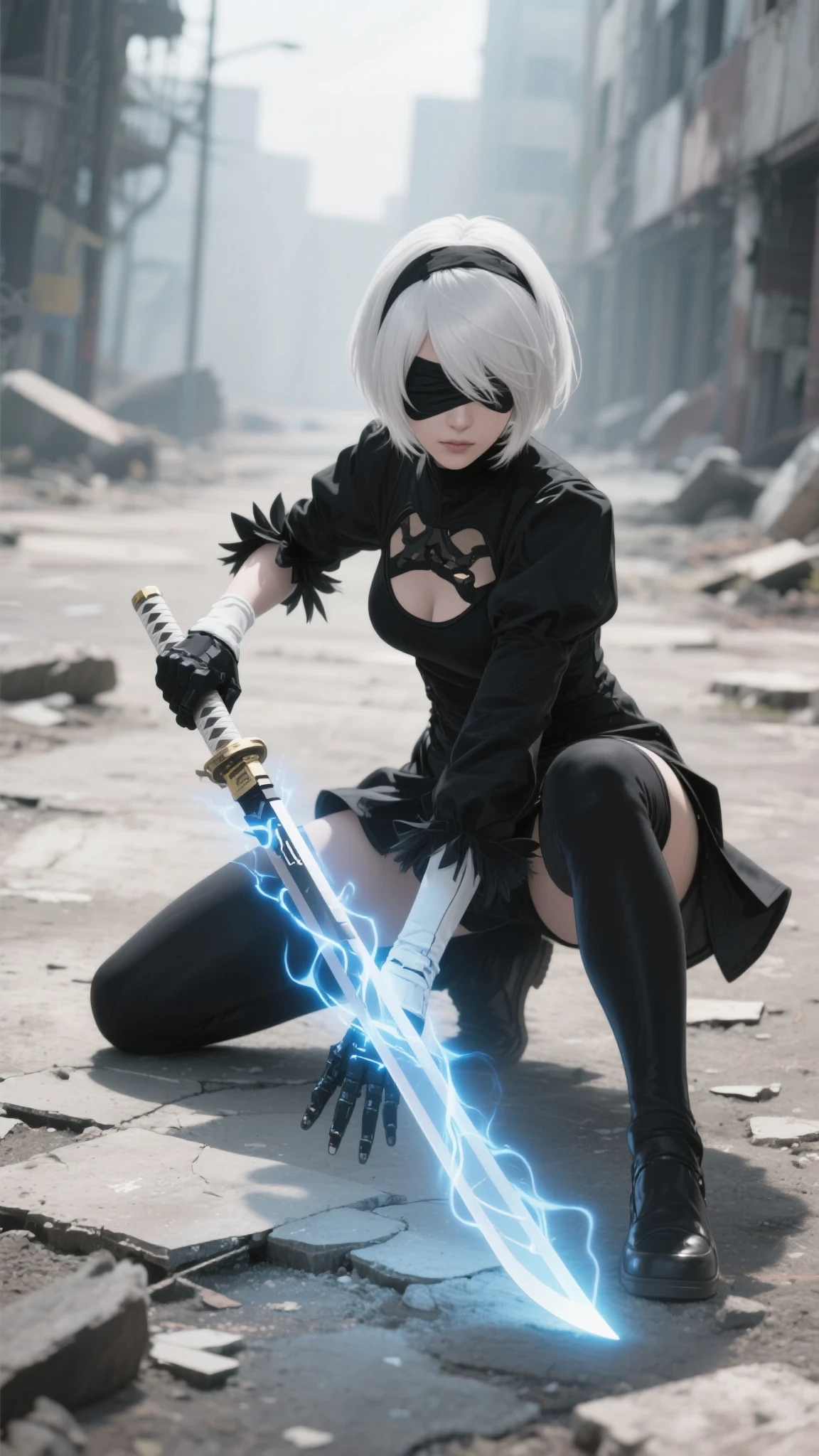
All images created with Seaart Film
sample prompts :
film genre , cinematic , 2B (nier:automata) , black outfit , full body , dynamic angle , she is standing on the broken street with post apocalypse world background , soft color tone , pastel , low contrast , muted colors , ultra realism , high detailed
I just tweaked the prompt with a light purple color, the rest is the same, because seaart film has 2B data
Step three: Animate the video you've created using seaart film.
If you're asking why seaart film? Why not another model? The answer is because seaart film has three advantages you'll need in video editing:
- low prices with a small percentage of errors
- It doesn't change the color significantly.
- It doesn't change the image style as long as your prompt has explained the style.
How to animate images seamlessly? As in my previous article, the essence of creating a seamless transition is how you create a back-to-back transition from one video to another. Use the start-end-frame method, with the right duration, the right prompt, the right camera movement, the result will be seamless.
Examples:
opening scene : i made the first frame zooming out, to reverse it on editing

prompt : the woman stand on the aircraft as the wind blows her hair and her outfit, dolly out camera to reveals the futuristic aircraft and vast sky, the color and style must be the same as the image.
Frame 1 to 2

prompt : the woman jumps forward as the wind blows her hair and clothes, the camera is circling to the right and takes a shot to reveal a post-apocalyptic cityscape below the woman, the style and color should be the same as the picture.
Frame 2 to 2A

prompts : Woman free-falling through the air as camera rotates to the right and show side view of her
this is my mistake, i forgot to add wind blows, you can see on her hair and sleeve, the feathers are static, not good
Frame 2A to 3

prompts : Woman free-falling through the air as camera rotates to the right and show front view of her
if i add a wind blow, the previous frame and the next frame with this one can be smoother
Frame 3 to 4

prompts : Woman gracefully suspended in mid-air surrounded by fluffy clouds under a serene blue sky, she changes her pose to end frame
Frame 4 to 5

prompts : woman leaping gracefully amidst floating leaves under a clear sky. she changes the pose to end frame
this one auto prompt, so there are falling leaves in the video 😅
Frame 5 to 6

prompts : Woman leaps gracefully amidst the crumbling cityscape as debris flutters through the air and she lands on the ground as the end frame
look at her legs, this is my mistake in creating the image,
Frame 6 to 7

prompts : A woman starts walking and running confidently through a war-torn city as debris falls around her and the air is thick with dust and tension.
Frame 7 to 8

prompts : A woman dashes through a deserted, crumbling street amidst shifting debris and dust. she slides as tons of bullets fired at her
i generated for this one around 6 times, none of the firing from front, and this one is the best result i can use
Frame 8 to 9

prompts : A woman in a combat stance amidst flying bullets as debris falls around. her hand glows blue power aura then she releases her glowing sword aura
Closing : reveals prompt

prompts : A woman kneels dramatically while her glowing sword emits energy pulses in the ruins of a city. and an explosion explodes behind her
Once you have all the videos you want, use your preferred editing software to combine them into one long video.
Tips: Since the video result is 24 fps, cut two static frames at the end of each video, and about three static frames at the beginning of the video to avoid a 5-frame freeze (otherwise, the video will look laggy).
Step four: Add background music, not just music, but also ambient sound effects to make the video look more professional.
and here is the result :
 FINAL RESULT : 43S LONG SHOT 2B IN ACTION
my other work that used the same process :
FEELS THE EPIC WITH CRYPTIC
MUST READ NOTE :
- make sure you know what you want to make
- In some cases, the camera movement prompt is not needed in the start-end frame method, because if you use a video film sear, then it will most likely make your video into 2 cuts or dissolve transitions.
- Pay attention to the pose in the start frame, make sure it is not much different from the pose in the end frame, especially the legs, because it can cause the third leg to come out.
- When creating basic images, try to match the details of the appearance, from the face, hair, and clothes, so that it will help you create different poses with the same character, and make sure you deactivate the magic prompt (if you are using seaart film or flux)
- experiment!, because any mistake you make can increase your knowledge
I wrote this article as a form of paying off a promise, this is my work process for the Nier event, I promised at that time, if I won I would write down the process, and I won.