İş akışı oluştur
SeaArt ComfyUI üzerine kurulmuştur
creation

Beğenebilirsin

Öne Çıkan İş Akışları

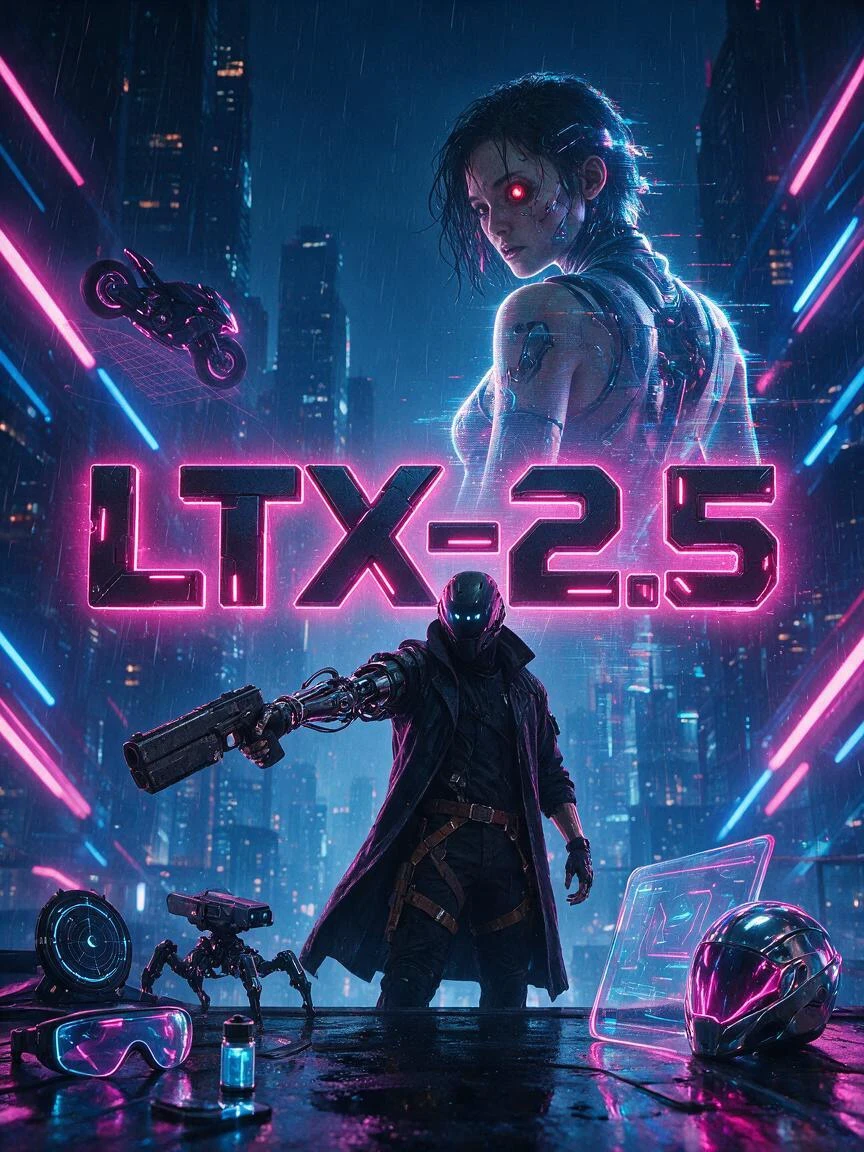
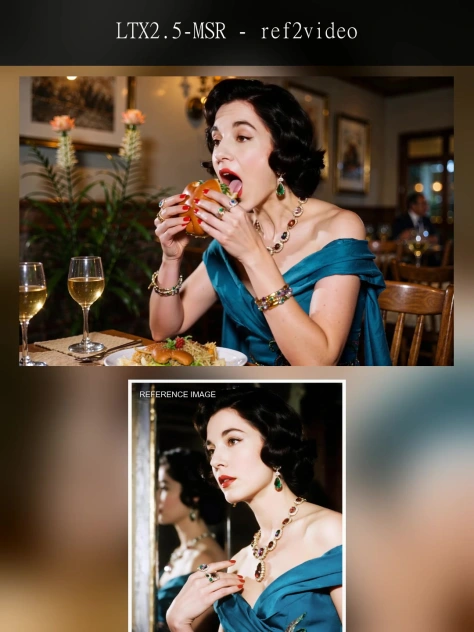
LTX2.3-Audio-video generation


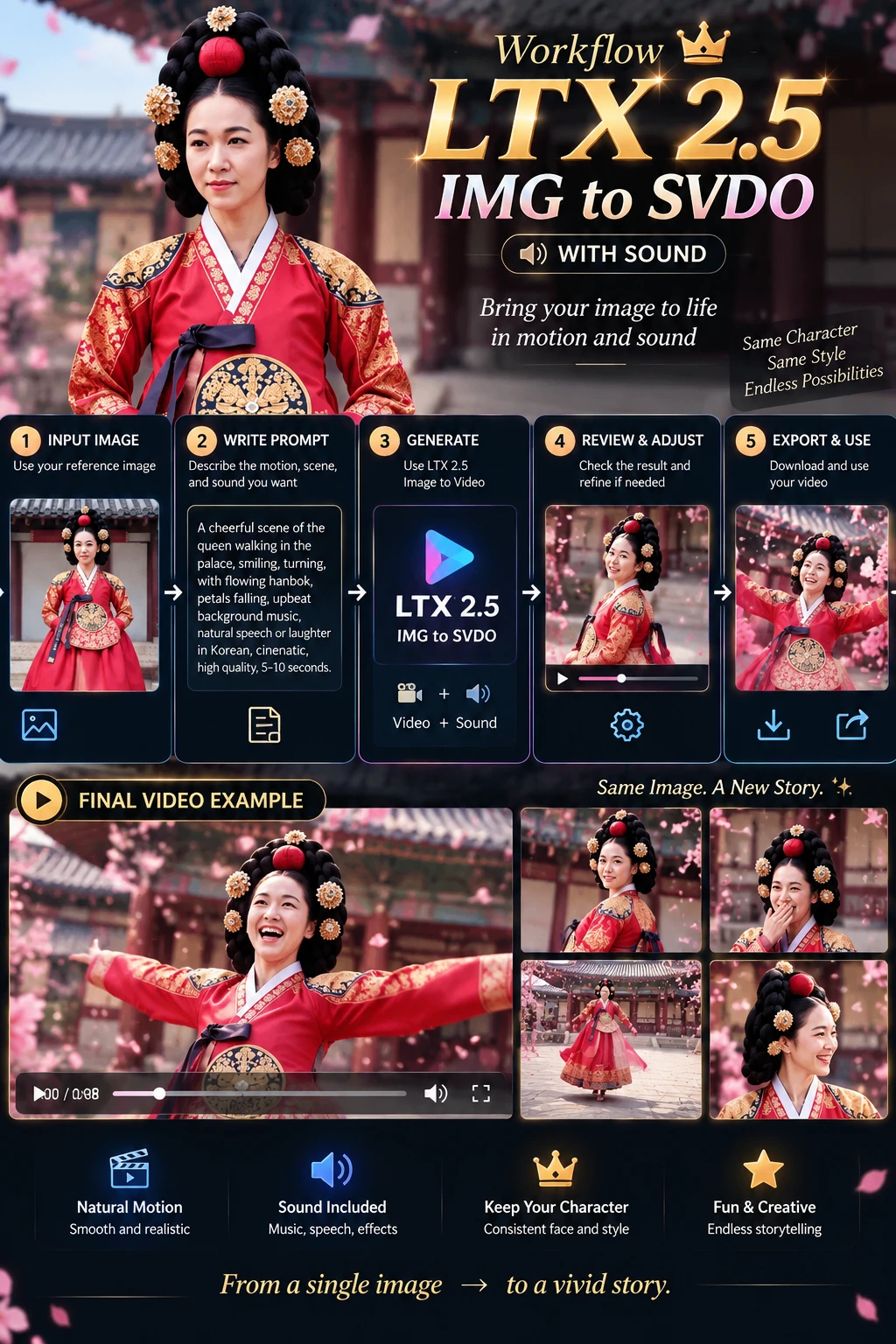
LTX-2.3 is an open-source audio-video foundation model released by Lightricks. Its core feature is not simply generating video alone or producing video first and adding audio later. Instead, it places both video and audio within a single generation framework, directly producing synchronized visuals and sound. Officially, it is described as a DiT-based audio-video foundation model, meaning a joint audio-video generation model built on Diffusion Transformer architecture.Compared with many traditional video generation approaches, the biggest difference of LTX-2.3 is its native audio-visual synchronization. If a prompt includes speaking, singing, ambient sound, or rhythmic motion, the model attempts to align lip movements, actions, and sound within a single generation process, rather than relying on post-processing to dub audio or correct lip sync afterward. This makes it especially valuable for dialogue videos, character singing, and short narrative scenes.
LTX2.3-Audio-video generation

5.0

LTX-2.3 is an open-source audio-video foundation model released by Lightricks. Its core feature is not simply generating video alone or producing video first and adding audio later. Instead, it places both video and audio within a single generation framework, directly producing synchronized visuals and sound. Officially, it is described as a DiT-based audio-video foundation model, meaning a joint audio-video generation model built on Diffusion Transformer architecture.Compared with many traditional video generation approaches, the biggest difference of LTX-2.3 is its native audio-visual synchronization. If a prompt includes speaking, singing, ambient sound, or rhythmic motion, the model attempts to align lip movements, actions, and sound within a single generation process, rather than relying on post-processing to dub audio or correct lip sync afterward. This makes it especially valuable for dialogue videos, character singing, and short narrative scenes.
avatar
avatar_frame
SeaArt Comfy Helper
Flux.2 Pro&Flex

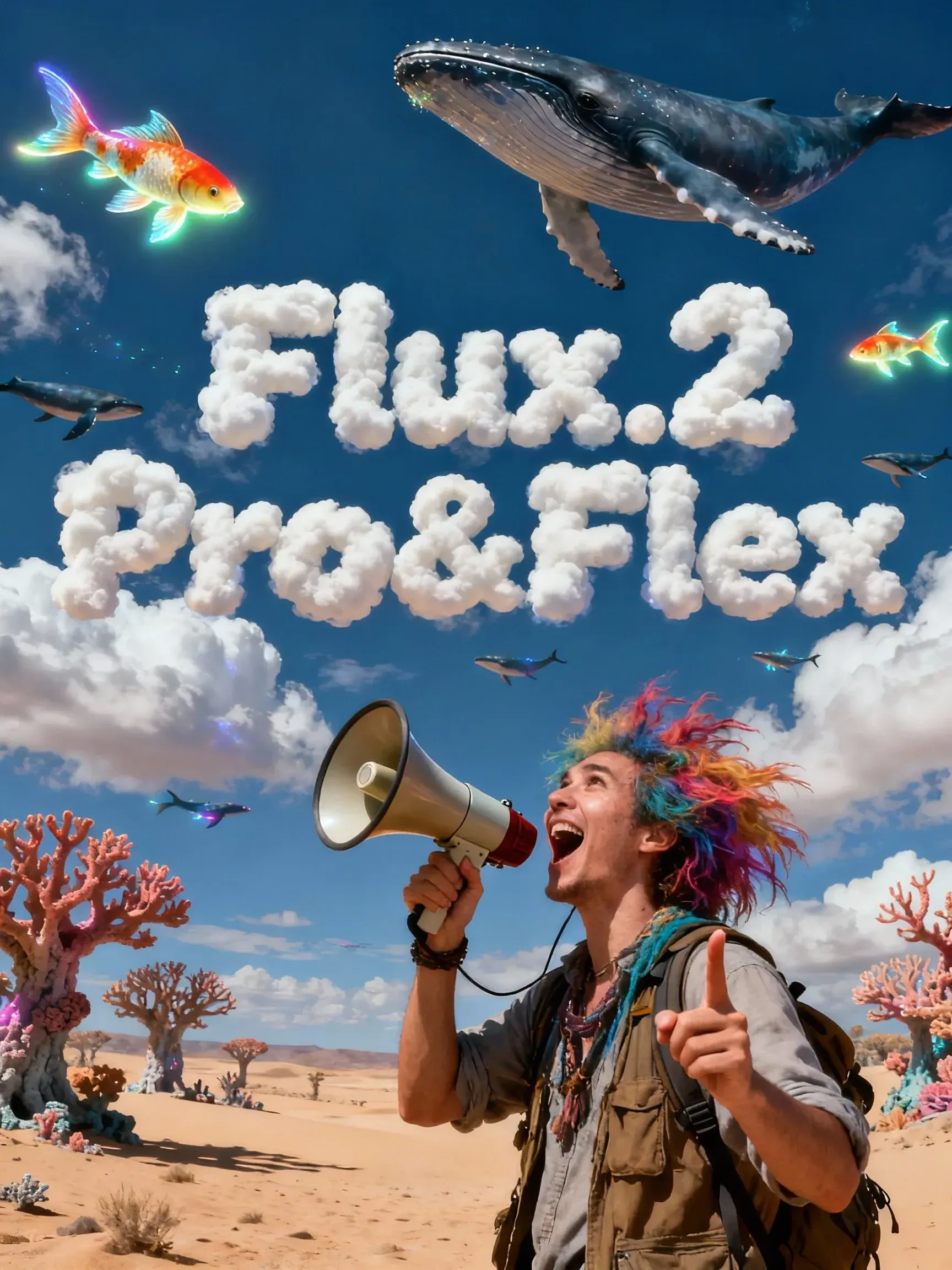
This workflow is providing access to two distinct versions: FLUX.2 Pro and FLUX.2 Flex. You can switch between them based on your specific needs for image precision and cost efficiency.🧩 Versions & Capabilities1. FLUX.2 ProCapabilities: Capable of generating high-quality images. Ideal for most standard creative tasks, style exploration, and rapid generation.Pricing (Credits):Text Only: 55 (≤1024px) / 70 (>1024px)Image Input: 80 (≤1024px) / 100 (>1024px)2. FLUX.2 FlexCapabilities: Compared to Pro, Flex excels in handling complex lighting, intricate textures, and adherence to long, complex prompts. It is the premier choice for ultimate image quality, commercial poster output, and high-precision editing tasks.Pricing (Credits):Text Only: 110 (≤1024px) / 140 (>1024px)Image Input: 220 (≤1024px) / 260 (>1024px)

Flux.2 Pro&Flex

4.9

This workflow is providing access to two distinct versions: FLUX.2 Pro and FLUX.2 Flex. You can switch between them based on your specific needs for image precision and cost efficiency.🧩 Versions & Capabilities1. FLUX.2 ProCapabilities: Capable of generating high-quality images. Ideal for most standard creative tasks, style exploration, and rapid generation.Pricing (Credits):Text Only: 55 (≤1024px) / 70 (>1024px)Image Input: 80 (≤1024px) / 100 (>1024px)2. FLUX.2 FlexCapabilities: Compared to Pro, Flex excels in handling complex lighting, intricate textures, and adherence to long, complex prompts. It is the premier choice for ultimate image quality, commercial poster output, and high-precision editing tasks.Pricing (Credits):Text Only: 110 (≤1024px) / 140 (>1024px)Image Input: 220 (≤1024px) / 260 (>1024px)
avatar
avatar_frame
SeaArt Comfy Helper

Wan Video

Wan2.2 VACE - Multimodal control-KJ

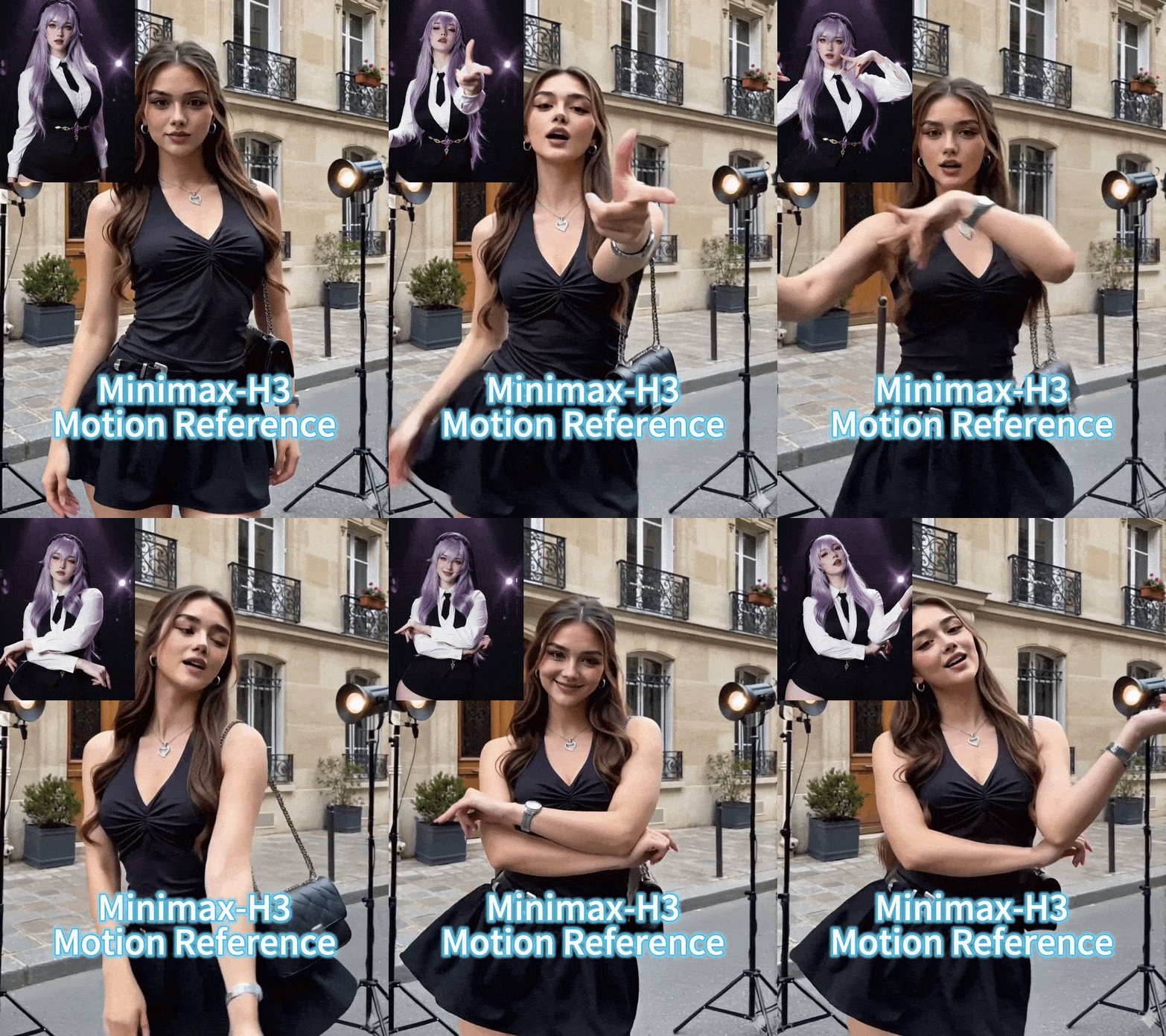
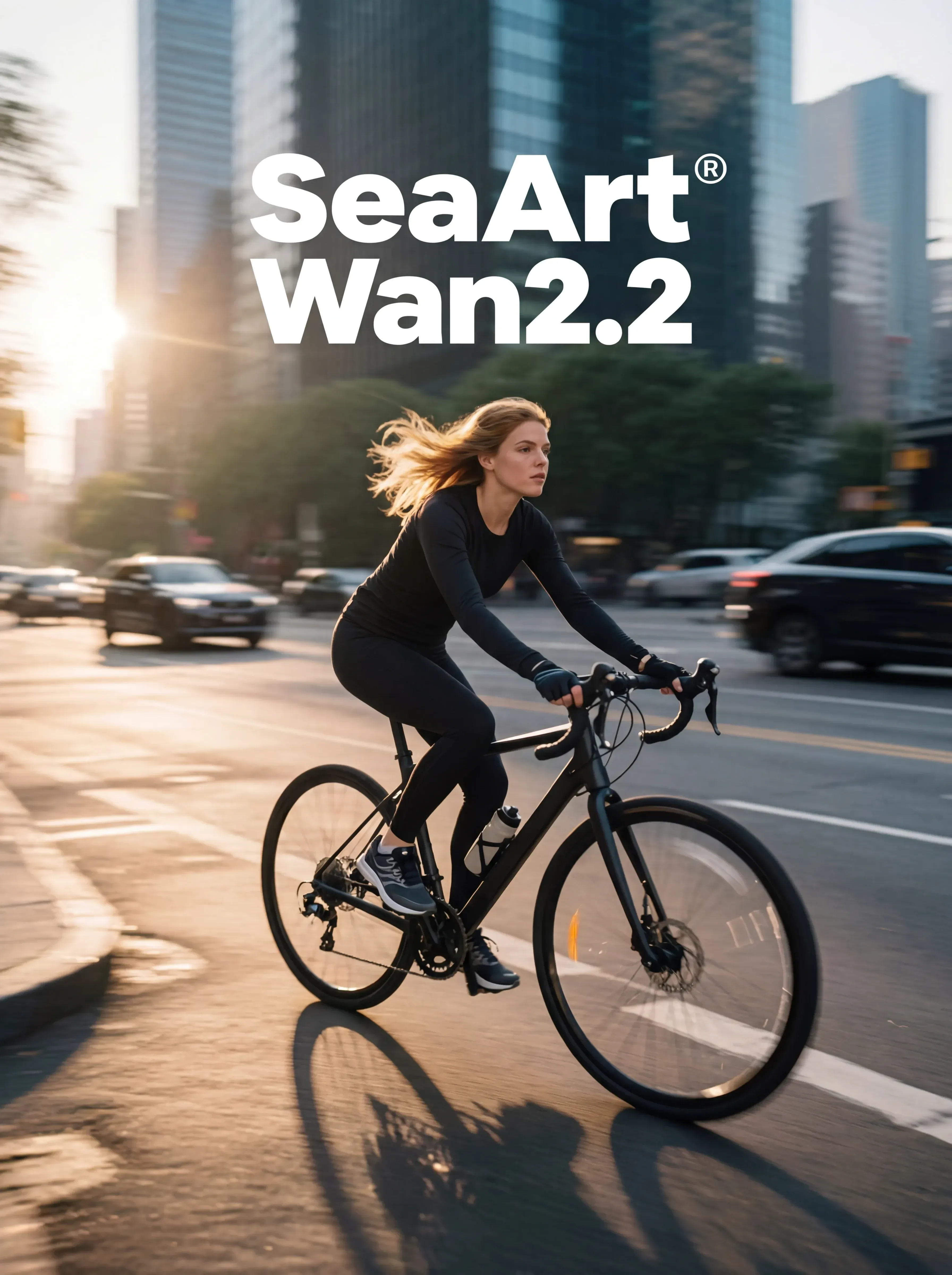
Continue the “unified editing/control” paradigm on the 2.2 backbone. The 2.2 backbone adopts a Mixture‑of‑Experts (MoE) design—high‑noise and low‑noise experts operating at different denoising stages—to improve quality and detail while keeping inference costs manageable. A representative controllable variant is Wan2.2‑VACE‑Fun‑A14B, which supports multi‑modal control conditions (Canny, Depth, OpenPose, MLSD, Trajectory, etc.). A typical workflow is: provide a reference image (to preserve identity/appearance) plus a driving video or its parsed control signals (e.g., pose sequence, trajectory, time‑varying depth/edges) to generate a video driven by that reference image. The VACE/Fun family provides these temporal control interfaces and the unified task support.

Wan2.2 VACE - Multimodal control-KJ

4.7

Continue the “unified editing/control” paradigm on the 2.2 backbone. The 2.2 backbone adopts a Mixture‑of‑Experts (MoE) design—high‑noise and low‑noise experts operating at different denoising stages—to improve quality and detail while keeping inference costs manageable. A representative controllable variant is Wan2.2‑VACE‑Fun‑A14B, which supports multi‑modal control conditions (Canny, Depth, OpenPose, MLSD, Trajectory, etc.). A typical workflow is: provide a reference image (to preserve identity/appearance) plus a driving video or its parsed control signals (e.g., pose sequence, trajectory, time‑varying depth/edges) to generate a video driven by that reference image. The VACE/Fun family provides these temporal control interfaces and the unified task support.
avatar
avatar_frame
SeaArt Comfy Helper
Wan2.2‑Fun-Inp-KJ

Wan2.2‑Fun‑InP is part of the Wan2.2‑Fun series. It supports conditioning on a start frame and an end frame to estimate the in‑between transition and produce temporally consistent video results for controllable image‑to‑video applications.What it addresses:Traditional image‑to‑video workflows typically extend motion from a single starting image. By adding an optional end keyframe, Fun‑InP helps the motion, composition, and overall content progress toward a specified target, making transitions easier to control and the sequence more coherent.Inputs: start‑frame image, end‑frame image (optional text prompt / control signals).Output: a video clip made up of interpolated middle frames, with the first and last frames visually consistent with the provided keyframes.

Wan2.2‑Fun-Inp-KJ

4.5

Wan2.2‑Fun‑InP is part of the Wan2.2‑Fun series. It supports conditioning on a start frame and an end frame to estimate the in‑between transition and produce temporally consistent video results for controllable image‑to‑video applications.What it addresses:Traditional image‑to‑video workflows typically extend motion from a single starting image. By adding an optional end keyframe, Fun‑InP helps the motion, composition, and overall content progress toward a specified target, making transitions easier to control and the sequence more coherent.Inputs: start‑frame image, end‑frame image (optional text prompt / control signals).Output: a video clip made up of interpolated middle frames, with the first and last frames visually consistent with the provided keyframes.
avatar
avatar_frame
SeaArt Comfy Helper
Wan2.1 Minimax-Remover - Video erase -KJ

Core Focus: Video-level object removal. Given a sequence of video frames and a corresponding mask, it seamlessly removes the masked object and fills in the background while maintaining temporal consistency, minimizing artifacts or remnants.Method Highlights:Minimum-Maximum Optimization: Tames bad noise during training and inference, improving the model's robustness to masked regions and reducing the probability of object regeneration.Two-Stage Architecture: First, a simplified DiT (Diffusion Transformer) structure is used to learn the removal capability; then, a version with fewer sampling steps and faster inference is obtained through "CFG de-distillation."Efficiency Features: Extremely low inference steps (approximately 6 steps in the official example), and does not rely on CFG, resulting in high speed and low resource consumption, suitable for long videos/batch processing. References

Wan2.1 Minimax-Remover - Video erase -KJ

3.0

Core Focus: Video-level object removal. Given a sequence of video frames and a corresponding mask, it seamlessly removes the masked object and fills in the background while maintaining temporal consistency, minimizing artifacts or remnants.Method Highlights:Minimum-Maximum Optimization: Tames bad noise during training and inference, improving the model's robustness to masked regions and reducing the probability of object regeneration.Two-Stage Architecture: First, a simplified DiT (Diffusion Transformer) structure is used to learn the removal capability; then, a version with fewer sampling steps and faster inference is obtained through "CFG de-distillation."Efficiency Features: Extremely low inference steps (approximately 6 steps in the official example), and does not rely on CFG, resulting in high speed and low resource consumption, suitable for long videos/batch processing. References
avatar
avatar_frame
SeaArt Comfy Helper
LongCat-Video extension

🐱 LongCat-Video: Infinite Video Extension Workflow【One-Sentence Intro】Break the duration limit of AI video generation 🚀What Can It Do?This is an advanced workflow based on the **Wan2.1** model, designed to solve the core pain points of AI videos being "too short" and "disjointed when extended."♾️ Infinite Extension Just provide an image or a short video clip, and the workflow will automatically generate subsequent frames like a "relay race," theoretically allowing for infinite generation.Seamless "Invisible" Stitching It automatically trims the awkward beginnings of extended segments, making the transition between clips as smooth as silk, with absolutely no visible stitching marks.【Use Cases】Creating ultra-long looping landscape videos.Producing coherent narrative shorts, no longer limited by the 5-second barrier.

LongCat-Video extension

4.3

🐱 LongCat-Video: Infinite Video Extension Workflow【One-Sentence Intro】Break the duration limit of AI video generation 🚀What Can It Do?This is an advanced workflow based on the **Wan2.1** model, designed to solve the core pain points of AI videos being "too short" and "disjointed when extended."♾️ Infinite Extension Just provide an image or a short video clip, and the workflow will automatically generate subsequent frames like a "relay race," theoretically allowing for infinite generation.Seamless "Invisible" Stitching It automatically trims the awkward beginnings of extended segments, making the transition between clips as smooth as silk, with absolutely no visible stitching marks.【Use Cases】Creating ultra-long looping landscape videos.Producing coherent narrative shorts, no longer limited by the 5-second barrier.
avatar
avatar_frame
SeaArt Comfy Helper

Yeni Seçim

卓越总部工作流程

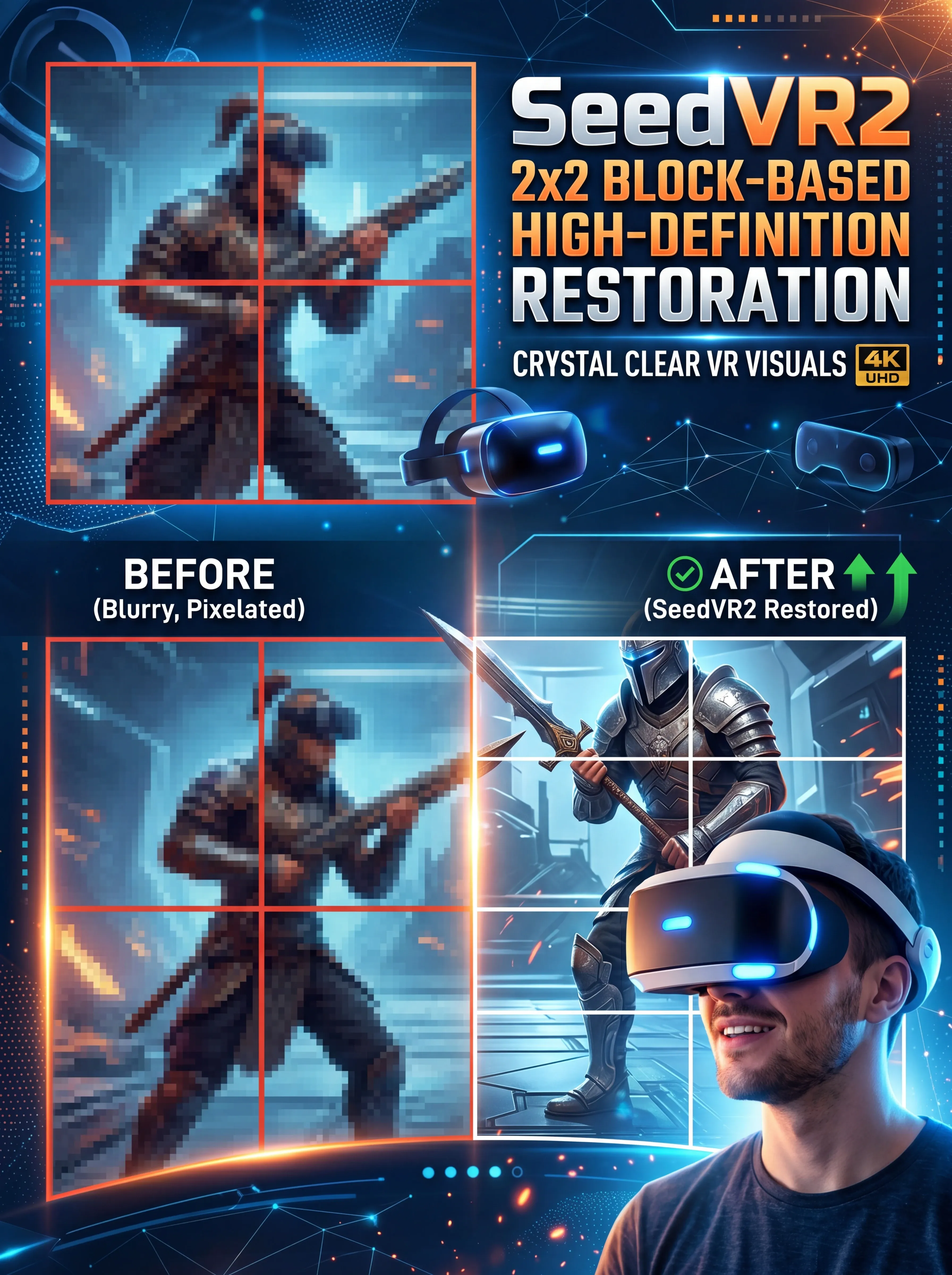
This workflow aims to create high-quality images without being a turtle slow. It consists of a USDU acting as a refiner and a chain of detailers. The result is very good quality images with an execution time of less than one minute and thirty seconds. Times range from 1:10 to 1:30 minutes.It is optimized to work with the recommended latent resolutions for Illustrious-XL, which are close to 832x1216. These resolutions avoid long, deformed bodies, elongated faces, broken columns, etc. Don't worry, the workflow refinement leaves the images with tremendous quality.I left a Preview Image from the initial Ksmapler so you can see if your Checkpoint, LoRA, and Prompt are causing problems (if your problem comes from here, it's a problem with your own model configuration, LoRA, and prompt; don't blame the workflow!).If you have questions, suggestions, or want to point out errors, feel free to comment. Oh, and don't forget to post your artwork! :3

卓越总部工作流程

5.0

This workflow aims to create high-quality images without being a turtle slow. It consists of a USDU acting as a refiner and a chain of detailers. The result is very good quality images with an execution time of less than one minute and thirty seconds. Times range from 1:10 to 1:30 minutes.It is optimized to work with the recommended latent resolutions for Illustrious-XL, which are close to 832x1216. These resolutions avoid long, deformed bodies, elongated faces, broken columns, etc. Don't worry, the workflow refinement leaves the images with tremendous quality.I left a Preview Image from the initial Ksmapler so you can see if your Checkpoint, LoRA, and Prompt are causing problems (if your problem comes from here, it's a problem with your own model configuration, LoRA, and prompt; don't blame the workflow!).If you have questions, suggestions, or want to point out errors, feel free to comment. Oh, and don't forget to post your artwork! :3
avatar
avatar_frame
Pls win Pls
Yarışma Etkinliği
Temel
Video oluşturma
Ses üretimi
3D üretimi
FLUX
Tarz
Tasarım
Fotoğrafçılık
Görüntü işleme
Yaratıcı kullanım
Düğüm Filtresi
Filtrele

SeaArt AI Workflow’a Hoş Geldiniz

SeaArt'ın AI sanat yaratıcı workflow’ları ile yaratıcı sürecinizi basitleştirin. Sanatçılar, tasarımcılar ve yaratıcılar için tasarlanmış bu workflow’lar, AI görsellerinden AI videolarına kadar geniş bir yelpazede hizmet sunuyor. SeaArt AI, sanatsal vizyonunuzu hayata geçirmek için ihtiyacınız olan her şeye sahiptir.
SeaArt AI’de ComfyUI Workflow’u Neden Kullanmalısınız?

Basit Arayüz

SeaArt AI, workflow’ları yapılandırmayı kolaylaştıran sezgisel bir arayüz sunar. Tüm workflow’lar, kodlama bilgisi olmayanlar dahil herkes için tasarlanmıştır.

Özelleştirilebilir Workflow’lar

Workflow’unuzu istediğiniz şekilde tasarlayın. Gelişmiş LoRA eğitiminden karmaşık metinden görsele oluşturma işlemine kadar her adım, ihtiyaçlarınıza göre ayarlanabilir.

Yüksek Verimlilik

SeaArt, AI sanat yaratım süreçlerini optimize eder. Daha hızlı render sürelerinin ve daha az teknik engelin tadını çıkarın. Hızla çarpıcı görseller üretin.

SeaArt AI’de Birden Çok Workflow

AI Sanatı Yaratmak İçin Binlerce Workflow

SeaArt Workflow ile sanatsal vizyonunuzu açığa çıkarın. metinden-görsele, görselden-görsele ve görselden-videoya gibi formatlarda AI sanatı oluşturmak için binlerce önceden ayarlanmış workflow’a erişin. Bu workflow’lar, Flux, SD 3.5 gibi güçlü AI modelleri ve ControlNet gibi popüler seçeneklerle entegre olur ve tercihlerinize göre çarpıcı görseller oluşturmanıza olanak tanır.

SeaArt AI’de Özelleştirilebilir Workflow’lar

Özelleştirilebilir Workflow’larla Tam Kontrol

SeaArt Workflow ile oluşturma süreciniz üzerinde tam kontrole sahip olursunuz. İhtiyaçlarınıza özel workflow’lar tasarlamak için güçlü özelleştirme seçenekleri sunuyoruz. Parametreleri ayarlayın, AI modellerini değiştirin ve nihai çıktının vizyonunuza uygun olmasını sağlamak için ayarları ince ayar yapın.

Sıkça Sorulan Sorular

collapse

ComfyUI Workflow Nedir?

SeaArt AI Workflow, basit metin istemlerinin ötesine geçen yenilikçi bir araçtır. Geleneksel AI sanat yaratıcılarından farklı olarak, SeaArt, resim ve video oluşturma sürecini ayrıntılı bir hassasiyetle kontrol etmek için özel workflow'lar oluşturmanıza olanak tanır.

expand

Hangi türde AI sanatlarını workflow kullanarak oluşturabilirim?

Bu workflow'lar, gerçekçi portrelerden fantezi manzaralarına, anime karakterlerinden soyut yaratımlara kadar geniş bir AI sanatı yelpazesi oluşturmanıza olanak tanır. Metinden-görsele, görselden-görsele ve görselden-videoya kolayca oluşturabilir, stil transferleri uygulayabilir ve hatta 3D modeller oluşturabilirsiniz.

expand

ComfyUI Workflow, yeni başlayanlar için uygun mu?

Evet! Kullanıcı dostu sürükle ve bırak arayüzümüz ve gerçek zamanlı önizlemeler ile SeaArt’ın Workflow'u, hem yeni başlayanlar hem de ileri düzey kullanıcılar için erişilebilir olup, AI sanatı yaratmayı basit hale getiriyor.

expand

Workflow’umuzu özelleştirebilir miyim?

Evet. SeaArt AI, proje ihtiyaçlarınıza göre workflow'unuzu ayarlamanızı sağlayacak çeşitli özelleştirme ayarları sunar.