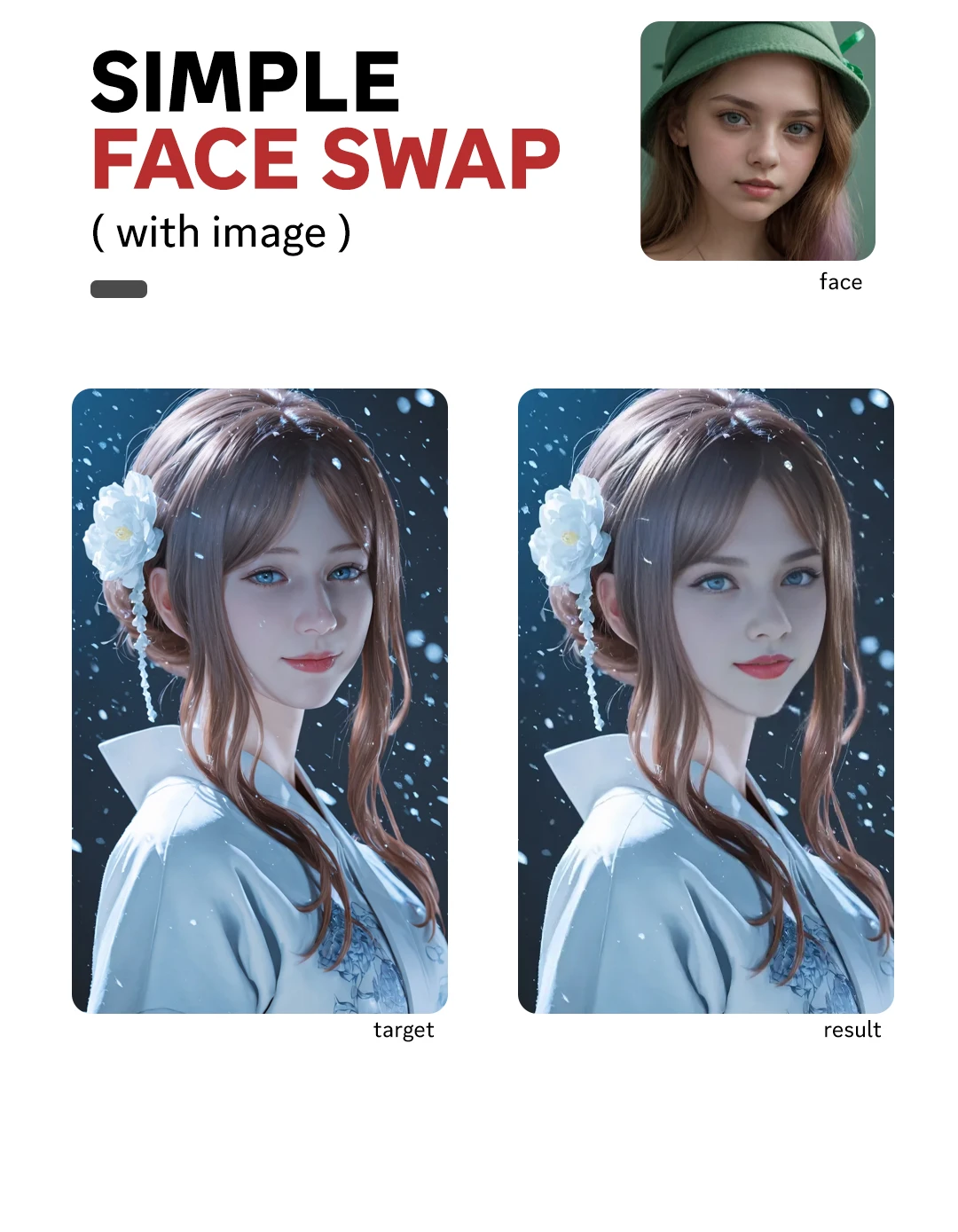
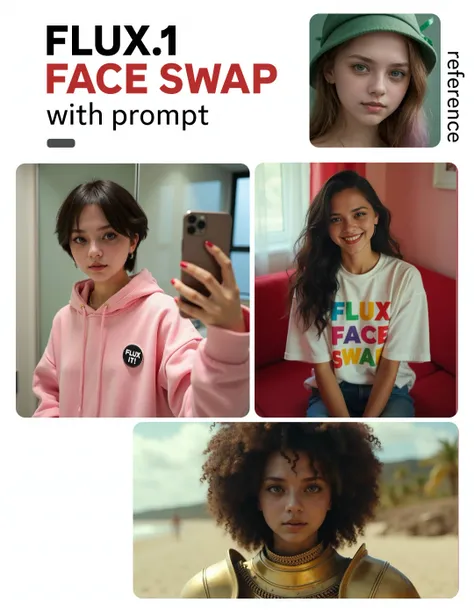
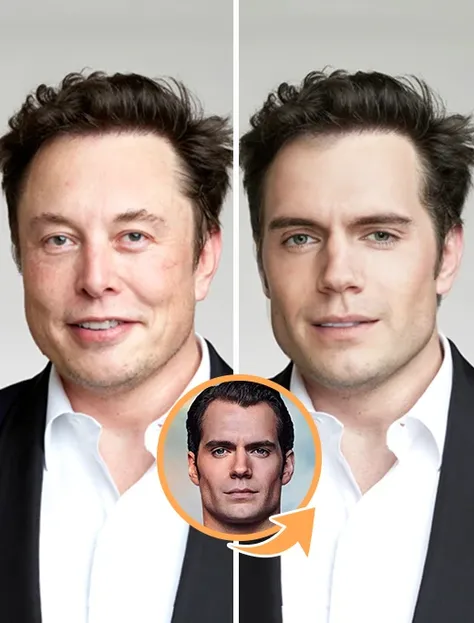
2x Faster Batch Processing
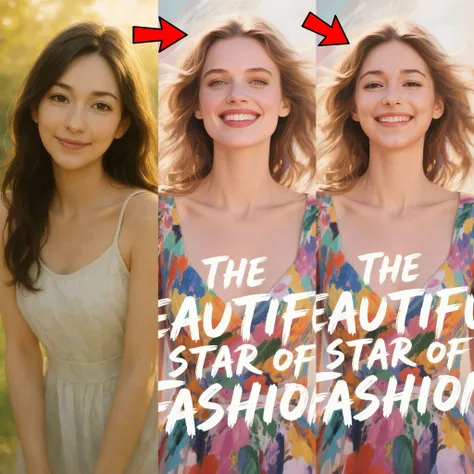
Process 2 images simultaneously instead of one by one. Traditional face swap tools take 6 minutes for 2 images (3 minutes each) - Batch Face Swap completes both in just 30 seconds, saving 50% of your time.
Photorealistic Quality Results
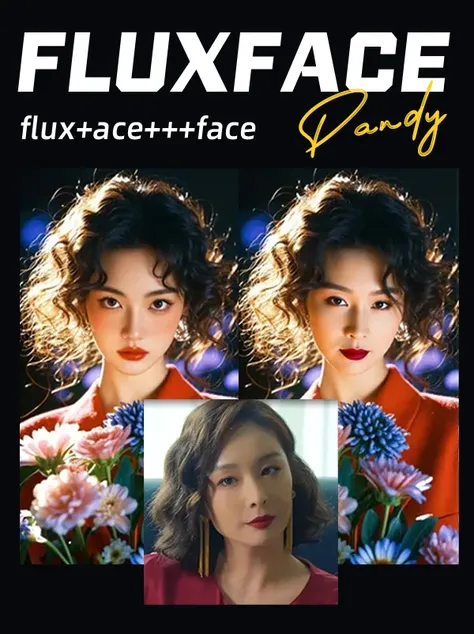
Advanced deep learning technology automatically detects faces in both images and maps them with photorealistic precision, preserving natural lighting, expressions, and facial features seamlessly across both photos.
High-Resolution Output
Both images maintain original resolution with professional-grade quality. Seamless edges, realistic skin tones, and natural-looking face replacements ensure your results are ready for any platform.
Instant Generation Speed
Upload 2 photos, select target face, and get both results instantly. No complex editing required - AI handles all the work for fast, effortless batch face swapping.

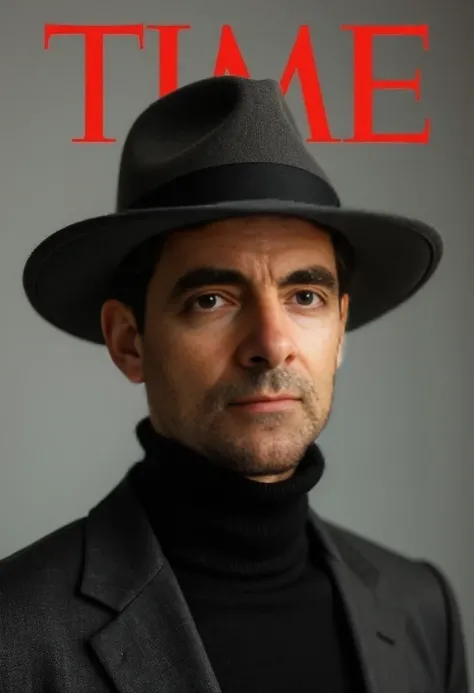
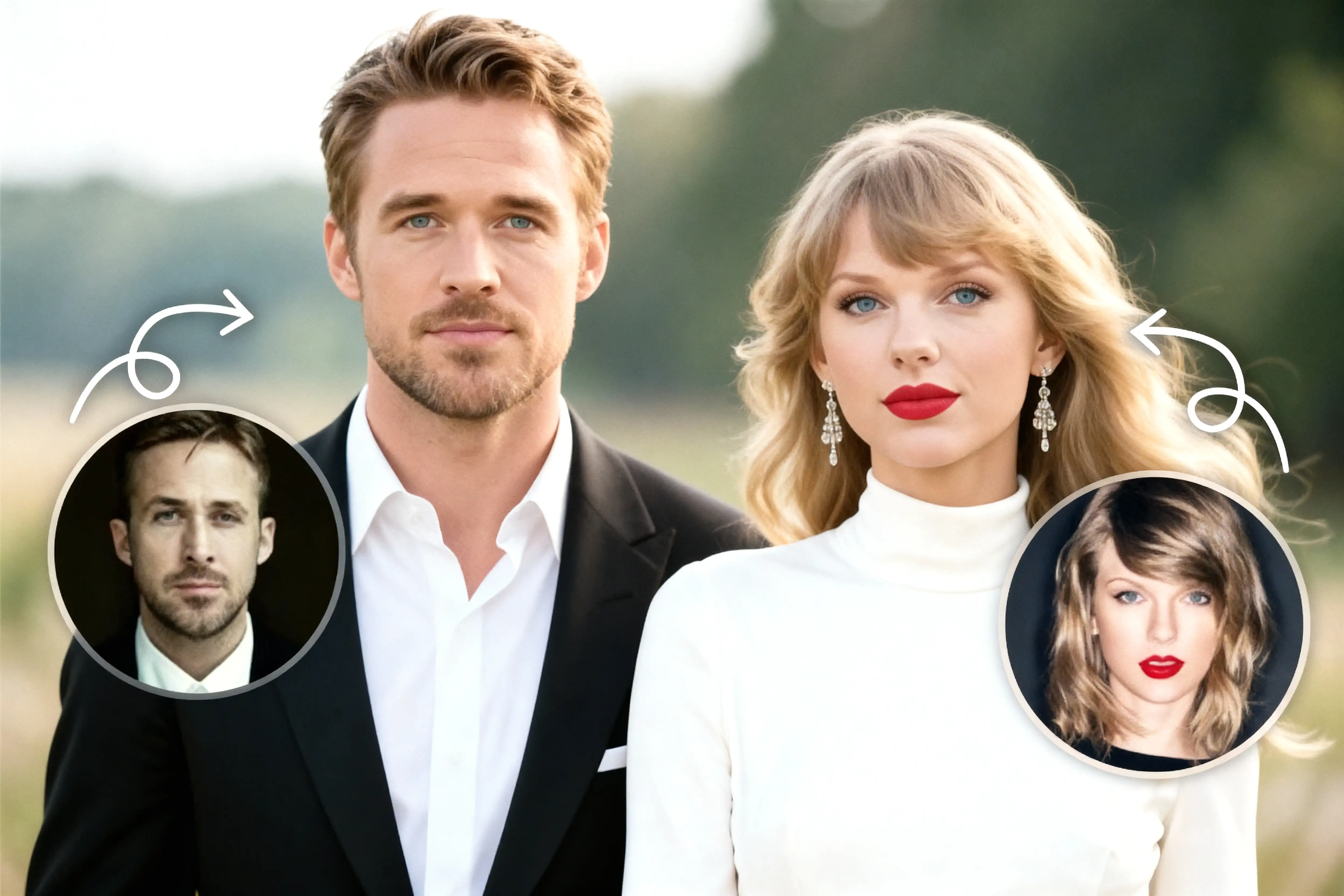
Transform yourself into your favorite celebrities across 2 photos simultaneously. Upload 2 different scenes or poses, select a celebrity face like Taylor Swift or Ryan Gosling, and the AI applies it to both images instantly. Experiment with different celebrity looks, test various scenarios, or create themed photo pairs while maintaining consistent face swap quality and photorealistic results.

Generate side-by-side before/after comparisons that stop the scroll. Process 2 photos simultaneously to create compelling transformations perfect for Instagram carousels, TikTok duets, or YouTube thumbnails. Your audience loves transformation content - get both images ready to post, drive engagement, and watch your content go viral with professional-quality face swap comparisons that demand attention.

Beyond batch photo swapping, SeaArt AI offers video face swap for creating viral clips and movie parodies, plus GIF face swap for reactions and memes. Explore the complete AI face swap suite for every creative format - photos, videos, and GIFs - all with the same professional quality.
Upload 2 Original Images
Click or drag to upload 2 photos you want to process. The AI automatically detects faces in both images simultaneously.
Select Target Face
Upload a target face image that you want to apply to both original photos. The AI maps facial features with photorealistic precision.
Download Both Results
Get both face-swapped images ready to download in under 30 seconds. Share directly to social media or save for later use.
What is batch face swap?
Batch face swap is an AI tool that swaps faces in 2 images simultaneously with one target face. Upload 2 original photos, select your target face, and the AI processes both images at once, generating photorealistic results in under 30 seconds.
How long does batch face swap take?
Batch Face Swap is 12x faster than traditional single-image face swap tools, which take about 6 minutes to process 2 images separately (3 minutes each). Our batch processing completes both images simultaneously with instant results.
Can I use batch face swap for free?
Yes, Batch Face Swap is free to use with daily Stamina on SeaArt AI. Sign up to receive free daily Stamina. Premium users get additional Stamina for unlimited batch processing.
Can I use batch face swapped images commercially?
Yes, images created with Batch Face Swap can be used for commercial purposes, including social media content, marketing campaigns, and creative projects. You own the rights to your face-swapped creations.
"Finally a tool that lets me process 2 images at once! Saved me hours when creating before/after content for my TikTok. The AI quality is amazing and it's so much faster than other tools."
Sarah M.
Content Creator
"I use this for marketing campaigns - batch swapping celebrity faces into our product photos. Both images come out perfect with seamless blending. Game-changer for my workflow!"
James L.
Digital Marketer
"Super easy to use! Upload 2 photos, pick a face, done. No complicated settings or editing skills needed. Perfect for making fun memes with my friends."
Alex T.
Casual User