
Generate
History
Private Creationvip-icon
Details
Witch Filter🧙
Original

Witch Filter🧙

130
0
395
2025-06-27 11:22:25 Update

an AI app that converts images into an easy-to-use Witch Filter.
Input: a clear portrait image of the face.
Customize the prompt to identify male or female.
Add a custom prompt (if desired) to customize more effects and customize the background or objects...
- The output image is resized to max to 1536 px and has been upscaled and color-corrected.

Rating & Review

5.0 /5
0 Ratings

Not enough ratings or reviews received yet

no-data
No data available

What Makes the Witch Filter Special?

Free to Use

No hidden fees, no subscriptions to worry about. Upload your photo and start creating witch magic without spending a penny to get started.

Lightning Fast Results

No waiting around! Your magical witch transformation is ready in just seconds. Upload, customize, and get your amazing result instantly.

Studio-Quality Images

Get crystal-clear witch photos that look like they came from a professional studio. No blurry edges, perfect colors, and amazing detail.

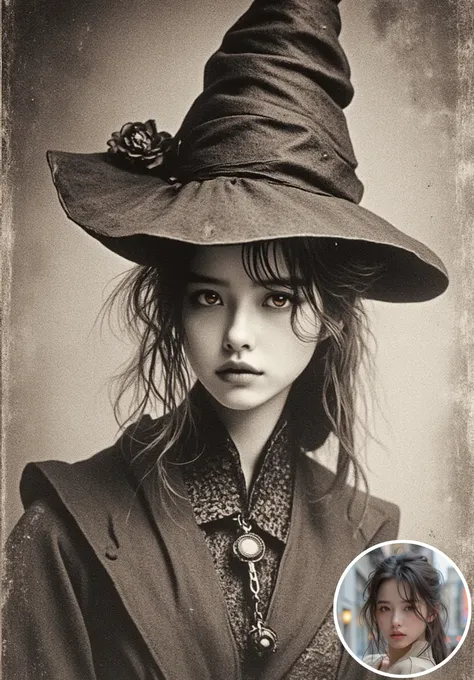
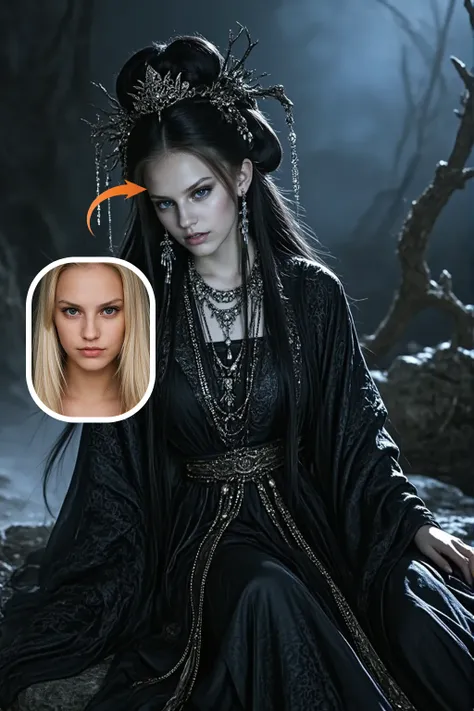
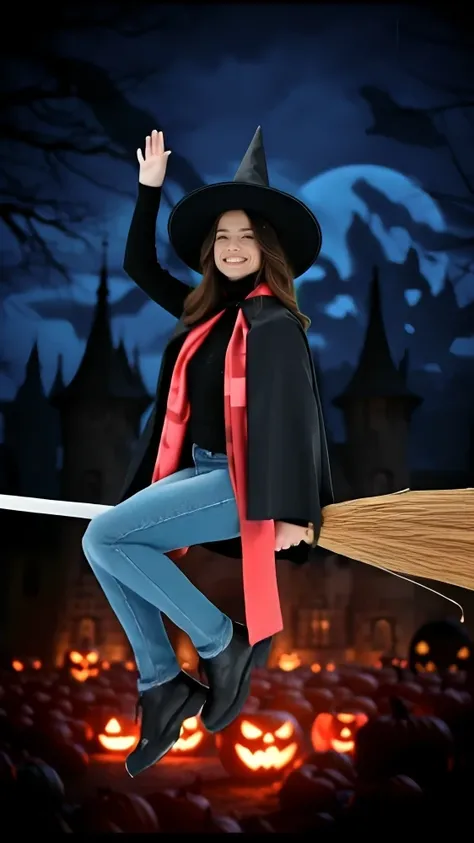
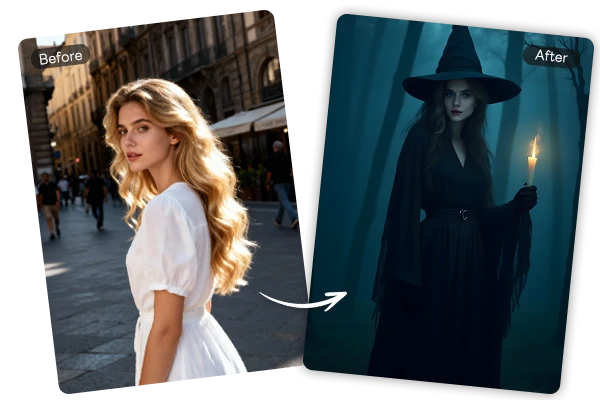
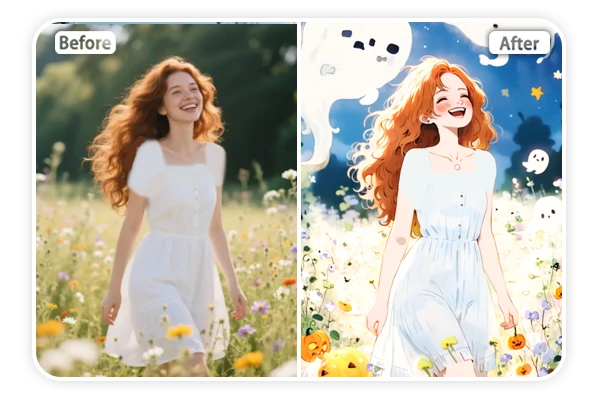
Add Witch Filter to Photo Before and After

Effortlessly Witchfy Yourself with AI


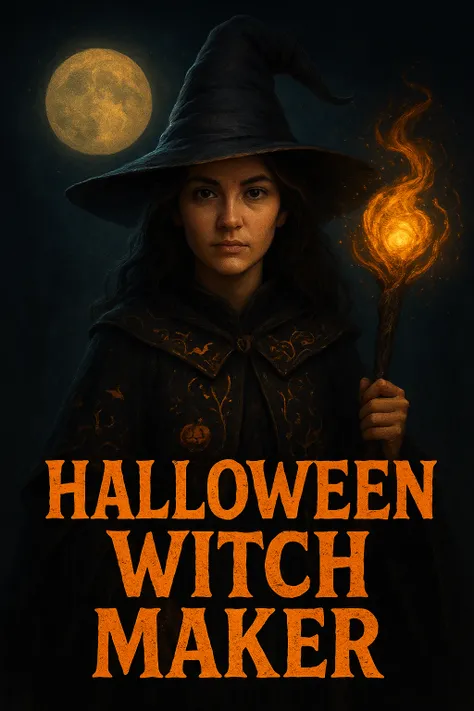
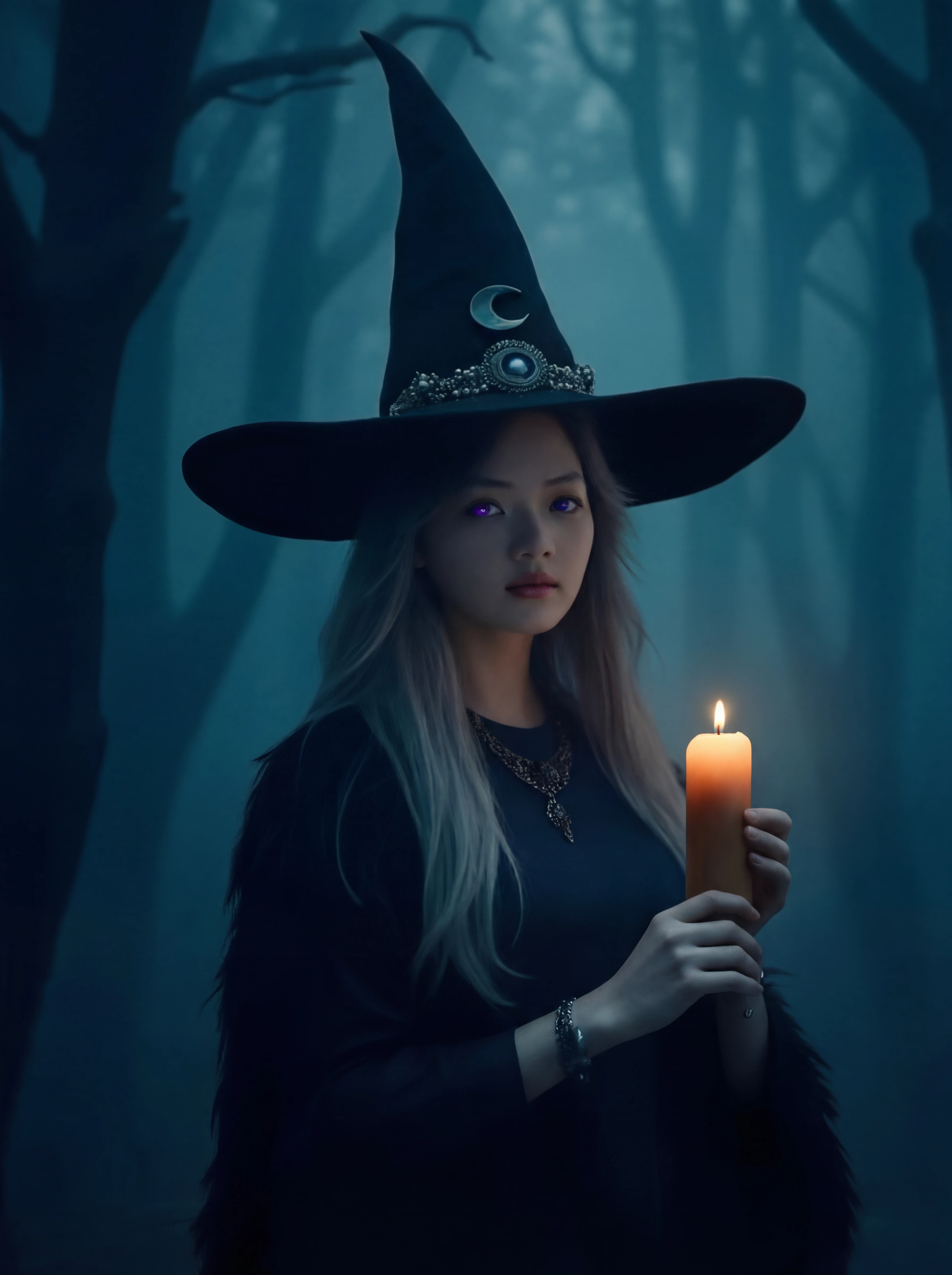
Just upload your photo and watch the magic happen. The AI witch filter spots your face, adds a witch suit, glowing eyes, and mystical accessories. You still look like you, but with a magical makeover that feels natural. No weird distortions or fake-looking effects - just pure witchy goodness that'll blow your mind.

AI Custom Witch Effect

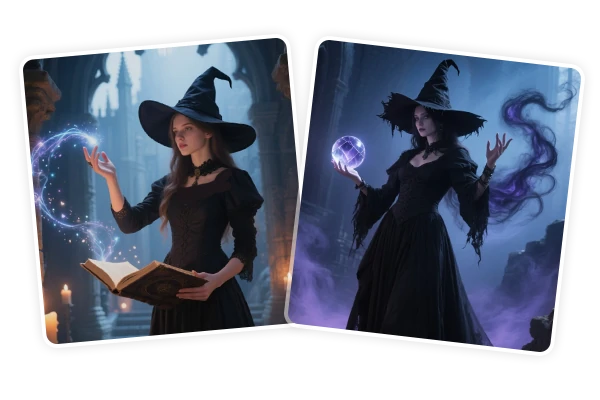
Add Custom Effects & Scenes

Want something more personal? You can also tell AI filter exactly what kind of witch world you want to create. Type in "dark forest with glowing eyes" or "sitting by a fireplace with black cats" and watch your custom witch story come to life. The AI takes your ideas and builds the perfect magical scene around your witch transformation.

Share Witchfy Photo

Perfect for Social Media

Your witch photos are ready to post anywhere. They look incredible on Instagram stories, TikTok videos, Facebook posts, or anywhere else you want to show off your magical side. You can adjust the width and height ratio to fit any platform perfectly, whether you need square posts, vertical stories, or horizontal covers.

How to Use the AI Witch Filter

Step 1: Upload Your Portrait

Choose a clear photo with good lighting where your face is the main focus.

Step 2: Set Gender & Effects

Enter "A woman" or "A man", then add custom effects like "dark forest".

Step 3: Download & Share

Get your high-quality witch photo instantly and share it anywhere you want.

FAQs – Witch Filter

collapse

Is the witch filter free to use?

Yes! You can start using the witch filter for free and create amazing transformations. There are no upfront costs to begin making your witch photos.

expand

Can I customize my witch look?

Absolutely! You can add custom backgrounds and effects by typing what you want to see.

expand

Can I use this on my phone?

Yes! The witch filter works perfectly on phones, tablets, and computers. You can upload photos and create witch transformations from any device with an internet connection.