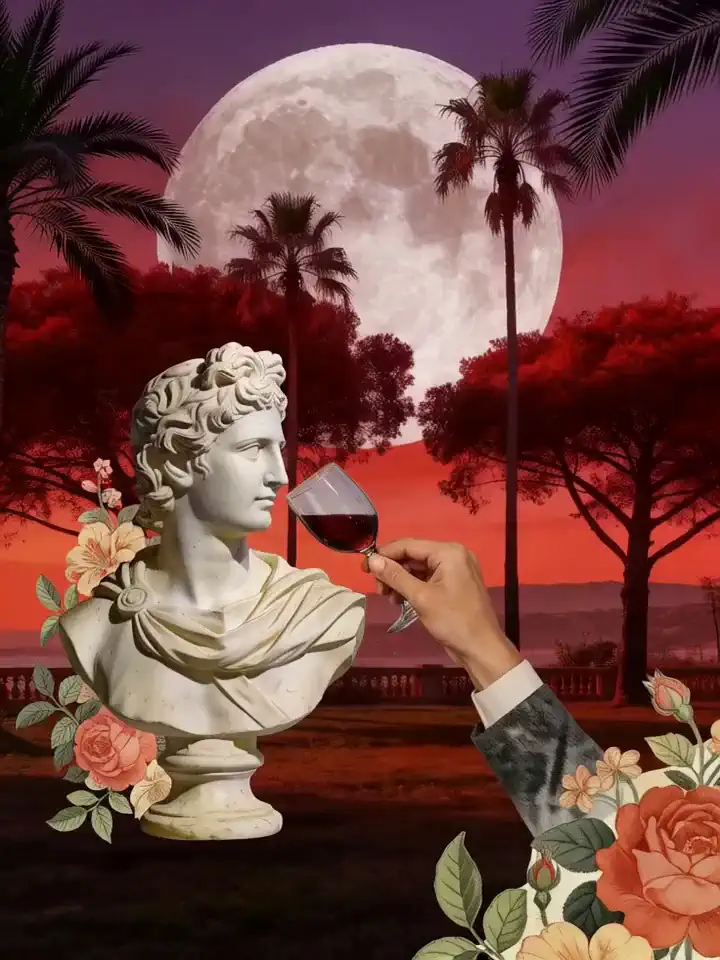
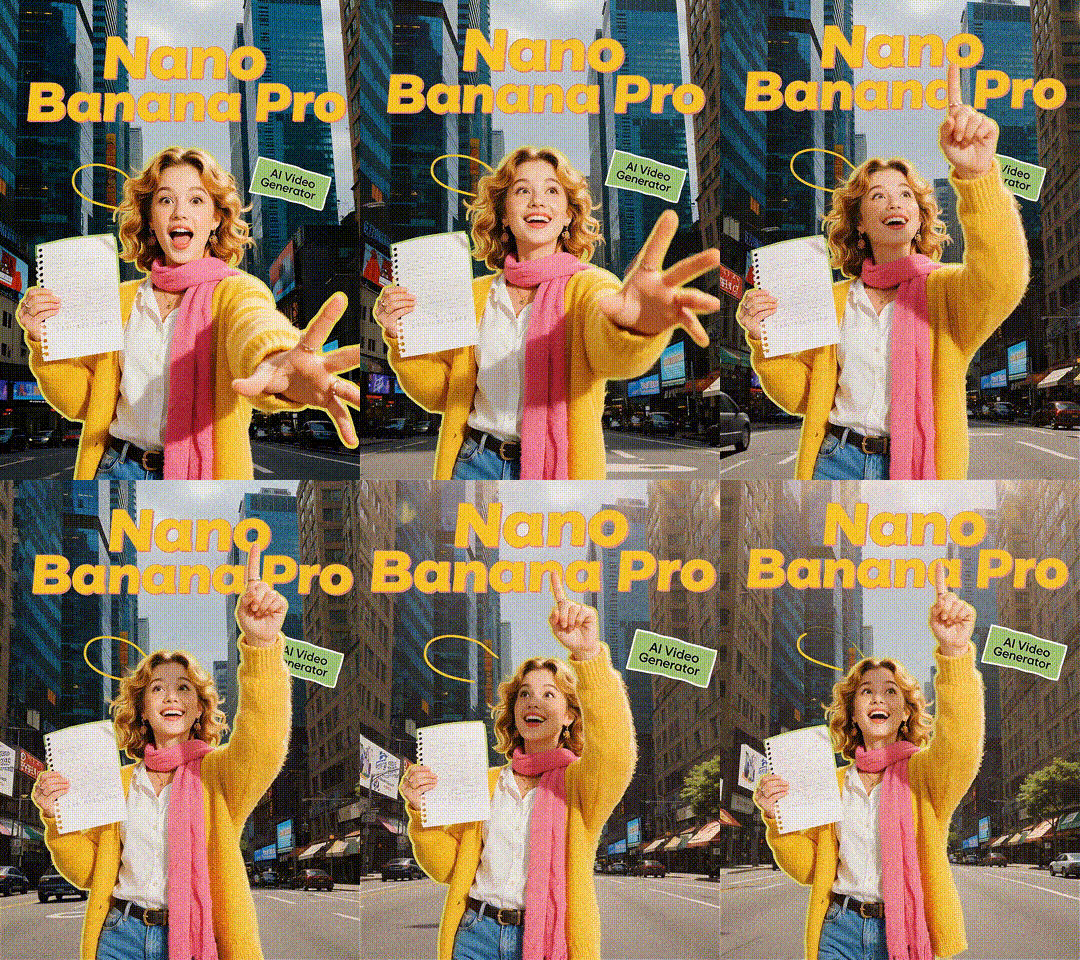
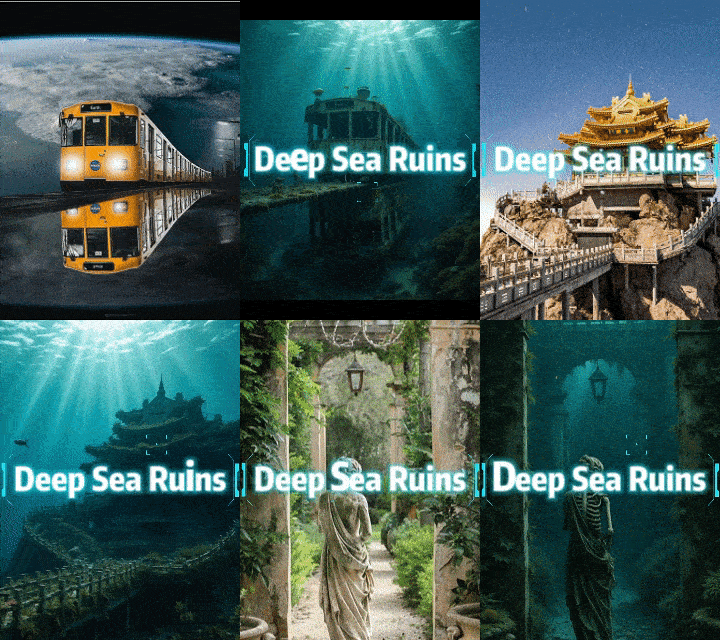
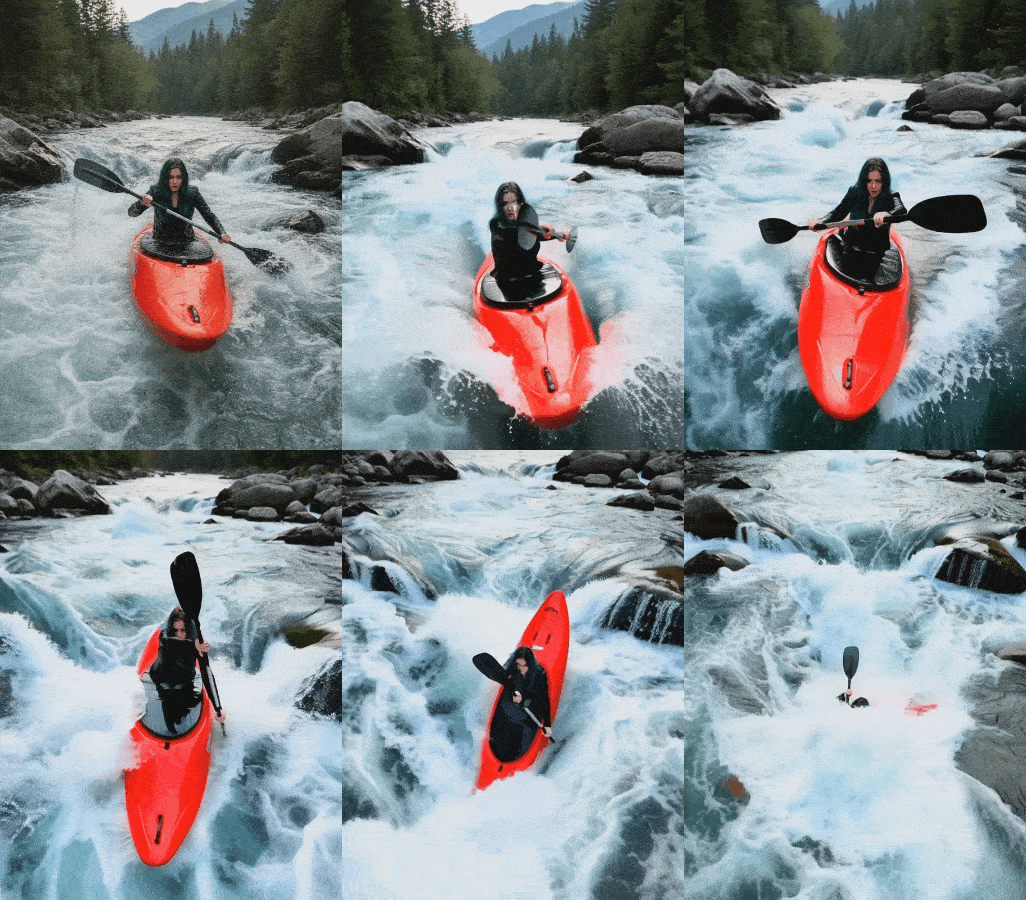
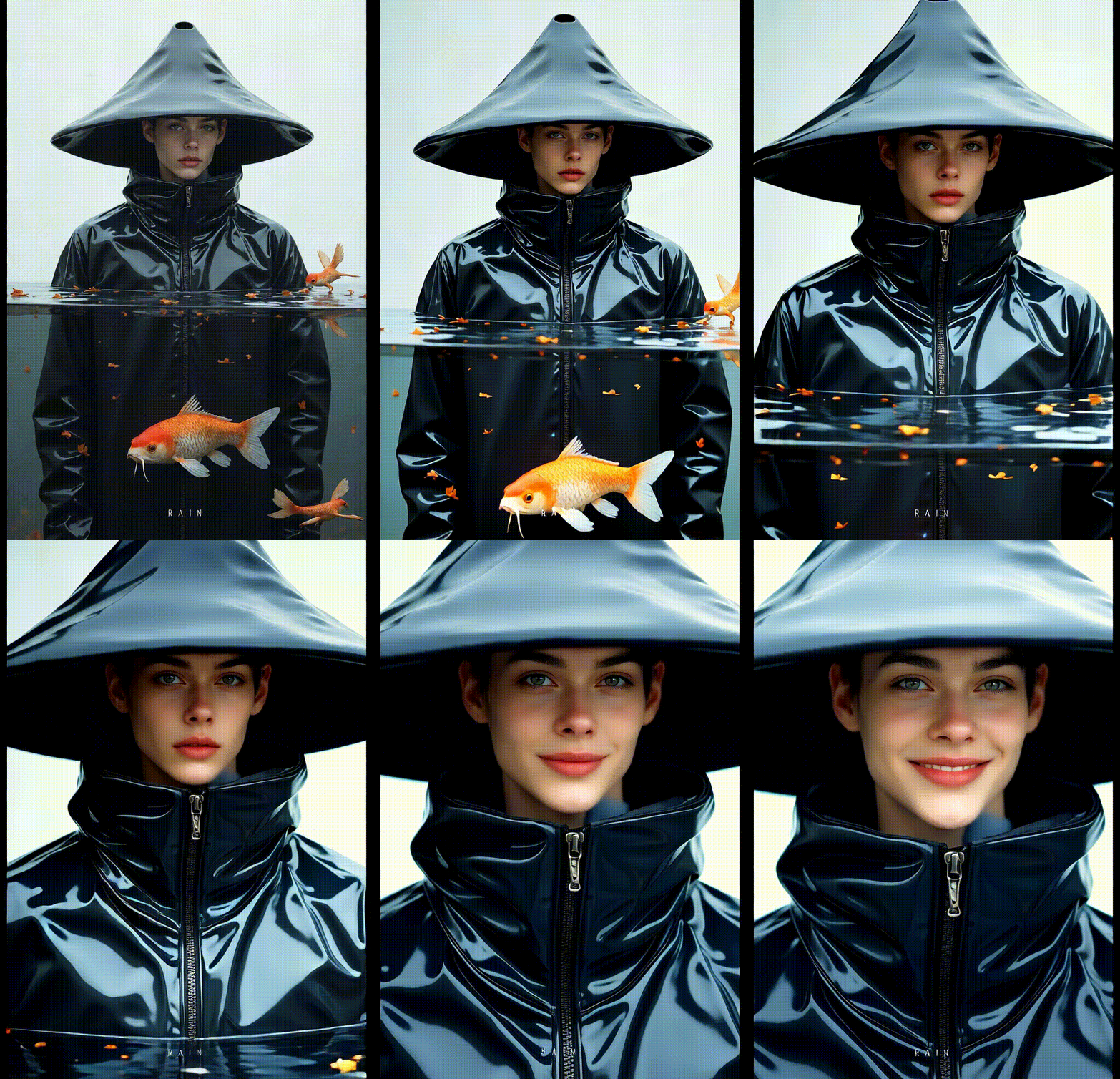
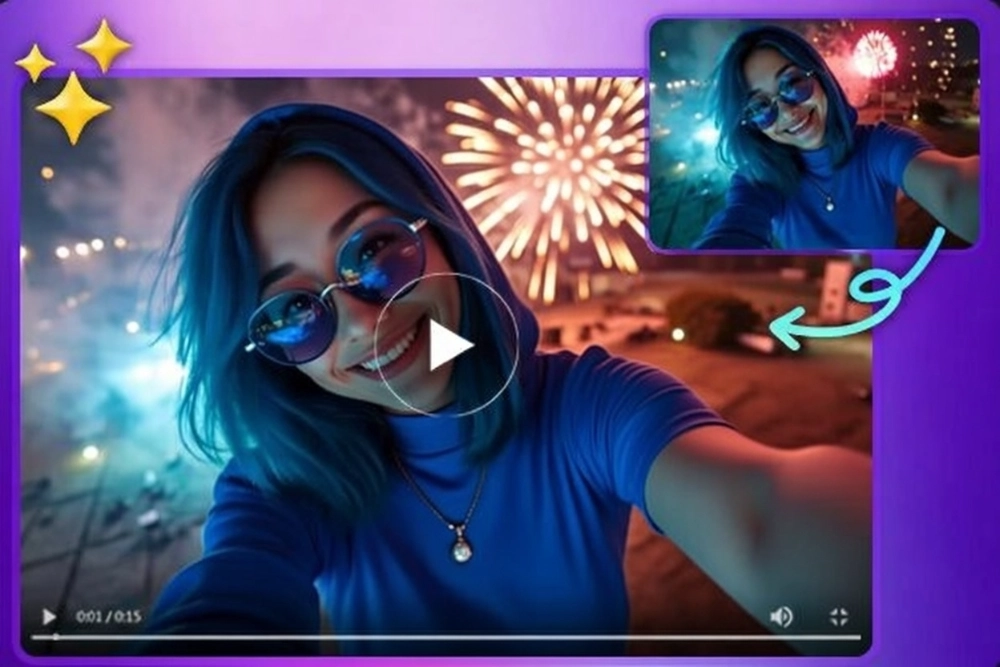
Unlock the power of Kling AI to breathe life into still images. It seamlessly generates dynamic clips with smooth motion and realistic details. The advanced image-to-video technology ensures your creations evolve effortlessly from static to stunningly animated.
Kling AI video generator simplifies video creation for everyone. With an intuitive interface, you can generate professional-grade videos in minutes, no technical skills required. Just upload an image and input a text prompt, and watch Kling transform your ideas into captivating videos with ease.
Experience breathtaking quality with Kling AI's realistic video outputs. Kling delivers cinema-grade visuals with lifelike motion and precise physics simulation. From grand scenes to intricate details, it ensures every frame is vivid and impressively true to life.
Kling AI leverages cutting-edge artificial intelligence to handle the heavy lifting, automatically generating dynamic, high-quality videos with ease.
Fast & Efficient Creation
Create professional-grade videos in just minutes. Kling AI streamlines the production process, saving you time without compromising on quality or speed.
User-Friendly Interface
Kling AI is perfect for creators of all skill levels. Craft stunning videos effortlessly, no experience required.
How to Use Kling AI Video Generator?
Step 1: Upload Your Input
Upload an image to animate and add text prompts to guide the AI on your desired style.
Step 2: Generate Your Video
Once you are ready, click "Generate" to let the AI transform your image and text into a captivating video.
Step 3: Save Your Video
Preview your AI-generated video and download it directly to your device.
FAQs
How does Kling AI work?
Kling AI video generator uses advanced algorithms to turn images and text into realistic 1080p videos. It understands your input and generates dynamic visuals within minutes.
Can I use Kling AI for free?
You can access the advanced Kling AI model on SeaArt. SeaArt offers 150 free stamina daily for users to try AI tools. Plus, you can earn extra stamina through daily activities to create AI videos.
What types of AI videos can I create?
Kling AI video generator supports a range of video styles, including anime, natural scenes, portraits, and more, helping you bring any creative vision to life.
How long does it take to generate a video?
Kling AI is fast and efficient, generating high-quality videos in just a few minutes.
Can I use the generated videos for commercial purposes?
Yes. Videos created with Kling AI can be used freely for both personal and commercial projects.