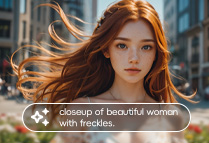
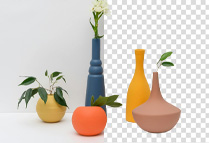
Seamlessly generate and edit images using both text and existing images.

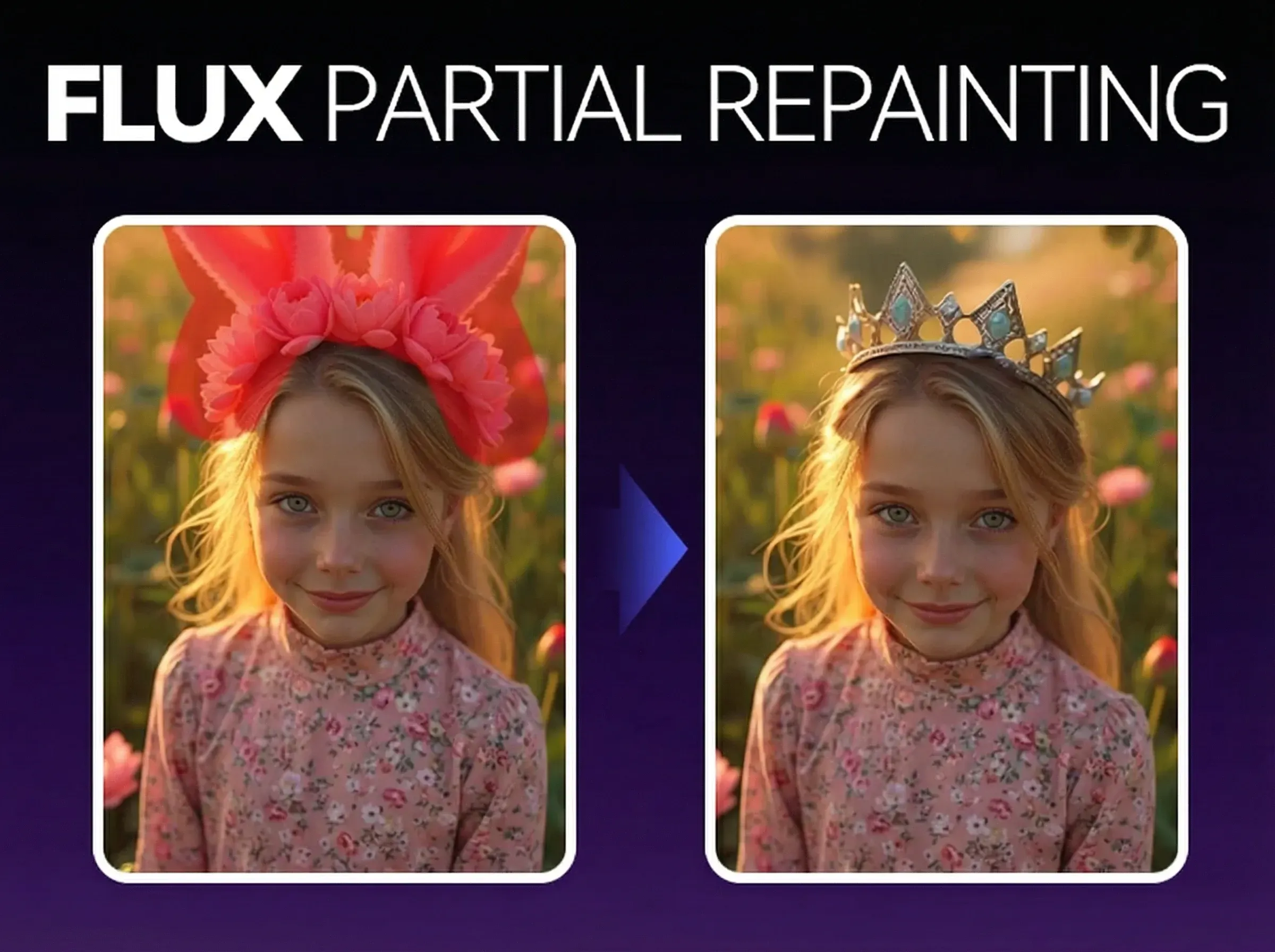
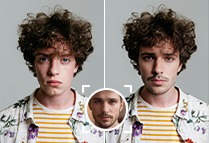
Say goodbye to frustrating delays. FLUX.1 Kontext delivers edits up to 8x faster than leading competitors, completing most tasks in just 1–12 seconds (at 1MP resolution). Change a woman's hair color, swap entire backgrounds, or update text on a sign – professional-grade results are now effortless and instant. Nail tight deadlines and supercharge your ideation.

Flux 1 Kontext redefines creative control by seamlessly blending text prompts with image inputs. Turn a summer scene into a winter wonderland, or change a shirt's color while leaving every other pixel untouched. Simply describe your vision or upload a reference image. Our advanced flow-matching model guarantees precise, context-aware edits that preserve every crucial detail.

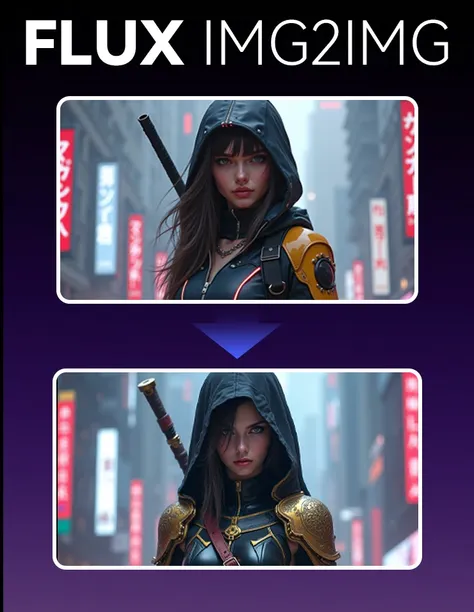
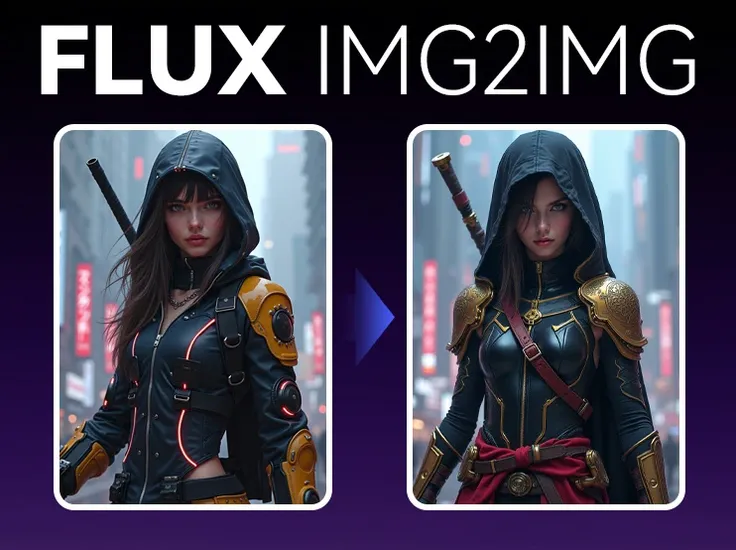
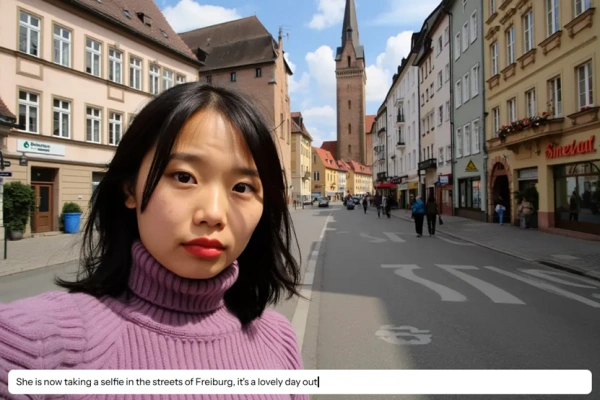
Tell cohesive stories effortlessly. FLUX.1 Kontext excels at maintaining character or object identity, even across vastly different scenes. Transport your protagonist from a cozy kitchen to an alien spaceship, or apply a dramatic new style (like cyberpunk or watercolor) while keeping their core features perfectly intact. It's the ideal solution for compelling storytelling, consistent marketing campaigns, and immersive game art.

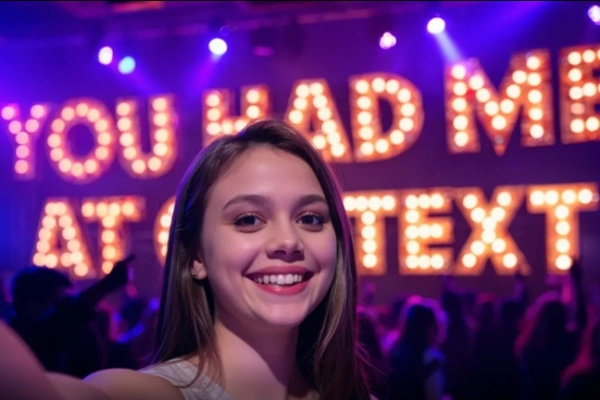
From marketing teams accelerating ad creation to game developers rapidly designing assets, FLUX Kontext streamlines demanding creative workflows. Leverage powerful style transfer, advanced typography, and intuitive iterative editing to produce stunning, high-quality visuals – often eliminating the need for costly reshoots.
Access via SeaArt AI:
Simply visit SeaArt AI to try FLUX.1 Kontext for free. Enjoy direct access without the need for technical API or ComfyUI integration.
Upload or Describe:
Provide an image or simply type a text prompt (e.g., "Change the background to a lush forest" or "Make the sports car vibrant blue").
Refine Your Vision:
Use additional prompts or reference images to fine-tune every detail like style, color palette, or typography.
Generate and Download:
Click to process your edit (watch it happen in 1–12 seconds!) and download your high-resolution, professional-quality image.
What makes FLUX Kontext stand out from other AI image editors?
FLUX.1 Kontext uniquely combines text and image inputs for incredibly precise, context-aware edits. It offers up to 8x faster performance and superior character consistency compared to tools like GPT-Image. Its innovative flow-matching architecture unifies generation and editing for seamless, high-quality results.
Can you use FLUX.1 Kontext in ComfyUI?
Yes, you can leverage FLUX.1 Kontext models within your ComfyUI workflows. For specific setup instructions and best practices, head to the Comfy.org documentation or search for community-contributed guides on this integration.
What kinds of edits can I perform with FLUX Kontext?
You can effortlessly change backgrounds, edit colors with precision, update text on signs, apply stunning style transfers (e.g., Ghibli-esque or cyberpunk aesthetics), and maintain character or object consistency across multiple scenes. It's perfect for dynamic marketing content, engaging storytelling, and innovative design.
Do I need advanced technical skills to use FLUX.1 Kontext?
Not at all! Its intuitive interface allows you to edit using simple text prompts or by uploading reference images. Clear instructions yield the best results, but no specialized technical expertise is required to achieve amazing outcomes.
Are there any limitations to Flux Kontext?
While FLUX.1 Kontext excels at a vast range of edits, highly complex tasks like intricate face swaps or very specific hand gestures might require more detailed and precise prompts. The [dev] model is currently in private beta, and offline use is primarily supported via API-based platform integrations.