Generate
Recently Used
Private Creationvip-icon
Original - Creator Incentive Program

Reference to Video

5
2025-09-10 10:11:06 Update
2.0K Views
134 Apply
21
Comment
Comment
0/400
0 comment
empty
No Data

Reference to Video: Free Multi-Image AI Video Creation

Transform multiple reference images into consistent AI videos. Maintain perfect consistency using Vidu reference to video AI generator at SeaArt.

Instantly Transform Multiple Images Into Cohesive AI Videos

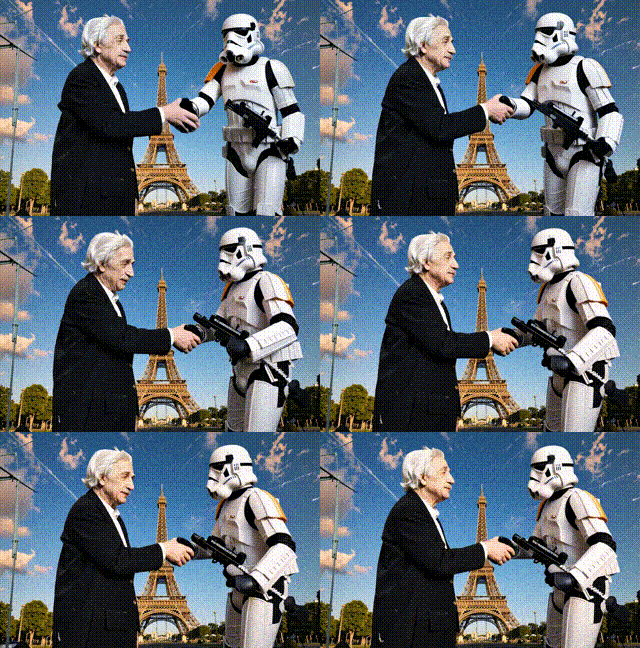
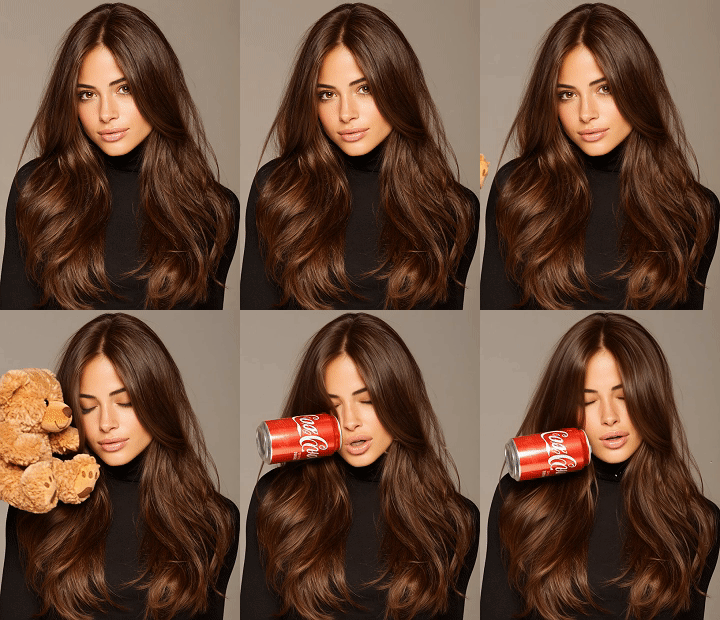
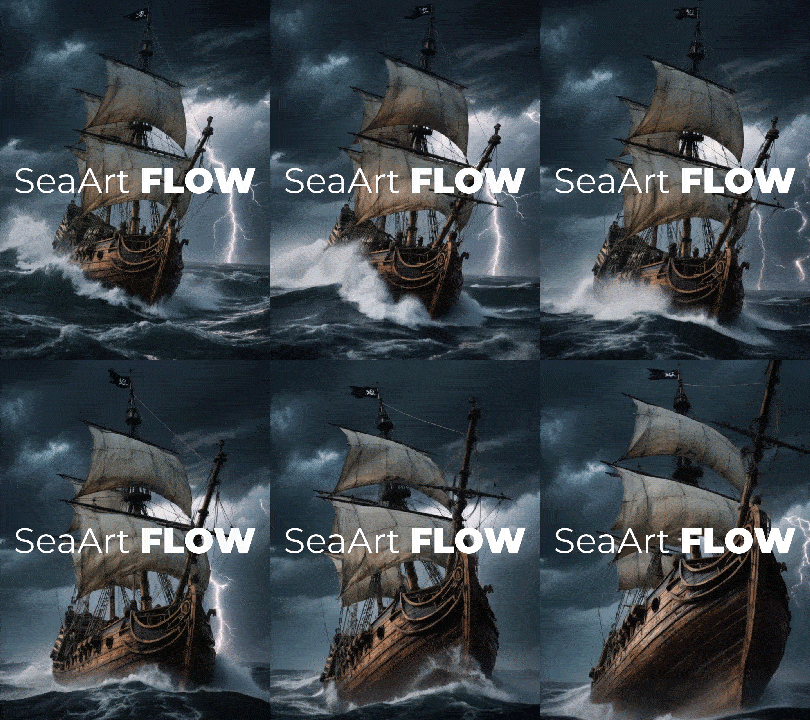
Instantly merging multiple reference images into cohesive AI videos with Vidu reference to video AI generator, which goes beyond traditional image to video AI tool. By merging various visual elements based on your descriptive prompts, this multi-image AI video generator maintains perfect character, object, and scene consistency throughout your video generation.

Image to Video

Multi-Reference Consistency Like Never Before

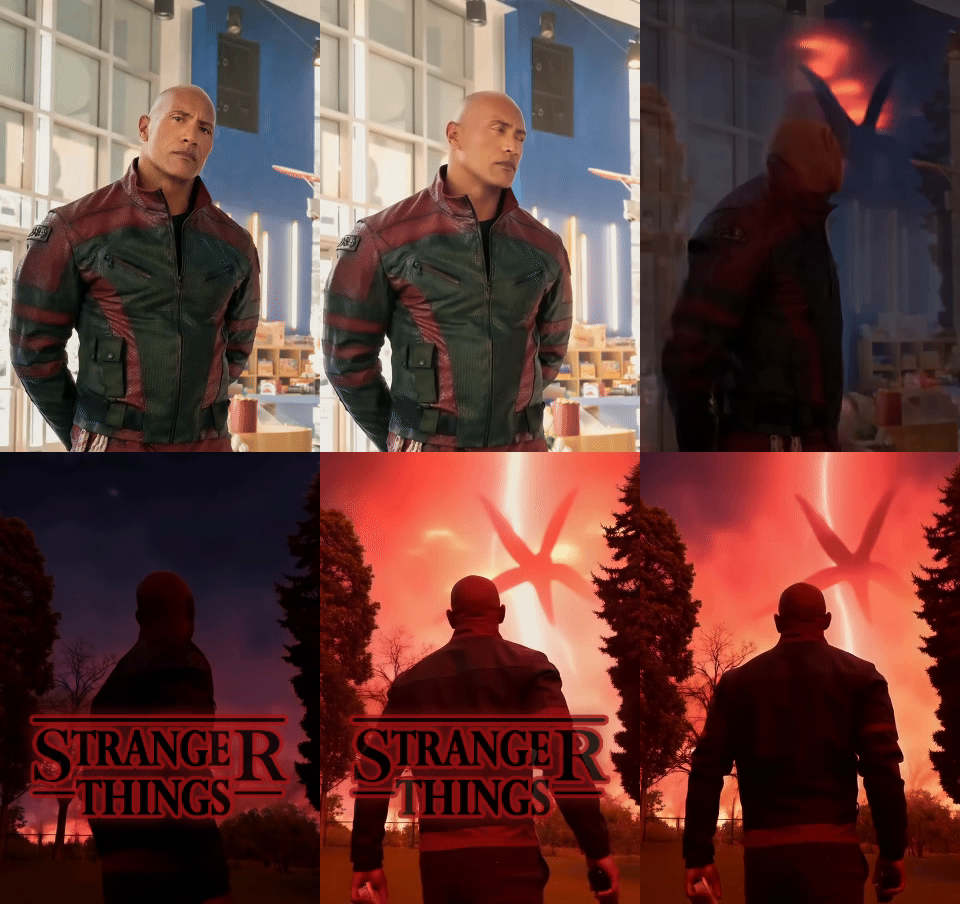
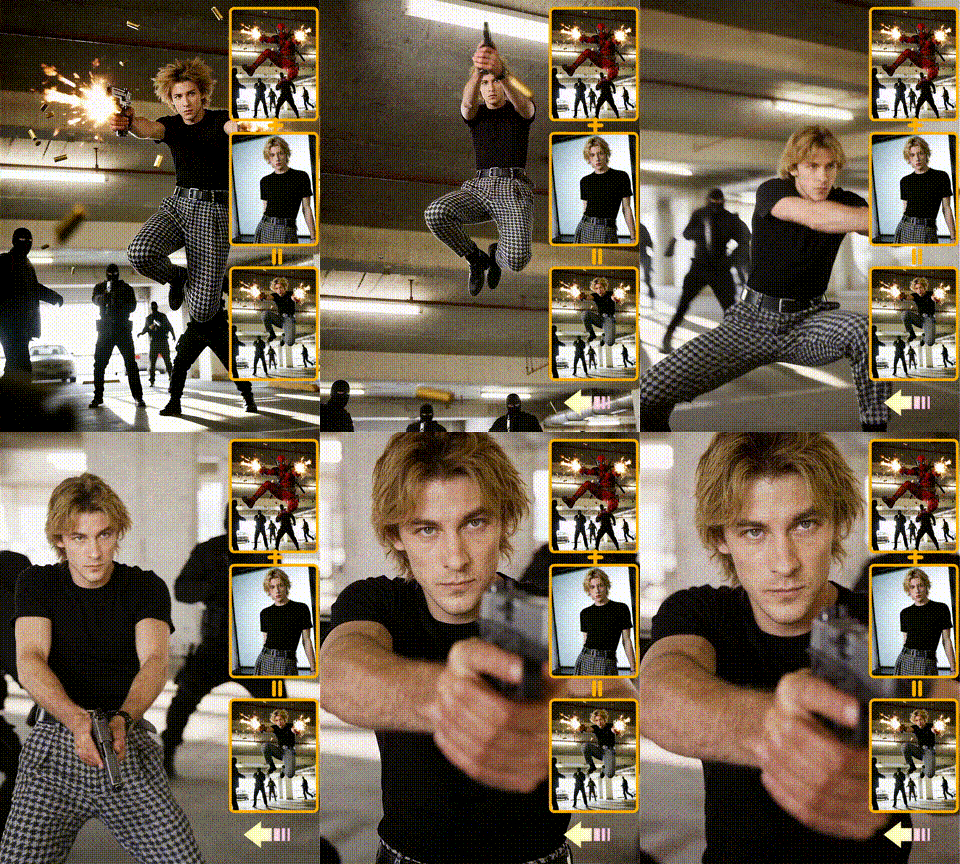
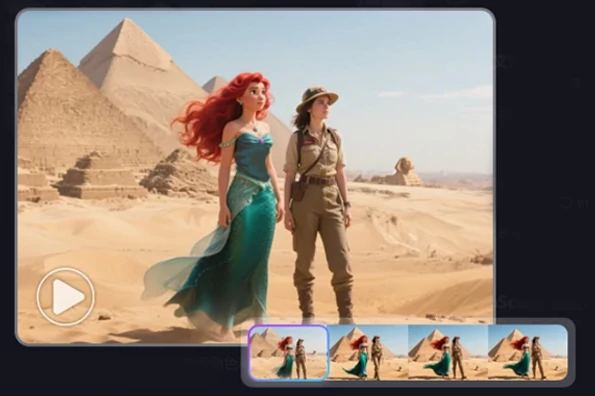
Experience unprecedented character and scene consistency with Vidu Reference to video tool. You can place consistent subjects in new scenes or swap characters within the same scene, all while maintaining high facial accuracy and stylistic consistency throughout every frame of your video project. You can also enter prompts to precisely control camera angles and make your AI generated videos more consistent.

Consistent AI Video Generator

Enhance Every Project with Reference to Video

Vidu Reference to Video brings your ideas to life across countless use cases. Whether you're crafting animated characters for your YouTube channel, maintaining visual flow in short films, or crafting personal IP material or brand mascots, this tool delivers. Educators can make lessons pop with engaging characters, while indie filmmakers keep their stories visually tight on tight budgets.

Pros of Vidu Reference to Video AI

Multi-Reference Processing

Accessible to complete beginners. Supports up to 3 reference images simultaneously, and also analyzes different angles for a single subject.

Superior Visual Consistency

Delivers stable, controlled animation effects across all frames and reduces generation errors compared to image to video AI tool.

Creative Freedom & Flexibility

Place the same characters in unlimited different environments or test multiple characters in identical scenes effortlessly

How to Use Vidu Reference to Video AI Generator?

Step 1: Upload your images

Choose three clear, relevant images to be merged into your AI generated video. The Reference to Video tool will use them as the foundation for your video creation.

Step 2: Enter the prompts

Upload a detailed description of the video you want to generate. It would be best to cover all the content you uploaded.

Step 3: Generate and download

Click the "Generate" button, and wait for a few seconds. Download and share the video as you like!

Reference to Video - FAQs

collapse

What is Reference to Video AI, and how does it work?

It is an advanced video generation tool that creates consistent AI-powered videos using multiple reference images. Users upload up to 3 reference photos of characters, objects, or scenes, then provide text prompts describing their desired video. The AI analyzes these references to ensure characters, styles, and objects remain coherent across all frames, making it ideal for storytelling and professional content creation.

expand

How does Reference to Video differ from Image to Video?

Image to Video simply animates a single static picture, creating motion from one photograph. Reference to Video uses multiple images as visual guides to generate entirely new video content while maintaining consistency. Instead of just moving pixels in one image, Reference to Video analyzes several reference photos to understand how characters, objects, or scenes should look throughout a video sequence, enabling creators to produce cohesive content with reliable visual continuity across different scenarios and movements.

expand

Will video quality suffer when incorporating many reference images?

No, Vidu Reference to Video is specifically designed to enhance quality through multiple reference images. Using more references actually improves consistency and stability rather than degrading quality. The AI leverages additional visual information from various angles and perspectives to better understand your subject matter, resulting in more accurate character representation, smoother animations, and fewer generation errors.

empty
No Data