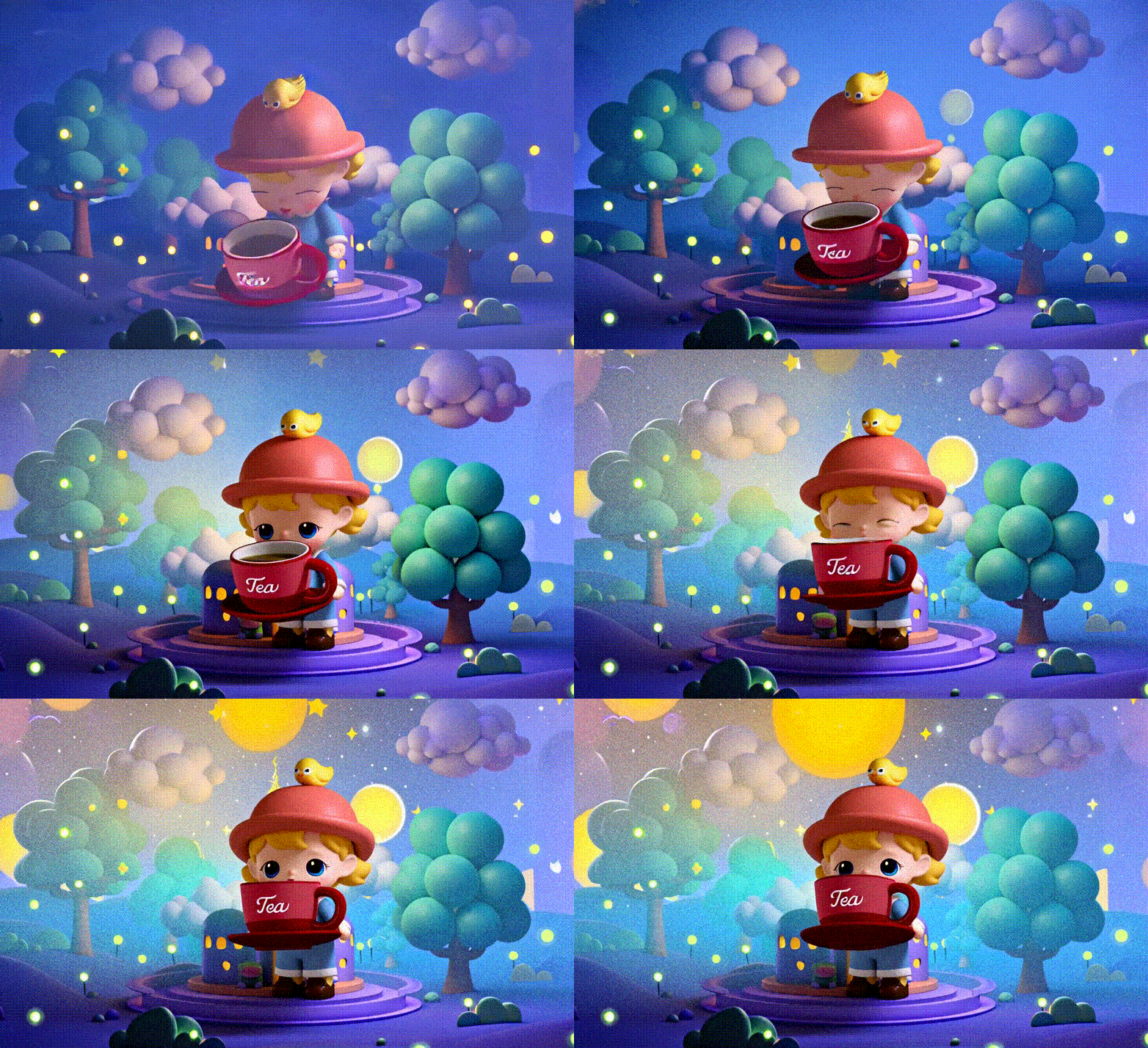
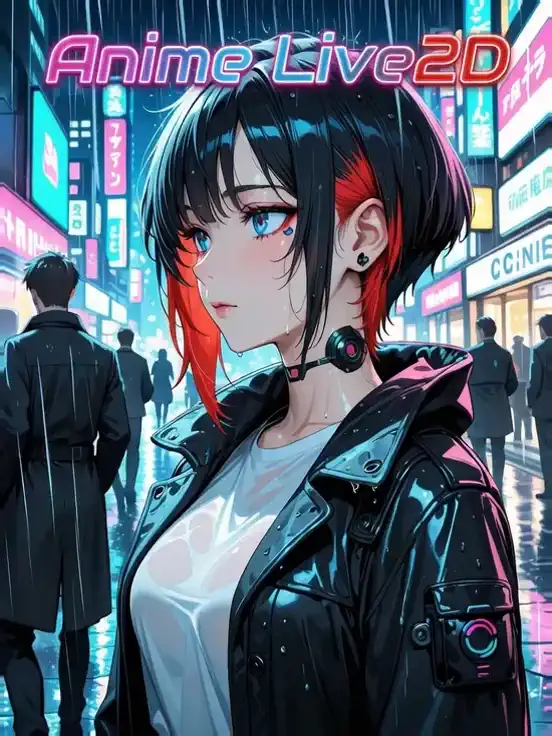
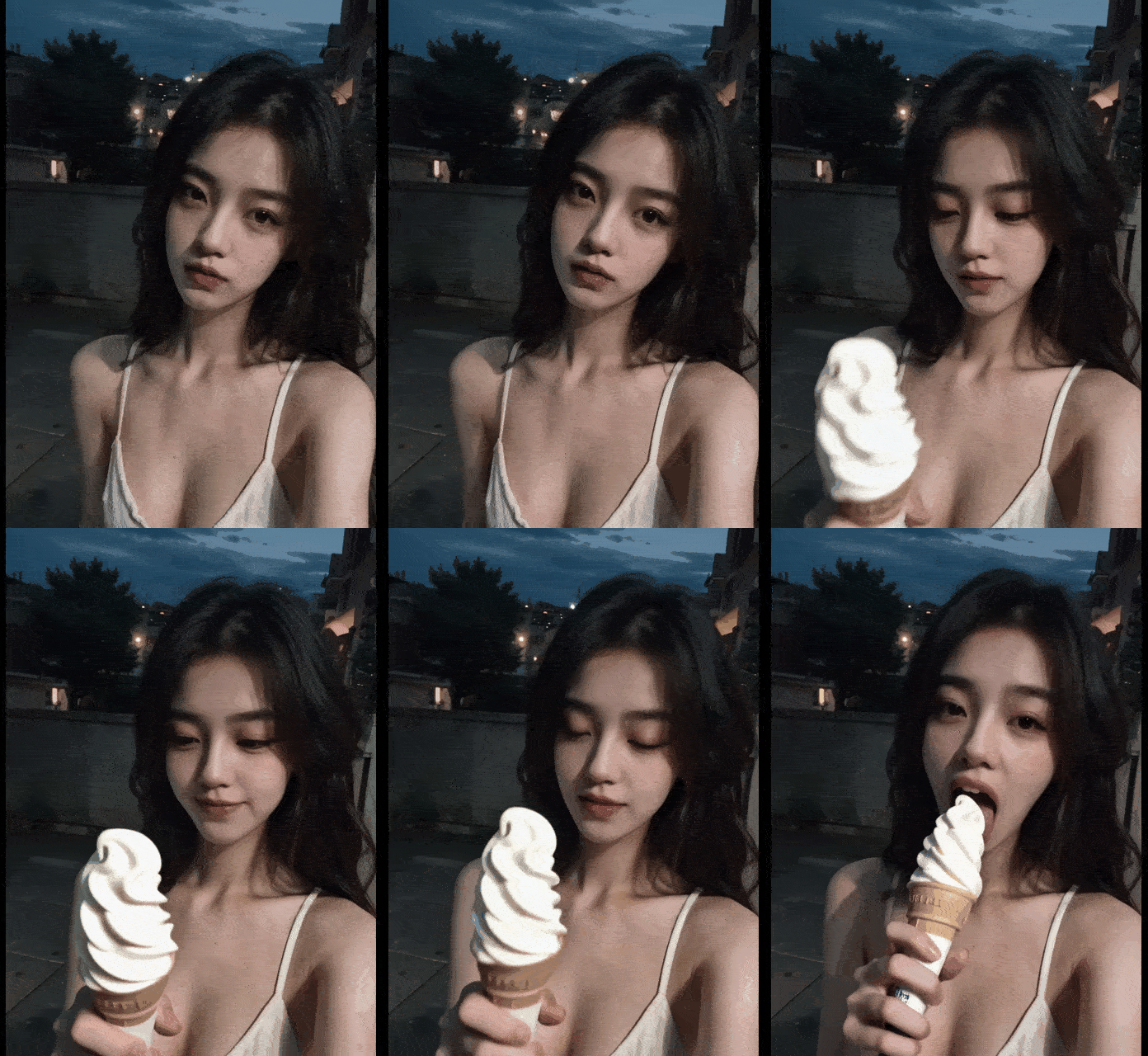
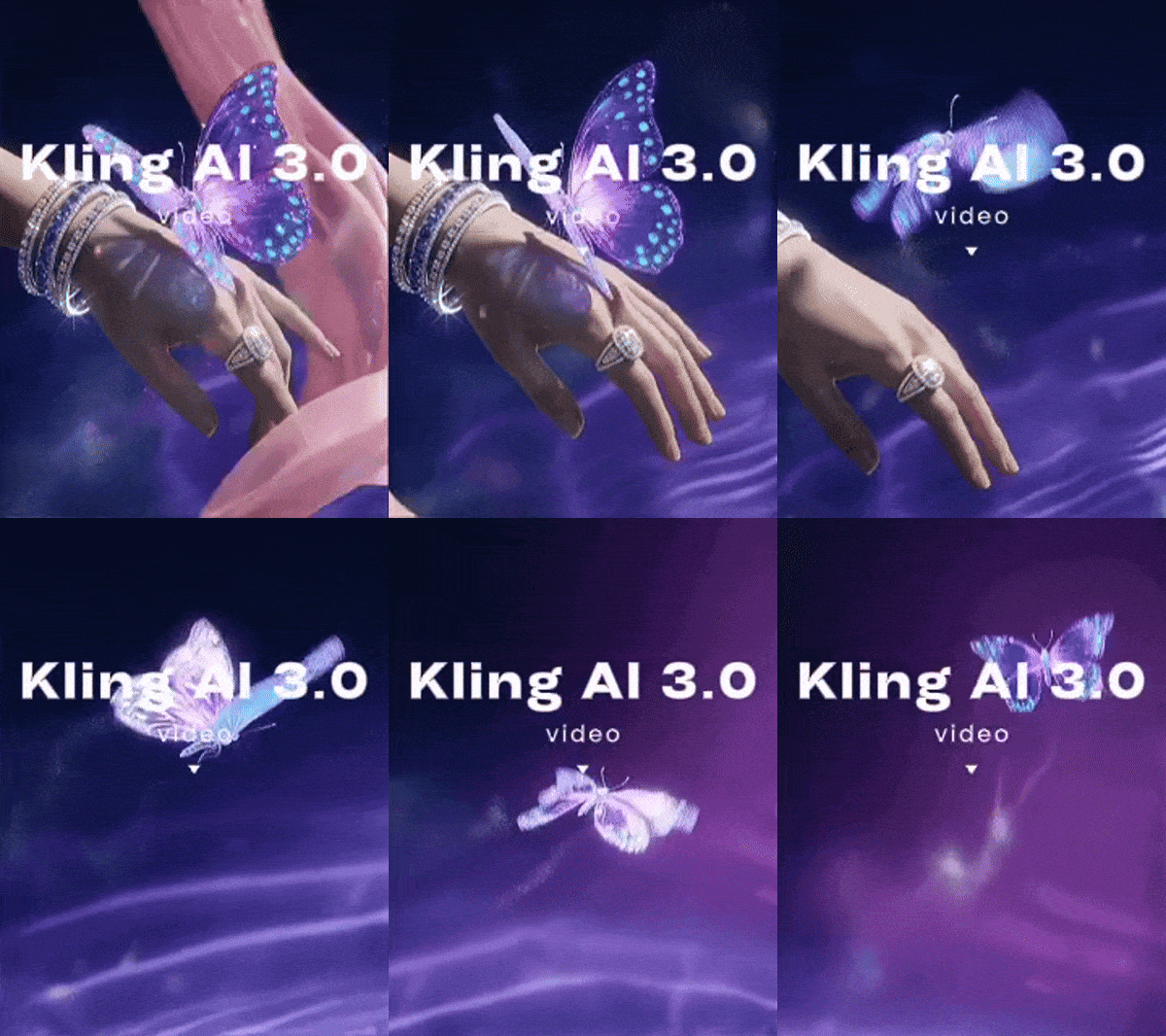
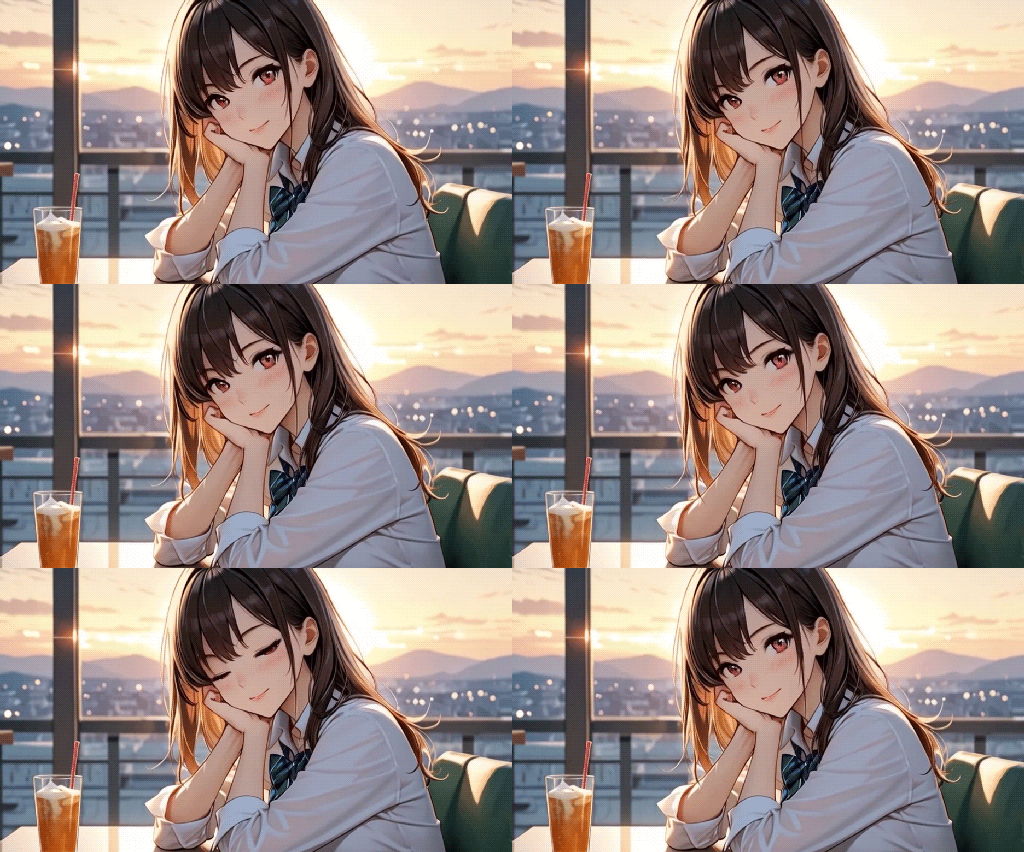
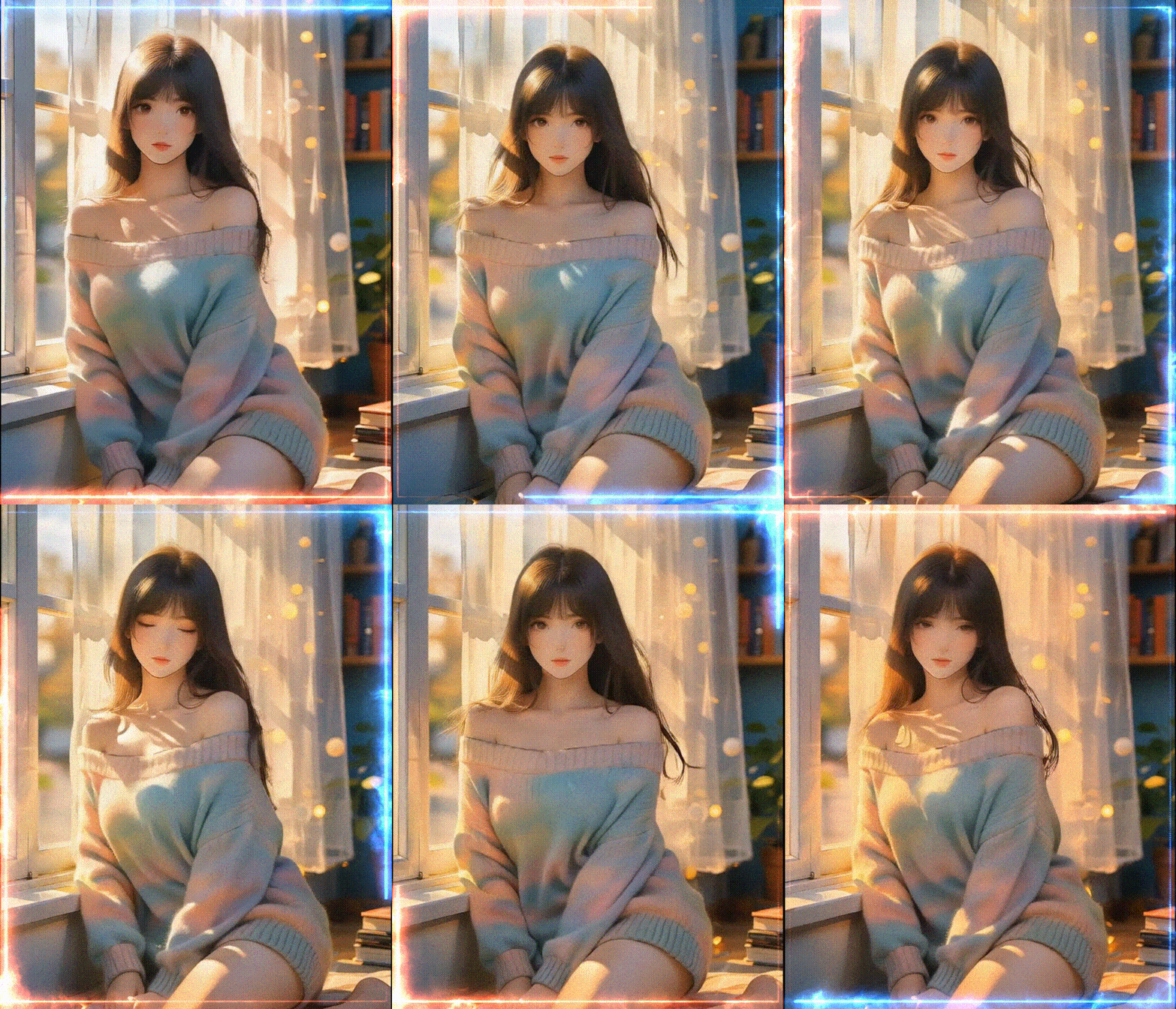
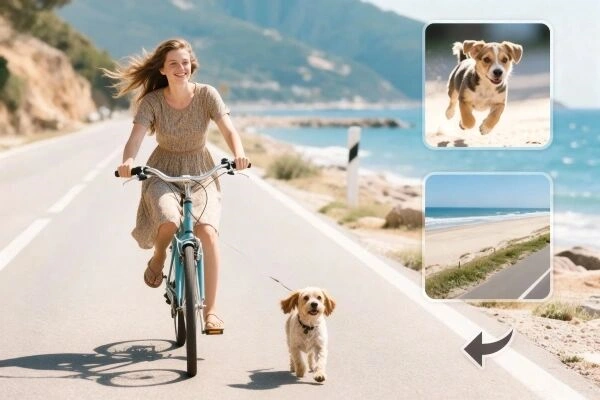
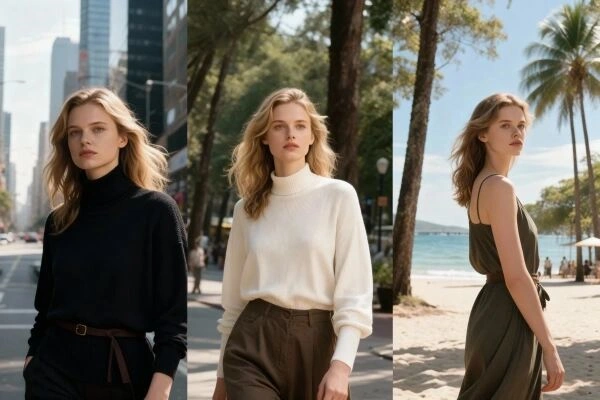
Transform your video storytelling with Kling AI Elements, the ultimate tool for creating AI consistent character videos.

With Kling AI elements, you can easily transform your selected images into a cohesive AI video with just a few clicks. Upload characters, objects, or backgrounds, provide a prompt, and let the AI handle the rest. Each element is integrated smoothly, resulting in a polished, harmonious video sequence. This approach ensures every frame aligns perfectly, making it ideal for producing AI consistent character videos.

Kling AI elements can achieve visual harmony in your AI generated videos by ensuring the same characters and environments appear seamlessly throughout every clip. Upload your chosen elements and describe your scene in a prompt, mentioning each element you want included. Then the AI preserves their appearance and style, allowing you to craft a series of videos with a unified look.

Whether you're a storyteller developing an episodic series or a brand creating promotional content, you can highlight your subject or brand mascot by embedding them directly into every AI video you produce. Kling AI elements always maintain the consistency to strengthen your narrative, keep viewers engaged, and reinforce brand recognition across all your AI generated clips.
Step 1: Upload your images
Choose the subject, object, and background to be merged into the AI generated video.
Step 2: Enter the prompts
Provide a detailed description of the video you want to generate. It would be best to cover all the content you uploaded.
Step 3: Generate and download
Click the "Generate" button, and wait for a few seconds. Download and share the video as you like!
What is Kling AI Elements, and how does it work?
Kling AI Elements allows users to upload up to three images of characters, objects, or backgrounds to create consistent AI videos. By combining these images with a descriptive text prompt, the AI generates a cohesive video, maintaining visual uniformity across scenes. It's ideal for narrative sequences or branded content, ensuring characters and elements remain consistent.
How can I get optimal results from Kling AI elements?
To maximize this tool, use high-resolution images with clear subjects and minimal distractions. Include detailed prompts and negative prompts (e.g., "no distorted faces") to refine outputs. Limit scenes to 1-2 characters for better coherence, and test multiple generations to perfect your video.
Can I use Kling AI Elements for branded content or advertising?
Yes, this tool is ideal for branded content. Businesses can upload images of products, logos, or mascots to create consistent marketing campaigns or product demos. The tool ensures visual uniformity across videos, making it perfect for social media ads, promotional videos, or branded storytelling.
AI Video Generation
Unleash your imagination and let AI create visual wonders for you

AI Filters
Turns every photo into a work of art

Face Swap Online Free
Create funny or realistic face swap videos & photos in a snap

Remove Unwanted Objects from Photos Free
Erase image while keeping the background intact.