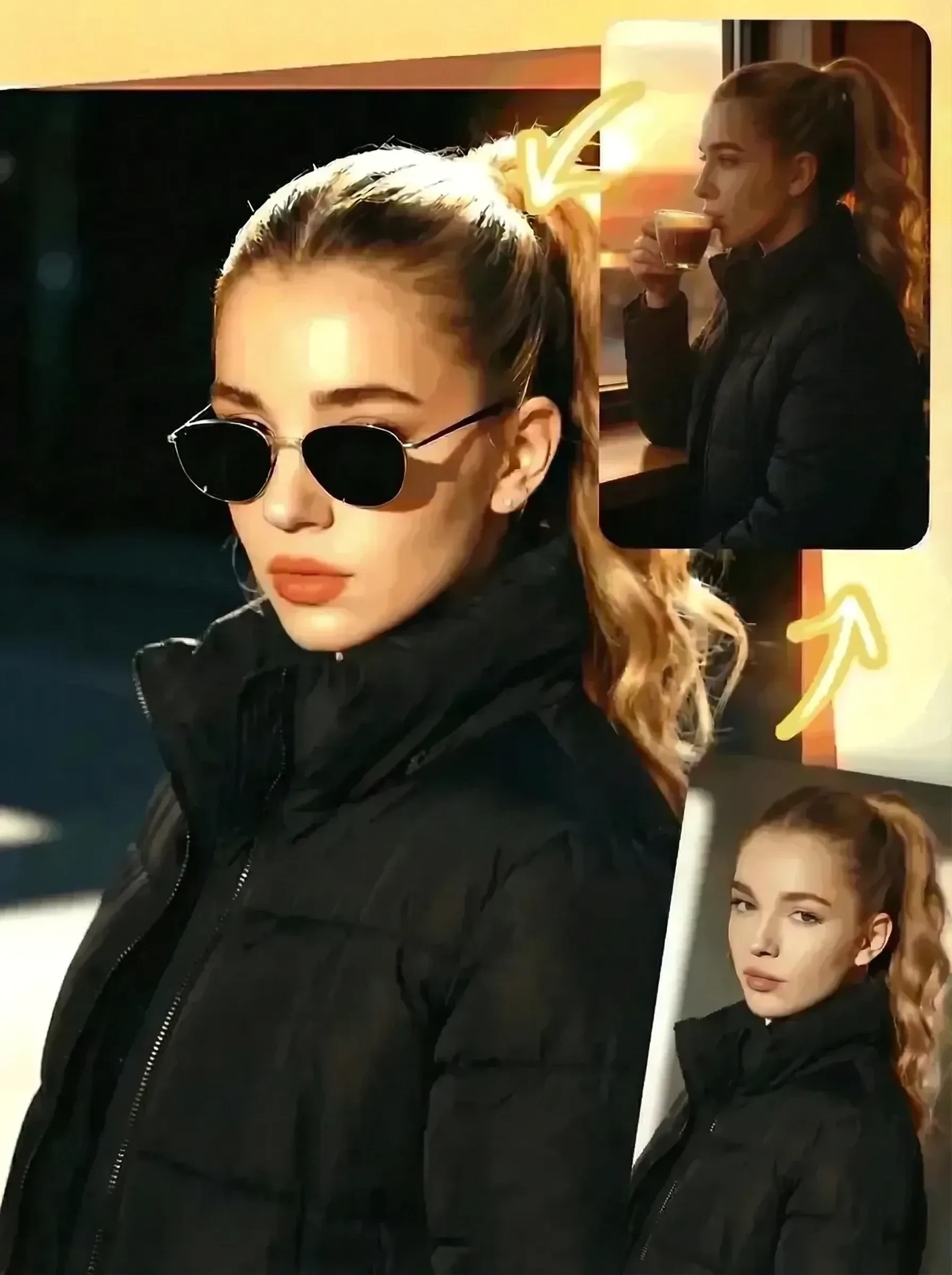
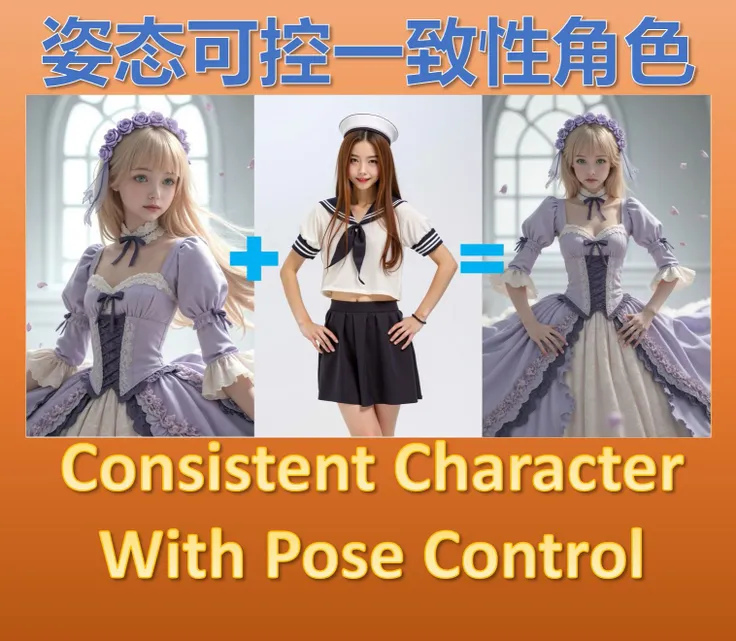
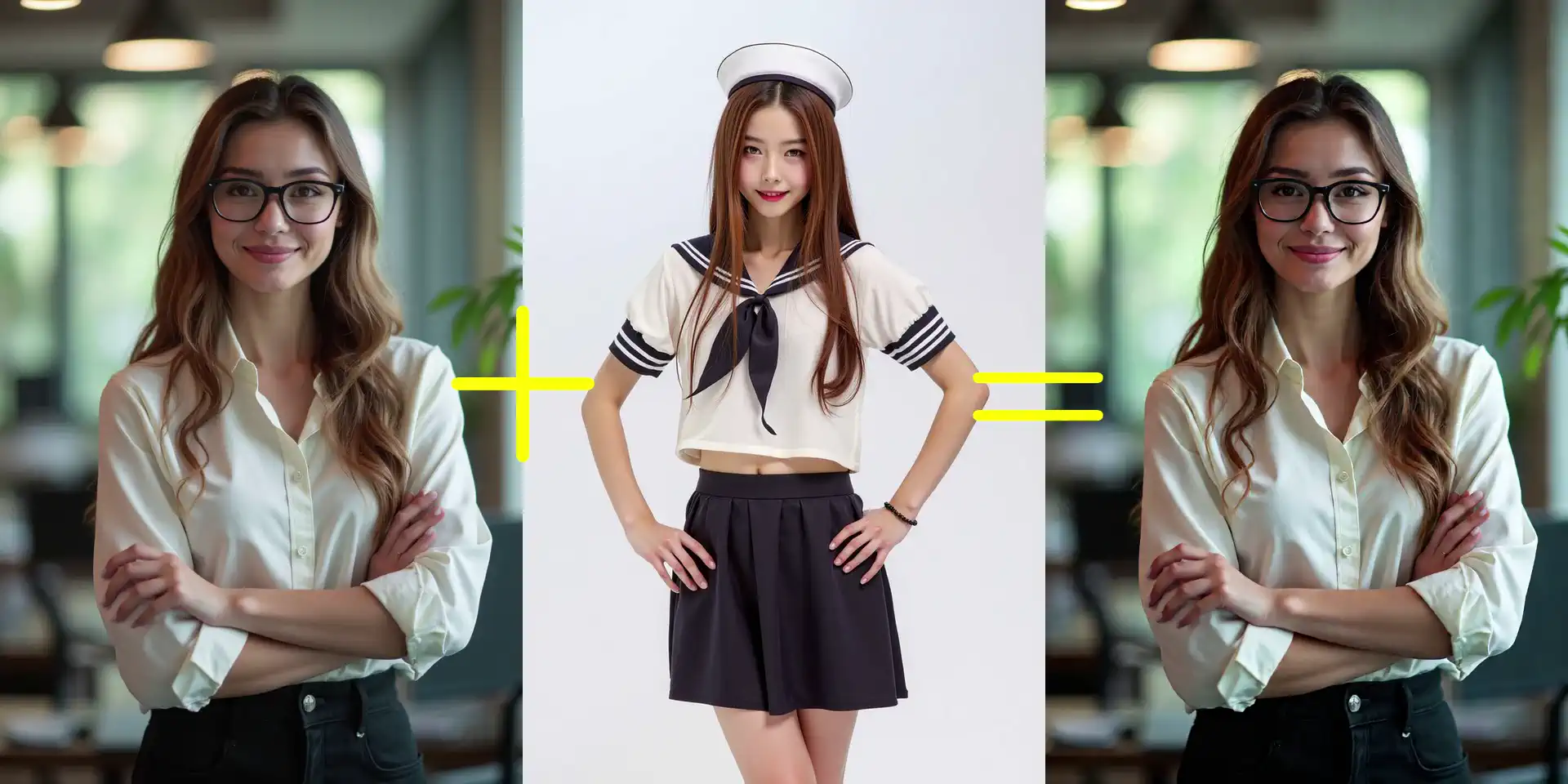
Seedream 4.0 AI Character Consistent Video Generator Transform 3 reference images into perfectly consistent AI videos. Experience controllable AI video generation using Seedream 4.0's multi-image AI technology at SeaArt.
Seedream 4.0 AI character consistent video generator maintains perfect character integrity across video sequences. Whether you're moving characters between locations or creating smooth camera transitions through complex scenes, the AI ensures visual continuity throughout your video. eliminating visual inconsistencies that typically plague AI videos, it enables you to focus entirely on crafting compelling narratives.

Instantly experience Seedream 4.0 AI character consistent video generator. It enables precise character placement across diverse environments while maintaining facial accuracy and stylistic integrity frame by frame. It excels at transitioning characters between scenes and coordinating multiple subjects within identical settings, delivering consistency throughout. Advanced prompt controls allow fine-tuning of camera movements and perspectives for truly cinematic AI generated video.

Upload your character references once and instantly generate multiple AI videos for your content series. Create IP animations, film trailers, TikTok clips using the same consistent characters without restarting your setup. Generate multiple camera angles and scene variations from your original references. Your reference database stays accessible, enabling rapid production for maximum efficiency.


Multi-Image Processing Power
Industry-leading support for up to 3 simultaneous reference images, enabling complex character interactions and comprehensive scene from multiple perspectives.
Enhanced Stability Algorithm
Delivers superior frame-to-frame consistency with reduced artifacts and improved temporal coherence compared to single-image video generation methods.
Unlimited Creative Possibilities
Transport identical characters across unlimited scenes or coordinate multiple subjects within shared scenes with unprecedented accuracy and control.

Step 1: Upload Reference Images
Choose three clear, relevant images to be merged into your AI generated video. The Reference to Video tool will use them as the foundation for your video creation.
Step 2: Enter the prompts
Craft descriptive prompts covering your intended video concept, including character actions, scene dynamics, visual style and more.
Step 3: Choose Aspect Ratio
Select a suitable aspect ratio for your AI generated video.
Step 4: Generate and download
Click the "Generate" button, and wait for a few seconds. Download and share the video as you like!
What makes Seedream 4.0 unique in AI video generation?
It is an advanced AI tool that creates consistent video generation from multiple images. Users provide multiple visual references alongside detailed text prompts, enabling the AI to maintain character, object, and scene consistency across all video frames. This multi-reference approach ensures professional-quality visual continuity ideal for storytelling, brand content, and educational materials.
Will the AI Character Consistent Video Generator compromise video quality?
Absolutely not. Seedream 4.0 is specifically optimized to leverage multiple reference images for enhanced quality output. Additional visual references provide the AI with a comprehensive understanding of subjects from various angles and lighting conditions, resulting in improved character accuracy, smoother animations, and significantly reduced generation inconsistencies. More references mean better quality, not degradation.
What image formats does Seedream 4.0 accept for reference uploads?
Seedream 4.0 AI Character Consistent Video Generator accepts common image formats including JPG, PNG, and WebP. For optimal results, use high-resolution images with clear character details and good lighting conditions.