 Enterprise Version
Generate
History
Private Creation
Private Creation
Create private works that are only visible to yourself.
[Private Creation] is a premium feature that is available after becoming an SVIP.
Unlock Now
Already the end

No Data
No Data
Details
Report
Not Interested
Original
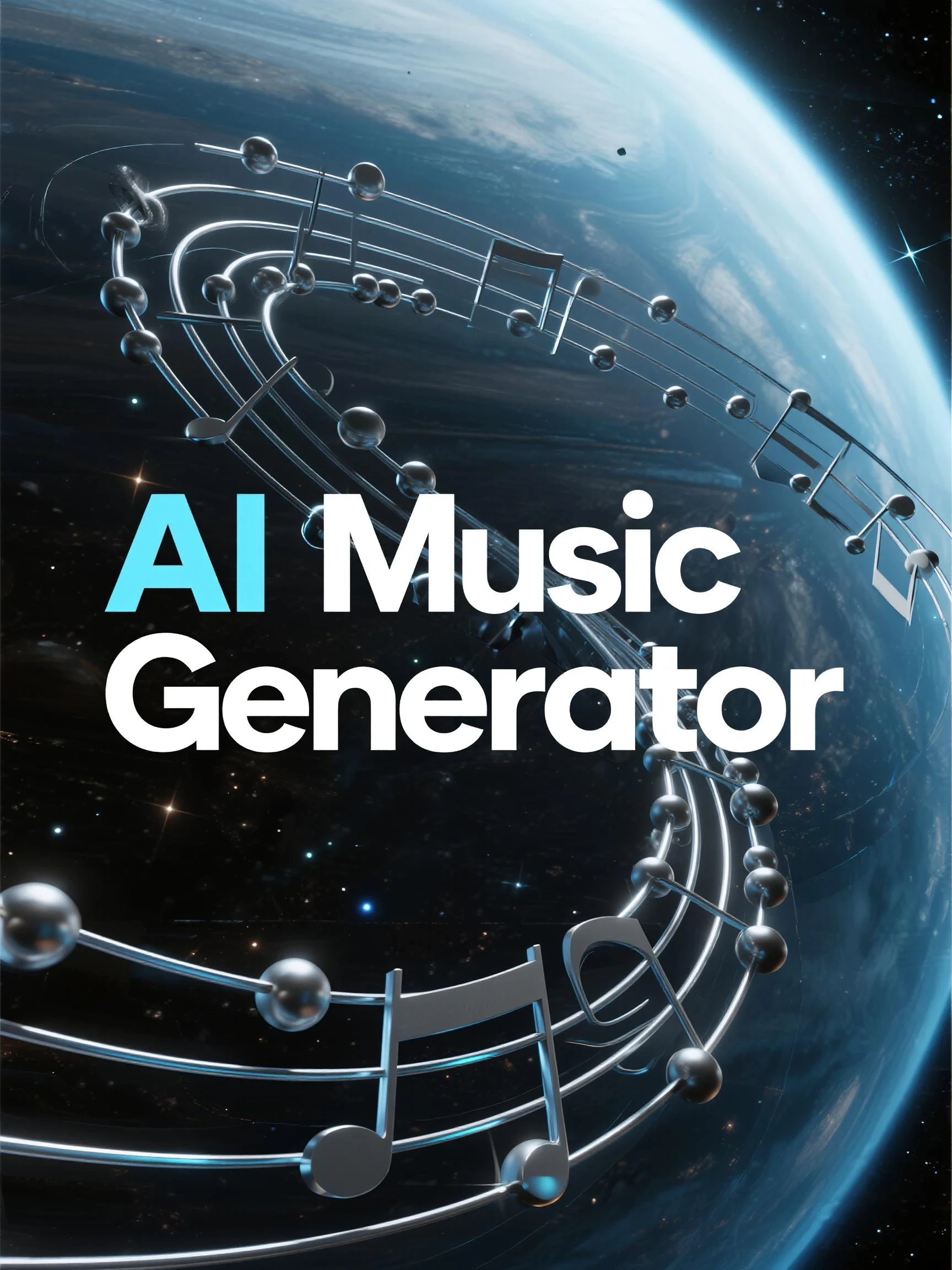
AI Music Generator
40
0
101
2026-02-08 10:42:55 Update
#Music Generation
...View More
1. Supported Song Styles Covers multiple major categories including Rock, Hip-Hop, Electronic, Folk, World Music, Metal, etc.
AI Music Generator
View Translation
Rating & Review
-- /5
Not enough ratings or reviews received yet
more

No data available


Explore Related









Download SeaArt App
Continue your AI creation journey on mobile devices
Why Choose AI Music Generator


Professional Music Processing
Powered by WAN 2.6 to deliver studio-grade sound with advanced audio processing for every track you create.

User-Friendly Interface
Intuitive design makes it easy for anyone to create, edit, and download music - no technical skills or experience required.



Multiple Music Styles
Create music across diverse genres including pop, rock, electronic, classical, jazz, ambient, and more to match any mood or project requirement.

Free to Try
Start creating music for free without upfront payment - explore before upgrading.
Create Music That Actually Fits Your Project
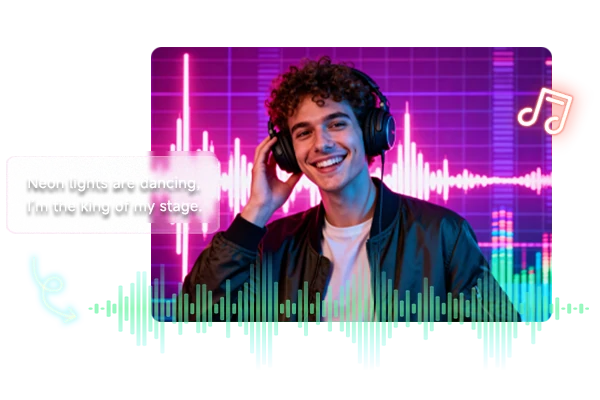
Text to Music
Describe what you're hearing in your head - "chill lofi beat with piano" or "epic orchestral for boss battle" - and the ai music generator composes a complete track in seconds. No music theory needed, no expensive DAW required. Just type what you want on SeaArt AI and download a ready-to-use MP3 that drops straight into your video editor, game engine, or social post. Perfect for creators who need custom soundtracks yesterday but don't have hours to browse stock libraries or hire composers.
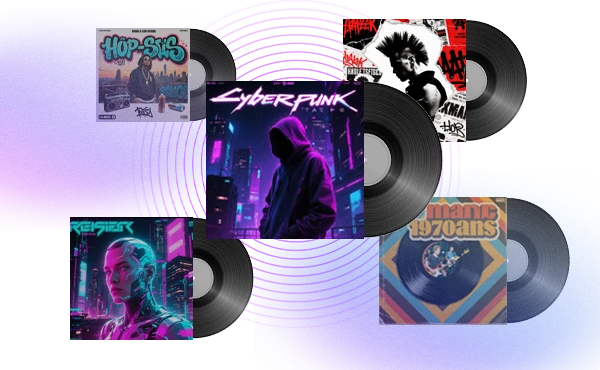
Random Music Inspiration
Hit the random button when you're stuck or exploring new directions. Each generation pulls from different genres, moods, and instrument combinations you might never think to try manually. It's the fastest way to build a palette of soundtrack ideas for your project - whether you're scoring a game level, cutting a montage, or launching a content series. Generate a batch, pick the vibe that clicks, then design an album cover to match your sound and vision.
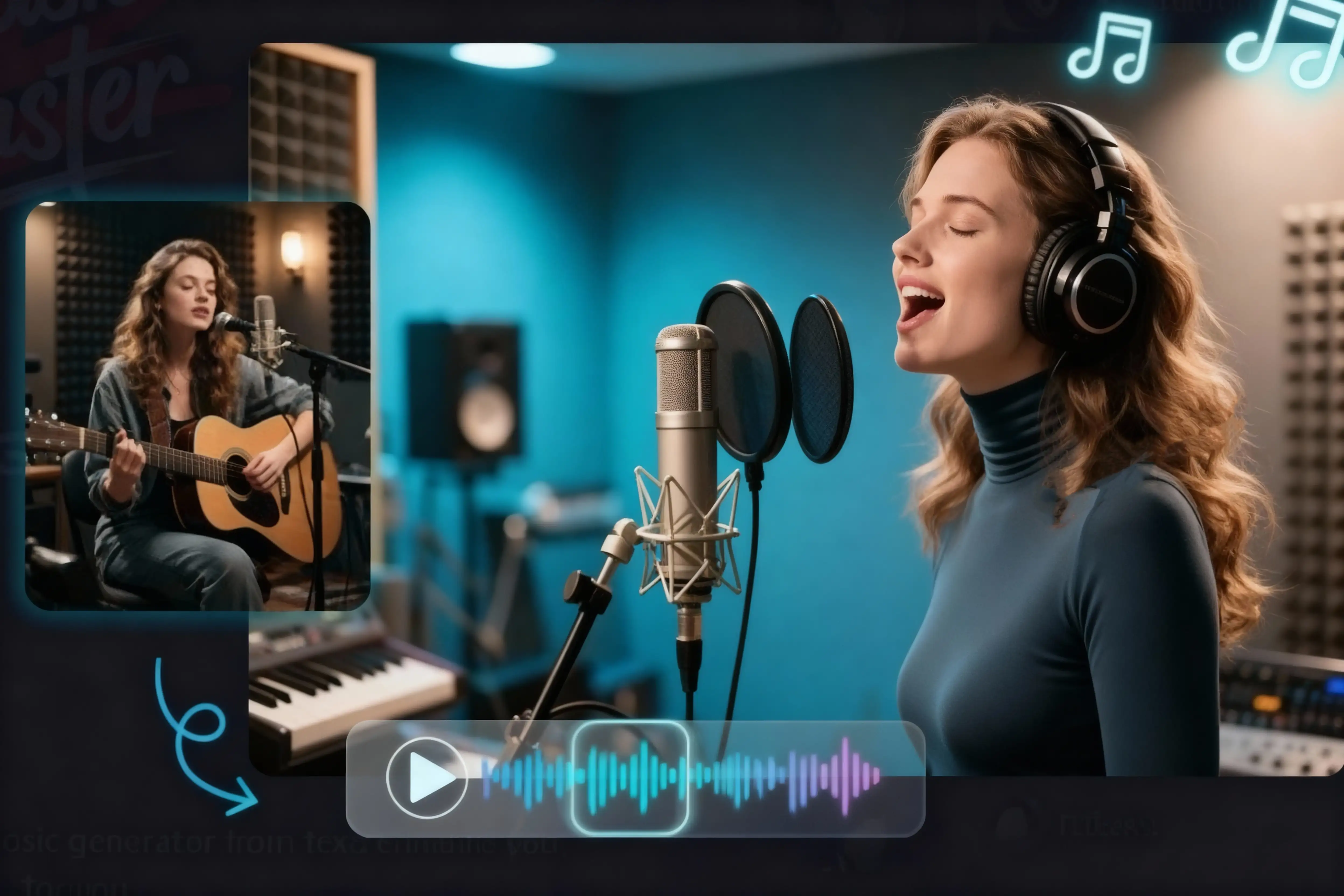
Fine-Tune Every Detail
Start with a track you like, then tweak the prompt to adjust mood, tempo, instruments, or lyrics. Change "calm acoustic" to "upbeat electronic" and regenerate - the AI keeps what works and shifts what doesn't. This makes it easy to create multiple versions for different cuts: a chill intro, a punchy chorus, or a short loop for Reels. Every iteration stays copyright - free and download - ready, so you can iterate fast and ship faster.
Real-World Applications of AI Music Generator
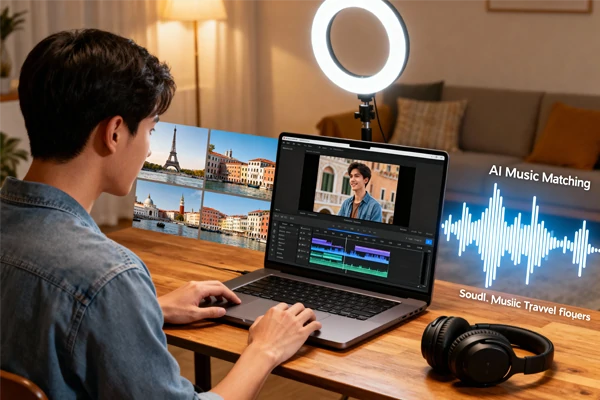
Video Content Creation
A travel vlogger generates upbeat background music that matches her 5 - minute Europe highlight reel, making the edit feel tighter and more energetic without spending hours searching stock libraries.
A travel vlogger generates upbeat background music that matches her 5 - minute Europe highlight reel, making the edit feel tighter and more energetic without spending hours searching stock libraries.
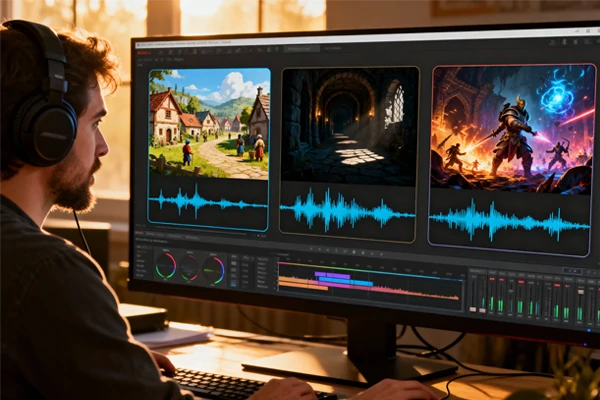
Indie Game Development
An indie developer creates multiple scene themes - town, dungeon, battle - to prototype the game's audio vibe during early builds, all in one afternoon.
An indie developer creates multiple scene themes - town, dungeon, battle - to prototype the game's audio vibe during early builds, all in one afternoon.

Social Media Content Creation
A content creator generates background music for daily TikTok and Instagram Reels, ensuring each video has a unique soundtrack that matches the vibe.
A content creator generates background music for daily TikTok and Instagram Reels, ensuring each video has a unique soundtrack that matches the vibe.
How to Create Music in 3 Steps
Describe Your Music
Type a short prompt with the genre, mood, and optional lyrics you want.
Generate Audio
Click Generate and the AI composes one track based on your prompt.
Download and Use
Preview, download, and use it in your project.
Frequently Asked Questions

What is AI Music Generator?
The AI music generator is a text - to - music tool powered by WAN 2.6 technology that transforms written descriptions into complete music tracks. Simply describe the music you want - including genre, mood, instruments, and tempo - and the AI composes, arranges, and produces professional - quality audio in seconds.

What should I include in my prompt?
Include the genre, mood, key instruments, and what you're making it for (intro, loop, background). If you have lyrics, paste a few lines to guide the vocal phrasing. Be specific about the vibe - "chill lofi for study montage" works better than just "relaxing music."
Can I use the generated music commercially?
Yes, all music created with the ai music generator is royalty - free with full commercial usage rights. Use it in YouTube videos, client projects, mobile apps, advertisements, or any commercial work without licensing fees or attribution requirements.
How do I get a result closer to my idea?
Be specific about instruments and vibe, and reference a clear use - case. If the first result is close, change one thing at a time (tempo, instrument, mood) to converge faster. Short, consistent prompts usually produce cleaner results than long lists of mixed styles.
What Creators Say About AI Music Generator
Explore More AI Apps


More
SUNRISEAI PTE. LTD.
"The AI Music Generator saved my video production workflow. I used to spend hours searching for copyright - free music that never quite fit. Now I generate custom tracks in minutes that match my videos perfectly. The quality is surprisingly professional and I've never had any copyright issues."
Marcus Chen
YouTube Content Creator
"As an indie game developer with zero music skills, this tool is a game - changer. I created an entire soundtrack for my puzzle game - menu music, level themes, victory jingles - all for free. The music actually sounds like it was composed for my game specifically."
Sarah Rodriguez
Indie Game Developer
"I manage social media for three brands and need fresh music daily. The AI music generator is my secret weapon. I can match music to each campaign's mood instantly without budget constraints. It's fast, easy, and the quality rivals paid stock music libraries."
James Thompson
Social Media Manager