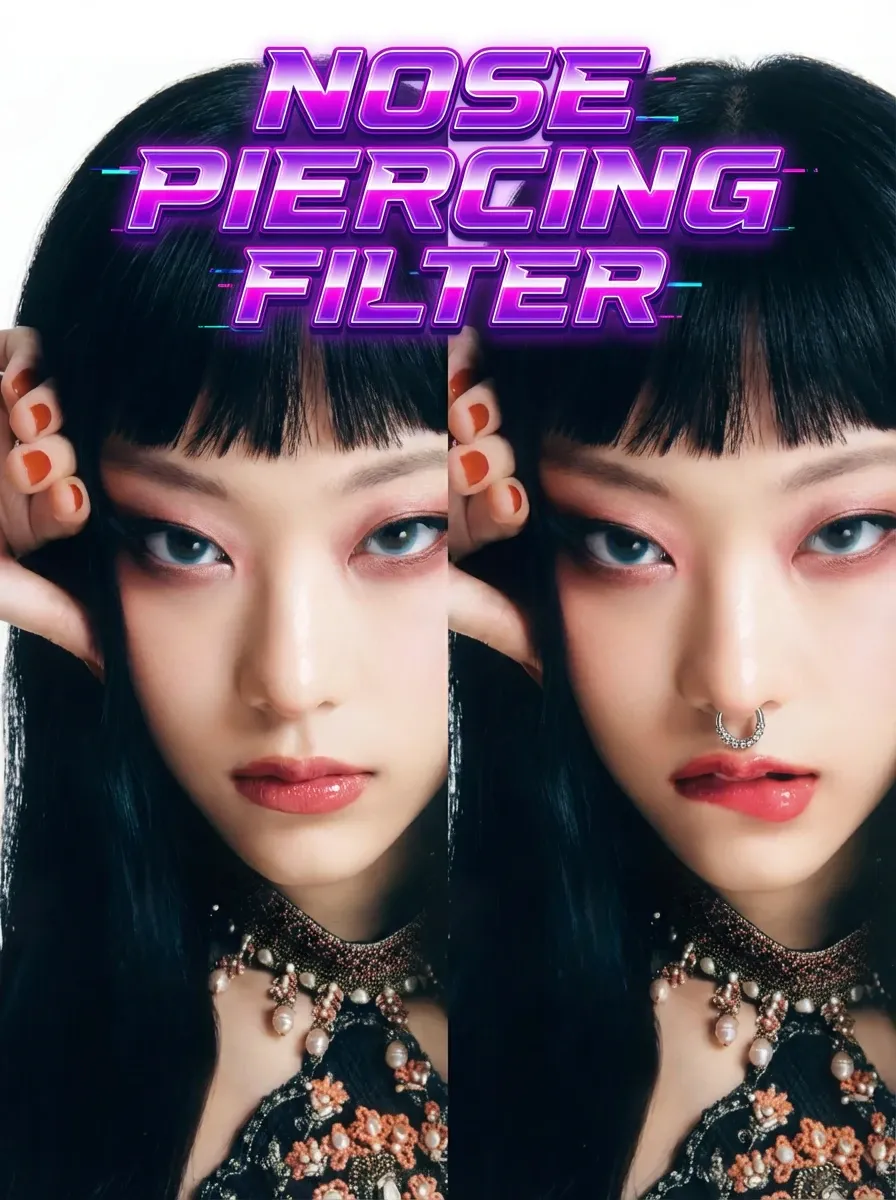
Input portrait,The text can be random,Or write it yourself
Not enough ratings or reviews received yet


Instant Try-On Preview
See how a nose stud changes your vibe in one click, without committing to a real piercing.
Fully Automatic Placement
The filter adds a clean, classic stud automatically—no sliders, no manual positioning.
Natural-Looking Detail
The piercing blends with the lighting and skin tone so the result reads like a real photo.
Fast, Shareable Output
Generate quickly, download, and use the result for style planning, profile photos, or posts.
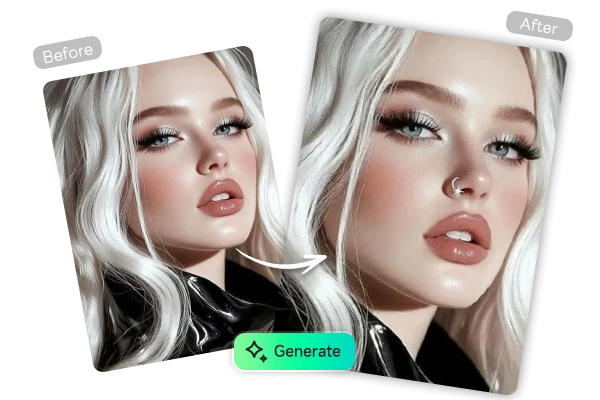
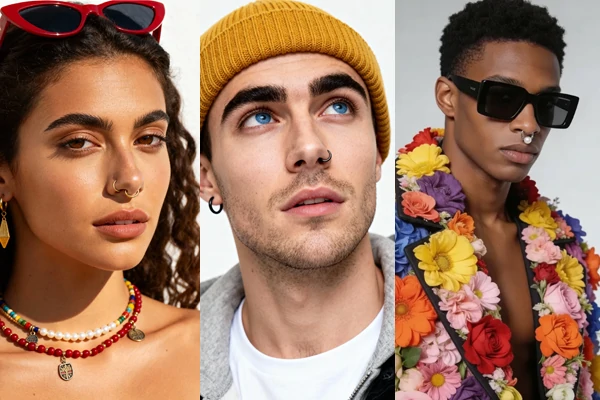
Upload one portrait and instantly preview a realistic nose piercing - no needles, no manual editing.

SeaArt AI Nose Piercing Filter is for fast try-ons with no extra editing needed. Upload a selfie, hit generate, and the filter instantly places a realistic nostril stud that matches your lighting and skin tone. It's a fast, commitment-free way to preview a piercing look, save the result, and share it for feedback before making any real change.

AI Nose Piercing Filter aims for believable placement by following the contour of the nostril and matching the stud’s brightness to your photo’s lighting. Avoid strong color casts and harsh overhead shadows, then generate a few versions and keep the one with the most natural curve and reflection.

Explore more piercing styles beyond the default stud by generating variations with an AI image generator or refining results in AI photo editor. Keep your face, lighting, and framing the same, then swap only the jewelry: gold hoop, silver stud, diamond nose pin, septum ring, double piercings, or a classic nose stud. This makes side-by-side comparisons clean and realistic.
Step 1: Upload a clear portrait
Use a well-lit, front-facing selfie so the nostril edge is visible and placement looks natural.
Step 2: Generate the try-on
Click generate, then compare 2–3 results to pick the most realistic highlight and position.
Step 3: Save or explore variants
Download the result, or create new versions by changing only the piercing style you want to test.
What is this nose piercing try-on filter?
AI Nose Piercing Filter is a one-click photo effect that adds a realistic nostril stud to your portrait. Upload a selfie, generate the result, and save it for style planning, profile photos, or sharing. Clear, front-facing photos give the most believable placement.
Can I do a virtual nose ring try-on online, or only a stud?
The default result is usually a classic stud. For ring styles, use the generated image as a base and create variants by describing the jewelry you want while keeping identity, lighting, and framing fixed.
What photo works best for a natural result?
Use a well-lit portrait where the nose is not hidden by hands, hair, or strong shadows. Avoid heavy filters, keep the face centered, and pick the version where the stud follows the nostril curve with a matching highlight.
Is there a free nose piercing filter online option?
Yes. This workflow is designed to be quick and beginner-friendly. Generate a try-on, download the result, and repeat with a new photo or angle for comparison. For more creative control, pair it with generation workflows for more style options.