Create Workflow
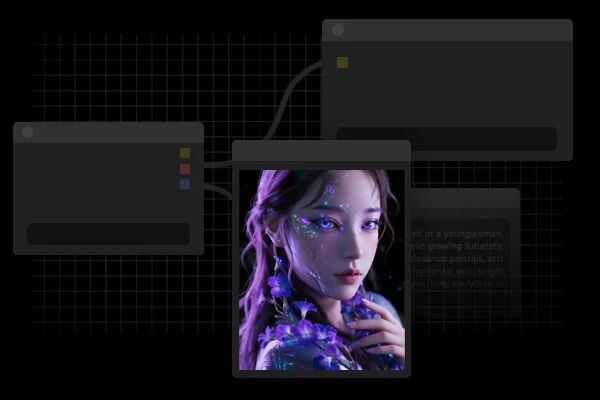
Built on SeaArt ComfyUI
creation

You Might Like

Featured Workflows

Wan Video

New Pick

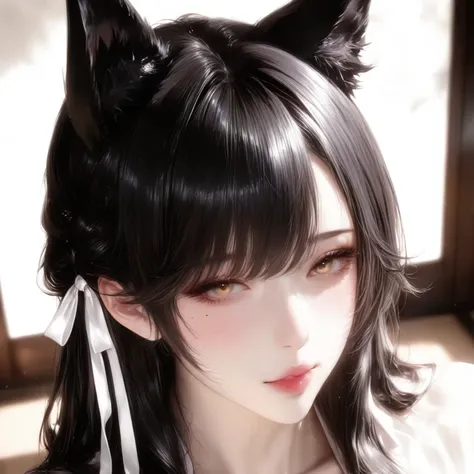
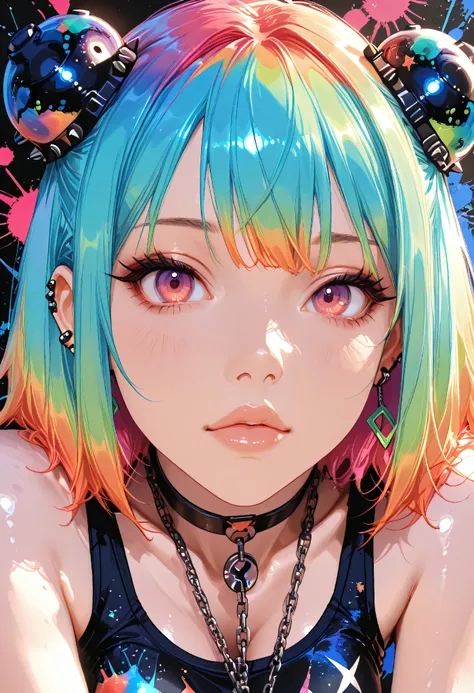
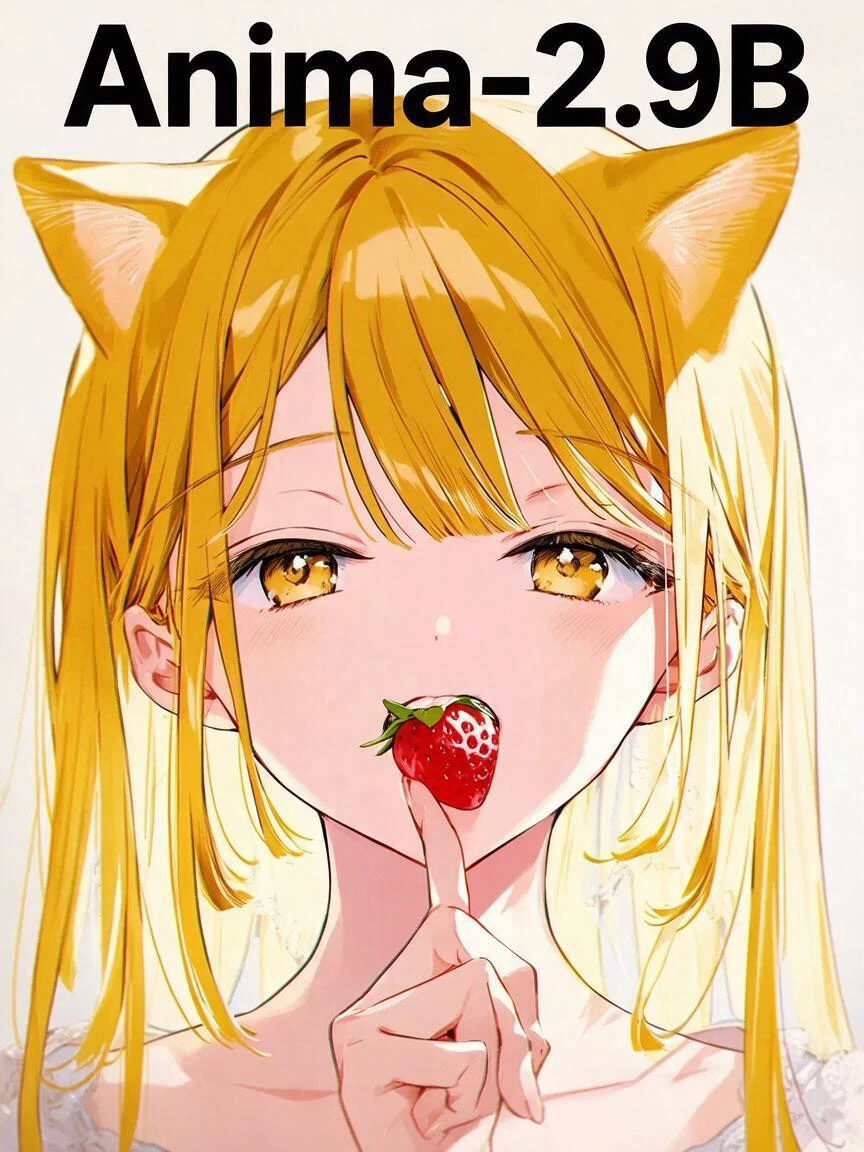
T2I - Semi Realistic NIJI style + 4K Upscale + Detail and Face Fixer

T2I - Semi Realistic NIJI style + 4K Upscale + Detail and Face Fixer

ComfyUI

5.0

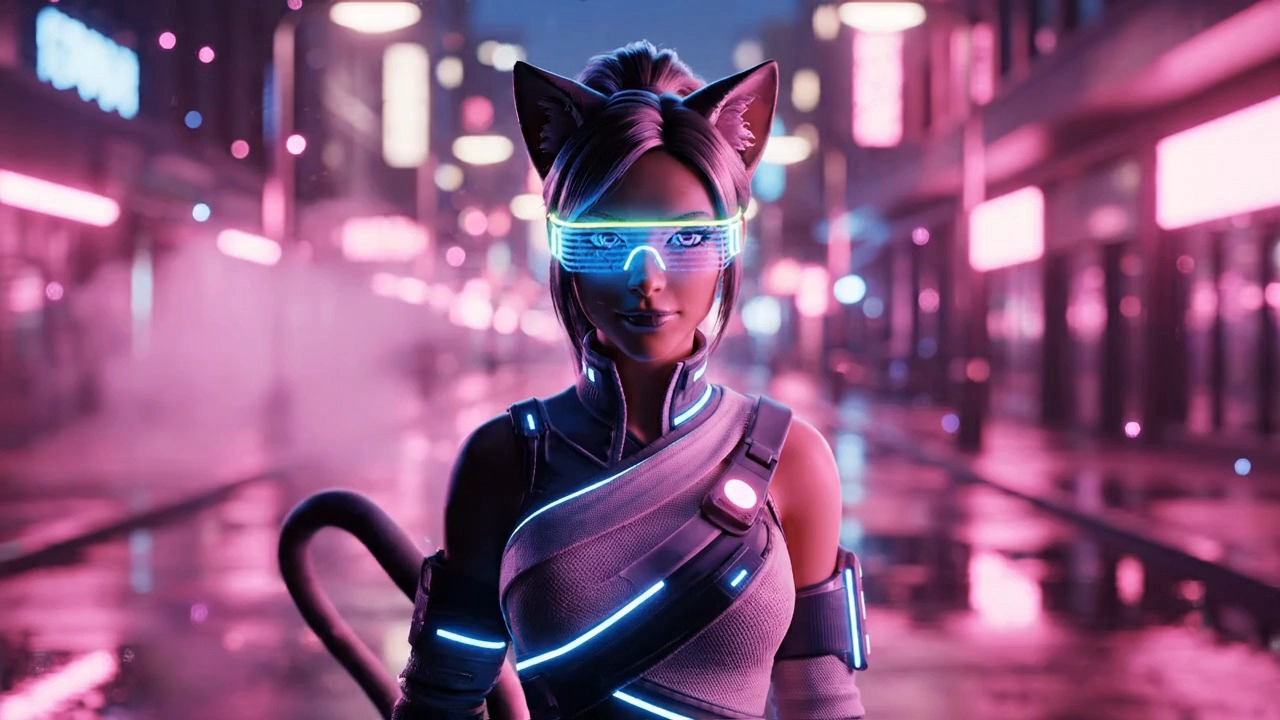
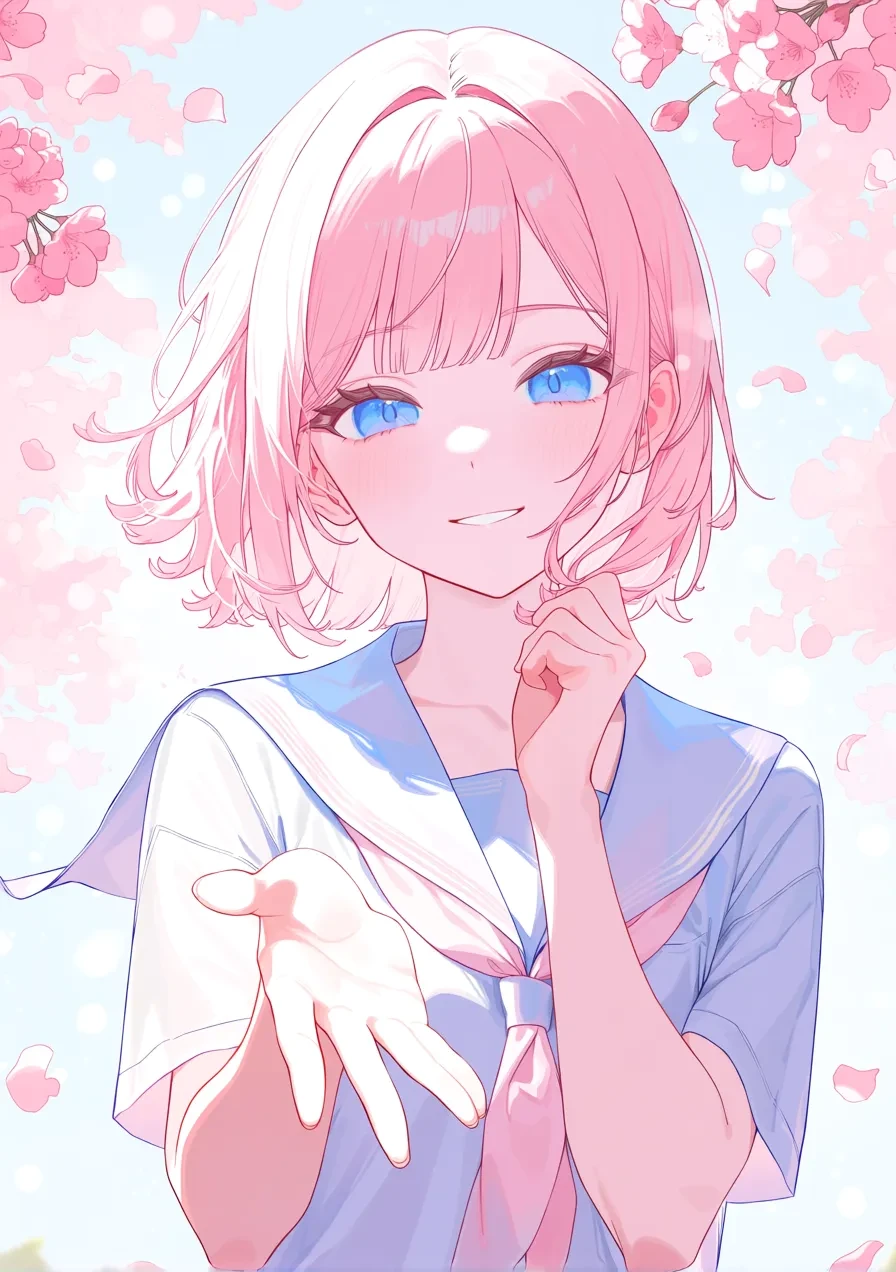
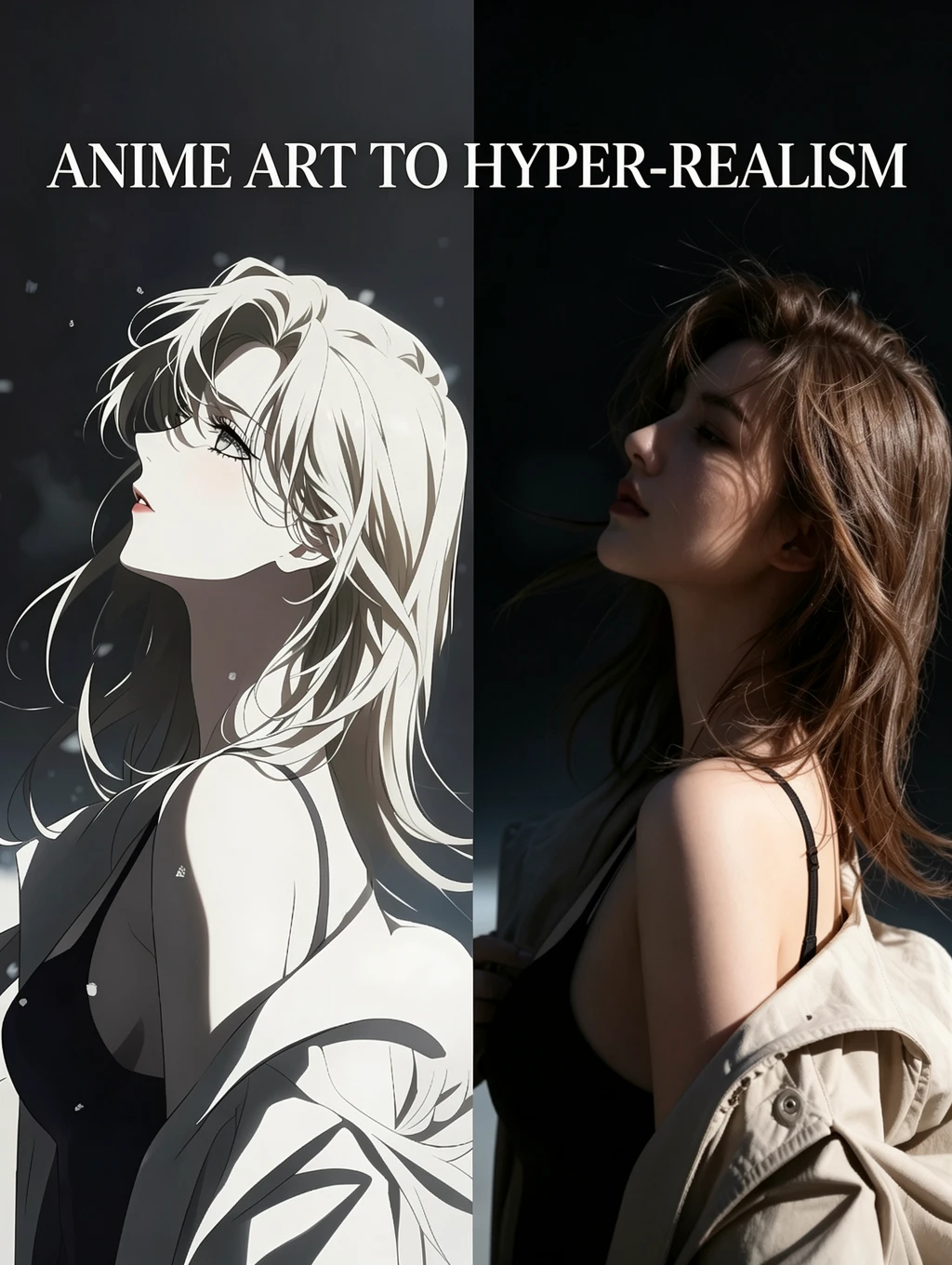
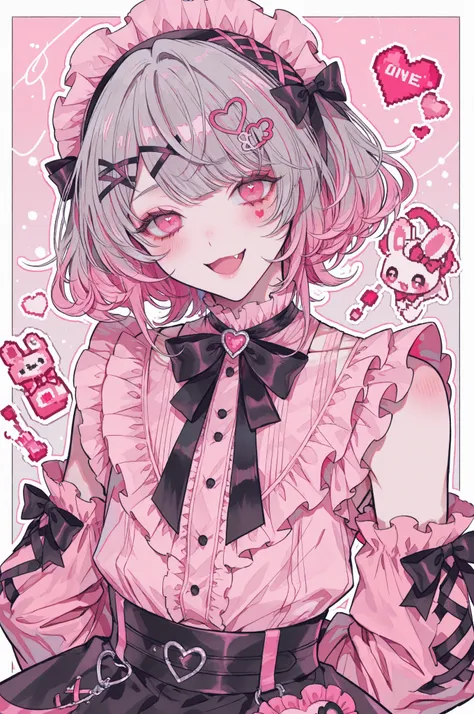
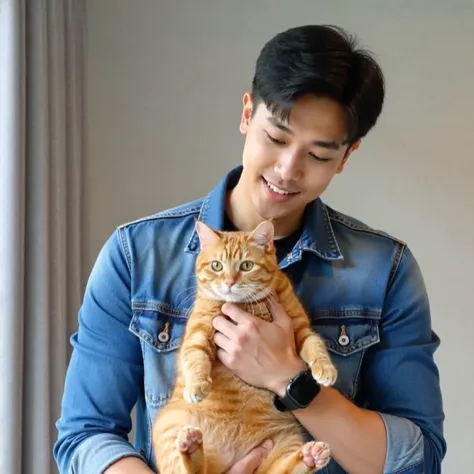
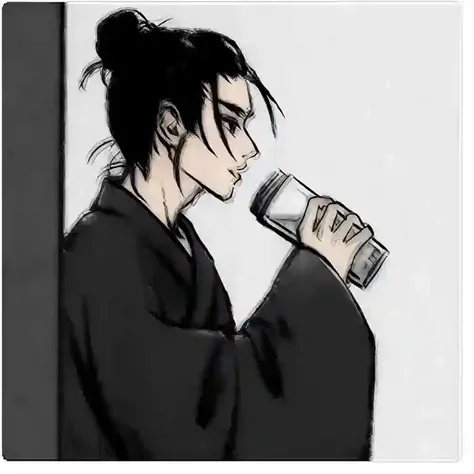
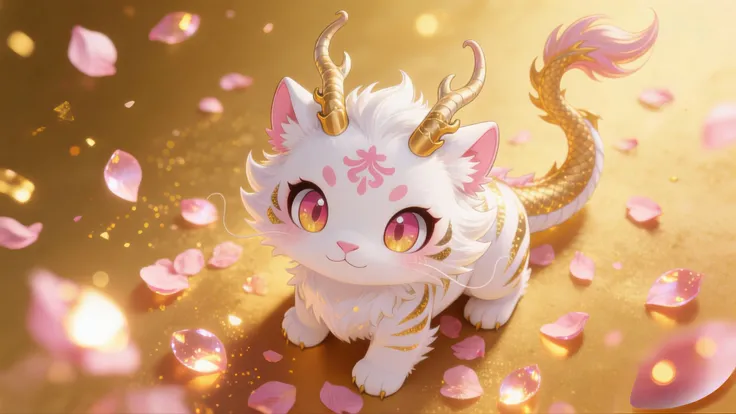
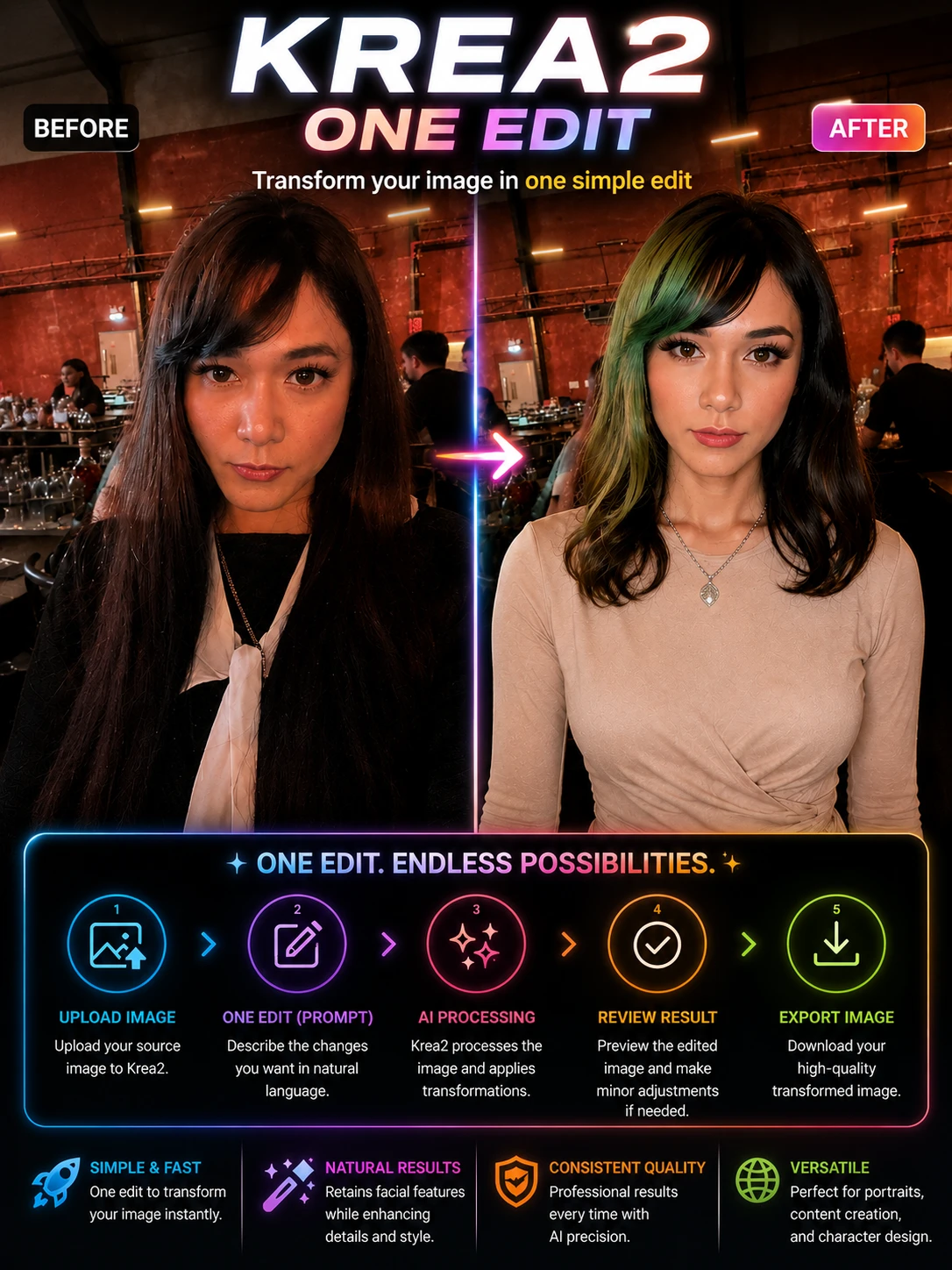
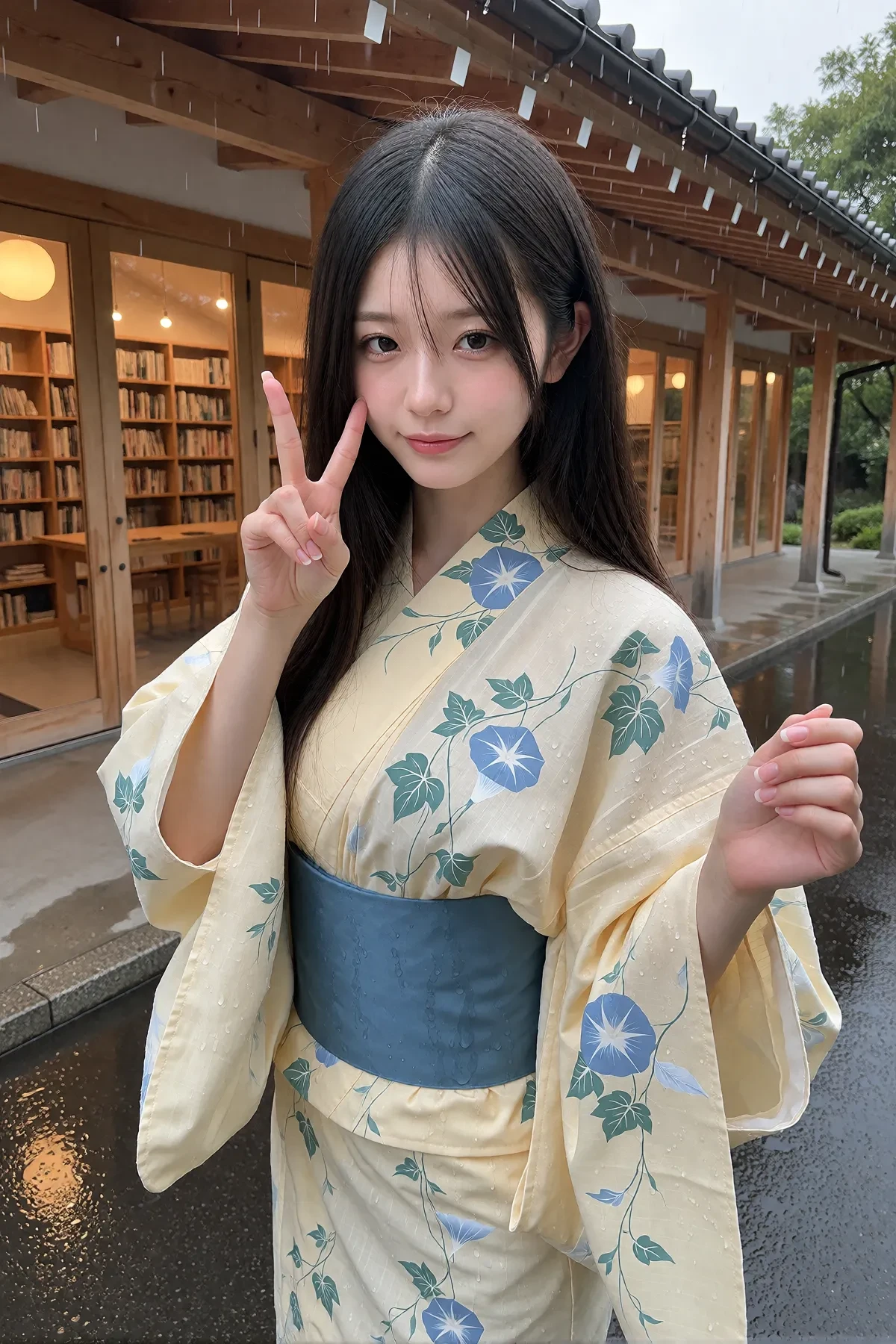
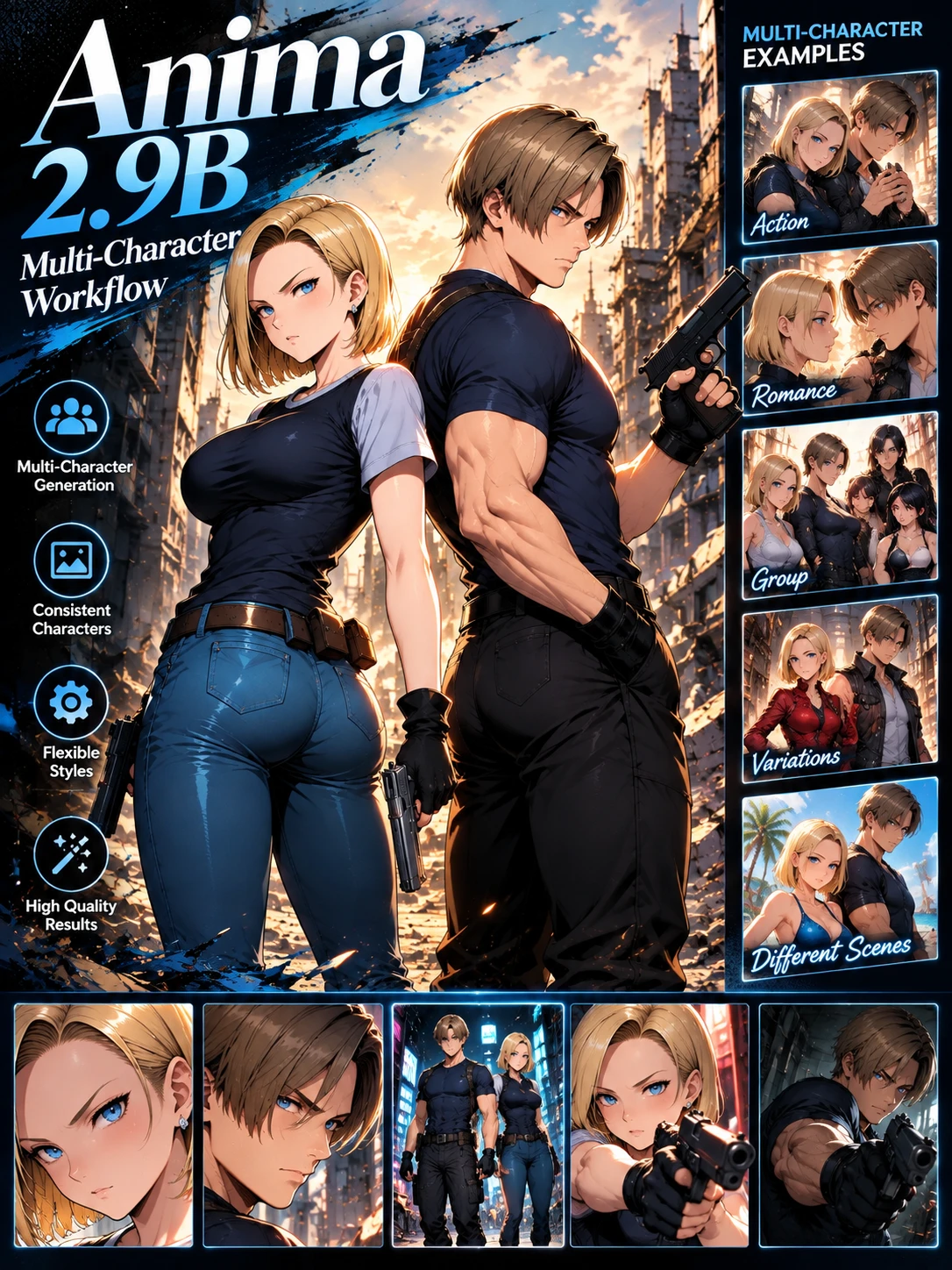
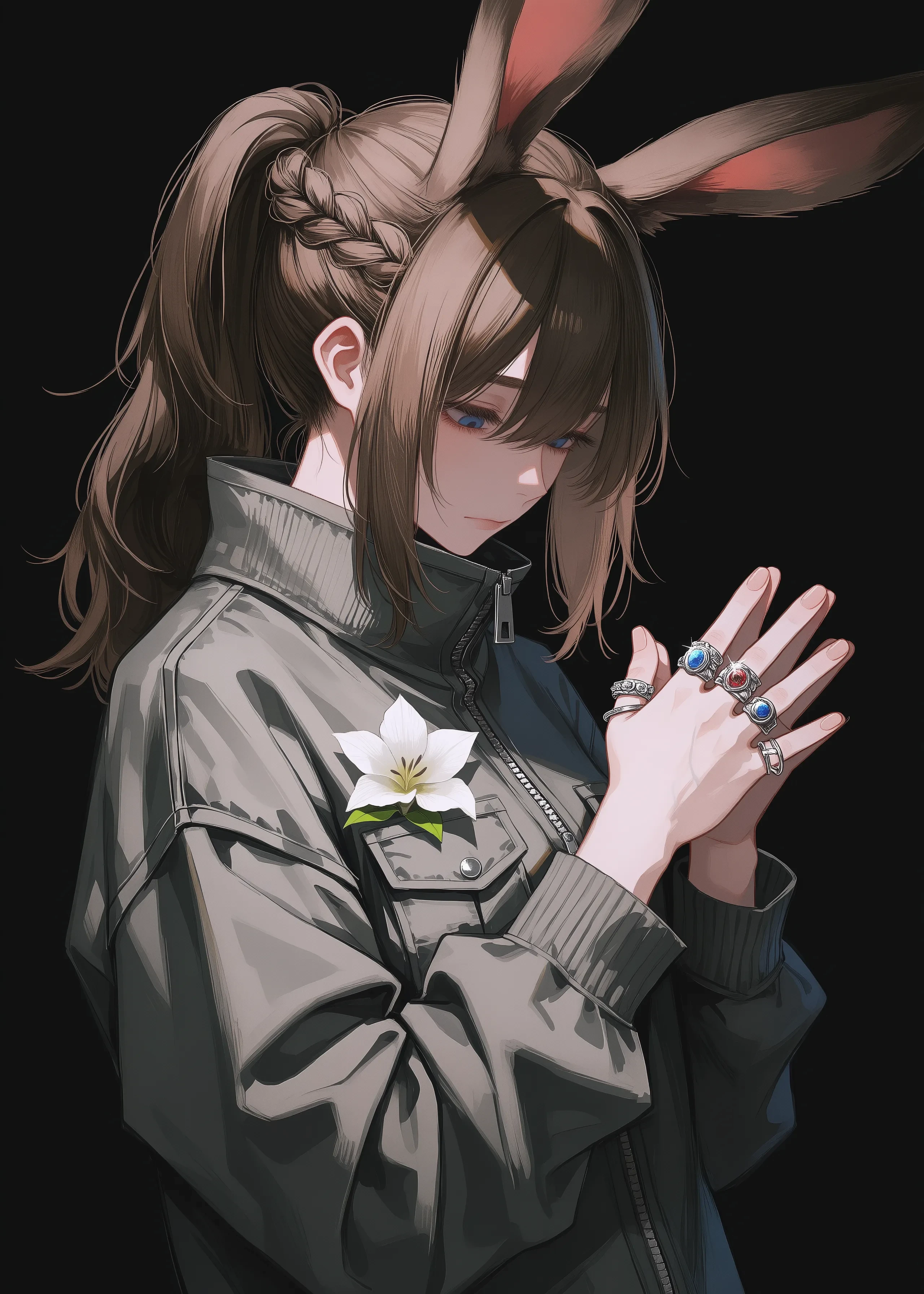
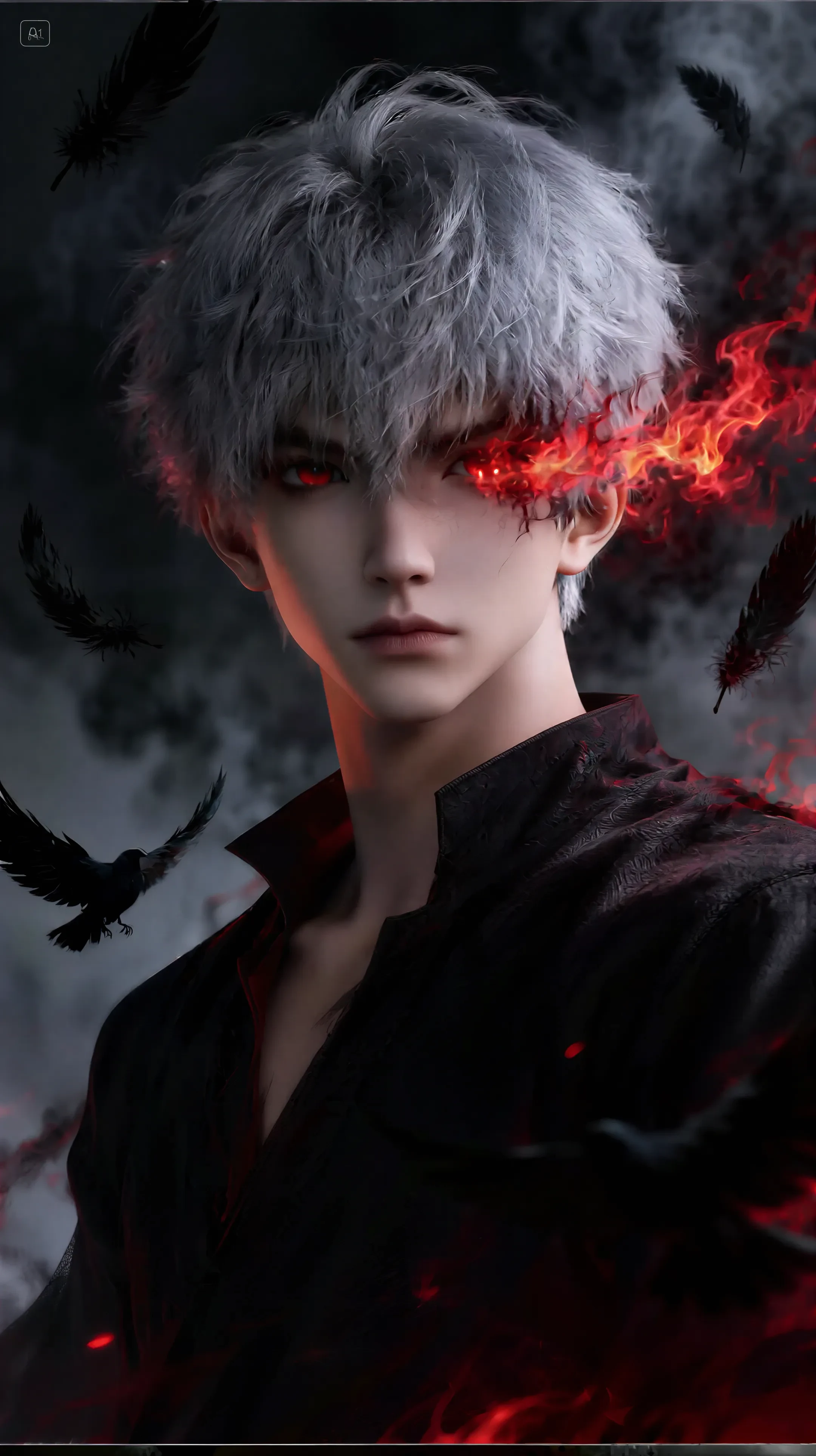
Developer's Note: If you find this workflow helpful, please don't forget to like, comment, and give it a 5-star rating! I would also love to see your results, so feel free to share your creations in the comments. Your support is a huge motivation for me to keep improving and designing even better workflows for the community. Thank you so much!This workflow has been completely re-optimized with the latest ComfyUI techniques to address the biggest issues of basic Stable Diffusion outputs: blurry details, washed-out colors, and distorted limbs.This workflow has been completely re-optimized with the latest ComfyUI techniques to address the biggest issues of basic Stable Diffusion outputs: blurry details, washed-out colors, and distorted limbs.T2I - Semi Realistic NIJI style + 4K Upscale + Detail and Face Fixer is specifically designed to achieve high resolution, professional clarity, and flawless details in your 2.5D and Anime portraits.🚀 INNOVATIONS & SPEED⚡ Blazing-Fast 4K Output: Thanks to advanced Upscale technology, it renders high-resolution images from the queue much faster than traditional methods.👁️ Flawless Face Detailing (Integrated): With the newly integrated Face Detailer optimization, eyes, mouth, and expressions achieve perfection. It eliminates the need for repetitive inpainting.✨ FOCUS POINTS & ENHANCEMENTSThis workflow handles every component of your image with professional precision:Face and Hand Detailing: Specialized intervention for eye, hand, and face details minimizes issues with distorted limbs and blurry features.High Resolution (Upscale & Sharpen): Renders the image into a professional-grade, sharp, and high-resolution output.Color Correction & Contrast Management: The Color Correction feature balances washed-out or oversaturated colors in your image.Highlight & Shadow Enhancement: Improves the technical accuracy of your image, making highlights and shadows appear richer and more realistic.🎯 WHO IS THIS IDEAL FOR?Everyday Users: Anyone looking to effortlessly create stunning, high-quality images for personal enjoyment or social media.Character Designers: Those who want to produce consistent and highly detailed character portraits.Concept Artists: Seeking fast prototyping and clean, production-ready concept visuals.Illustrators: Anyone desiring polished, high-quality outputs that emulate traditional art styles.CONCLUSION: T2I - Semi Realistic NIJI style + 4K Upscale + Detail and Face Fixer, you don't just generate images; you produce technically and aesthetically captivating, professional-grade artwork. Download now and experience 4K speed!
Challenge Event
Basic
Video Generation
Audio Generation
3D Generation
FLUX
Style
Design
Photography
Image Processing
Creative Play
Node Filter
Filter

Welcome to SeaArt AI Workflow

Simplify your creative process with SeaArt's AI art generator workflows, which are crafted to meet the diverse needs of artists, designers, and creatives. From AI images to AI videos, SeaArt AI offers everything you need to bring your artistic vision to life.

Why Use ComfyUI Workflow on SeaArt AI?

Simple Interface

SeaArt AI provides an intuitive interface that makes configuring workflows a breeze. All the workflows are built for everyone, even if you have no coding expertise.

Customizable Workflows

Design your workflow your way. From advanced LoRA training to intricate text-to-image generation, every step is adjustable to meet your needs.

High Efficiency

SeaArt optimizes processes of AI art creation. Enjoy faster rendering times and fewer technical hurdles. Produce stunning visuals quickly.
Multiple workflows on SeaArt AI

Thousands of Workflows for AI Art Creation

Unlock your artistic vision with SeaArt Workflow. Access thousands of pre-set workflows to effortlessly generate AI art in formats such as text-to-image, image-to-image, and image-to-video. These workflows integrate with powerful AI models like Flux, SD 3.5, and other popular options, including the ControlNet, giving you the flexibility to create stunning visuals that fit your preference.

Customizable workflows on SeaArt AI

Fully Control with Customizable Workflows

With SeaArt Workflow, you have complete control over your generation process. We offer powerful customization options that allow you to tailor workflows to your specific needs. Adjust parameters, change AI models, and fine-tune settings to ensure the final output meets your vision.
FAQs

collapse

What is ComfyUI Workflow?

SeaArt AI's Workflow is an innovative tool that goes beyond simple text prompts. Unlike traditional AI art generators, SeaArt offers a visual workflow system, where you can build custom workflows to control the image and video generation process with granular precision.
expand

What types of AI art can I use workflows to generate?

These workflows allow you to easily create a wide range of AI art, including realistic portraits, fantasy landscapes, anime characters, and abstract creations. You can effortlessly create text-to-image, image-to-image, and image-to-video, as well as apply style transfers, and even generate 3D models.
expand

Is the ComfyUI Workflow suitable for beginners?

Yes! With our user-friendly drag-and-drop interface and real-time previews, SeaArt's Workflow is accessible for both beginners and advanced users, making AI art creation simple.

expand

Can I customize my workflow?

Yes. SeaArt AI offers various customizable settings that allow you to set your workflow according to your specific project needs.