إنشاء تيار عمل
مبني على SeaArt ComfyUI
creation

قد ترغب

تيارات العمل المميزة

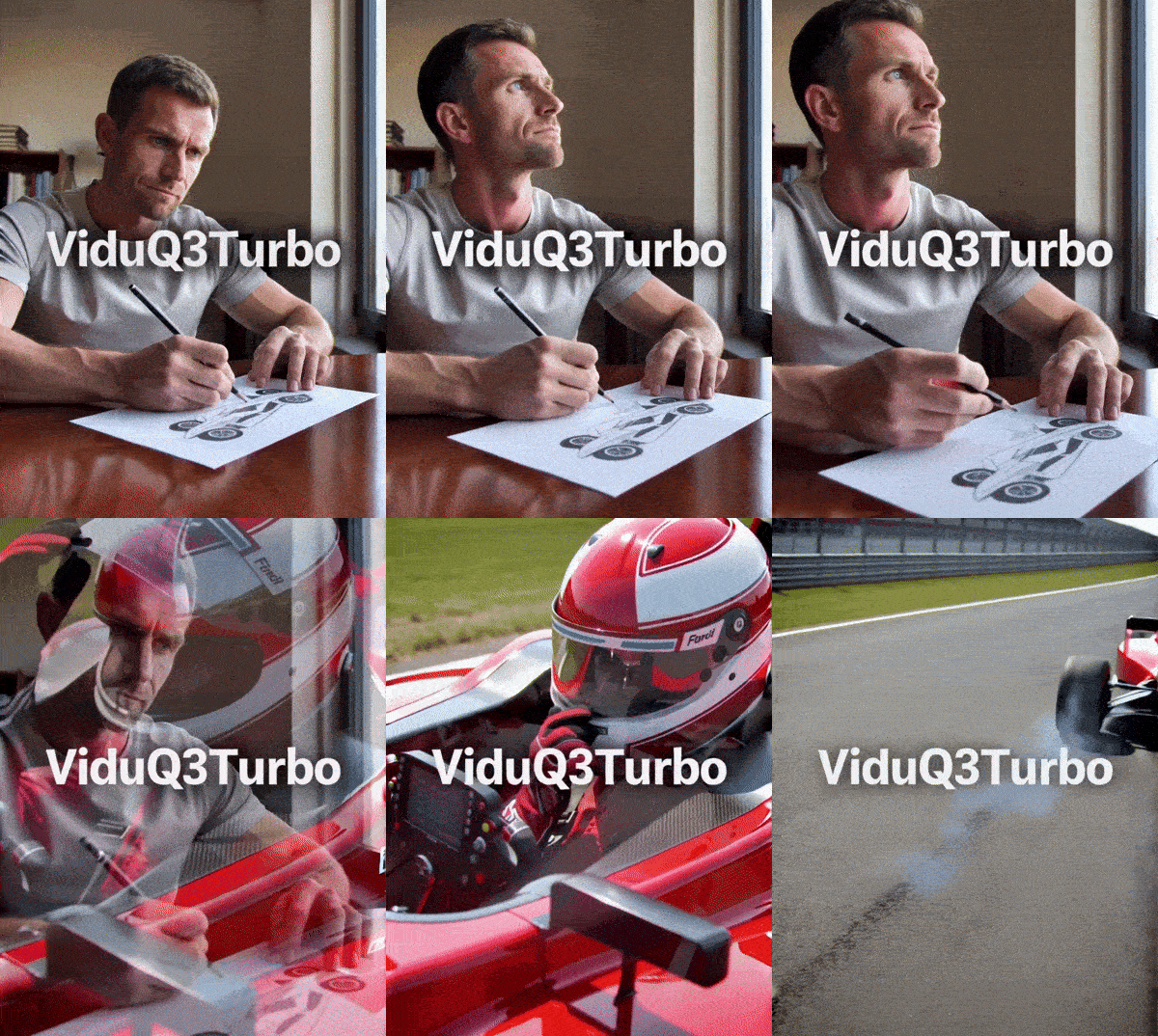
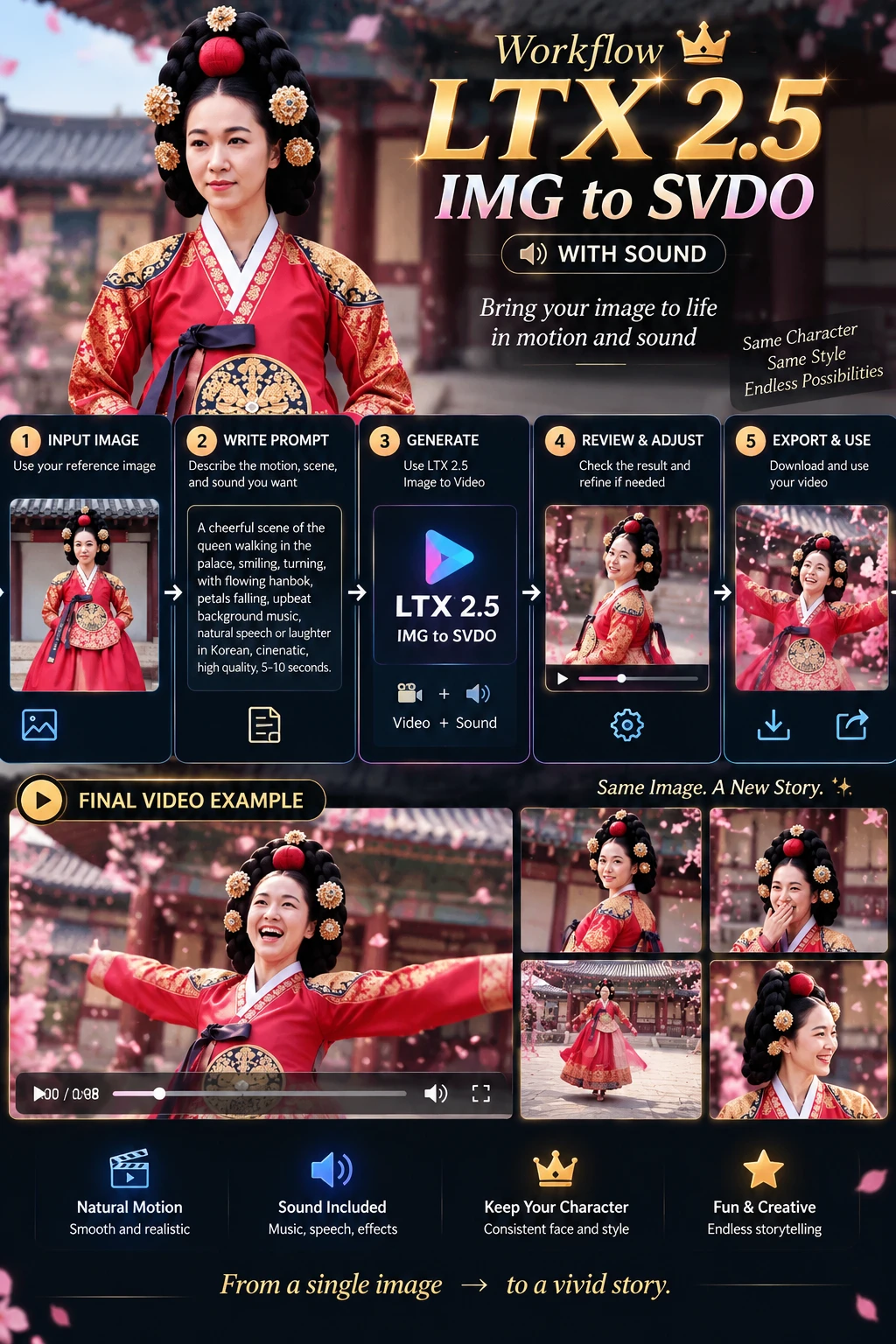
LTX2.3-Audio-video generation

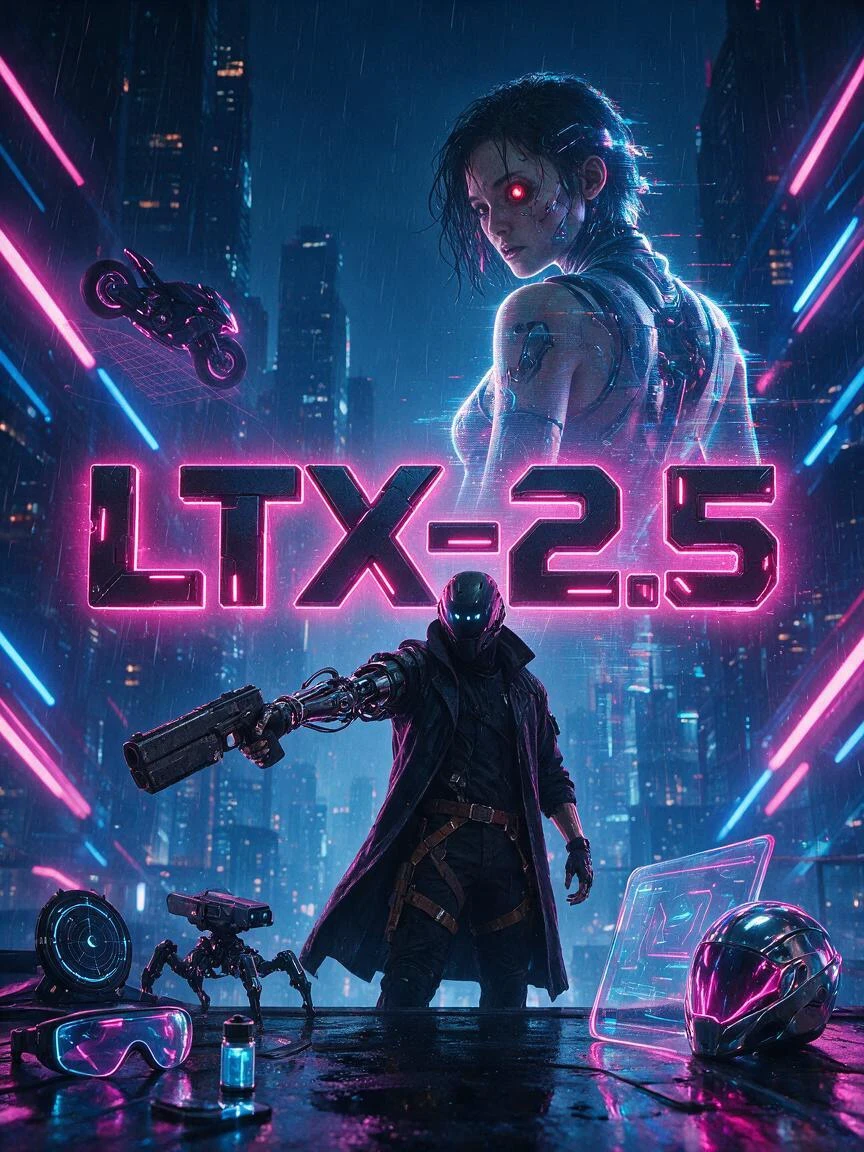
LTX-2.3 is an open-source audio-video foundation model released by Lightricks. Its core feature is not simply generating video alone or producing video first and adding audio later. Instead, it places both video and audio within a single generation framework, directly producing synchronized visuals and sound. Officially, it is described as a DiT-based audio-video foundation model, meaning a joint audio-video generation model built on Diffusion Transformer architecture.Compared with many traditional video generation approaches, the biggest difference of LTX-2.3 is its native audio-visual synchronization. If a prompt includes speaking, singing, ambient sound, or rhythmic motion, the model attempts to align lip movements, actions, and sound within a single generation process, rather than relying on post-processing to dub audio or correct lip sync afterward. This makes it especially valuable for dialogue videos, character singing, and short narrative scenes.

3.5

LTX-2.3 is an open-source audio-video foundation model released by Lightricks. Its core feature is not simply generating video alone or producing video first and adding audio later. Instead, it places both video and audio within a single generation framework, directly producing synchronized visuals and sound. Officially, it is described as a DiT-based audio-video foundation model, meaning a joint audio-video generation model built on Diffusion Transformer architecture.Compared with many traditional video generation approaches, the biggest difference of LTX-2.3 is its native audio-visual synchronization. If a prompt includes speaking, singing, ambient sound, or rhythmic motion, the model attempts to align lip movements, actions, and sound within a single generation process, rather than relying on post-processing to dub audio or correct lip sync afterward. This makes it especially valuable for dialogue videos, character singing, and short narrative scenes.
SeaArt Comfy Helper
Lens - turbo

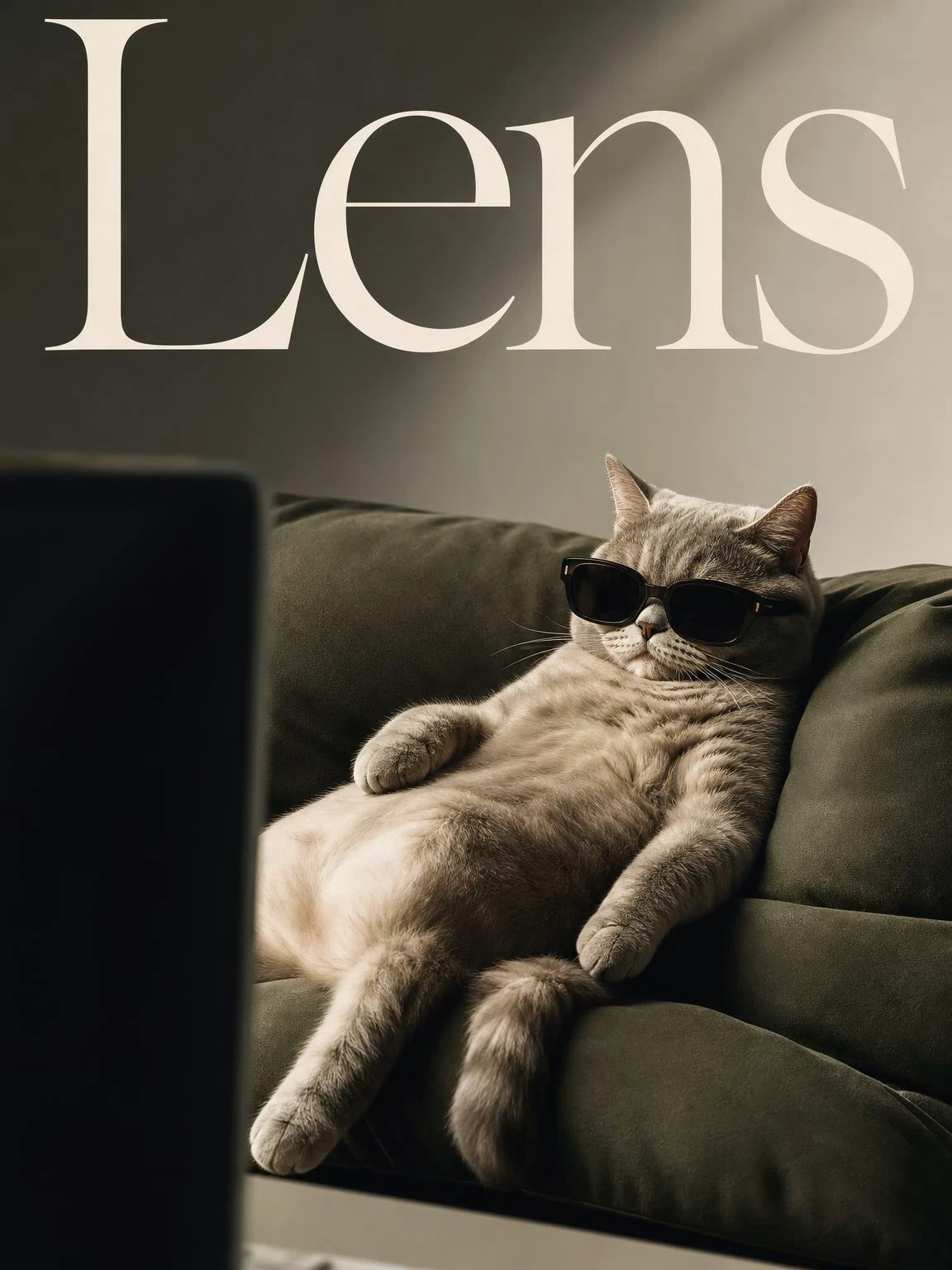
Lens is a newly open-sourced text-to-image foundation model developed by the Microsoft Lens Team. It is designed for scenarios such as high-quality image generation, design creation, visual content production, and generative AI research. Rather than simply scaling up model size, Lens focuses on achieving comparable or even superior generation quality to larger text-to-image models through more efficient training, while maintaining a relatively compact parameter scale.Lens has approximately 3.8 billion parameters and is systematically optimized around training efficiency. The model is trained on the Lens-800M dataset, which contains around 800 million image-text pairs and uses longer, denser image captions to increase the information density of each training batch. At the same time, Lens introduces mixed-resolution and multi-aspect-ratio training strategies, allowing the model to learn from a richer variety of visual layouts and compositions during a single training process. This enhances its ability to handle complex prompts, different aspect ratios, and high-resolution generation tasks.

--

Lens is a newly open-sourced text-to-image foundation model developed by the Microsoft Lens Team. It is designed for scenarios such as high-quality image generation, design creation, visual content production, and generative AI research. Rather than simply scaling up model size, Lens focuses on achieving comparable or even superior generation quality to larger text-to-image models through more efficient training, while maintaining a relatively compact parameter scale.Lens has approximately 3.8 billion parameters and is systematically optimized around training efficiency. The model is trained on the Lens-800M dataset, which contains around 800 million image-text pairs and uses longer, denser image captions to increase the information density of each training batch. At the same time, Lens introduces mixed-resolution and multi-aspect-ratio training strategies, allowing the model to learn from a richer variety of visual layouts and compositions during a single training process. This enhances its ability to handle complex prompts, different aspect ratios, and high-resolution generation tasks.
SeaArt Comfy Helper
ERNIE-Image-Turbo

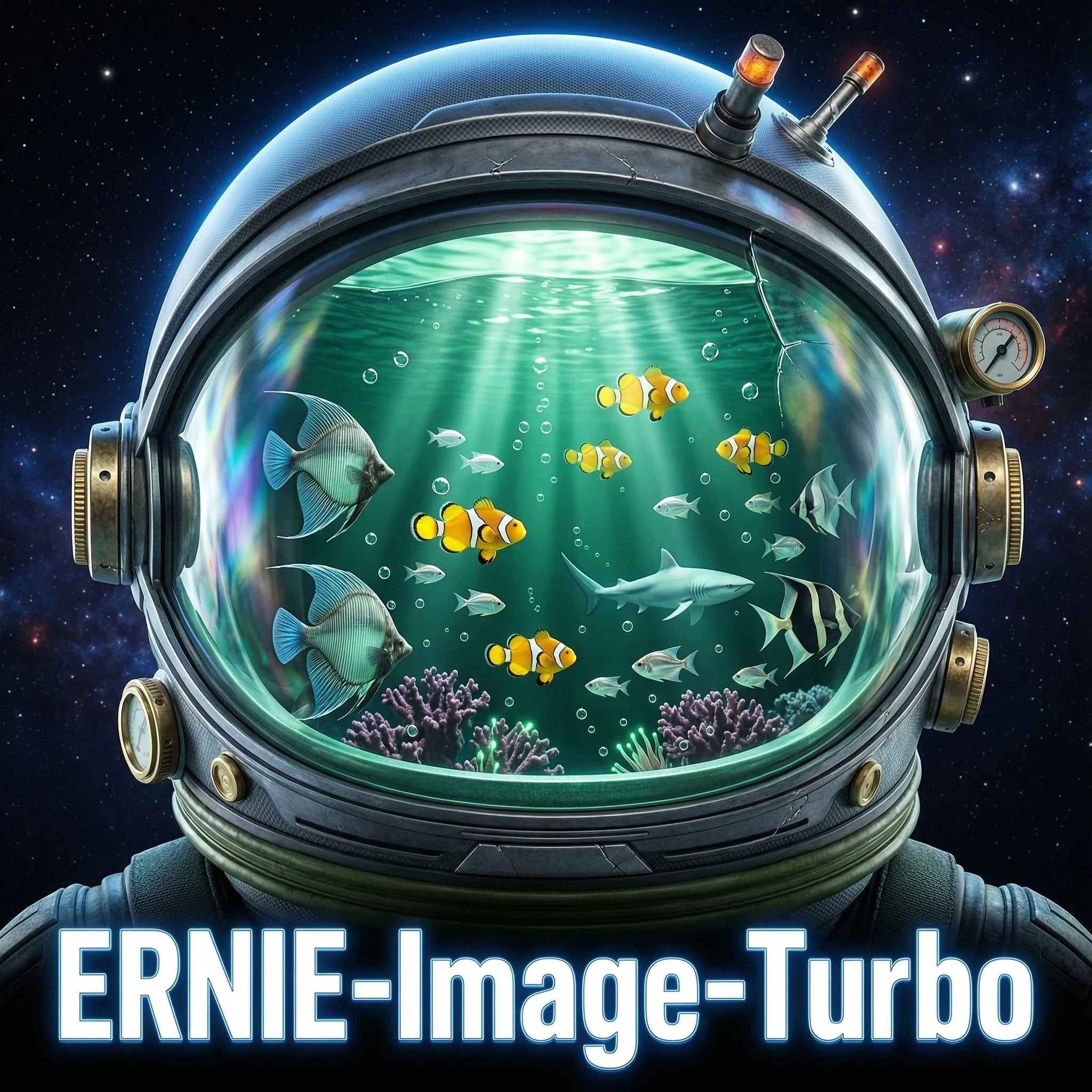
Model OverviewERNIE-Image is an open-source text-to-image generation model developed by Baidu's Wenxin (ERNIE) team. Built on a single-stream Diffusion Transformer (DiT) architecture with 8 billion parameters, it operates within a Latent Diffusion Model (LDM) framework.The model's core philosophy emphasizes not only visual aesthetics but also controllability. In content creation scenarios such as commercial posters, comics, and multi-panel layouts, accurate content realization matters just as much as visual appeal. Core CapabilitiesNative Multilingual SupportNatively understands Chinese, English, and Japanese, supporting culturally authentic outputs and idiomatic expressionsParticularly well-suited for East Asian content creationPrecise Text RenderingStrongest text rendering among all open-source modelsSupports dense typography, long-form text, and layout-sensitive content in both Chinese and EnglishIdeal for text-heavy imagery such as poster titles, comic dialogue boxes, and UI interfacesComplex Instruction FollowingReliably handles multi-object relationships, complex descriptions, and knowledge-intensive content

4.8

Model OverviewERNIE-Image is an open-source text-to-image generation model developed by Baidu's Wenxin (ERNIE) team. Built on a single-stream Diffusion Transformer (DiT) architecture with 8 billion parameters, it operates within a Latent Diffusion Model (LDM) framework.The model's core philosophy emphasizes not only visual aesthetics but also controllability. In content creation scenarios such as commercial posters, comics, and multi-panel layouts, accurate content realization matters just as much as visual appeal. Core CapabilitiesNative Multilingual SupportNatively understands Chinese, English, and Japanese, supporting culturally authentic outputs and idiomatic expressionsParticularly well-suited for East Asian content creationPrecise Text RenderingStrongest text rendering among all open-source modelsSupports dense typography, long-form text, and layout-sensitive content in both Chinese and EnglishIdeal for text-heavy imagery such as poster titles, comic dialogue boxes, and UI interfacesComplex Instruction FollowingReliably handles multi-object relationships, complex descriptions, and knowledge-intensive content
SeaArt Comfy Helper
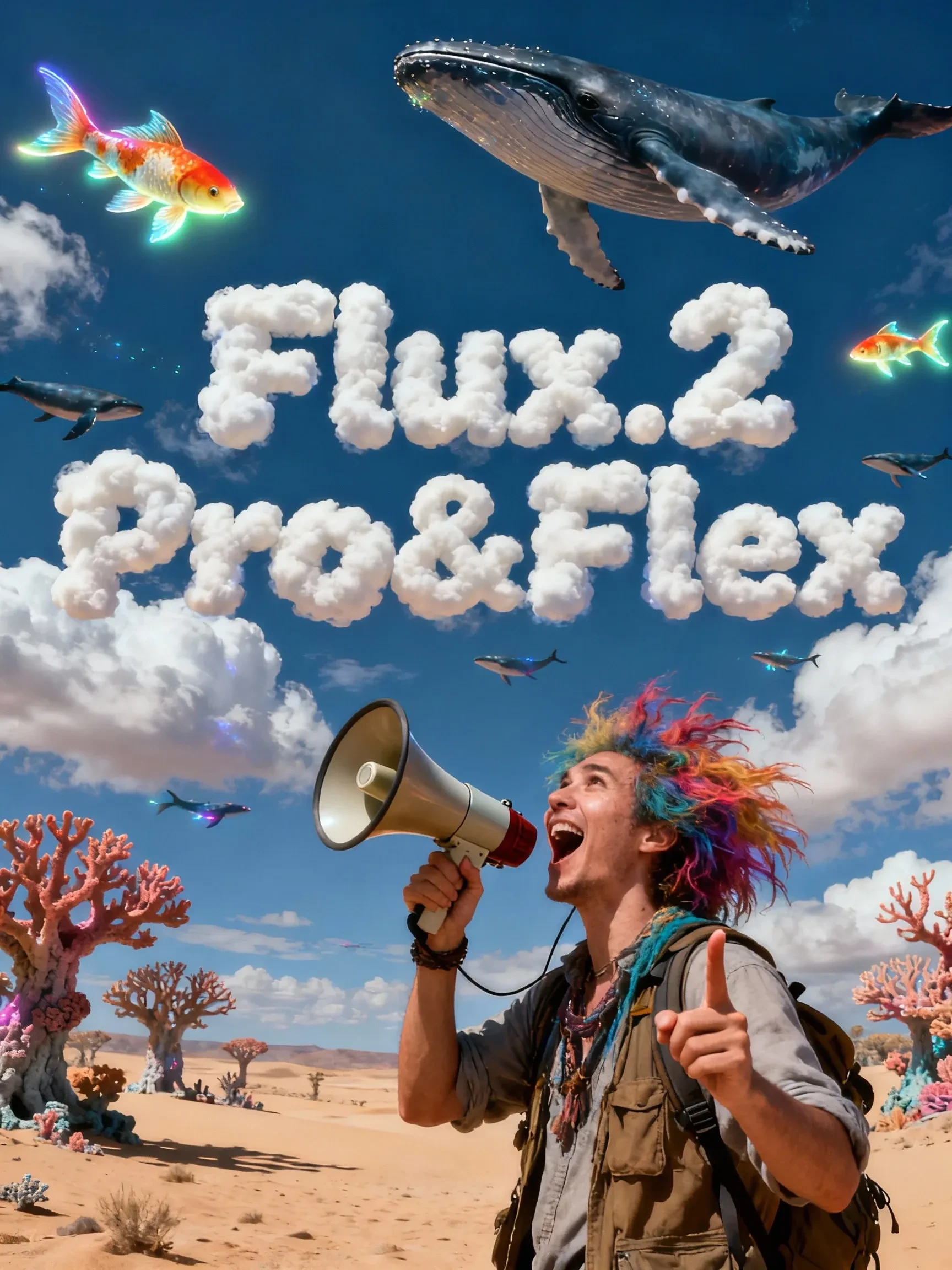
Flux.2 Pro&Flex

This workflow is providing access to two distinct versions: FLUX.2 Pro and FLUX.2 Flex. You can switch between them based on your specific needs for image precision and cost efficiency.🧩 Versions & Capabilities1. FLUX.2 ProCapabilities: Capable of generating high-quality images. Ideal for most standard creative tasks, style exploration, and rapid generation.Pricing (Credits):Text Only: 55 (≤1024px) / 70 (>1024px)Image Input: 80 (≤1024px) / 100 (>1024px)2. FLUX.2 FlexCapabilities: Compared to Pro, Flex excels in handling complex lighting, intricate textures, and adherence to long, complex prompts. It is the premier choice for ultimate image quality, commercial poster output, and high-precision editing tasks.Pricing (Credits):Text Only: 110 (≤1024px) / 140 (>1024px)Image Input: 220 (≤1024px) / 260 (>1024px)

4.9

This workflow is providing access to two distinct versions: FLUX.2 Pro and FLUX.2 Flex. You can switch between them based on your specific needs for image precision and cost efficiency.🧩 Versions & Capabilities1. FLUX.2 ProCapabilities: Capable of generating high-quality images. Ideal for most standard creative tasks, style exploration, and rapid generation.Pricing (Credits):Text Only: 55 (≤1024px) / 70 (>1024px)Image Input: 80 (≤1024px) / 100 (>1024px)2. FLUX.2 FlexCapabilities: Compared to Pro, Flex excels in handling complex lighting, intricate textures, and adherence to long, complex prompts. It is the premier choice for ultimate image quality, commercial poster output, and high-precision editing tasks.Pricing (Credits):Text Only: 110 (≤1024px) / 140 (>1024px)Image Input: 220 (≤1024px) / 260 (>1024px)
SeaArt Comfy Helper

Wan Video

Wan2.2 VACE - Multimodal control-KJ

Continue the “unified editing/control” paradigm on the 2.2 backbone. The 2.2 backbone adopts a Mixture‑of‑Experts (MoE) design—high‑noise and low‑noise experts operating at different denoising stages—to improve quality and detail while keeping inference costs manageable. A representative controllable variant is Wan2.2‑VACE‑Fun‑A14B, which supports multi‑modal control conditions (Canny, Depth, OpenPose, MLSD, Trajectory, etc.). A typical workflow is: provide a reference image (to preserve identity/appearance) plus a driving video or its parsed control signals (e.g., pose sequence, trajectory, time‑varying depth/edges) to generate a video driven by that reference image. The VACE/Fun family provides these temporal control interfaces and the unified task support.

4.4

Continue the “unified editing/control” paradigm on the 2.2 backbone. The 2.2 backbone adopts a Mixture‑of‑Experts (MoE) design—high‑noise and low‑noise experts operating at different denoising stages—to improve quality and detail while keeping inference costs manageable. A representative controllable variant is Wan2.2‑VACE‑Fun‑A14B, which supports multi‑modal control conditions (Canny, Depth, OpenPose, MLSD, Trajectory, etc.). A typical workflow is: provide a reference image (to preserve identity/appearance) plus a driving video or its parsed control signals (e.g., pose sequence, trajectory, time‑varying depth/edges) to generate a video driven by that reference image. The VACE/Fun family provides these temporal control interfaces and the unified task support.
SeaArt Comfy Helper
Wan2.2‑Fun-Inp-KJ

Wan2.2‑Fun‑InP is part of the Wan2.2‑Fun series. It supports conditioning on a start frame and an end frame to estimate the in‑between transition and produce temporally consistent video results for controllable image‑to‑video applications.What it addresses:Traditional image‑to‑video workflows typically extend motion from a single starting image. By adding an optional end keyframe, Fun‑InP helps the motion, composition, and overall content progress toward a specified target, making transitions easier to control and the sequence more coherent.Inputs: start‑frame image, end‑frame image (optional text prompt / control signals).Output: a video clip made up of interpolated middle frames, with the first and last frames visually consistent with the provided keyframes.

4.8

Wan2.2‑Fun‑InP is part of the Wan2.2‑Fun series. It supports conditioning on a start frame and an end frame to estimate the in‑between transition and produce temporally consistent video results for controllable image‑to‑video applications.What it addresses:Traditional image‑to‑video workflows typically extend motion from a single starting image. By adding an optional end keyframe, Fun‑InP helps the motion, composition, and overall content progress toward a specified target, making transitions easier to control and the sequence more coherent.Inputs: start‑frame image, end‑frame image (optional text prompt / control signals).Output: a video clip made up of interpolated middle frames, with the first and last frames visually consistent with the provided keyframes.
SeaArt Comfy Helper
Wan2.1 Minimax-Remover - Video erase -KJ

Core Focus: Video-level object removal. Given a sequence of video frames and a corresponding mask, it seamlessly removes the masked object and fills in the background while maintaining temporal consistency, minimizing artifacts or remnants.Method Highlights:Minimum-Maximum Optimization: Tames bad noise during training and inference, improving the model's robustness to masked regions and reducing the probability of object regeneration.Two-Stage Architecture: First, a simplified DiT (Diffusion Transformer) structure is used to learn the removal capability; then, a version with fewer sampling steps and faster inference is obtained through "CFG de-distillation."Efficiency Features: Extremely low inference steps (approximately 6 steps in the official example), and does not rely on CFG, resulting in high speed and low resource consumption, suitable for long videos/batch processing. References

3.0

Core Focus: Video-level object removal. Given a sequence of video frames and a corresponding mask, it seamlessly removes the masked object and fills in the background while maintaining temporal consistency, minimizing artifacts or remnants.Method Highlights:Minimum-Maximum Optimization: Tames bad noise during training and inference, improving the model's robustness to masked regions and reducing the probability of object regeneration.Two-Stage Architecture: First, a simplified DiT (Diffusion Transformer) structure is used to learn the removal capability; then, a version with fewer sampling steps and faster inference is obtained through "CFG de-distillation."Efficiency Features: Extremely low inference steps (approximately 6 steps in the official example), and does not rely on CFG, resulting in high speed and low resource consumption, suitable for long videos/batch processing. References
SeaArt Comfy Helper
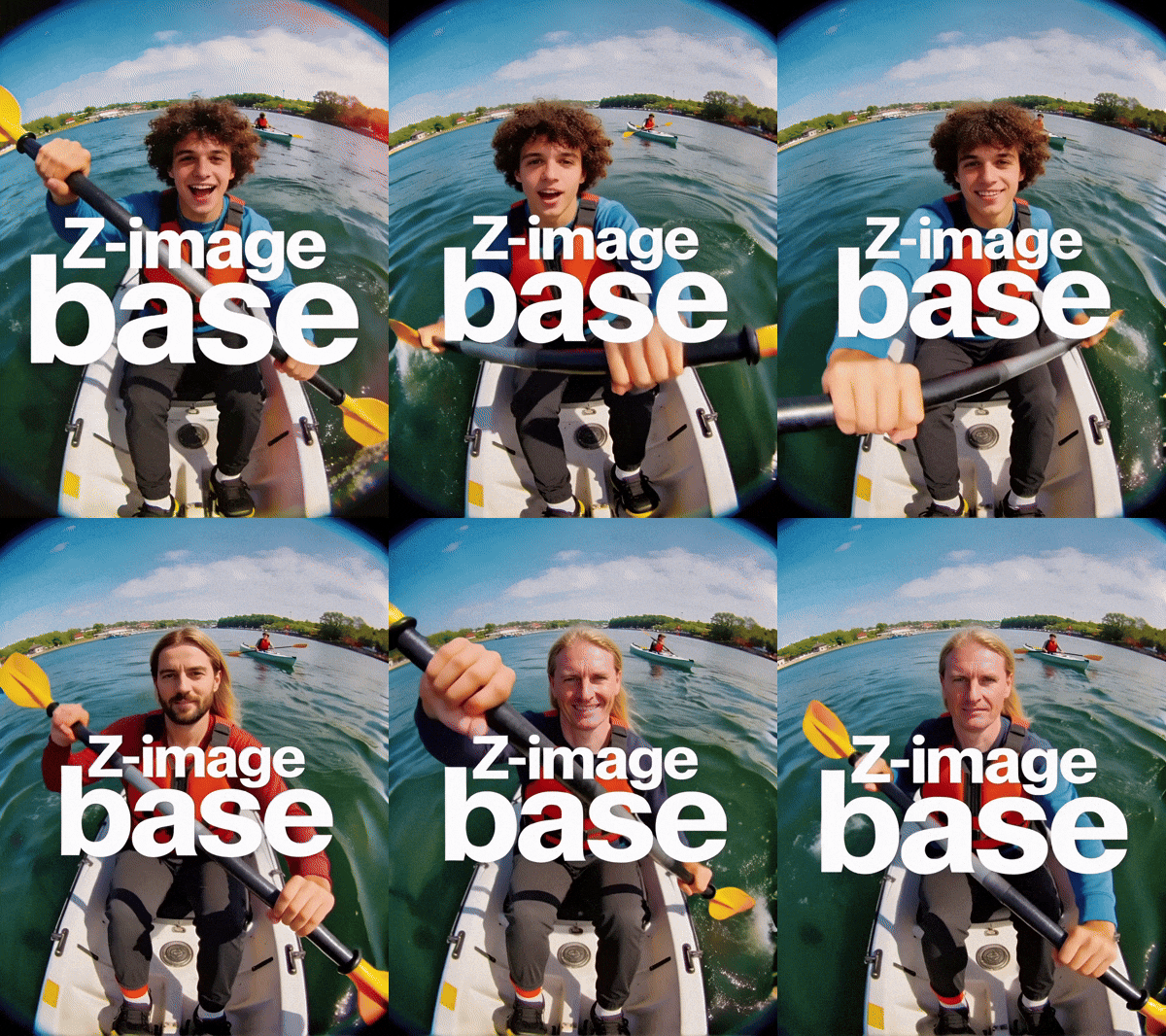
LongCat-Video extension

🐱 LongCat-Video: Infinite Video Extension Workflow【One-Sentence Intro】Break the duration limit of AI video generation 🚀What Can It Do?This is an advanced workflow based on the **Wan2.1** model, designed to solve the core pain points of AI videos being "too short" and "disjointed when extended."♾️ Infinite Extension Just provide an image or a short video clip, and the workflow will automatically generate subsequent frames like a "relay race," theoretically allowing for infinite generation.Seamless "Invisible" Stitching It automatically trims the awkward beginnings of extended segments, making the transition between clips as smooth as silk, with absolutely no visible stitching marks.【Use Cases】Creating ultra-long looping landscape videos.Producing coherent narrative shorts, no longer limited by the 5-second barrier.

4.4

🐱 LongCat-Video: Infinite Video Extension Workflow【One-Sentence Intro】Break the duration limit of AI video generation 🚀What Can It Do?This is an advanced workflow based on the **Wan2.1** model, designed to solve the core pain points of AI videos being "too short" and "disjointed when extended."♾️ Infinite Extension Just provide an image or a short video clip, and the workflow will automatically generate subsequent frames like a "relay race," theoretically allowing for infinite generation.Seamless "Invisible" Stitching It automatically trims the awkward beginnings of extended segments, making the transition between clips as smooth as silk, with absolutely no visible stitching marks.【Use Cases】Creating ultra-long looping landscape videos.Producing coherent narrative shorts, no longer limited by the 5-second barrier.
SeaArt Comfy Helper

اختيار جديد

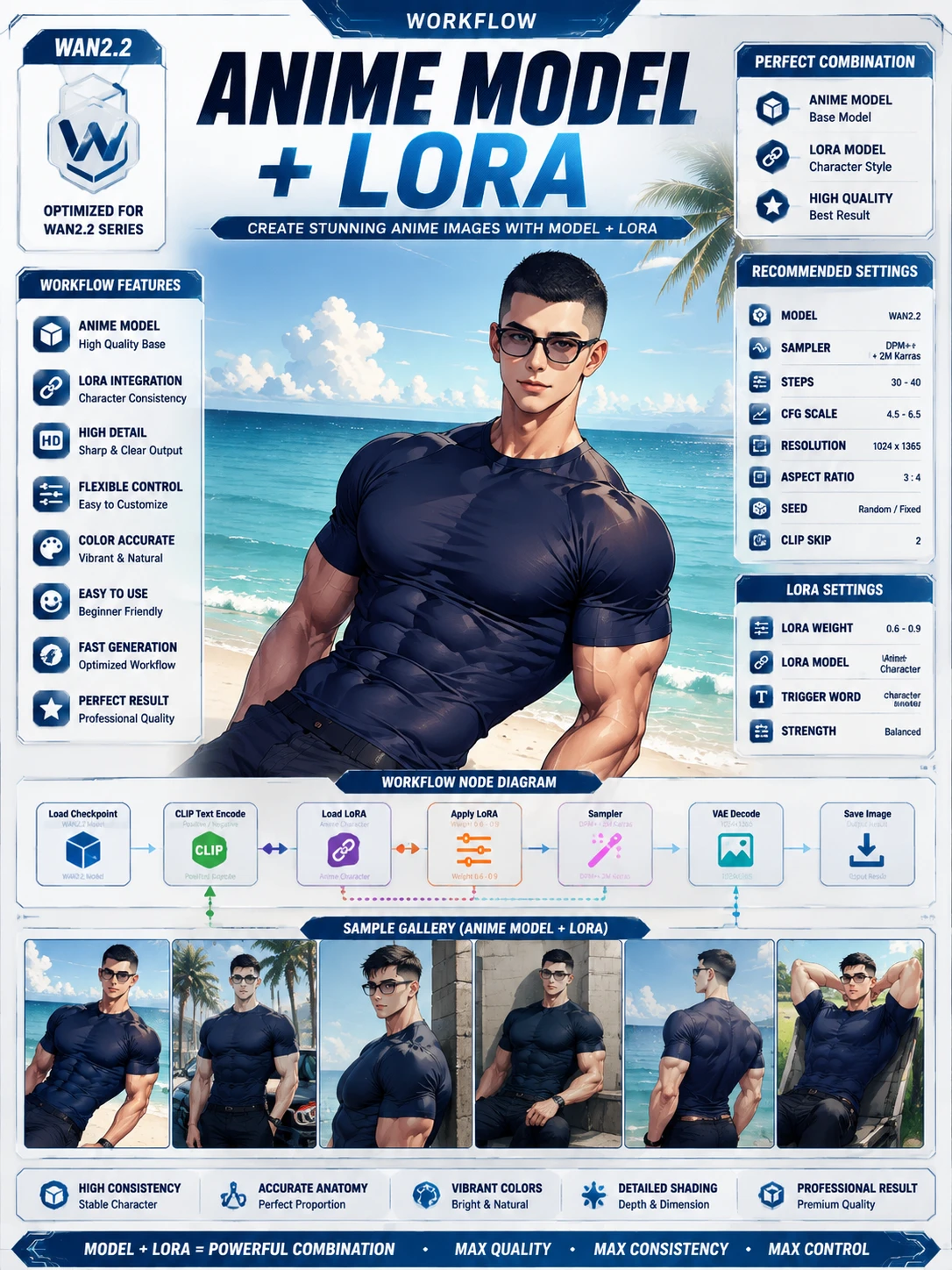
Anima Easy

Anima model user Anime Character Scene Generator This workflow generates high-quality anime-style illustrations of muscular characters with customizable poses, outfits, and urban backgrounds. Ideal for character design and creative poster creation. Cartoon title + character name + costume + pose + sceneExp.1.shiranui mai, fatal fury, 1girl, brown eyes, brown hair, long hair, ponytail, high ponytail, japanese clothes, ninja2.magical mirai miku (2017), magical mirai (vocaloid), 1girl, aqua eyes, hair between eyes, blue eyes, aqua hair, very long hair, blue hair, twintails, black skirt, detached sleeves3.raoh (hokuto no ken), hokuto no ken, 1boy, manly, muscular4.cell (dragon ball), dragon ball, 1boy5.son goku, dragon ball, 1boy, spiked hair, black hair, blonde hair, muscular male, dougi, wristband3.alcina dimitrescu, resident evil, 1girl, mature female, pale skin, red lips, yellow eyes, black hair, short hair, sun hat, white dress, black gloves, black headwear, pearl necklace, earrings, lipstick7.morrigan aensland, vampire (game), 1girl, demon girl, green eyes, long hair, green hair, leotard, head wings, bat wings, purple wings, bridal gauntletsPrompt For example, go to... >

5.0

Anima model user Anime Character Scene Generator This workflow generates high-quality anime-style illustrations of muscular characters with customizable poses, outfits, and urban backgrounds. Ideal for character design and creative poster creation. Cartoon title + character name + costume + pose + sceneExp.1.shiranui mai, fatal fury, 1girl, brown eyes, brown hair, long hair, ponytail, high ponytail, japanese clothes, ninja2.magical mirai miku (2017), magical mirai (vocaloid), 1girl, aqua eyes, hair between eyes, blue eyes, aqua hair, very long hair, blue hair, twintails, black skirt, detached sleeves3.raoh (hokuto no ken), hokuto no ken, 1boy, manly, muscular4.cell (dragon ball), dragon ball, 1boy5.son goku, dragon ball, 1boy, spiked hair, black hair, blonde hair, muscular male, dougi, wristband3.alcina dimitrescu, resident evil, 1girl, mature female, pale skin, red lips, yellow eyes, black hair, short hair, sun hat, white dress, black gloves, black headwear, pearl necklace, earrings, lipstick7.morrigan aensland, vampire (game), 1girl, demon girl, green eyes, long hair, green hair, leotard, head wings, bat wings, purple wings, bridal gauntletsPrompt For example, go to... >
🌸•Oriora•🌷
فعالية التحدي
أساسي
توليد الفيديو
توليد صوتي
توليد ثلاثي الأبعاد
FLUX
أسلوب
تصميم
تصوير فوتوغرافي
معالجة الصور
طرق إبداعية للعب
ANIMA BASE Text To Image Workflow (LoRA & Hires Fix Support)

5.0

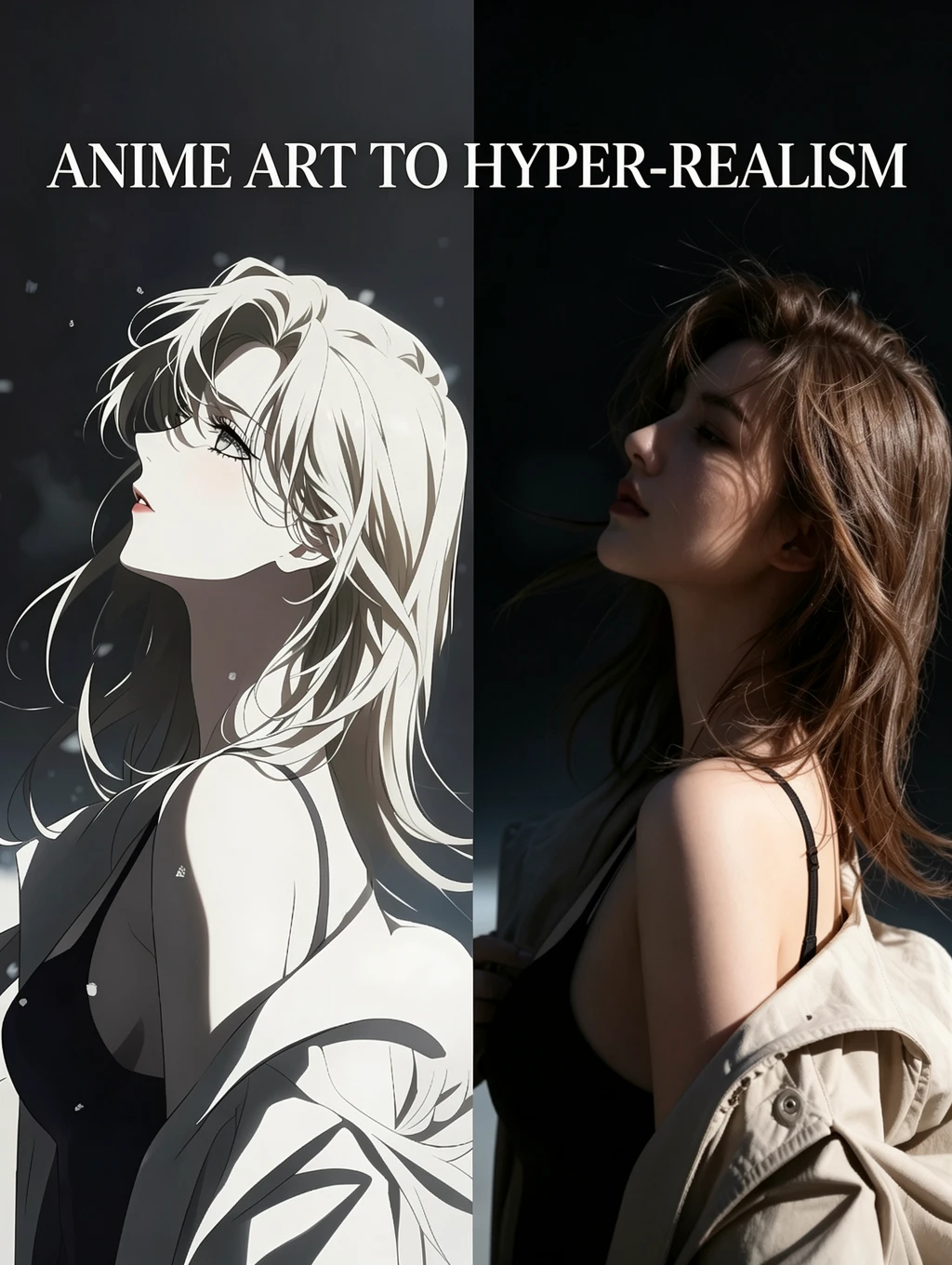
This is a Text-to-Image workflow compatible with Anima Base. It features LoRA and the Hires Fix Upscaler.Anima alone possesses expressive capabilities that surpass those of Illustrious. The base model alone supports a wide variety of styles and appears to have strong natural language understanding capabilities. However, entering prompts can be a bit tricky. Unlike Illustrious, it does not generate reasonably good results even with vague instructions. Unless you use tags for quality, era, character, or human artist, both the quality and style of the output will be completely random.It may take some time to get the hang of it, but once you master it, it will be a fun model to use.-----------------------------------------------------------------------------------------------------------------------------HOW TO USE1.GENERATIONEnter a positive prompt and a negative prompt (optional), and set the image resolution and number of images (optional).By default, the system generates one image at a resolution of 1024×1524. Generation time ranged from 20 seconds to 1 minute.2.Checkpoint,LoRA Settings(Optional)You can select the checkpoint to use with the Checkpoint Loader KJ. To load LoRA, use either the CR Load LoRA node or the CR LoRA Stack. After loading LoRA, don’t forget to turn the switch on. You can also set the LoRA strength here.3.Upscaler Setting(Optional)If you set the “Upscaler” option (currently the only option available) to “Yes” using the function switch located near the node where you enter the prompt, the image will be upscaled after it is generated.You can use the slider on the left to select a resolution of up to 4K for the upscaled image.Note for advanced users: While this uses the Hires fix for SDXL, it does not seem to work as perfectly with ANIMA as it does with SDXL. In the SDXL version of the workflow, increasing the denoise setting of the upscaling sampler allowed for more detailed rendering, but this does not work very well here.4.When you want to upscale an uploaded image.If you want to use Hires Fix to upscale an image generated with the upscaler turned off, it would be a hassle to have to restart the upscaler workflow and reconfigure the prompt and LoRA, wouldn’t it?This workflow includes a feature that upscales the uploaded image itself, rather than the generated image.If you set the boolean switch in the “IMAGE UPSCALER” section to “false,” it will upscale the image loaded into the “Load Image” field in this section. If set to “true,” it will upscale the generated image.Note that even if you set it to “false” and upscaling an uploaded image, a new image will still be generated.Some Tips on Using ANIMA1.Artist TagsUnlike Illustrious, ANIMA requires you to specify a score and style.ANIMA BASE V1.0 covers a wide range of art styles, but if you don’t specify a score or style, the art style will be random.For example, if you simply enter “hatsune miku,” the result will look like this.I personally like the cute, amateur-style art, but if you have a specific style or quality in mind, or if you want to maintain a consistent style across a series of images, using scores and artist tags is must.Specifying quality and style will produce results like this.Prompt Example:(masterpiece, best quality, amazing quality, very aesthetic, extremely detailed, very detailed, absurdres, newest, highres, score_9, score_8), @Yoneyama_Mai, (@elfboiii:0.5), @ryuuzaki ichi), (@starmilk:0.3)You can mix styles by specifying multiple artist tags, and you can also adjust their weights. Try experimenting to find the balance that suits your preferences.However, the accuracy of the style reproduction depends on how well the model has been trained on that artist’s images. In other words, the base model alone may struggle to reproduce the style of artists with few images stored on Danbooru. If you have a favorite artist with a limited number of images on Danbooru, you’ll likely need to obtain or create a separate LoRA.2.CharactersJust like with an artist’s style, you can recreate a vast array of characters using only the base model. All you have to do is include the tags registered on Danbooru in your prompt.Prompt Example:ash ketchum, pokemon, 1boy, brown eyes, black hair, short hair, baseball cap, short sleeves3.Natural LanguageWith SDXL, we attempted to generate images by listing tags in the prompt. However, ANIMA supports natural language, similar to ChatGPT and ZImage. It allows for the simultaneous use of both tags and natural language, enabling it to handle more subtle nuances and complex requests than SDXL.As an example, let’s try requesting a three-view diagram of a character using natural language.Prompt Example:ash ketchum, pokemon, 1boy, brown eyes, black hair, short hair, baseball cap, short sleevesCreate three-view drawings of the same character: front, side, and back. Divide the screen into three sections. On the left, draw the character standing with their side facing the viewer, depicting the entire body from head to toe. In the center, create an image of the character standing facing forward. In the center image, the body and face should be facing forward, standing upright and looking straight ahead, with hands lightly resting at the sides of the body; draw the entire body from head to toe. On the right, draw the character standing with their back to the viewer, depicting the entire body from head to heel.(masterpiece, best quality, amazing quality, very aesthetic, extremely detailed, very detailed, absurdres, newest, highres, score_9, score_8), ANIMA can also reproduce a character's physique using natural language.Prompt Example:ash ketchum, pokemon, 1boy, brown eyes, black hair, short hair, baseball cap, short sleeves,full body,He is 10 years old. He is short, petite, and thin. He has a four-head-height build.Prompt Example:ash ketchum, pokemon, 1boy, brown eyes, black hair, short hair, baseball cap, short sleeves,full body,He is 26 years old. He is quite tall,He has a muscular build. He has a 7-head height ratio.ANIMA is a really interesting model. It can generate anime characters like SDXL and supports natural language like ChatGPT and Z-image. Be sure to give it a try and have fun generating all sorts of things with ANIMA!
Franklin

مرحبا بكم في تيار العمل من SeaArt AI

بسط عمليتك الإبداعية باستخدام تيارات عمل مولد فن الـAI من SeaArt، والتي صُنعت لتلبية الاحتياجات المتنوعة للفنانين والمصممين والمبدعين. من صور الـAI إلى فيديوهات الـAI، تقدم SeaArt AI كل ما تحتاجه لتحقيق رؤيتك الفنية.

لماذا استخدام تيار العمل لـComfyUI على SeaArt AI؟

واجهة بسيطة

يوفر SeaArt AI واجهة بديهية تجعل تكوين تيارات العمل سهلا للغاية. جميع تيارات العمل مصممة خصوصا للجميع، حتى إذا لم تكن لديك خبرة في البرمجة.

تيارات العمل القابلة التخصيص

صمم تيار عملك بطريقتك الخاصة. من تدريب LoRA المتقدم إلى توليد معقد النص إلى الصورة، كل خطوة قابل التعديل لتلبية احتياجاتك.

كفاءة عالية

يعمل SeaArt على تحسين عمليات إنشاء فن الـAI. استمتع بأوقات تصيير أسرع وعقبات تقنية أقل. أنشئ مرئيات مذهلة بسرعة.

تيارات العمل المتعددة على SeaArt AI

آلاف من تيارات العمل لإنشاء فن الـAI

افتح رؤيتك الفنية باستخدام تيار عمل SeaArt. صل إلى آلاف من تيارات العمل المضبوطة المسبقة لتوليد فن الـAI بسهولة بصيغ مثل النص إلى الصورة، الصورة إلى الصورة، والصورة إلى الفيديو. تتكامل تيارات العمل هذه مع نماذج الـAI القوية مثل Flux وSD 3.5 وغيرها من الخيارات الشعبية، بما في ذلك ControlNet، مما يمنحك المرونة لإنشاء مرئيات مذهلة تناسب تفضيلاتك.

تيارات العمل القابلة التخصيص على SeaArt AI

التحكم الكامل باستخدام تيارات العمل القابلة التخصيص

بمساعدة تيار عمل SeaArt، تتمتع بالتحكم الكامل في عملية التوليد الخاصة بك. نحن نقدم خيارات تخصيص قوية تسمح لك بتخصيص تيارات العمل وفقا لاحتياجاتك المحددة. اضبط المعلمات، غيّر نماذج الـAI، والف الإعدادات دقيقا لضمان أن المخرج النهائي يطابق رؤيتك.

الأسئلة الشائعة

collapse

ما هو تيار عمل ComfyUI؟

تيار العمل من SeaArt AI هو أداة مبتكرة تتجاوز تعليمات نصية بسيطة. على عكس مولدات فن الـAI التقليدية، يقدم SeaArt نظام تيار العمل البصري، حيث يمكنك بناء تيارات العمل المخصصة للتحكم في عملية توليد الصورة والفيديو بدقة محببة.

expand

أي نوع من فن الـAI يمكنني استخدام تيارات العمل لتوليده؟

تسمح تيارات العمل هذه بإنشاء مجموعة واسعة من فن الـAI بسهولة، بما في ذلك التصويرات الشخصية الواقعية، المناظر الطبيعية الخيالية، شخصيات الأنمي، والإبداعات التجريدية. يمكنك إنشاء النص إلى الصورة، الصورة إلى الصورة، والصورة إلى الفيديو بسهولة، بالإضافة إلى تطبيق نقلات الأسلوب، وحتى توليد نماذج ثلاثية الأبعاد.

expand

هل تيار عمل ComfyUI مناسب للمبتدئين؟

نعم! بفضل واجهة السحب والإفلات الودية الاستخدام والمعاينات في الوقت الحقيقي، فإن تيار العمل من SeaArt مناسب للمستخدمين المبتدئين والمتقدمين على حد سواء، مما يجعل تبسيط إنشاء فن الـAI.

expand

هل يمكنني تخصيص تيار العمل الخاص بي؟

نعم. يقدم SeaArt AI إعدادات مخصصة متنوعة تسمح لك بضبط تيار العمل وفقا لاحتياجات مشروعك المحددة.