50M
+Creator
 CLI
CLI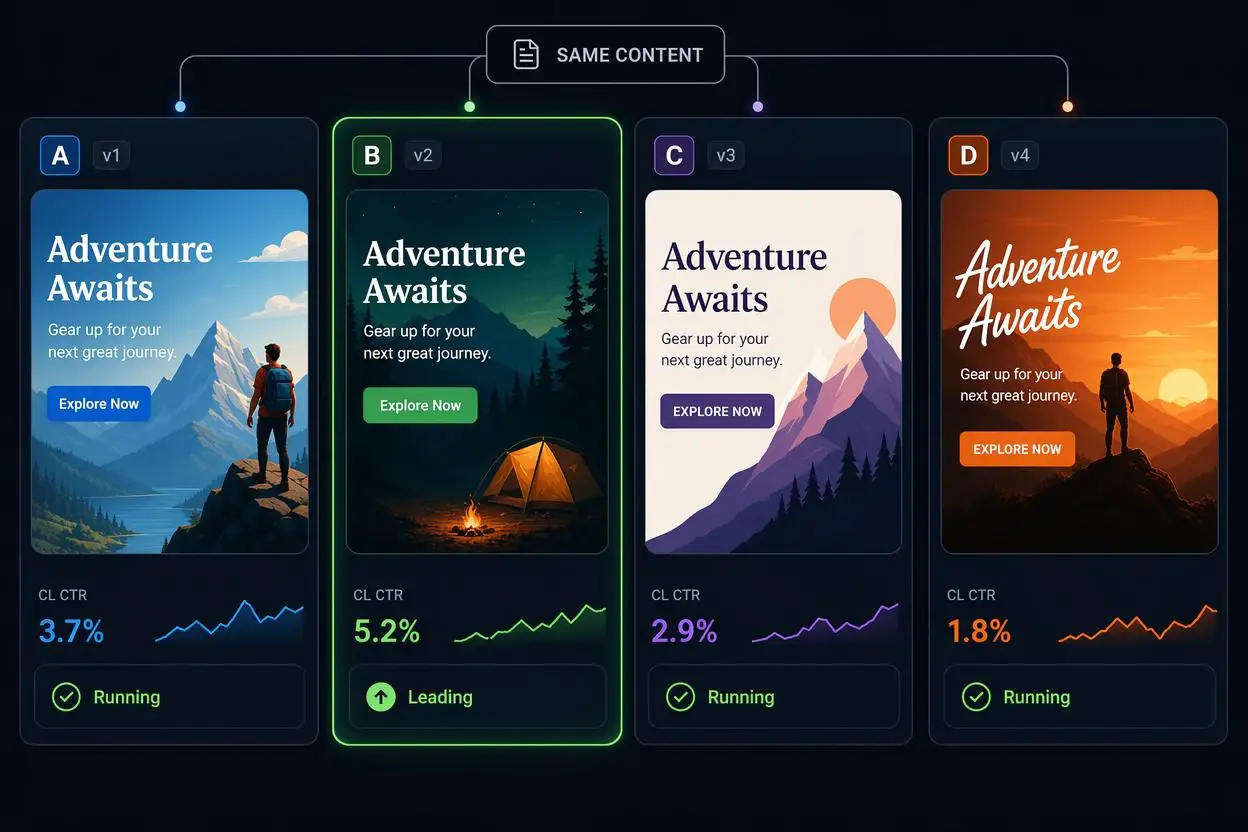
Asset Batch Testing
Try prompt changes across repeated image or video tasks without restarting the same browser flow each time.
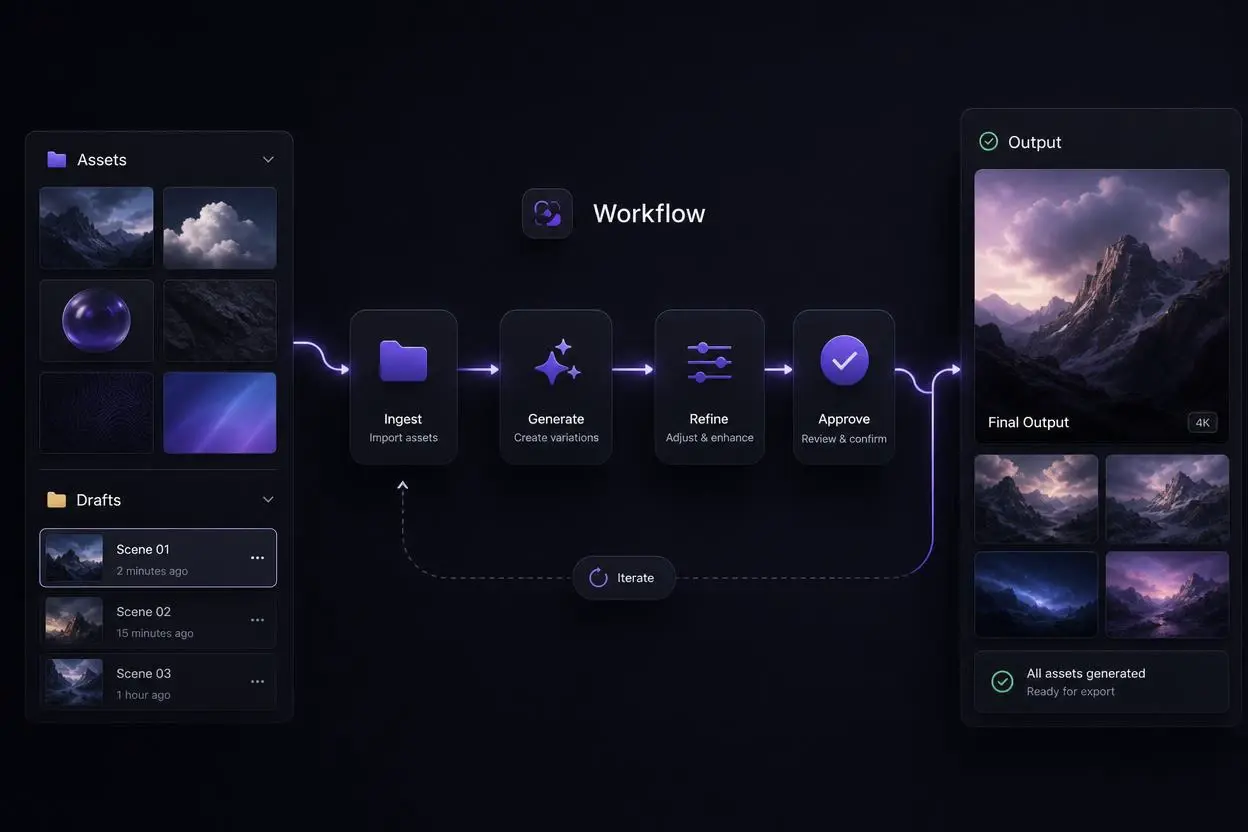
Developer-Led Creative Work
Keep generation close to repos, scripts, and terminal tools when creative output is part of a larger build process.
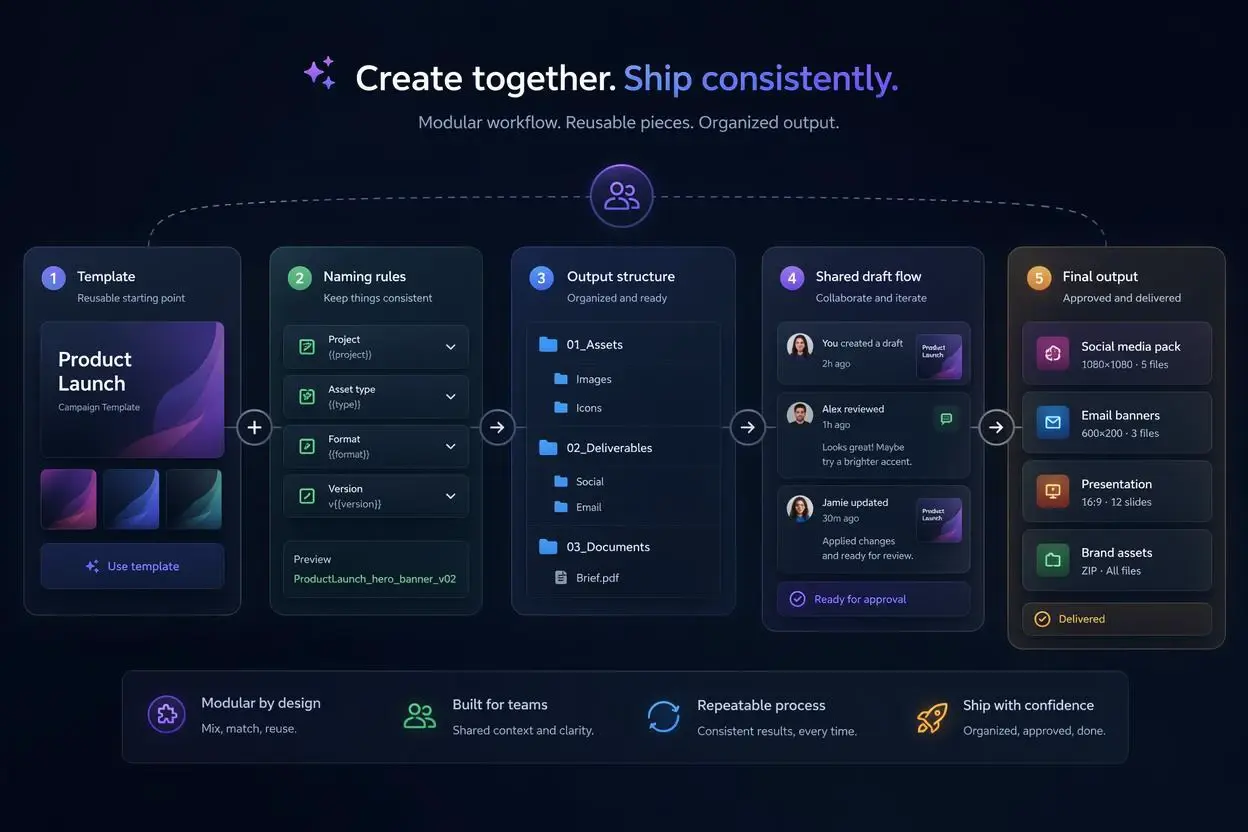
Team Workflow Drafts
Save useful commands, reuse them later, and keep production habits more consistent across repeated tasks.
SeaArt AI CLI is not just another route to the same page. It works best when speed, repetition, and automation matter more than a visual dashboard.
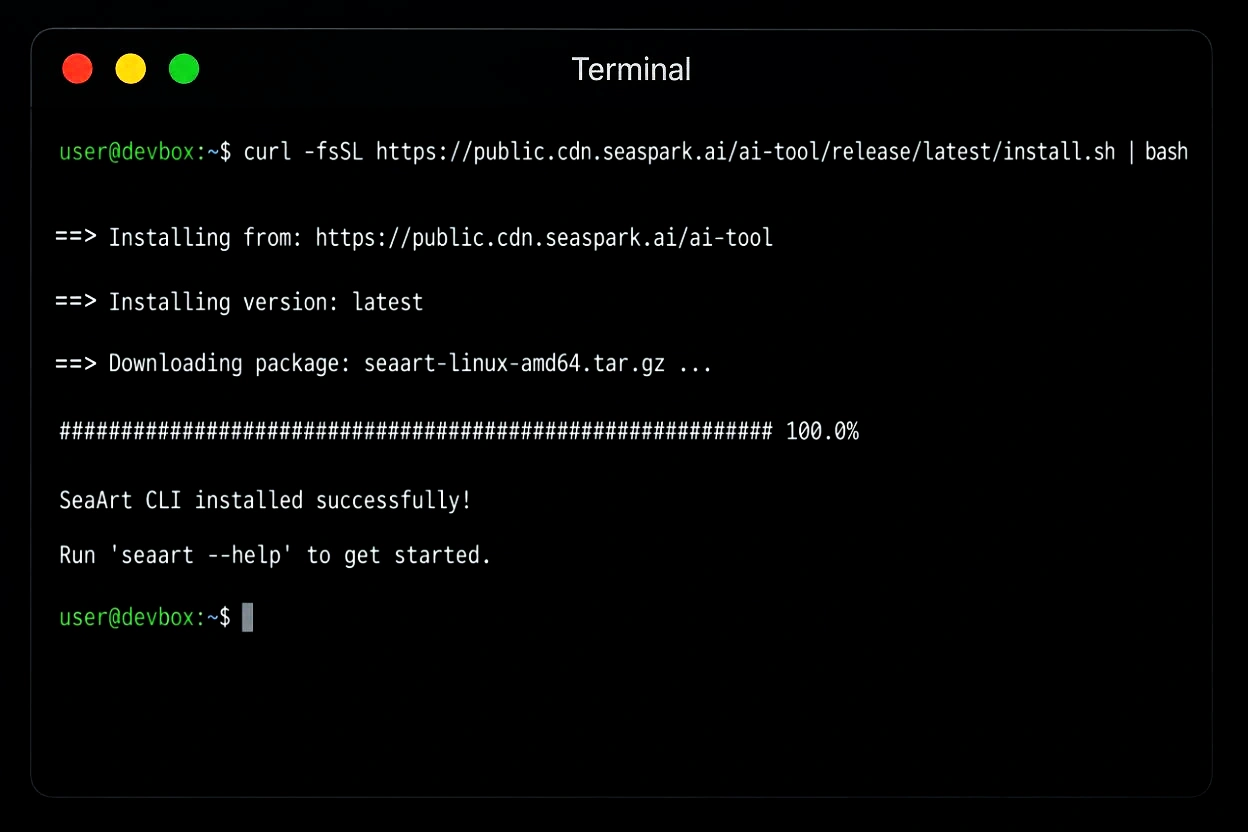
The first win is simple: install the CLI once, then keep it where the rest of your tools already live. That matters if you spend most of your day in terminal, moving between repos, prompts, scripts, and local tasks. Instead of breaking your rhythm to open a browser and click through a few screens, run a command and keep going.
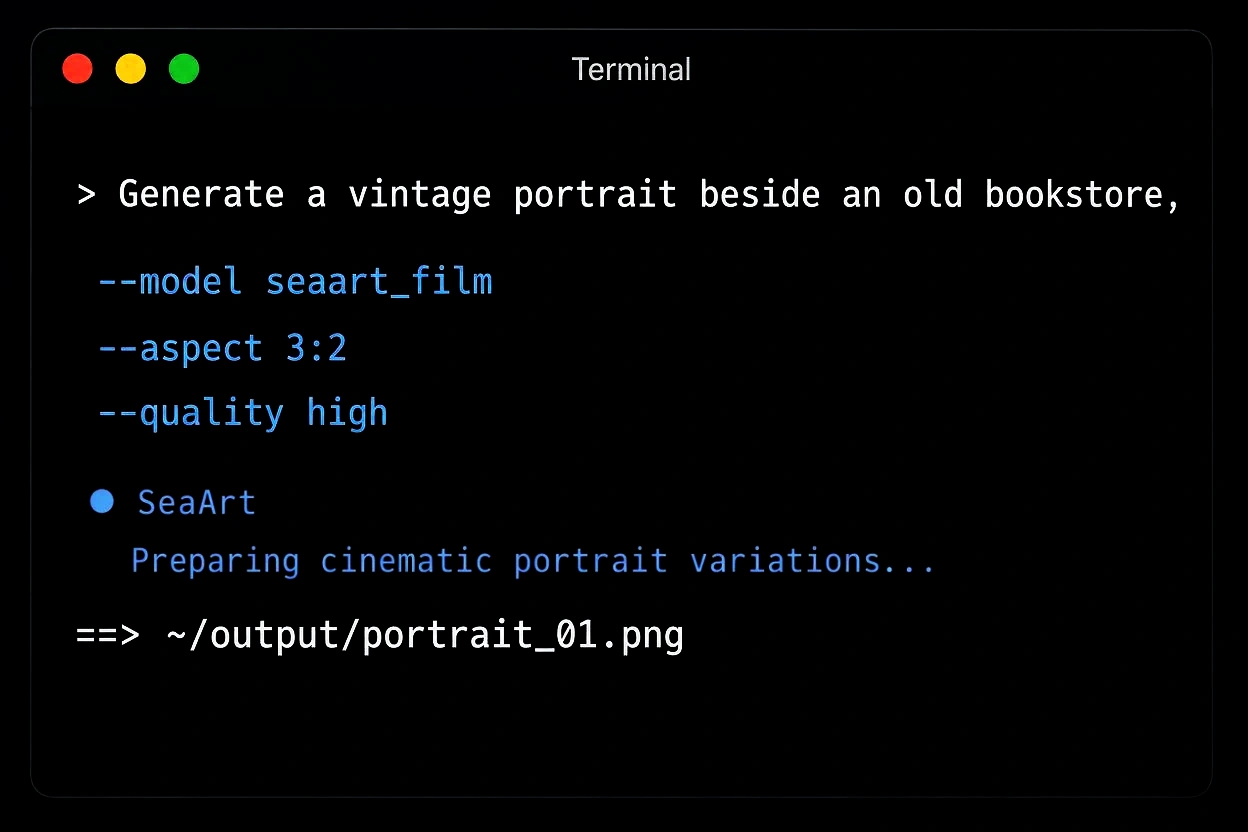
Some people only need one result and are fine with a web app. The CLI is more useful when the same task comes back again and again: testing prompt variants, generating assets for a project, or checking several ideas in one sitting. A terminal workflow keeps those repeated runs cleaner because the command, prompt, and output habit can stay consistent.
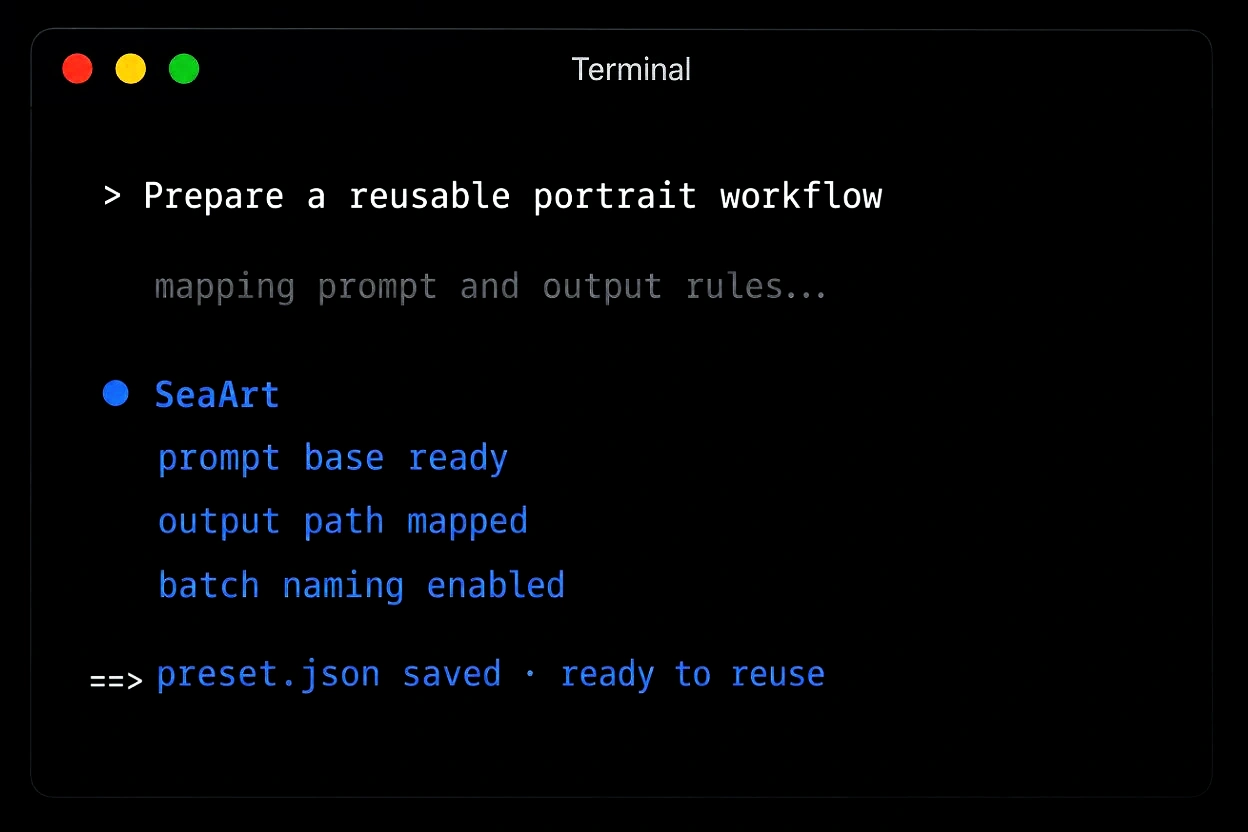
Not every user will automate on day one, and that is fine. The value is that the CLI leaves the door open when you are ready. Start with a manual command, learn the output pattern, then fold it into scripts, local pipelines, or content production routines when the task becomes repeatable.
Install the Tool
Run the install command in your terminal and let the CLI set up locally.
Connect Your Workflow
Open a terminal session where you already work and prepare your first generation task.
Run and Iterate
Generate, adjust, and repeat without leaving the command line routine.


One Command Install
Run one install command, keep the tool in your shell, and start generating without rebuilding your setup.

Repeatable Tasks
Use the same prompts, flags, and output habits across repeated jobs instead of clicking through the same screens.



Browser-Free Flow
Stay inside terminal when you want quick generation, testing, or iteration during an existing development session.

Better for Scripts
A command line tool is easier to fold into shell scripts, local automation, and team workflows.
Install SeaArt AI CLI when image or video generation becomes a repeated task. Keep prompts in command history, reuse working runs, and connect agent-style workflows with SeaSpark.
Short, practical feedback from creators, developers, and content teams who use CLI habits for repeated AI image and video generation work.
 Maya Chen
SeaArt AI CLI is finally useful for repeat prompt tests. I still use the web app when I want visual browsing, but the CLI is much better when I need to test ten prompt changes in a row. The biggest win is keeping the command in history and adjusting only the parts that matter.
 Lena Torres
It gives our team a cleaner handoff for campaign drafts. We keep prompt files in the campaign folder now, so it is easier to see what produced each draft. The CLI does not replace creative review, but it cuts down the messy copy-paste stage before review starts.
 Noah Bennett
Command history is underrated. Being able to rerun yesterday's working prompt from history is exactly why I wanted a CLI. The visual product is still easier for casual users, but for repeatable client work the terminal version is a better fit.
 Zoe Harper
SeaArt AI CLI is easy to connect with folder-based reviews. My workflow is simple: generate into a dated folder, review the outputs, then move selects into a shared directory. The CLI fits that pattern neatly and avoids the extra cleanup I used to do after browser downloads.
Maya ChenSeaArt AI CLI is finally useful for repeat prompt tests. I still use the web app when I want visual browsing, but the CLI is much better when I need to test ten prompt changes in a row. The biggest win is keeping the command in history and adjusting only the parts that matter.
Lena TorresIt gives our team a cleaner handoff for campaign drafts. We keep prompt files in the campaign folder now, so it is easier to see what produced each draft. The CLI does not replace creative review, but it cuts down the messy copy-paste stage before review starts.
Noah BennettCommand history is underrated. Being able to rerun yesterday's working prompt from history is exactly why I wanted a CLI. The visual product is still easier for casual users, but for repeatable client work the terminal version is a better fit.
Zoe HarperSeaArt AI CLI is easy to connect with folder-based reviews. My workflow is simple: generate into a dated folder, review the outputs, then move selects into a shared directory. The CLI fits that pattern neatly and avoids the extra cleanup I used to do after browser downloads.
 Jon Rivera
SeaArt AI CLI works naturally beside my asset scripts. For small game prototypes, I can generate character mood boards from the same project folder where I keep references and build notes. It feels less like opening another product and more like adding one more command to my normal toolchain.
 Daniel Kim
SeaArt AI CLI is useful when assets are part of the build. I like that generated output can land near the repo instead of sitting in a downloads folder with random names. For landing pages and mockups, that small workflow detail saves more time than I expected.
 Valerie Park
SeaArt AI CLI makes iteration feel less scattered. I was surprised how much nicer it is to keep prompts in a text file and run them from the same folder. When a direction works, I can archive the prompt with the final assets instead of trying to remember how I got there.
 Marco Rossi
It is best when you already know what to ask for. The CLI shines once the prompt direction is clear. I still prefer a visual interface for browsing styles, but when I have a specific brief, terminal generation is faster and easier to repeat.
Jon RiveraSeaArt AI CLI works naturally beside my asset scripts. For small game prototypes, I can generate character mood boards from the same project folder where I keep references and build notes. It feels less like opening another product and more like adding one more command to my normal toolchain.
Daniel KimSeaArt AI CLI is useful when assets are part of the build. I like that generated output can land near the repo instead of sitting in a downloads folder with random names. For landing pages and mockups, that small workflow detail saves more time than I expected.
Valerie ParkSeaArt AI CLI makes iteration feel less scattered. I was surprised how much nicer it is to keep prompts in a text file and run them from the same folder. When a direction works, I can archive the prompt with the final assets instead of trying to remember how I got there.
Marco RossiIt is best when you already know what to ask for. The CLI shines once the prompt direction is clear. I still prefer a visual interface for browsing styles, but when I have a specific brief, terminal generation is faster and easier to repeat.
 Ari Singh
It gives me a good balance between manual and automated work. I started with one-off commands, then wrapped a few reliable prompts into a shell script for weekly social concepts. That path felt realistic because I did not have to design a whole pipeline before getting value from it.
 Emma Walsh
It is fast for thumbnail idea batches. The best use case for me is thumbnail exploration. I run a few prompt versions, compare the output folder, then take the strongest ones into a normal editor. It is not magic, but it removes a lot of repetitive setup.
 Owen Smith
It is great for first-pass creative volume. For ad concepts, I do not need every generation to be final. I need a reliable way to create enough rough options to discuss. The CLI is practical for that because one saved command can produce a fresh batch quickly.
 Sofia Klein
SeaArt AI CLI feels made for people who live in terminal. I use it for quick product visuals while working on docs and landing pages. Not having to leave the terminal keeps me focused, especially when I am just trying to create a few options before choosing one direction.
Ari SinghIt gives me a good balance between manual and automated work. I started with one-off commands, then wrapped a few reliable prompts into a shell script for weekly social concepts. That path felt realistic because I did not have to design a whole pipeline before getting value from it.
Emma WalshIt is fast for thumbnail idea batches. The best use case for me is thumbnail exploration. I run a few prompt versions, compare the output folder, then take the strongest ones into a normal editor. It is not magic, but it removes a lot of repetitive setup.
Owen SmithIt is great for first-pass creative volume. For ad concepts, I do not need every generation to be final. I need a reliable way to create enough rough options to discuss. The CLI is practical for that because one saved command can produce a fresh batch quickly.
Sofia KleinSeaArt AI CLI feels made for people who live in terminal. I use it for quick product visuals while working on docs and landing pages. Not having to leave the terminal keeps me focused, especially when I am just trying to create a few options before choosing one direction.

Is the CLI only for developers?

What makes a command line workflow better than the web app here?
Speed and repeatability. If you run similar tasks often, a terminal workflow usually feels lighter than opening tabs and repeating the same clicks.
Do I need to automate anything to use it?
No. You can start with one command at a time and keep it manual. Automation only matters later if the task becomes routine.





