50M
+Creator

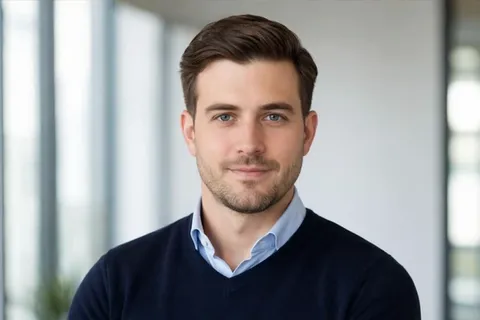
Create professional headshots from your own portrait photo with SeaArt AI headshot generator. Perfect for LinkedIn, resumes, company pages, and personal branding.
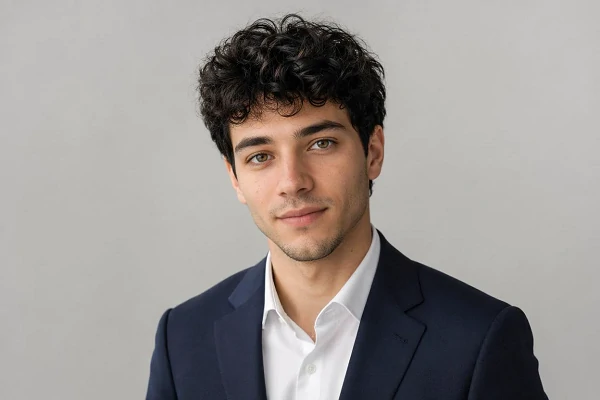
Upload Image
Click to upload or drag images here.
Upload your portrait, copy a prompt, then adjust the outfit, background, or profession for your ideal headshot.


AI-Powered Efficiency
Powered by cutting-edge artificial intelligence, our headshot generator instantly analyzes your photos and produces high-quality headshots with speed and ease.

High-Quality Result
Achieve lifelike, natural-looking headshots with smooth, accurate rendering. Our tool delivers results comparable to pro studio photography, ensuring every detail looks flawless.



Versatile Applications
Create business avatars tailored for any profession, be it finance, agency, academia, or healthcare. Our headshot generator adapts to a variety of needs.
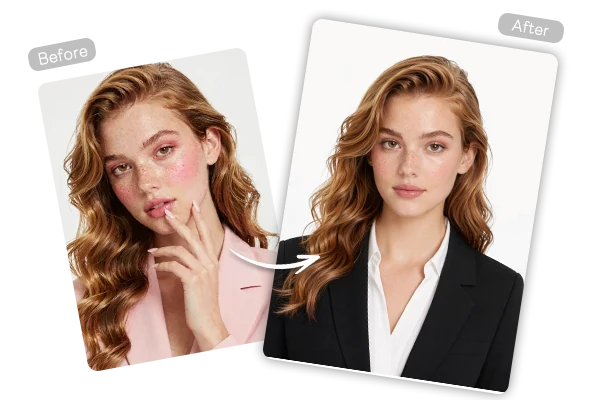
A casual selfie may not fit a LinkedIn profile, company directory, resume, or speaker bio. With SeaArt AI, you can upload a clean portrait and use a professional prompt to adjust the outfit, lighting, background, and framing. Ask for a blazer, neutral studio backdrop, soft lighting, and a confident expression to create a business-ready headshot while keeping the result natural and recognizable.
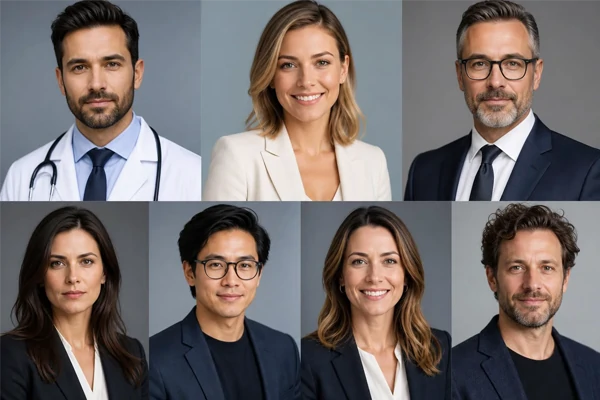
Using image-to-image generation with advanced AI models, SeaArt AI lets you guide each headshot through prompts. You can describe a LinkedIn headshot, executive portrait, medical profile photo, real estate agent photo, creative founder portrait, or casual personal brand image. Add details for clothing, background, camera angle, lighting, expression, and mood, so the final headshot matches the platform, industry, and audience you have in mind.
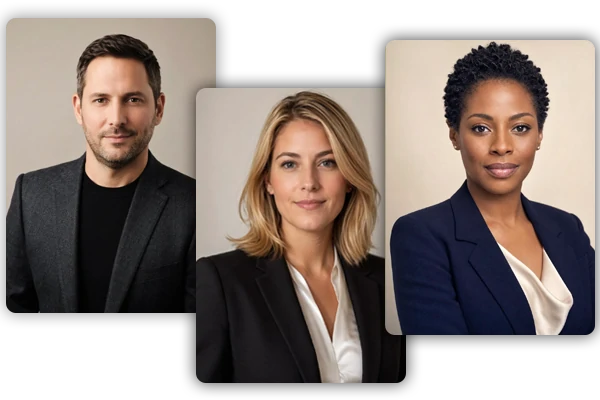
Use one prompt structure to create consistent portraits for team pages, About sections, staff directories, business cards, email signatures, and social profiles. Keep the background, lighting, framing, and outfit direction aligned across multiple people, then adjust role-specific details such as profession, dress code, or brand tone. AI headshot generator makes your headshots feel connected without requiring a studio photoshoot.
Effortlessly create a polished headshot with our AI headshot generator that meets your every need. Whether it's for crafting a business portrait for your personal CV or unifying professional photos for your team, SeaArt's AI business headshot generator delivers outstanding results.

Business Cards
Boost your brand presence with a high-quality, trustworthy headshot that leaves a lasting impression on your business partners, enhancing corporate connections.

Resumes/CVs
Make your resume stand out with an AI-generated headshot that highlights your best look. Present a professional image to leave a memorable impression on recruiters.

Company Website
Enhance your company website by using consistent AI-generated corporate headshots for your team profiles, creating a cohesive, polished look that reflects your brand's professionalism.

Email Signatures
Use a professional avatar in your email signature to elevate your online presence, showcase your professionalism and build trust with every interaction.
Step 1: Upload a Portrait and Add a Prompt
Upload a clear portrait, then write a headshot prompt with outfit, background, lighting, and use case.
Step 2: Choose Image Settings and Generate
Select image ratio, size, and settings, then AI generate your headshot from the uploaded photo and prompt.
Step 3: Preview, Refine, and Save
Preview the result, refine prompt details if needed, then save your favorite headshot for professional use.













What is an AI headshot generator?

Can I create AI-generated headshots for free?
Yes. You can experience the advanced headshot creation service online for free, no need to spend on pricey studio sessions.
Are AI-generated headshots suitable for business use?
Absolutely. SeaArt's AI headshots are perfect for LinkedIn profiles, business cards, resumes, and other professional applications.
What kind of photos should I upload?
For the best results, please upload clear and front-facing photos with good lighting. This ensures the AI can generate the highest-quality headshot.
Is it safe to use the AI headshot generator?
Yes, your privacy is our priority. SeaArt AI is committed to data security. We do not store or share any uploaded photos, ensuring that your data remains safe and secure throughout the process.
What's the difference between AI headshots and traditional photographs?
AI headshots are digitally created using artificial intelligence, turning ordinary selfies into professional images in just minutes. Unlike traditional photographs, which require in-person studio sessions and a photographer, AI headshots are fast, convenient, and budget-friendly. However, traditional photography remains a better choice for projects that demand a personal touch, creative control, and unique customization.
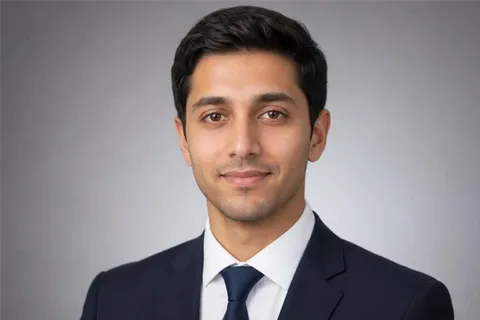
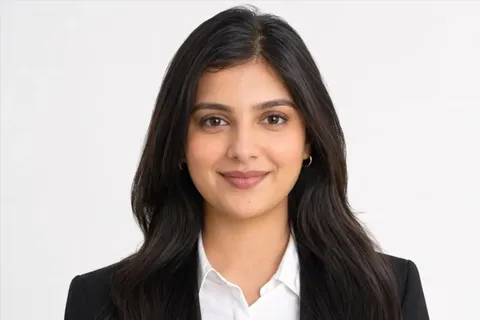
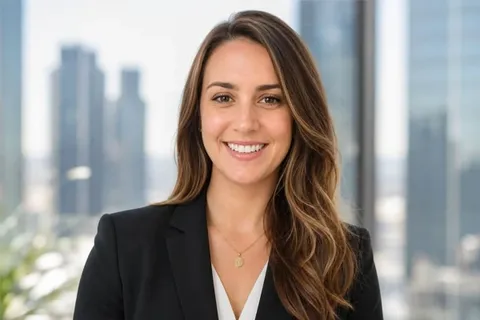
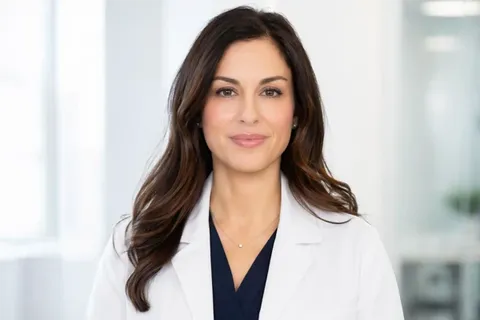
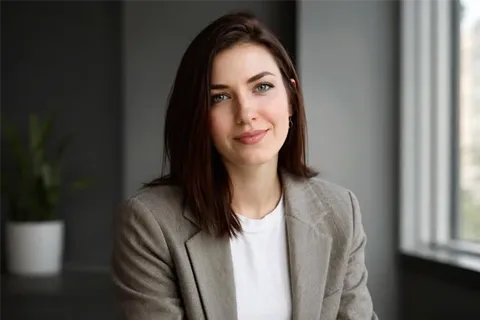
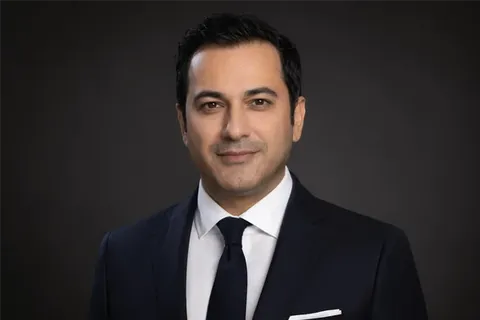
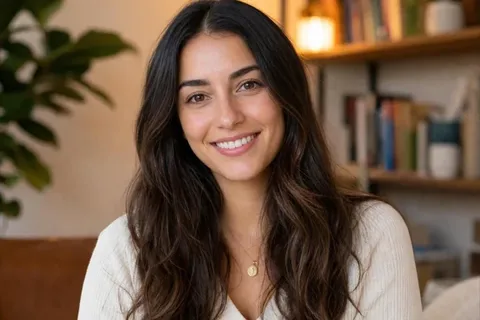



"I'm happy with the results from the SeaArt AI headshot generator! It was amazing to update my LinkedIn profile with new AI headshots, all without the time and cost of a traditional photo shoot. I highly recommend giving it a try!"
Bonni L.
HR
"I needed a professional headshot for my new website, but I didn't want to spend a fortune on a photographer. SeaArt was the perfect solution! The quality of the image is outstanding, and it looks far more expensive than it was. I'm incredibly impressed with the results and the ease of use."
Ann Luisa
Freelancer
"I'm not very photogenic, and the thought of getting professional headshots stressed me out. SeaArt's AI headshot generator was a lifesaver! It was so simple to use, and the final image was far better than I ever expected. The AI did a fantastic job of enhancing the photo and making me look my best."
Michael B.
Real Estate Agency