
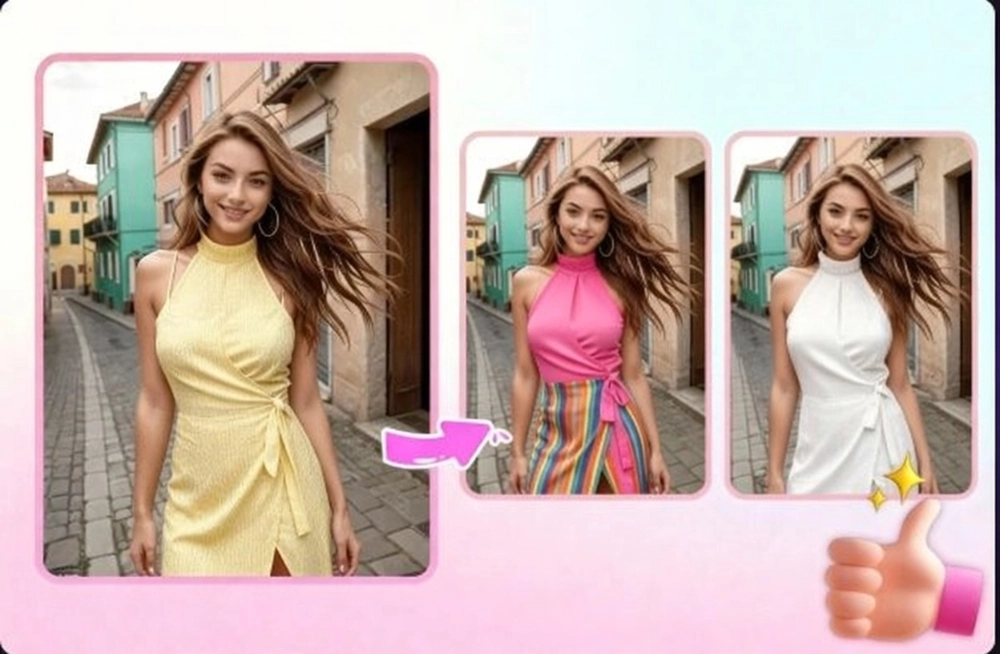
AI Recolor Clothes Online Free
Easily change the color of clothes and various items in a photo with just a few clicks. Effortlessly modify your dress to any desired color, enhancing visual appeal and versatility.
Experience the Power of AI in Fashion with AI Recolor Clothes
Explore the capabilities of SeaArt AI's clothes color changer. This feature effortlessly transforms the colors of items in any picture, offering versatile fashion options.
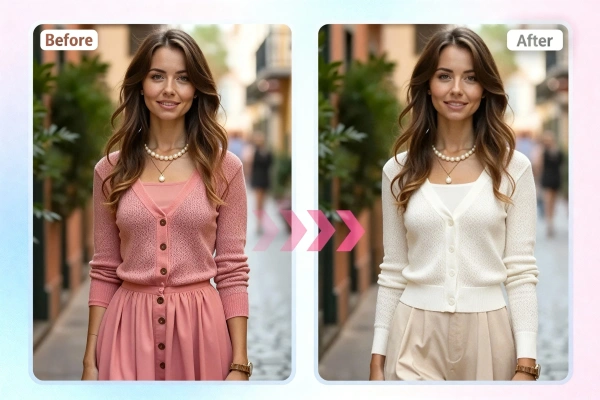
Recolor Clothes Online for Free
This AI clothes color changer is free to use, allowing users to upload images online and experiment with different colors at no cost. It's an excellent resource for trying out new looks in your wardrobe or preparing product images for online stores. Simply upload a photo, and the AI will swiftly change clothes color in your photo. It eliminates the need for complex Photoshop edits, streamlining the process to make experimenting with colors easy and efficient.
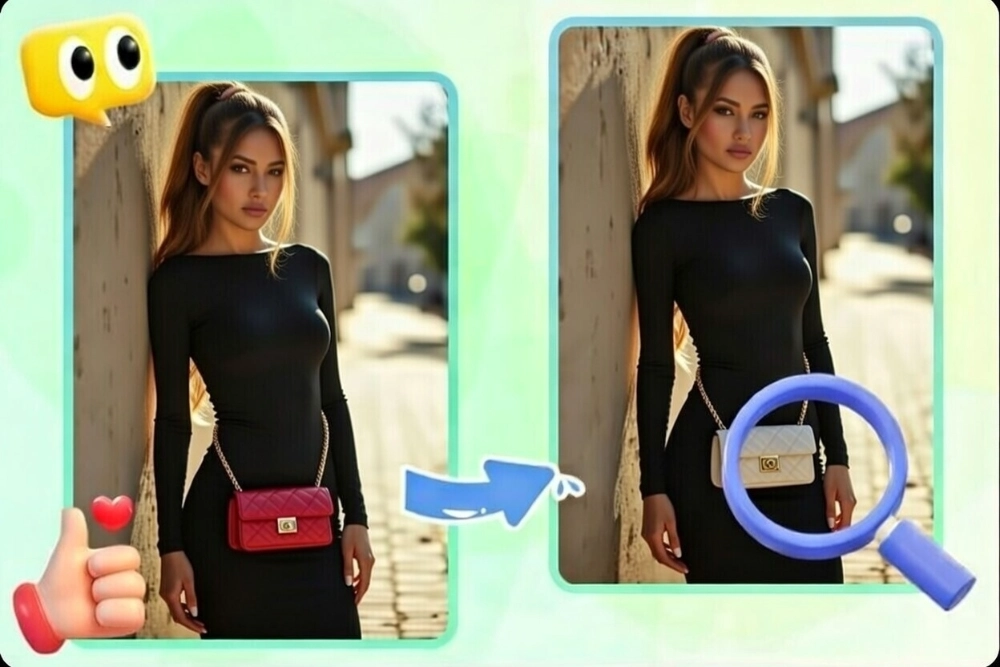
Accurately Detecting Different Objects
AI clothing colors changer goes beyond simple color alterations; it intelligently recognizes different items, allowing for realistic and precise color changes in photos. Users can customize prompts to specifically target any item in an image, ensuring that color changes are accurately applied to the intended objects, perfectly aligning with their boundaries and textures. This capability ensures that each color transformation is both authentic and visually striking.
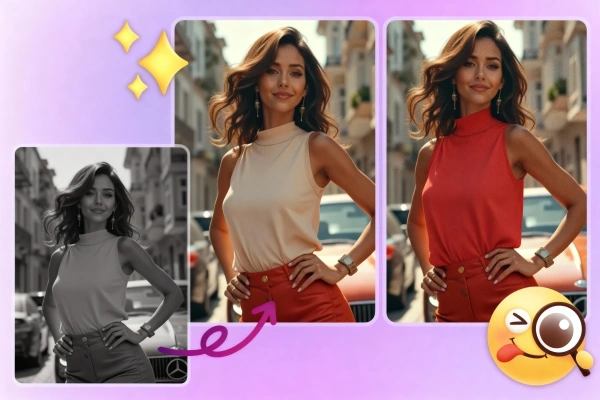
Multiple Use with AI Clothes Color Changer
AI recolor clothes offers endless possibilities across industries. For e-commerce, it lets customers see clothes in various colors on product pages, boosting engagement and potentially lowering returns. It can also recolor old photos with vitality and modernize vintage images. Additionally, this tool helps create viral social media content, allowing users to design captivating posts for platforms like Instagram or TikTok, showcasing seasonal trends without expensive photoshoots.
Why Choose AI for Recoloring Clothes


Fast & Easy-to-Use
No technical expertise is needed! Upload a photo, type a prompt (e.g., "change clothes color to green"), and let AI handle the rest.

Accurate AI Results
The AI carefully analyzes the items you want to recolor, providing results that maintain the natural look and feel of the original images.



Save Time & Cost
Reduce the need for physical samples and multiple photo shoots, cutting down on expenses and speeding up the design process.

How to Use AI Recolor Clothes
Step 1: Upload Your Images
Choose a clear photo in which you want to change your clothes color to upload.
Step 2: Input the prompts
Enter the prompts to describe your desired color and what you do not want to change.
Step 3: Preview & Download
Preview the colors and check the generation result. If needed, adjust the prompts for color replacement to meet your preferences.
AI Recolor Clothes - FAQs

Can I recolor specific items in a photo with AI?

Is there any tool that can change clothes in a photo?
Yes, SeaArt AI offers a free online AI clothes changer for users to experiment with different looks virtually.
Are AI-generated images commercial-use friendly?
Yes! The images generated by AI clothing colors changer are free to use commercially, enhancing marketing and product visualization efforts.


