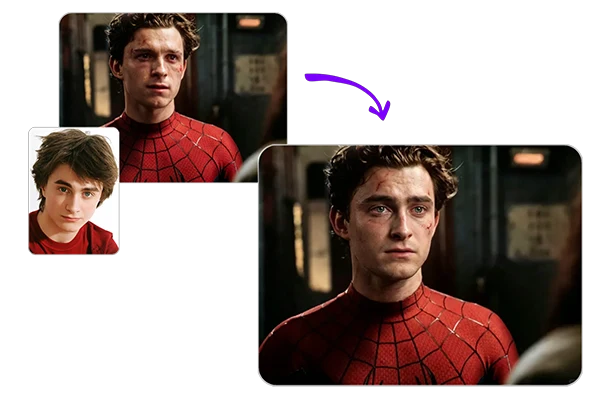
iSmartta: Free AI Face Changer Online
Change faces on photos, videos, and GIFs in your browser - free to start, one-click simple, results in seconds.
Why Choose iSmartta to Edit the Face

Simple Browser Upload Flow
Open it in your browser, upload a photo or clip, then click create. You do not need complex setup, so casual edits stay easy on the first try.

Photos and Videos in One Place
Switch faces on still images, short videos, and looping GIFs in one place. That range fits memes, social clips, and quick creative tests without splitting tools.

One Face or a Full Group
Update one portrait or several people in a group shot. Choose who should change so the rest of the frame keeps its original look and lighting.

Free to Use, Fast, Flexible
Start free, get results fast, and keep enough room for casual creative face changes without tight content limits on everyday edits.
Popular Ways to Use iSmartta
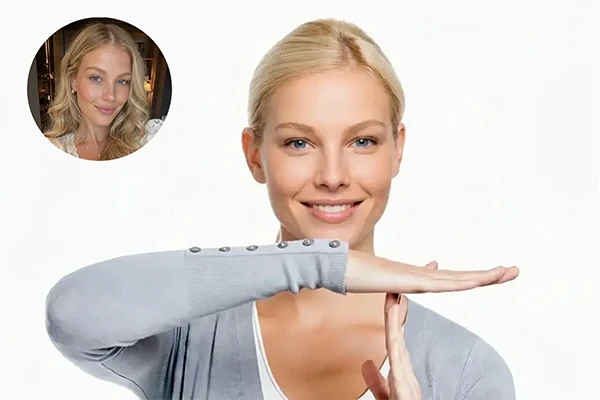
Social Memes and Fun Posts
Put your face on joke frames, reaction stills, and shareable memes, then post them to chats, feeds, and comment threads when you want a quick laugh.
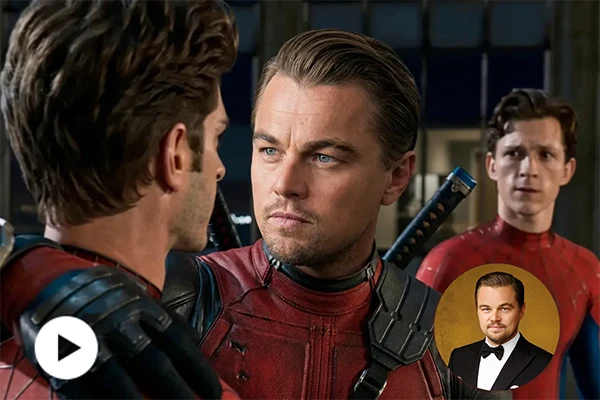
Character and Costume Looks
Drop your face onto character posters, costume stills, or themed templates, then save a look for social posts, party previews, or short fun clips.
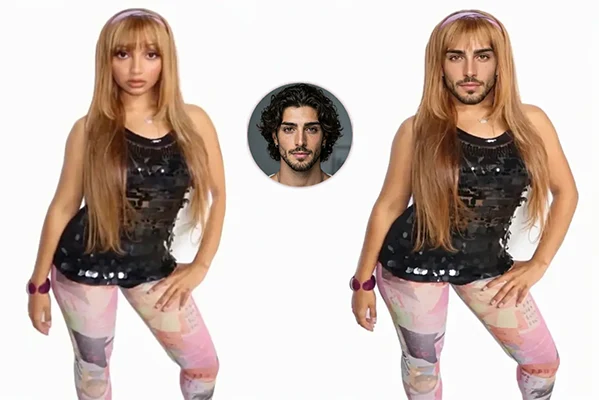
Gender Swap Looks
Try a playful gender swap look on a portrait or themed still, replace the face to match the new vibe, and save a clean version for social posts or fun creative tests.
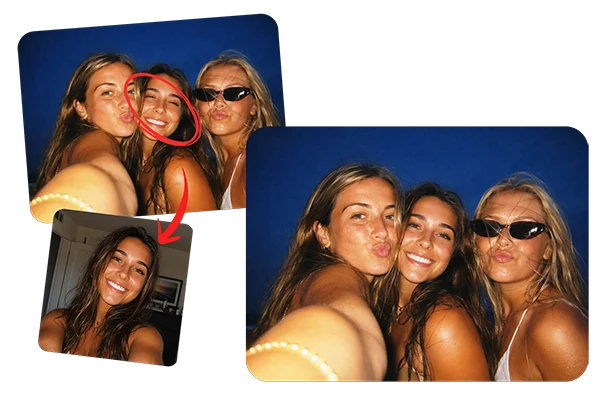
Fix Bad Expressions in Group Photos
When someone blinks or freezes mid-smile in a group shot, replace only that face, keep everyone else untouched, and save a cleaner version ready to share.
Replace Faces Online with iSmartta Alternative
AI Reconstruction covers similar face changes on photos, videos, and GIFs. Start free, download without watermarks, and edit one face or several online.
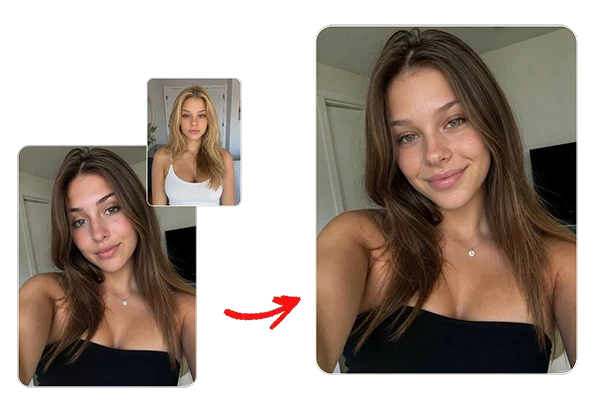
Simple Online Flow, Fast Results
The interface stays clear from upload to create, so you can finish a face change in a few clicks. Work fully online in your browser, move fast from idea to preview, and download a clean watermark-free file when you like the result. You can also keep shaping nearby assets in an AI image generator.
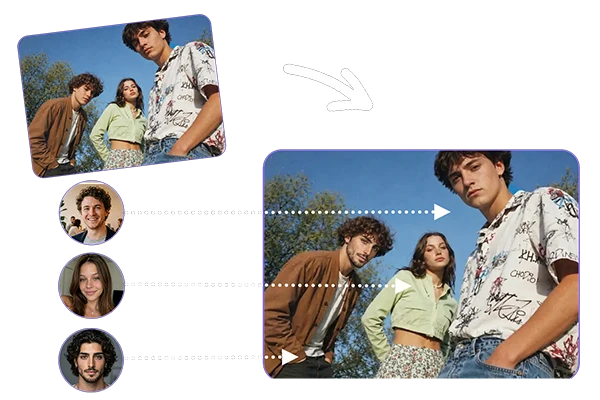
Single or Multi Person Face Changes
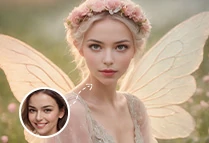
Use AI replace face on one portrait or a multi-person group photo. Choose Single or Multi Object mode, then change only the people you need. Everyone else in the photo stays the same, including look, lighting, and background.
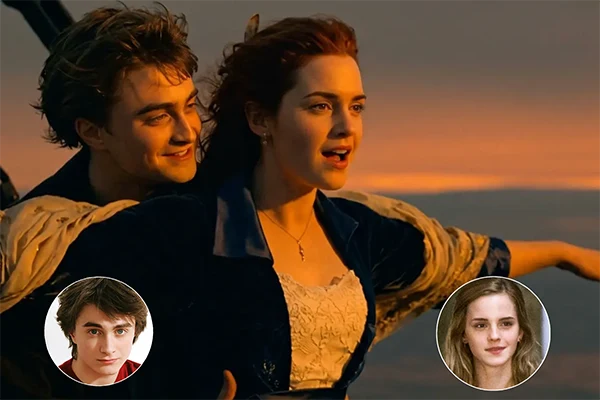
Video and GIF Face Changes
Take the edit into motion with AI change face for video and GIF files. Apply the new look while keeping movement readable across frames, so short clips, memes, and social cutdowns stay consistent from start to finish.
How to Change a Face Online in 3 Steps
Upload Your Original File
Choose Image or Video, then drop in the photo, clip, or GIF you want to edit on the left panel.
Add a Reference Look and Choose Mode
Upload the replacement look on the right. Use Single Object for one person, or Multi Object and select the Target person.
Click Create
Hit Create, preview the output, download it watermark-free, or reset and run another pass.
FAQs

What is iSmartta?

Is iSmartta free to use?
Yes. iSmartta is free to start for many basic photo face changes, so you can try everyday edits at no cost.
How long does iSmartta take to process?
Photos and GIF memes usually finish within seconds after you upload - often fast enough for quick social tries.
Is iSmartta legal to use?
Casual entertainment use is generally fine, including light celebrity-style face changes for private fun. Just stick to faces and files you own or have permission to use, skip illegal misuse, and follow local law if you share or publish the result.