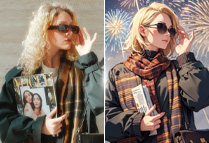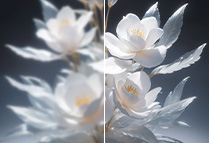

Remove Text from Image Online Free
Instantly remove text from image online with our free AI text remover. Clean up your images and refine your projects.
Remove Text on Image with Ease
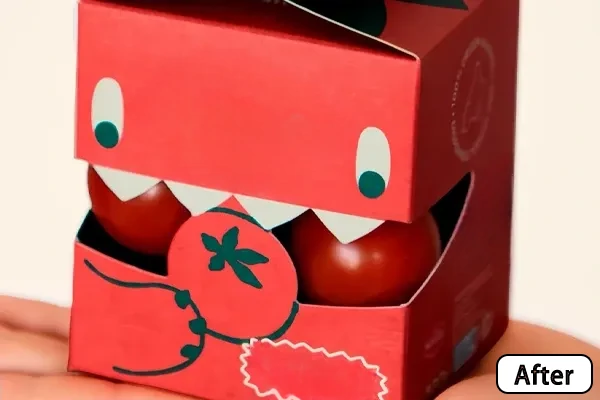
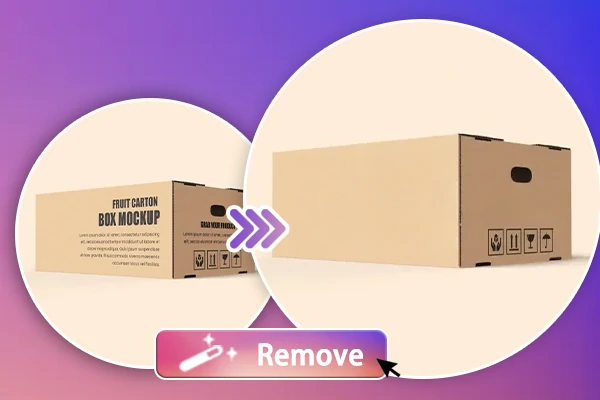
Tired of unwanted text on your images? Our AI image text remover makes it easy to remove signatures, captions, and watermarks with professional-quality results, even for those with minimal editing experience. Simply upload your image, brush over the text you want to eliminate, and let our AI do the rest. In just seconds, you'll have clean, text-free images ready to share.
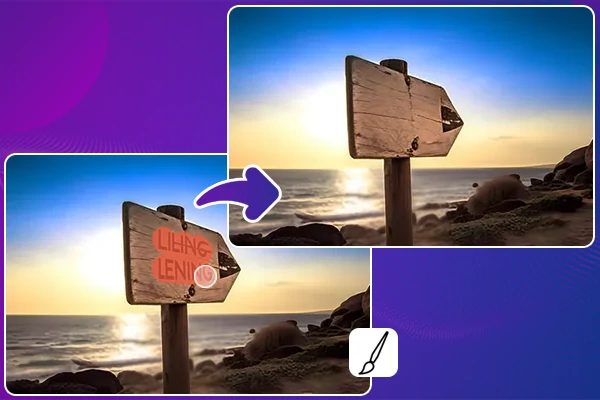
Delete Text without Affecting the Background
No more worrying about distorted or incomplete backgrounds after erasing unwanted words. Our tool intelligently analyzes and erases text while preserving the background, ensuring your image retains its original beauty and composition without any disruptions.
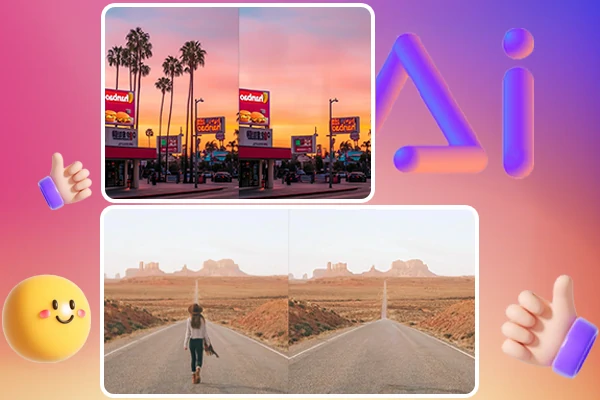
More than Just Image Text Removal
Don't let distractions grab attention away from your image. Beyond just text removal, you can also erase people who accidentally entered the frame, and delete logos, watermarks, stamps, and other unwanted objects from your images with our AI eraser, giving you comprehensive control over your images.


AI-Driven Text Removal
Powered by artificial intelligence, quickly removes photo text and achieves clean results in seconds.

High-Quality Results
Effortlessly delete text from image online without compromising on quality and background.



Enhance Your Visuals
Transform your photos into professional-looking images by effortlessly removing text, giving your visuals a refined appearance.

Remove Text from Image for Every Need
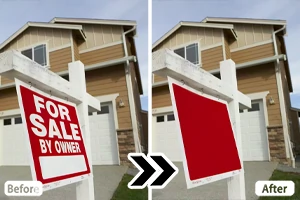
Easily erase text from your photos with our AI text remover. With just a few clicks, you can eliminate unwanted text while preserving the image background. Whether you're looking to enhance a portrait for social media posts, remove distracting text from real estate images, or clean up e-commerce product photos for a more captivating display, SeaArt AI has you covered.
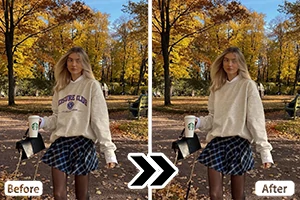
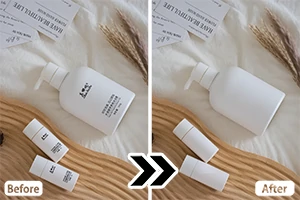
How to Remove Text from Image?
Step 1: Upload Your Image
Simply upload the image you want to clean up to SeaArt AI eraser.
Step 2: Select the Text
Use the brush tool to brush over the text. Zoom in for precise selection and accuracy.
Step 3: Erase & Download
Click "Start Erasing," and let our AI text remover erase the text from your image, and fill in the background. Then, download your edited image.
FAQs

How can I remove text from an image without Photoshop?

Will removing text affect the image quality?
No. SeaArt AI ensures the original background is preserved while removing text from image, maintaining your image's clarity and detail.
Can I remove words from pictures on my mobile device?
Yes. SeaArt AI offers a free mobile app, you can remove unwanted text from your images anytime and anywhere directly from your phone.