50M
+Creator

Upload a selfie and create a realistic, cinematic, or game-style AI soldier portrait with prompt-controlled details.
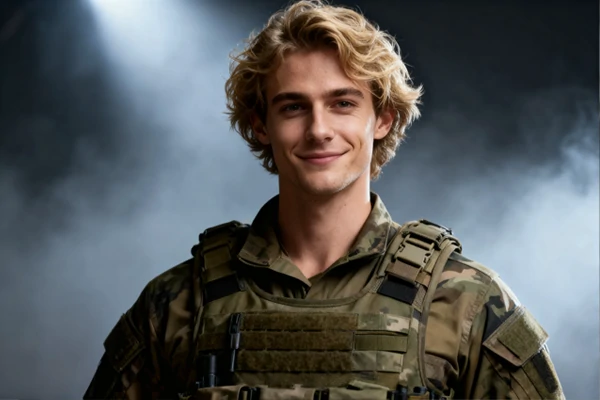
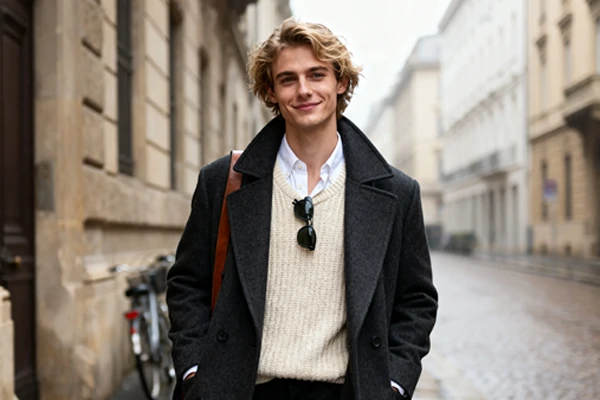
Upload Image
Click to upload or drag images here.
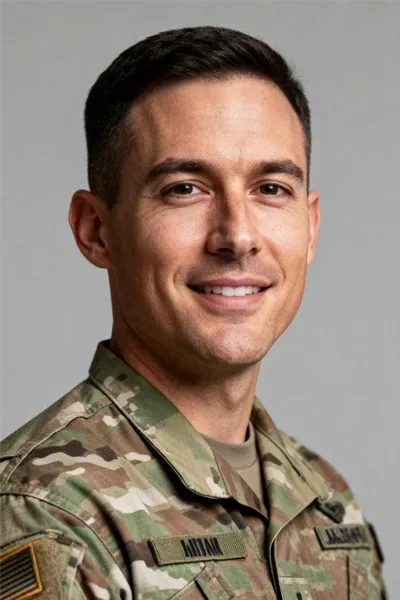
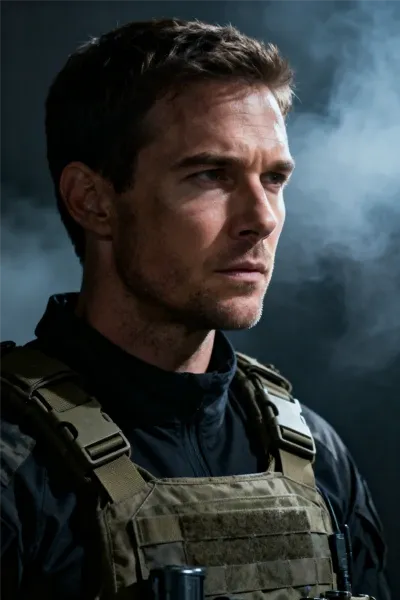
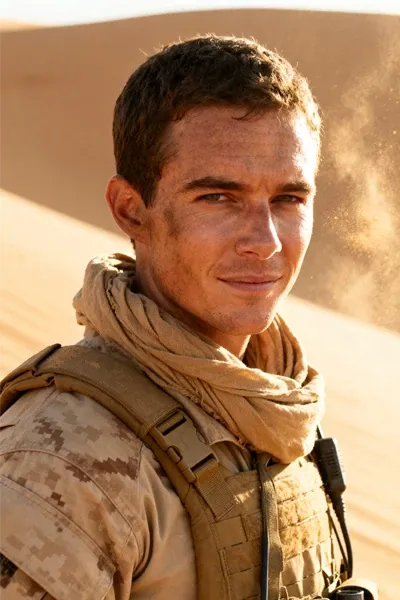
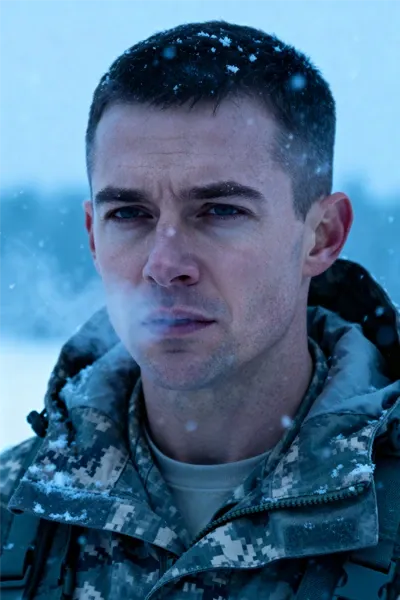
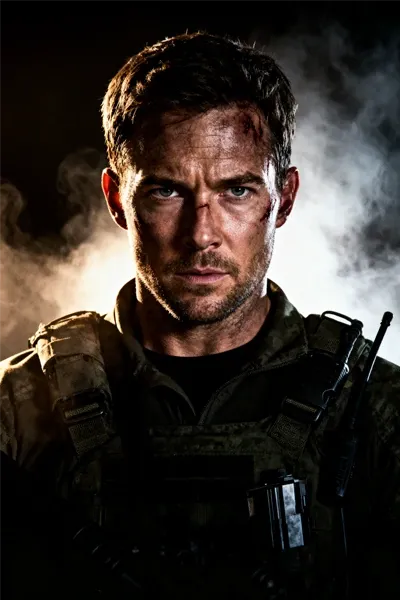
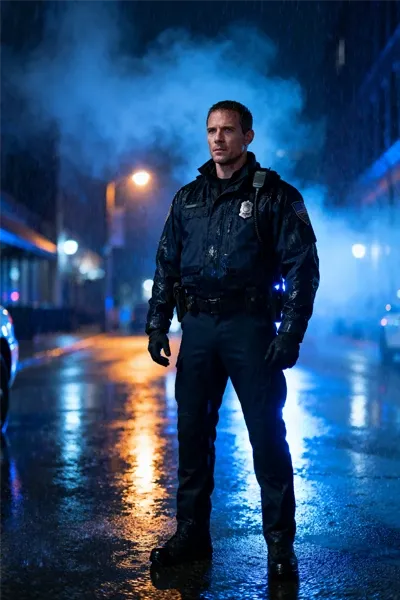
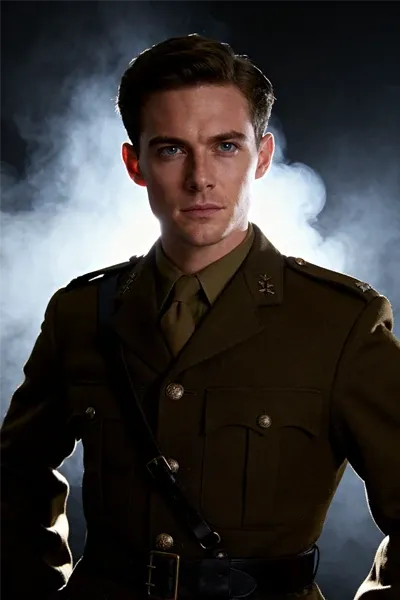
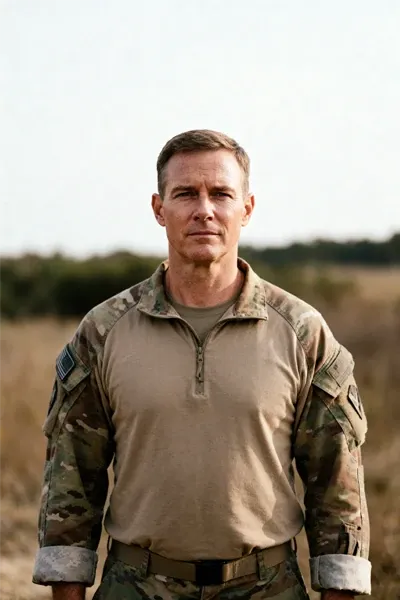
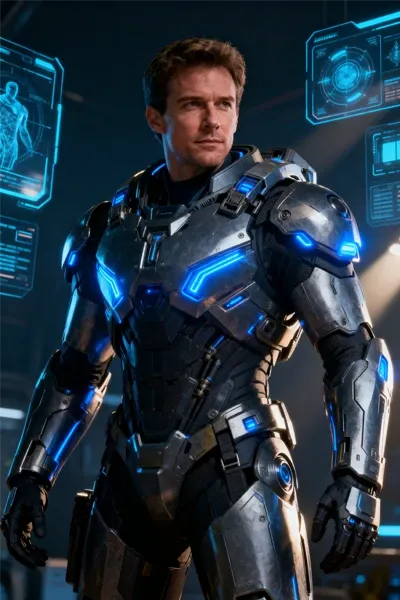
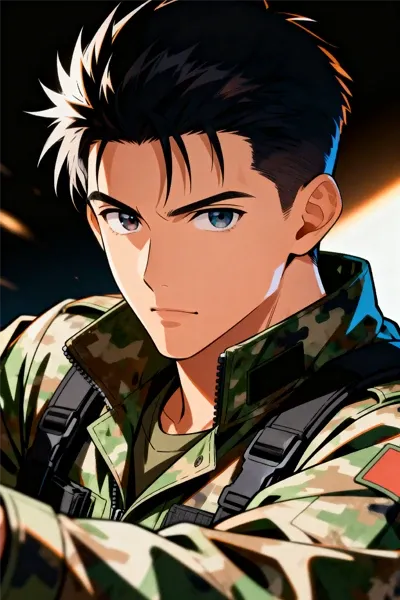
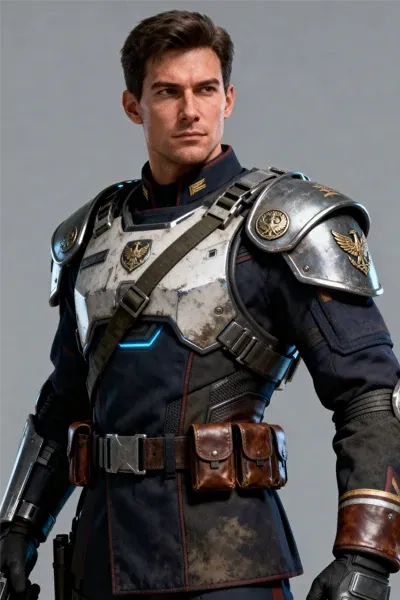
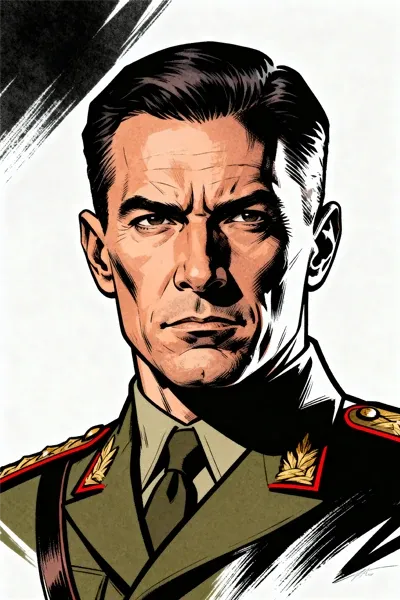
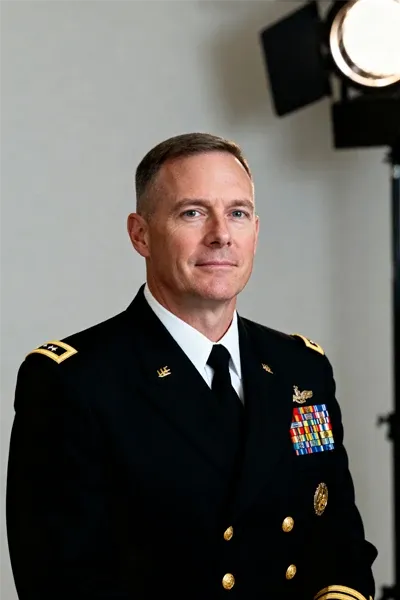
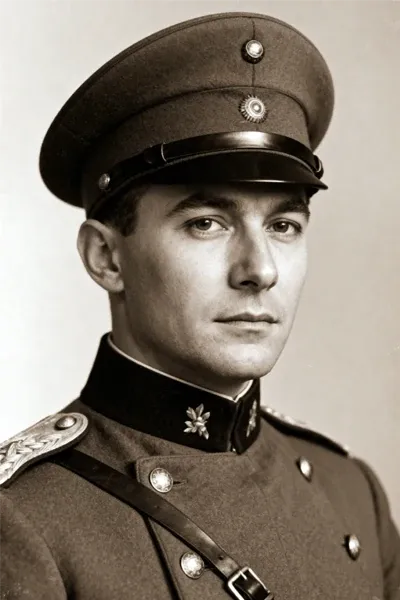
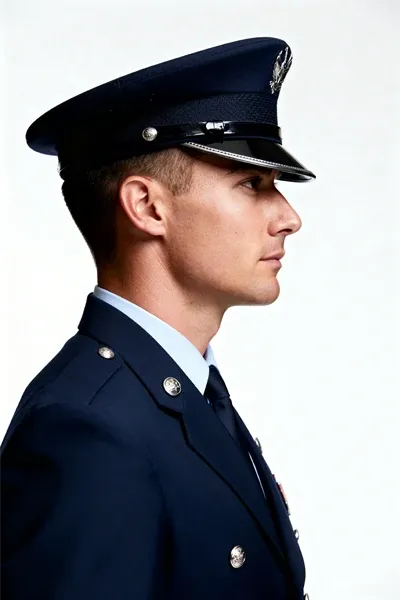
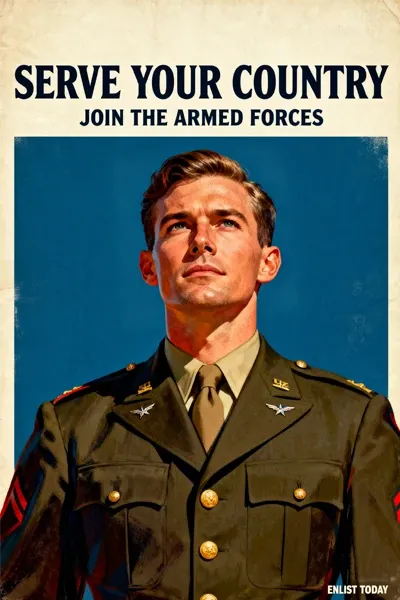
Browse 16 soldier filter images, create a similar look with your photo, then edit the prompt to fine-tune the uniform, mood, background, and details.
Upload Your Photo
Choose a clear selfie or portrait with good lighting, then upload it as the image reference for the AI.
Edit Prompt and Output Settings
Use a ready prompt or write your own, then adjust the image size, ratio, and quantity.
Preview and Download
Preview the result, then download a high-resolution image without watermarks.


Free to Use
SeaArt AI let you start using the soldier filter without paying upfront, with free daily credits for testing portrait ideas and creating your first results.

Clean Prompt Workflow
Upload a photo, use a ready prompt, make quick text edits, and generate a new military-style portrait fast.



Multiple AI Model Choices
Try different advanced AI models to compare face detail, uniform realism, lighting style, and overall portrait quality.

HD Portrait Output
Export polished portraits in high resolution, up to 4K depending on settings, with no-watermark downloads.
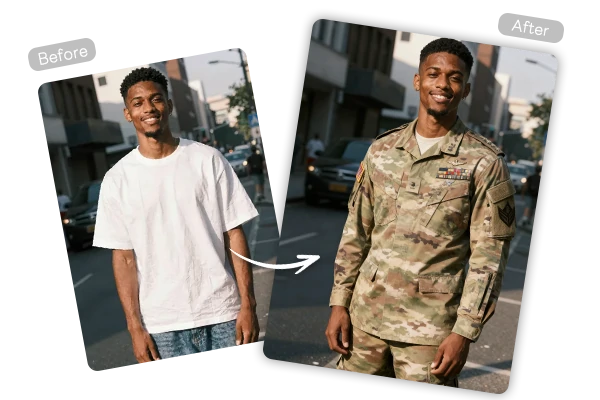
Upload a selfie or portrait, then use the soldier filter to turn yourself into a military-style character. Keep your face recognizable while changing the uniform, lighting, background, and overall mood.
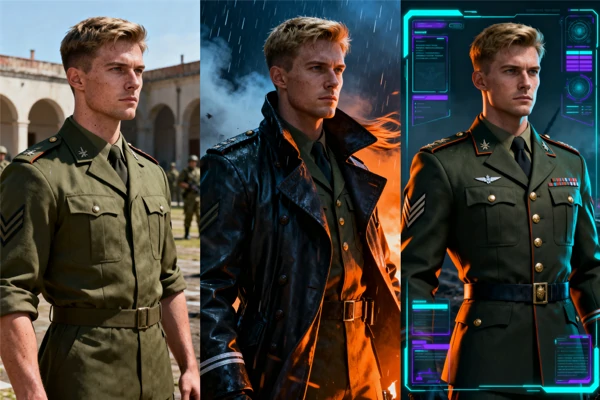
Make your photo look like a realistic army portrait, tactical movie character, formal uniform shot, vintage officer image, or futuristic game avatar. Start with one prompt, then adjust the style until it matches the look you want.
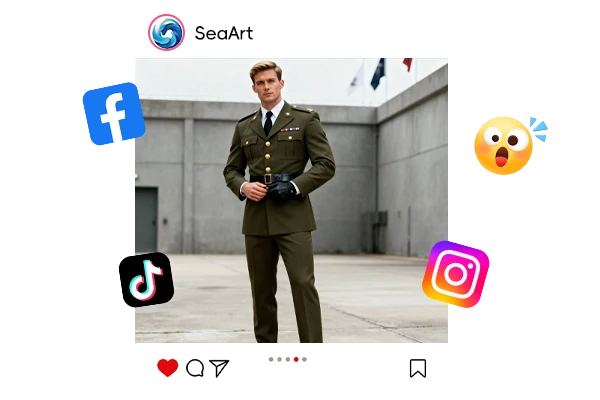
Create a clean soldier-style portrait for profile pictures, social posts, thumbnails, roleplay images, or character references. Refine the prompt, preview different versions, and download the result when it feels right. For more effects, explore SeaArt's AI filters.











What is a soldier filter?

Can I use the soldier filter for free?
Yes. SeaArt offers free daily credits, so you can test soldier portrait ideas before making more versions.
Are uploaded photos private?
Your uploaded photos are used to create the requested image. You can fully delete your content from servers at any time, and nothing is shared publicly unless you choose to publish it yourself.
Is it illegal to use a soldier filter?
Creative military-style portraits are generally fine for personal avatars, posters, or character ideas. Do not use them to impersonate real service members, create fake IDs, mislead others, or break local rules.