ワークフロー作成
SeaArt ComfyUIをベースに開発
creation

おすすめ

注目のワークフロー

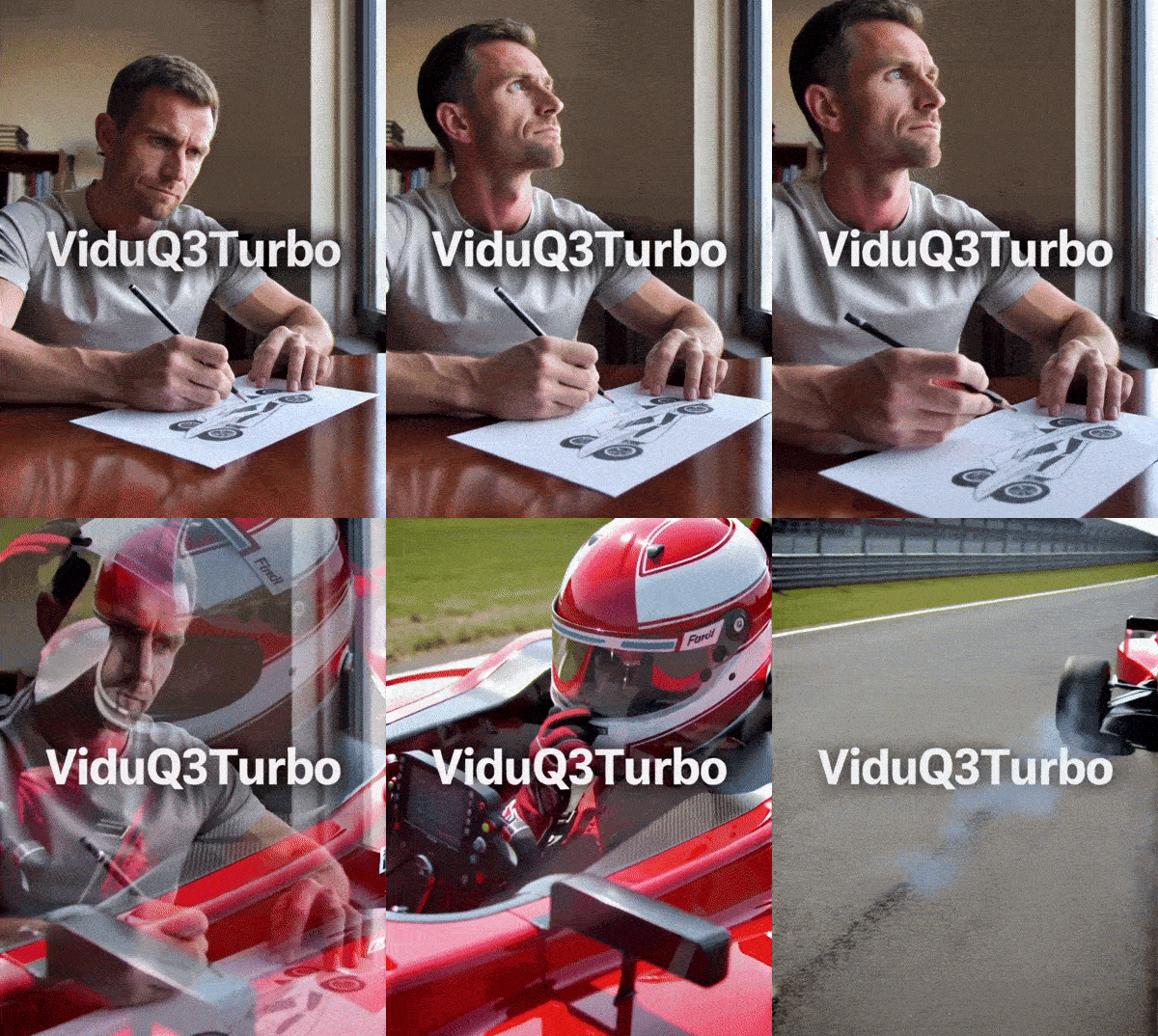
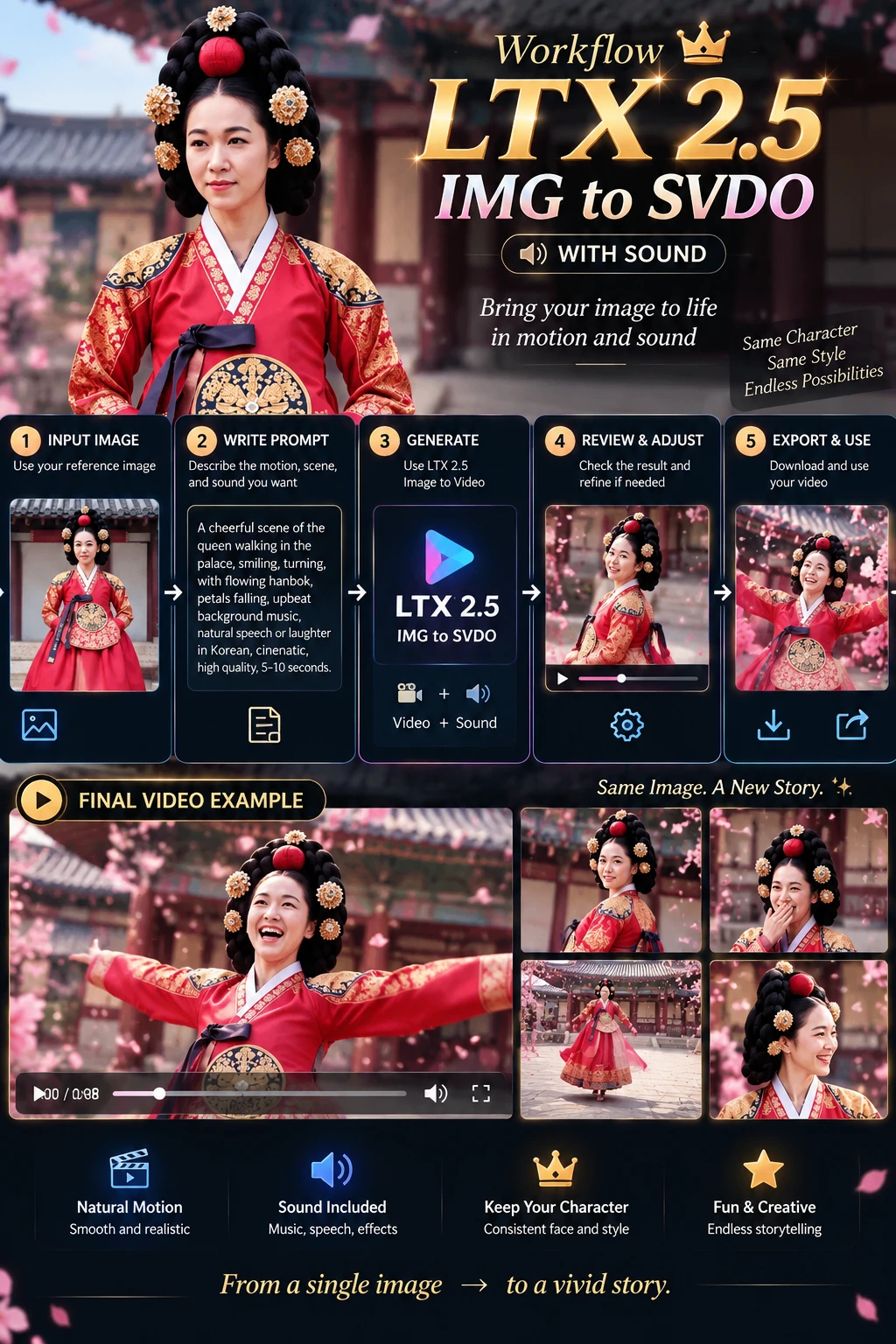
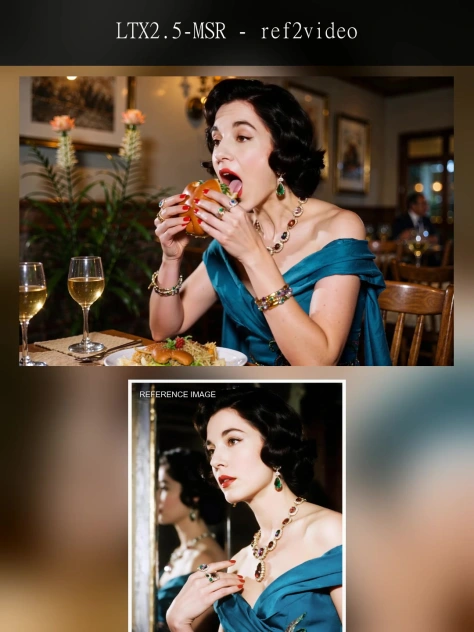
LTX2.3-Audio-video generation

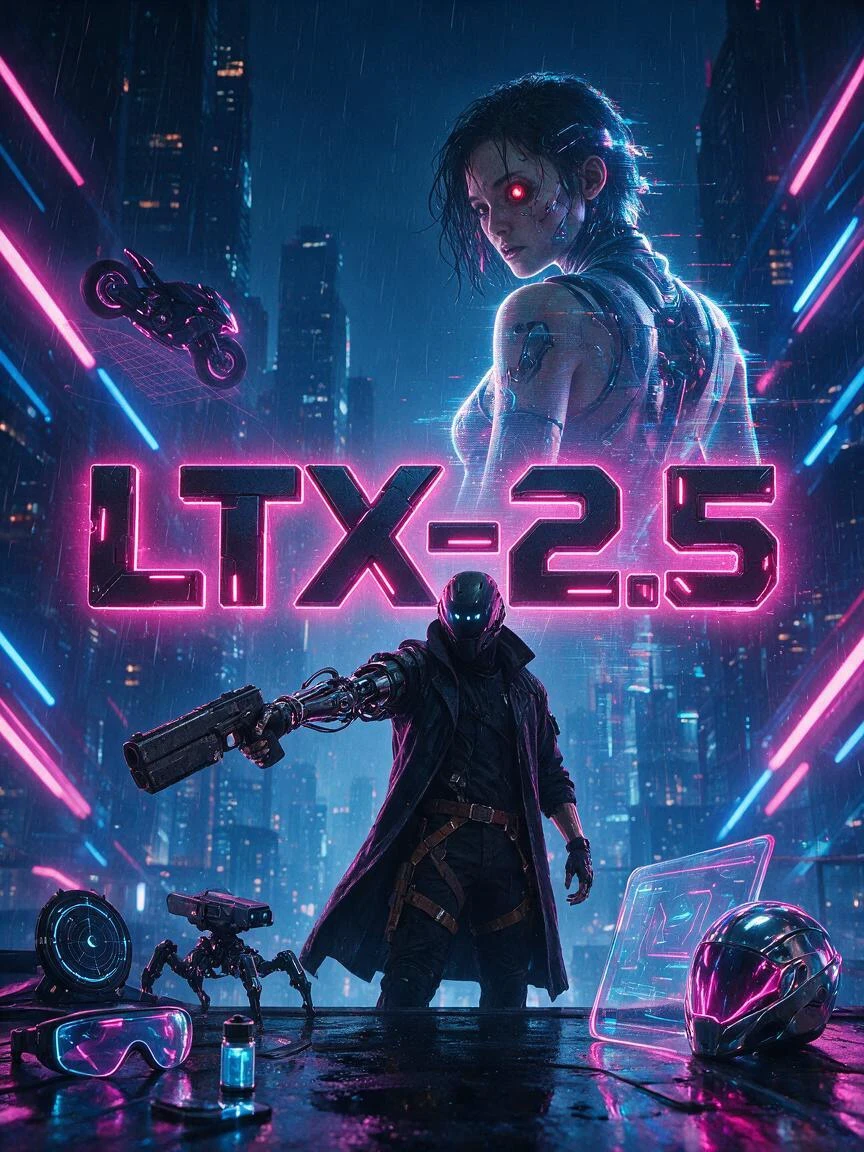
LTX-2.3 is an open-source audio-video foundation model released by Lightricks. Its core feature is not simply generating video alone or producing video first and adding audio later. Instead, it places both video and audio within a single generation framework, directly producing synchronized visuals and sound. Officially, it is described as a DiT-based audio-video foundation model, meaning a joint audio-video generation model built on Diffusion Transformer architecture.Compared with many traditional video generation approaches, the biggest difference of LTX-2.3 is its native audio-visual synchronization. If a prompt includes speaking, singing, ambient sound, or rhythmic motion, the model attempts to align lip movements, actions, and sound within a single generation process, rather than relying on post-processing to dub audio or correct lip sync afterward. This makes it especially valuable for dialogue videos, character singing, and short narrative scenes.
LTX2.3-Audio-video generation

4.3

LTX-2.3 is an open-source audio-video foundation model released by Lightricks. Its core feature is not simply generating video alone or producing video first and adding audio later. Instead, it places both video and audio within a single generation framework, directly producing synchronized visuals and sound. Officially, it is described as a DiT-based audio-video foundation model, meaning a joint audio-video generation model built on Diffusion Transformer architecture.Compared with many traditional video generation approaches, the biggest difference of LTX-2.3 is its native audio-visual synchronization. If a prompt includes speaking, singing, ambient sound, or rhythmic motion, the model attempts to align lip movements, actions, and sound within a single generation process, rather than relying on post-processing to dub audio or correct lip sync afterward. This makes it especially valuable for dialogue videos, character singing, and short narrative scenes.
avatar
avatar_frame
SeaArt Comfy Helper
Happy Horse

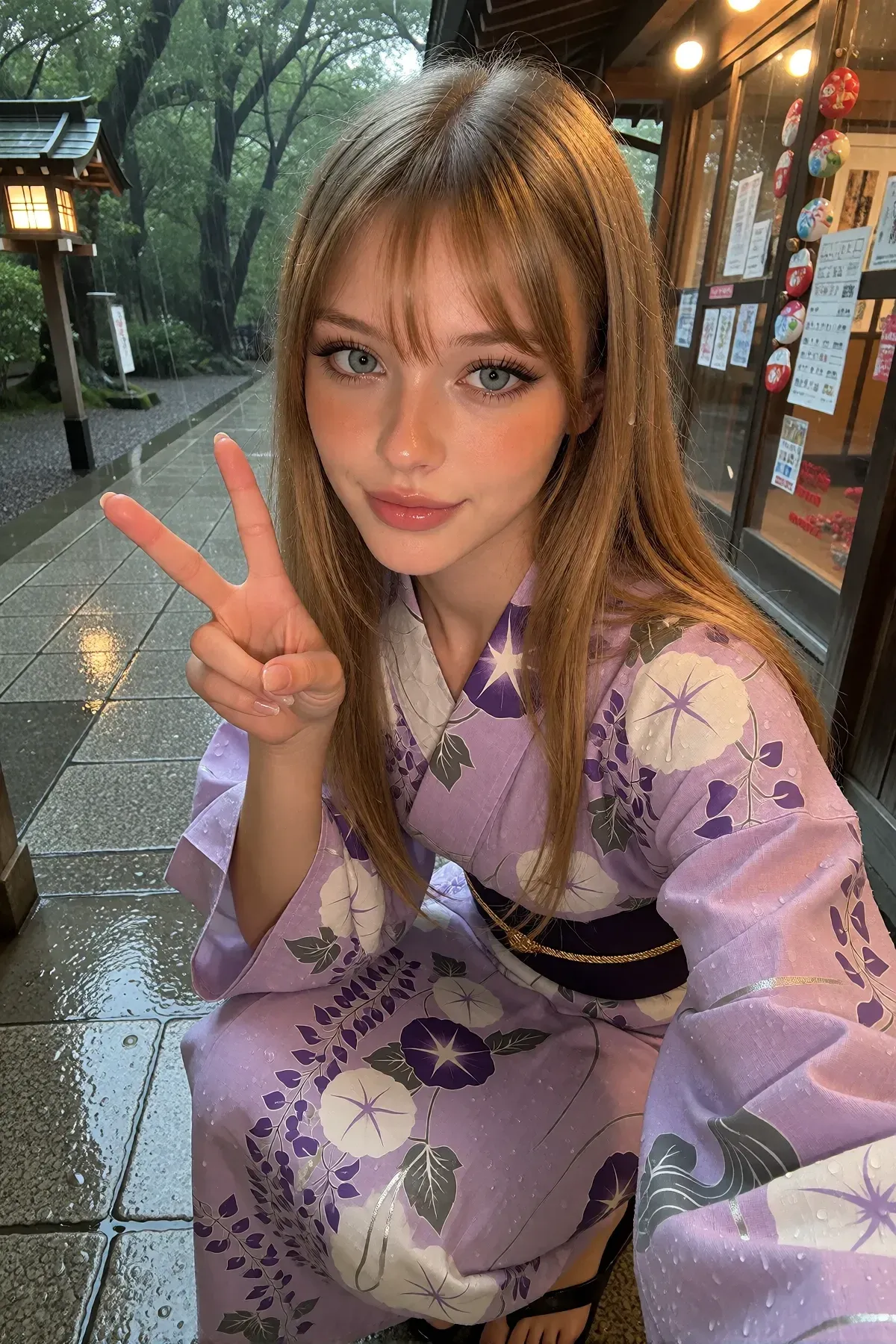
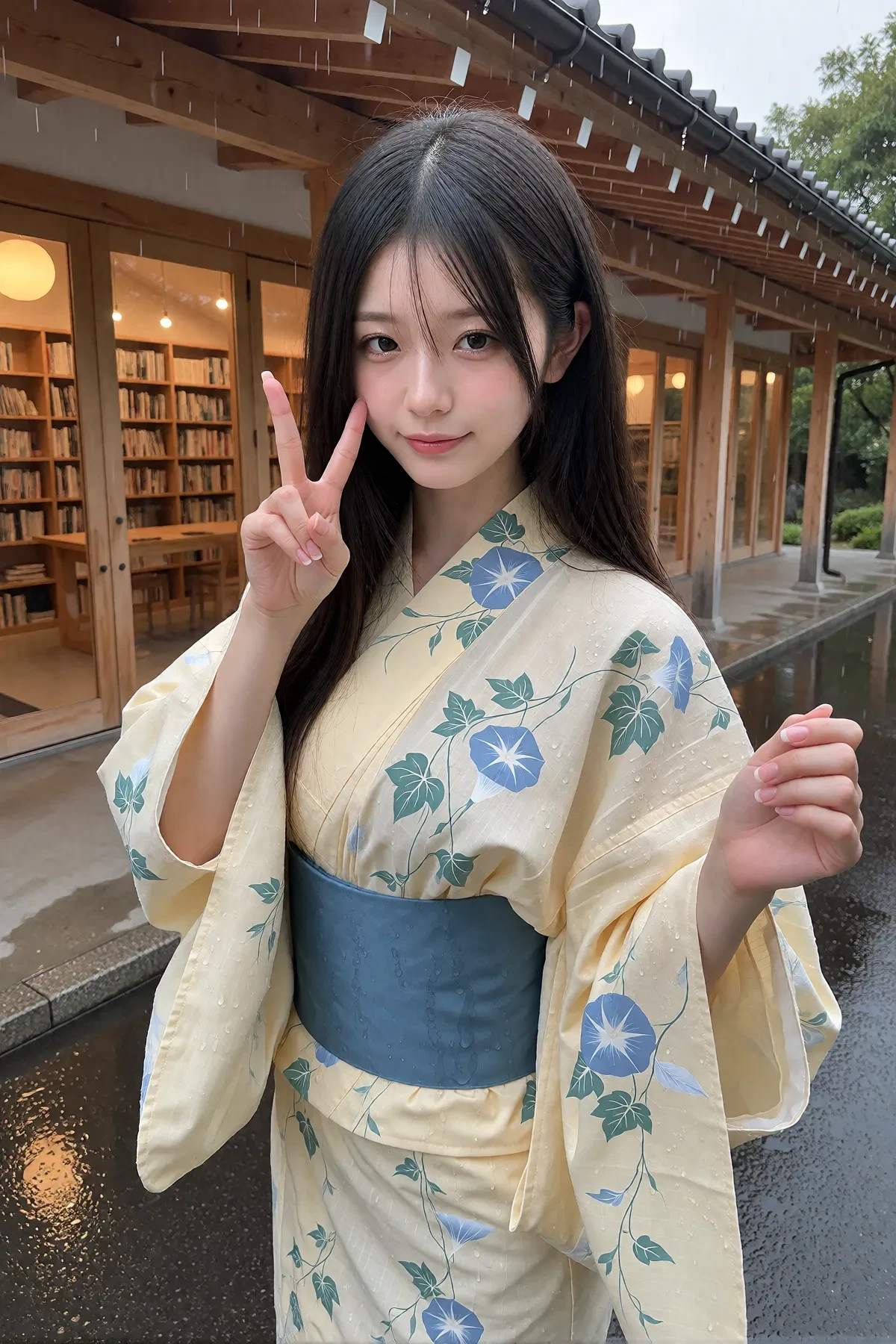
Happy Horse 1.0 is an open-source AI video generation model released in April 2026. Upon its launch, it topped the Artificial Analysis video generation leaderboard, becoming the most powerful AI video generator available today.It features 15 billion parameters with a unified Transformer architecture using 40-layer self-attention. Its standout capability is generating both video and audio simultaneously in a single pass, achieving perfect synchronization between visuals and sound. It supports lip-sync in 7 languages: English, Mandarin, Cantonese, Japanese, Korean, German, and French, making it incredibly useful for digital avatars, voiceover videos, and similar applications.Happy Horse 1.0 outputs 1080p HD quality with clips lasting 5 to 8 seconds per generation. Thanks to its 8-step DMD-2 distillation acceleration technology, generation takes approximately 10 to 38 seconds, making it quite efficient. It uses a unified architecture to process text, image, video, and audio tokens together, rather than relying on traditional multi-module combinations. This design ensures more consistent and harmonious output quality.
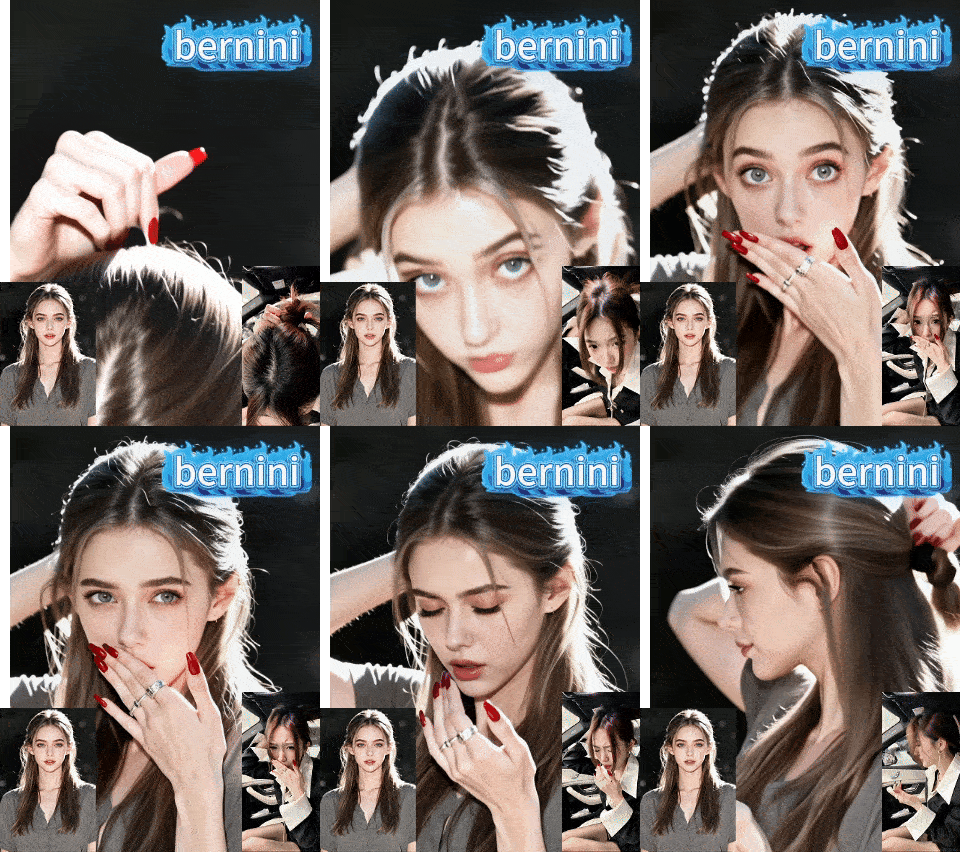
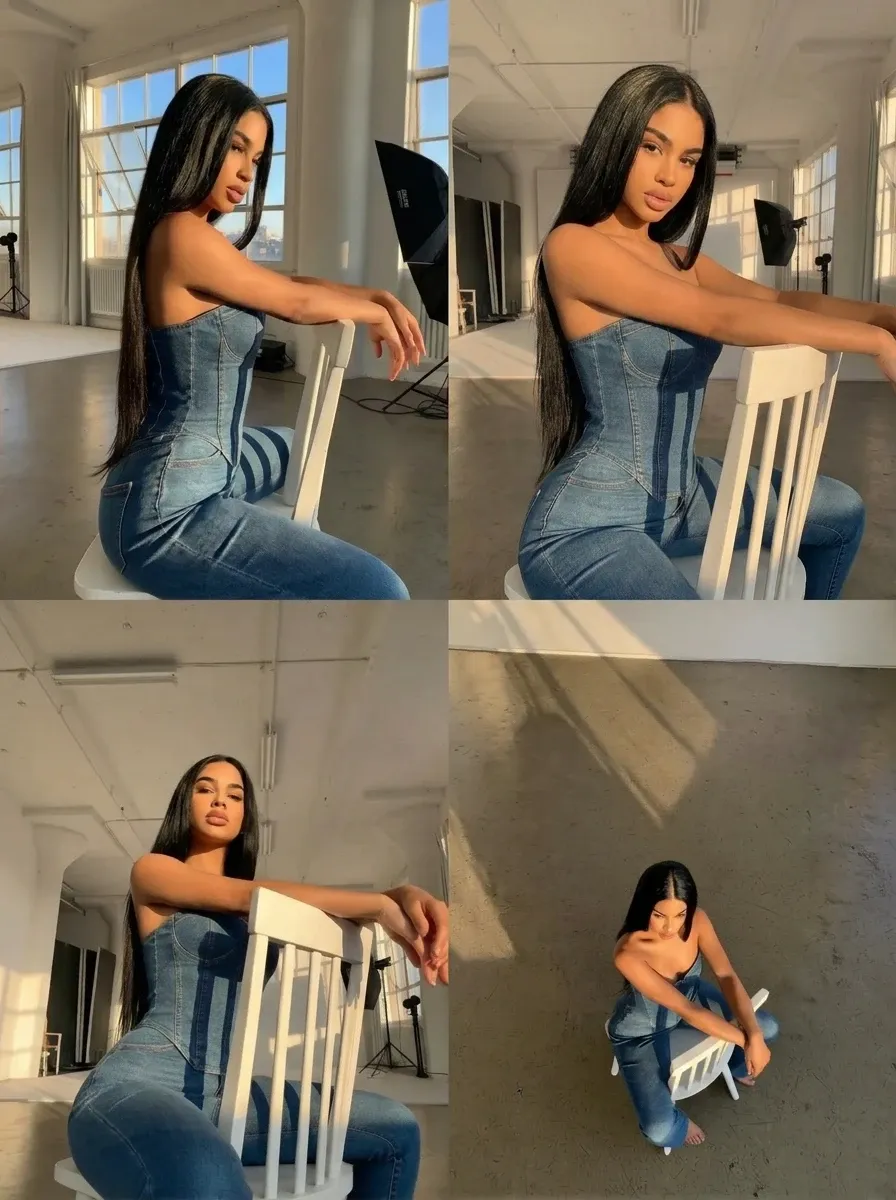
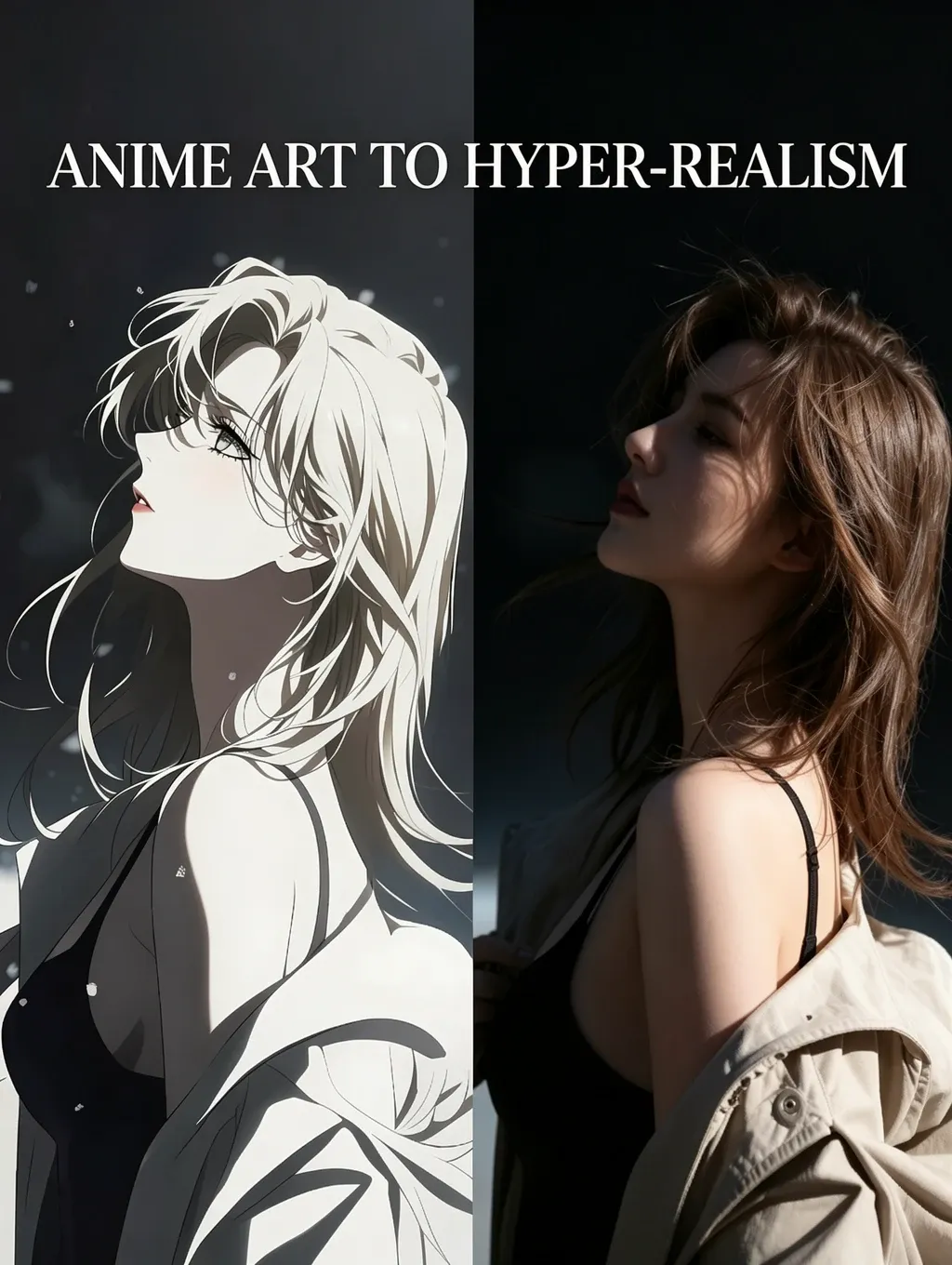
Happy Horse

--

Happy Horse 1.0 is an open-source AI video generation model released in April 2026. Upon its launch, it topped the Artificial Analysis video generation leaderboard, becoming the most powerful AI video generator available today.It features 15 billion parameters with a unified Transformer architecture using 40-layer self-attention. Its standout capability is generating both video and audio simultaneously in a single pass, achieving perfect synchronization between visuals and sound. It supports lip-sync in 7 languages: English, Mandarin, Cantonese, Japanese, Korean, German, and French, making it incredibly useful for digital avatars, voiceover videos, and similar applications.Happy Horse 1.0 outputs 1080p HD quality with clips lasting 5 to 8 seconds per generation. Thanks to its 8-step DMD-2 distillation acceleration technology, generation takes approximately 10 to 38 seconds, making it quite efficient. It uses a unified architecture to process text, image, video, and audio tokens together, rather than relying on traditional multi-module combinations. This design ensures more consistent and harmonious output quality.
avatar
avatar_frame
SeaArt Comfy Helper
ERNIE-Image-Turbo

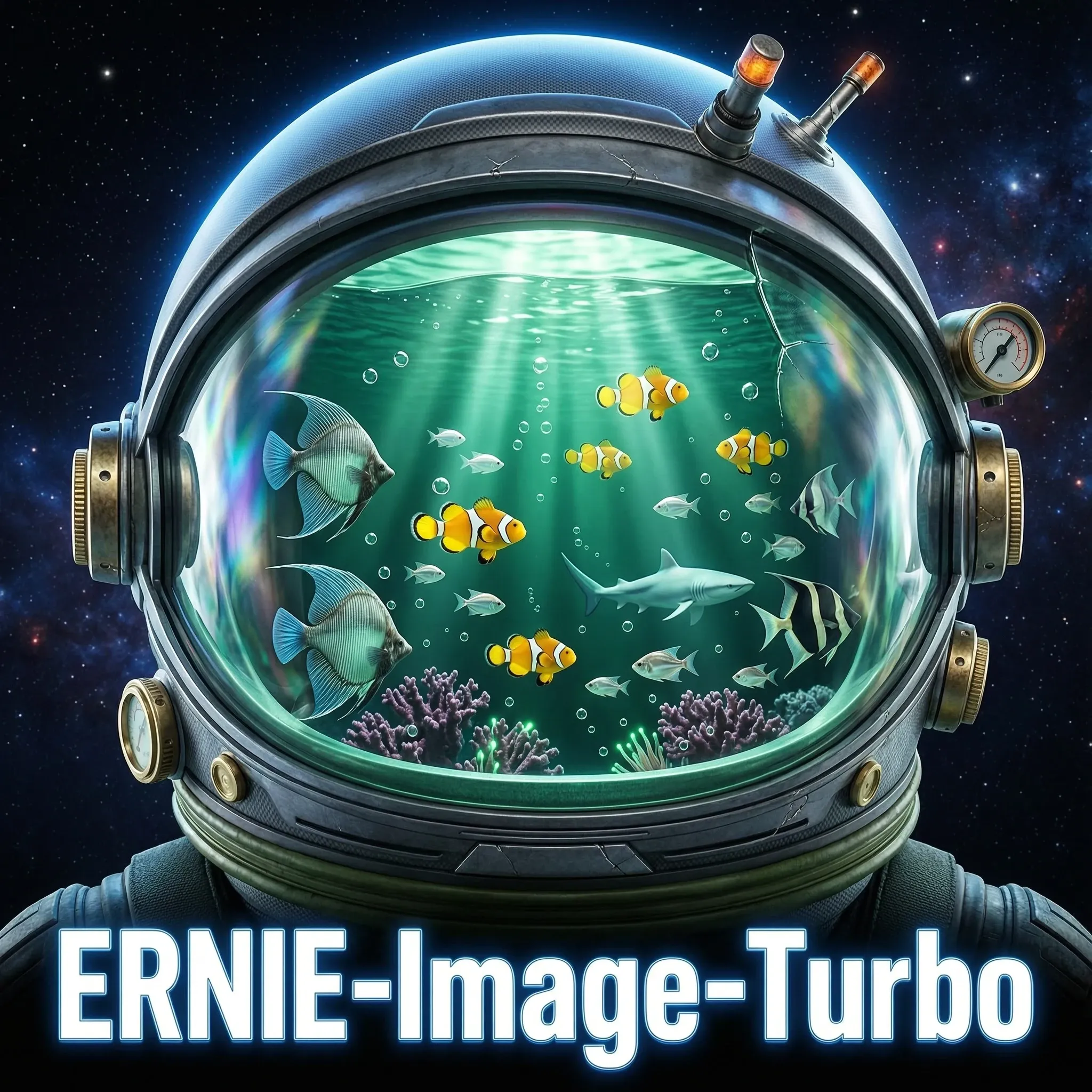
Model OverviewERNIE-Image is an open-source text-to-image generation model developed by Baidu's Wenxin (ERNIE) team. Built on a single-stream Diffusion Transformer (DiT) architecture with 8 billion parameters, it operates within a Latent Diffusion Model (LDM) framework.The model's core philosophy emphasizes not only visual aesthetics but also controllability. In content creation scenarios such as commercial posters, comics, and multi-panel layouts, accurate content realization matters just as much as visual appeal. Core CapabilitiesNative Multilingual SupportNatively understands Chinese, English, and Japanese, supporting culturally authentic outputs and idiomatic expressionsParticularly well-suited for East Asian content creationPrecise Text RenderingStrongest text rendering among all open-source modelsSupports dense typography, long-form text, and layout-sensitive content in both Chinese and EnglishIdeal for text-heavy imagery such as poster titles, comic dialogue boxes, and UI interfacesComplex Instruction FollowingReliably handles multi-object relationships, complex descriptions, and knowledge-intensive content

ERNIE-Image-Turbo

--

Model OverviewERNIE-Image is an open-source text-to-image generation model developed by Baidu's Wenxin (ERNIE) team. Built on a single-stream Diffusion Transformer (DiT) architecture with 8 billion parameters, it operates within a Latent Diffusion Model (LDM) framework.The model's core philosophy emphasizes not only visual aesthetics but also controllability. In content creation scenarios such as commercial posters, comics, and multi-panel layouts, accurate content realization matters just as much as visual appeal. Core CapabilitiesNative Multilingual SupportNatively understands Chinese, English, and Japanese, supporting culturally authentic outputs and idiomatic expressionsParticularly well-suited for East Asian content creationPrecise Text RenderingStrongest text rendering among all open-source modelsSupports dense typography, long-form text, and layout-sensitive content in both Chinese and EnglishIdeal for text-heavy imagery such as poster titles, comic dialogue boxes, and UI interfacesComplex Instruction FollowingReliably handles multi-object relationships, complex descriptions, and knowledge-intensive content
avatar
avatar_frame
SeaArt Comfy Helper
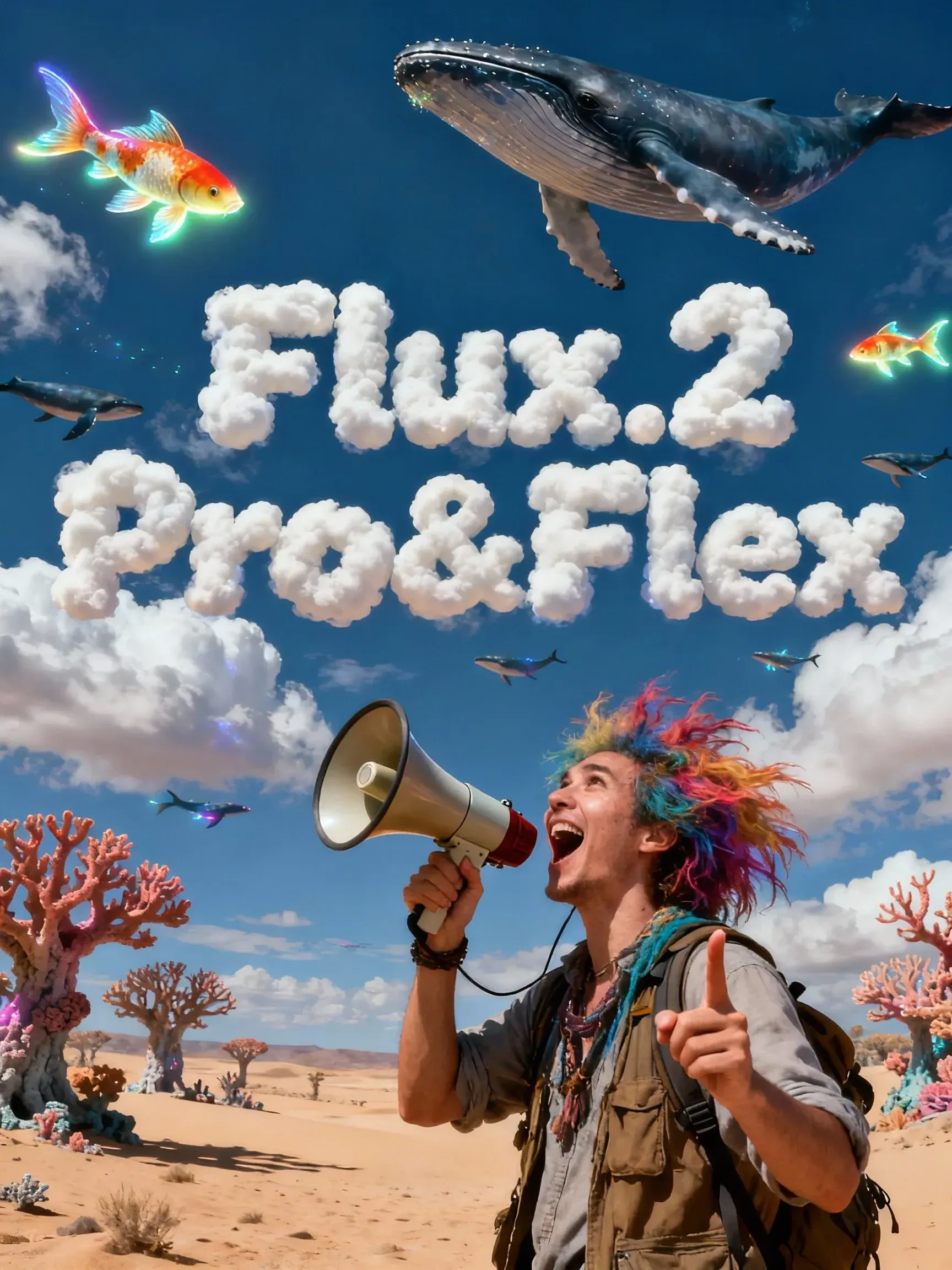
Flux.2 Pro&Flex

This workflow is providing access to two distinct versions: FLUX.2 Pro and FLUX.2 Flex. You can switch between them based on your specific needs for image precision and cost efficiency.🧩 Versions & Capabilities1. FLUX.2 ProCapabilities: Capable of generating high-quality images. Ideal for most standard creative tasks, style exploration, and rapid generation.Pricing (Credits):Text Only: 55 (≤1024px) / 70 (>1024px)Image Input: 80 (≤1024px) / 100 (>1024px)2. FLUX.2 FlexCapabilities: Compared to Pro, Flex excels in handling complex lighting, intricate textures, and adherence to long, complex prompts. It is the premier choice for ultimate image quality, commercial poster output, and high-precision editing tasks.Pricing (Credits):Text Only: 110 (≤1024px) / 140 (>1024px)Image Input: 220 (≤1024px) / 260 (>1024px)

Flux.2 Pro&Flex

4.9

This workflow is providing access to two distinct versions: FLUX.2 Pro and FLUX.2 Flex. You can switch between them based on your specific needs for image precision and cost efficiency.🧩 Versions & Capabilities1. FLUX.2 ProCapabilities: Capable of generating high-quality images. Ideal for most standard creative tasks, style exploration, and rapid generation.Pricing (Credits):Text Only: 55 (≤1024px) / 70 (>1024px)Image Input: 80 (≤1024px) / 100 (>1024px)2. FLUX.2 FlexCapabilities: Compared to Pro, Flex excels in handling complex lighting, intricate textures, and adherence to long, complex prompts. It is the premier choice for ultimate image quality, commercial poster output, and high-precision editing tasks.Pricing (Credits):Text Only: 110 (≤1024px) / 140 (>1024px)Image Input: 220 (≤1024px) / 260 (>1024px)
avatar
avatar_frame
SeaArt Comfy Helper

Wan Video

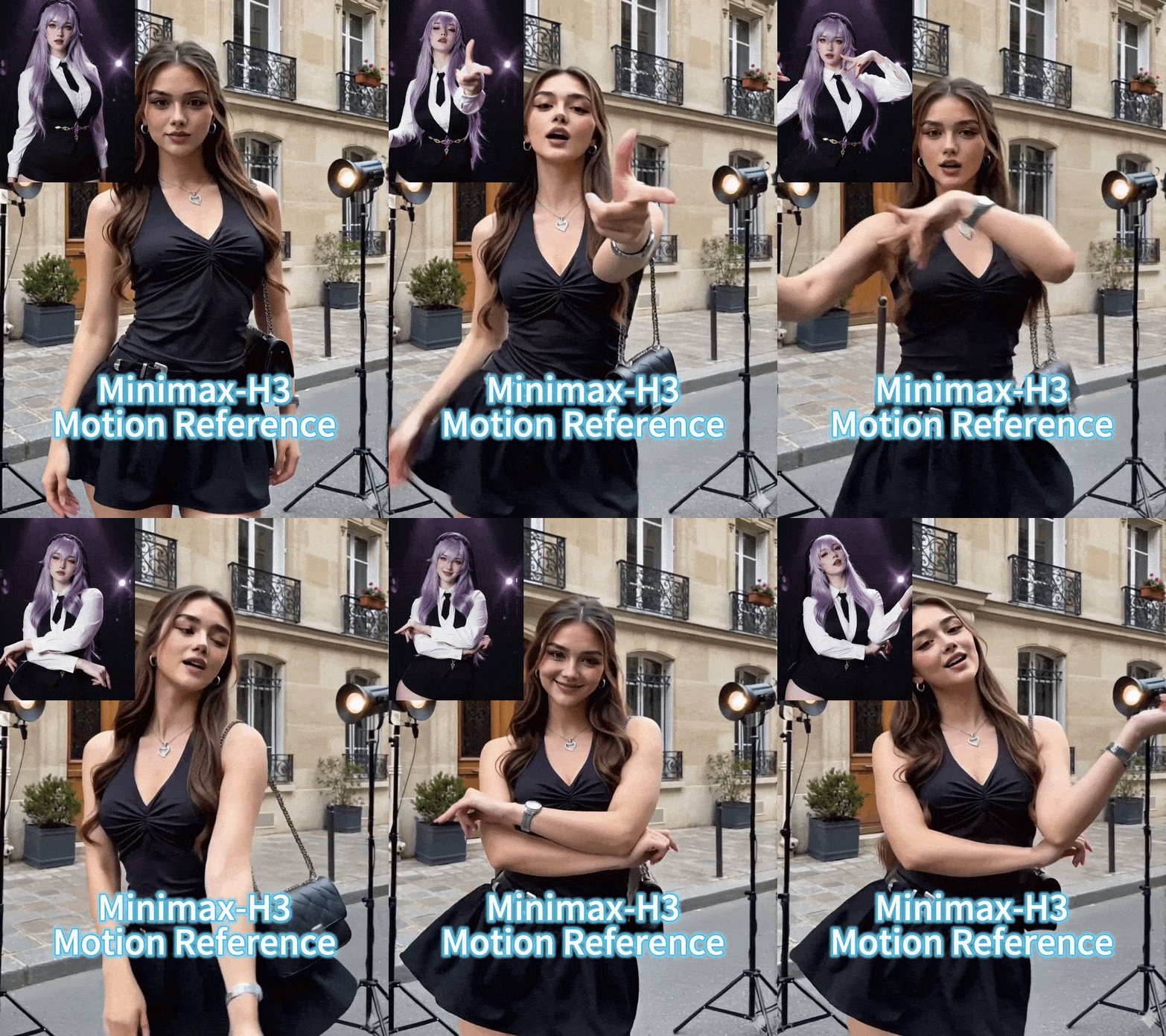
Wan2.2 VACE - Multimodal control-KJ

Continue the “unified editing/control” paradigm on the 2.2 backbone. The 2.2 backbone adopts a Mixture‑of‑Experts (MoE) design—high‑noise and low‑noise experts operating at different denoising stages—to improve quality and detail while keeping inference costs manageable. A representative controllable variant is Wan2.2‑VACE‑Fun‑A14B, which supports multi‑modal control conditions (Canny, Depth, OpenPose, MLSD, Trajectory, etc.). A typical workflow is: provide a reference image (to preserve identity/appearance) plus a driving video or its parsed control signals (e.g., pose sequence, trajectory, time‑varying depth/edges) to generate a video driven by that reference image. The VACE/Fun family provides these temporal control interfaces and the unified task support.

Wan2.2 VACE - Multimodal control-KJ

4.8

Continue the “unified editing/control” paradigm on the 2.2 backbone. The 2.2 backbone adopts a Mixture‑of‑Experts (MoE) design—high‑noise and low‑noise experts operating at different denoising stages—to improve quality and detail while keeping inference costs manageable. A representative controllable variant is Wan2.2‑VACE‑Fun‑A14B, which supports multi‑modal control conditions (Canny, Depth, OpenPose, MLSD, Trajectory, etc.). A typical workflow is: provide a reference image (to preserve identity/appearance) plus a driving video or its parsed control signals (e.g., pose sequence, trajectory, time‑varying depth/edges) to generate a video driven by that reference image. The VACE/Fun family provides these temporal control interfaces and the unified task support.
avatar
avatar_frame
SeaArt Comfy Helper
Wan2.2‑Fun-Inp-KJ

Wan2.2‑Fun‑InP is part of the Wan2.2‑Fun series. It supports conditioning on a start frame and an end frame to estimate the in‑between transition and produce temporally consistent video results for controllable image‑to‑video applications.What it addresses:Traditional image‑to‑video workflows typically extend motion from a single starting image. By adding an optional end keyframe, Fun‑InP helps the motion, composition, and overall content progress toward a specified target, making transitions easier to control and the sequence more coherent.Inputs: start‑frame image, end‑frame image (optional text prompt / control signals).Output: a video clip made up of interpolated middle frames, with the first and last frames visually consistent with the provided keyframes.

Wan2.2‑Fun-Inp-KJ

4.5

Wan2.2‑Fun‑InP is part of the Wan2.2‑Fun series. It supports conditioning on a start frame and an end frame to estimate the in‑between transition and produce temporally consistent video results for controllable image‑to‑video applications.What it addresses:Traditional image‑to‑video workflows typically extend motion from a single starting image. By adding an optional end keyframe, Fun‑InP helps the motion, composition, and overall content progress toward a specified target, making transitions easier to control and the sequence more coherent.Inputs: start‑frame image, end‑frame image (optional text prompt / control signals).Output: a video clip made up of interpolated middle frames, with the first and last frames visually consistent with the provided keyframes.
avatar
avatar_frame
SeaArt Comfy Helper
Wan2.1 Minimax-Remover - Video erase -KJ

Core Focus: Video-level object removal. Given a sequence of video frames and a corresponding mask, it seamlessly removes the masked object and fills in the background while maintaining temporal consistency, minimizing artifacts or remnants.Method Highlights:Minimum-Maximum Optimization: Tames bad noise during training and inference, improving the model's robustness to masked regions and reducing the probability of object regeneration.Two-Stage Architecture: First, a simplified DiT (Diffusion Transformer) structure is used to learn the removal capability; then, a version with fewer sampling steps and faster inference is obtained through "CFG de-distillation."Efficiency Features: Extremely low inference steps (approximately 6 steps in the official example), and does not rely on CFG, resulting in high speed and low resource consumption, suitable for long videos/batch processing. References

Wan2.1 Minimax-Remover - Video erase -KJ

3.0

Core Focus: Video-level object removal. Given a sequence of video frames and a corresponding mask, it seamlessly removes the masked object and fills in the background while maintaining temporal consistency, minimizing artifacts or remnants.Method Highlights:Minimum-Maximum Optimization: Tames bad noise during training and inference, improving the model's robustness to masked regions and reducing the probability of object regeneration.Two-Stage Architecture: First, a simplified DiT (Diffusion Transformer) structure is used to learn the removal capability; then, a version with fewer sampling steps and faster inference is obtained through "CFG de-distillation."Efficiency Features: Extremely low inference steps (approximately 6 steps in the official example), and does not rely on CFG, resulting in high speed and low resource consumption, suitable for long videos/batch processing. References
avatar
avatar_frame
SeaArt Comfy Helper
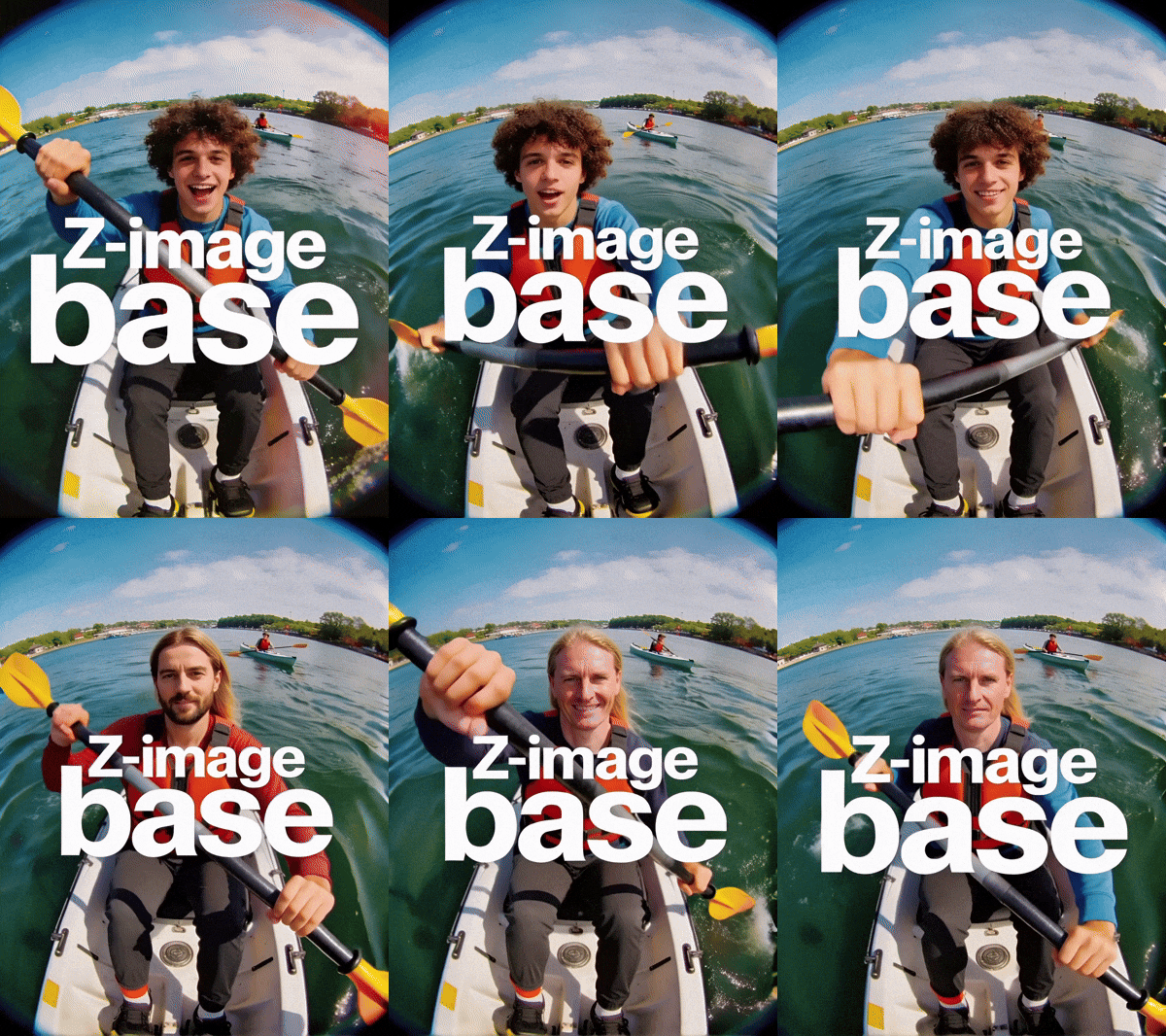
LongCat-Video extension

🐱 LongCat-Video: Infinite Video Extension Workflow【One-Sentence Intro】Break the duration limit of AI video generation 🚀What Can It Do?This is an advanced workflow based on the **Wan2.1** model, designed to solve the core pain points of AI videos being "too short" and "disjointed when extended."♾️ Infinite Extension Just provide an image or a short video clip, and the workflow will automatically generate subsequent frames like a "relay race," theoretically allowing for infinite generation.Seamless "Invisible" Stitching It automatically trims the awkward beginnings of extended segments, making the transition between clips as smooth as silk, with absolutely no visible stitching marks.【Use Cases】Creating ultra-long looping landscape videos.Producing coherent narrative shorts, no longer limited by the 5-second barrier.

LongCat-Video extension

4.4

🐱 LongCat-Video: Infinite Video Extension Workflow【One-Sentence Intro】Break the duration limit of AI video generation 🚀What Can It Do?This is an advanced workflow based on the **Wan2.1** model, designed to solve the core pain points of AI videos being "too short" and "disjointed when extended."♾️ Infinite Extension Just provide an image or a short video clip, and the workflow will automatically generate subsequent frames like a "relay race," theoretically allowing for infinite generation.Seamless "Invisible" Stitching It automatically trims the awkward beginnings of extended segments, making the transition between clips as smooth as silk, with absolutely no visible stitching marks.【Use Cases】Creating ultra-long looping landscape videos.Producing coherent narrative shorts, no longer limited by the 5-second barrier.
avatar
avatar_frame
SeaArt Comfy Helper

新着ピック

挑戦イベント
基本
動画生成
音声生成
3D生成
FLUX
スタイル
デザイン
写真
画像処理
クリエイティブな遊び方
ノードフィルター
フィルター

SeaArt AIワークフローへようこそ

SeaArtのAIアート生成ワークフローを使って、創作の過程をよりスムーズにしましょう。アーティスト、デザイナー、クリエイターの多様なニーズに応えるよう設計されています。AI画像からAI動画まで、SeaArt AIはあなたの芸術的なビジョンを実現するために必要なすべてを提供します。

SeaArt AIのComfyUIワークフローを使う理由は?

シンプルなインターフェース

SeaArt AIは、ワークフローの設定が簡単にできる直感的なインターフェースを提供しています。コーディングの知識がなくても、誰でも使えるように設計されています。

カスタマイズ可能なワークフロー

自分好みのワークフローをデザインしましょう。高度なLoRAトレーニングから詳細なテキストから画像生成まで、すべてのステップを調整して、あなたのニーズに合わせることができます。

高い効率性

SeaArtはAIアート制作のプロセスを最適化できます。より高速なレンダリングタイムと少ない技術的ハードルで、美しいビジュアルを迅速に作成できます。

SeaArt AIでの複数のワークフロー

数千種類のAIアート制作ワークフロー

SeaArtのワークフローであなたの芸術ビジョンを解き放ちましょう。テキストから画像、画像から画像、そして画像から動画など、様々な形式のAIアートを簡単に生成できる数千のプリセットワークフローにアクセスできます。これらのワークフローはFlux、SD 3.5などの強力なAIモデルやControlNetなどの人気オプションと統合されており、あなたの好みに合わせた素晴らしいビジュアルを作成する柔軟性を提供します。

SeaArt AIでのカスタマイズ可能なワークフロー

カスタマイズ可能なワークフローで完全にコントロール

SeaArtのワークフローを使えば、生成プロセスを完全にコントロールできます。強力なカスタマイズオプションを提供しており、ワークフローをあなたの特定のニーズに合わせて調整できます。パラメータを調整し、AIモデルを変更し、設定を微調整して、最終的な出力があなたのビジョンに合致するようにします。

よくある質問

collapse

ComfyUIワークフローとは?

SeaArt AIのワークフローは、単なるテキストプロンプトを超えた革新的なツールです。従来のAIアート生成器とは異なり、SeaArtは視覚的なワークフローシステムを提供し、カスタムワークフローを構築して、画像や動画の生成プロセスを細かく制御することができます。

expand

どのような種類のAIアートをワークフローで生成できますか?

これらのワークフローを使えば、リアルな肖像画、ファンタジーの風景、アニメキャラクター、抽象的な創作など、幅広いAIアートを簡単に作成できます。テキストから画像、画像から画像、画像から動画のほか、スタイル転送や3Dモデルの生成も手軽に行えます。

expand

ComfyUIワークフローは初心者向けですか?

はい!ユーザーフレンドリーなドラッグ&ドロップインターフェースとリアルタイムプレビューを備えているため、SeaArtのワークフローは初心者から上級者まで誰でも簡単に使用できます。AIアートの制作がシンプルになります。

expand

ワークフローをカスタマイズすることはできますか?

はい。SeaArt AIではさまざまなカスタマイズ設定が用意されており、特定のプロジェクトニーズに合わせてワークフローを設定することができます。