 MCP
MCPConnect SeaArt AI Creation To Your Agent With One MCP Link
- Add SeaArt AI as a custom MCP connector in your Agent
- Log in to your SeaArt AI account within the Agent
- Create AI works with SeaArt AI directly from chat
Why Choose SeaArt MCP for AI Agent Workflows


Direct Agent Access
Run creative tasks from Claude Code, Cursor, Codex, or another MCP client without switching tabs.

One Creative Stack
Use prompts, references, model choices, task checks, and account assets inside the same agent session.



Local Auth Reuse
The MCP server uses your local SeaArt CLI login, keeping setup tied to your current account state.

Stdio or HTTP
Start with stdio for desktop agents, or run local HTTP when your client needs a URL.
Turn Agent Prompts Into Creative Assets
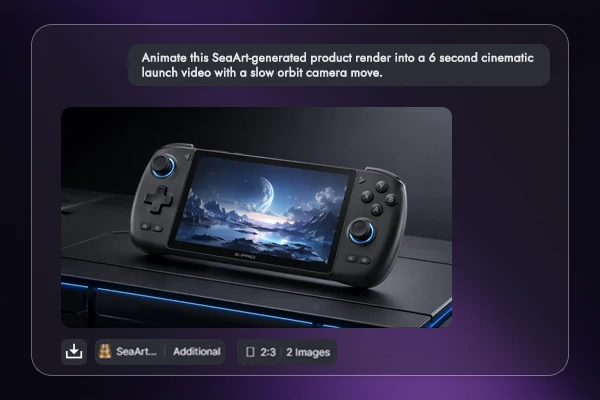
Animate Product Renders
Turn a still product render into a short launch clip from the same agent prompt. Ask for a 6 second cinematic orbit, then let the AI video generator handle camera motion while your workflow keeps the prompt, task ID, and result in one place.
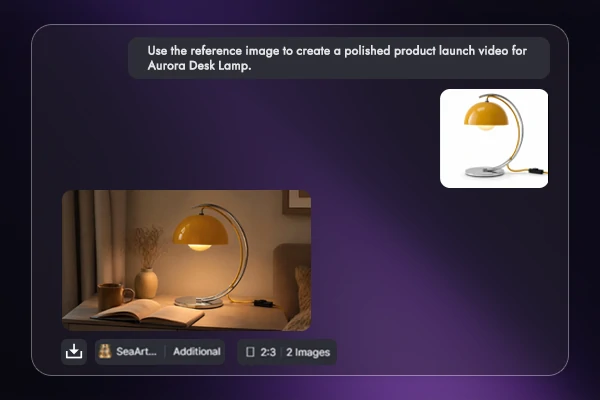
Launch Videos From References
Use a single reference image to build a polished launch video for Aurora Desk Lamp, with clean lighting, smooth product turns, and a final hold on the object. The agent can pass the image URL, prompt, and generation request together, which keeps product teams from rewriting instructions in another panel.
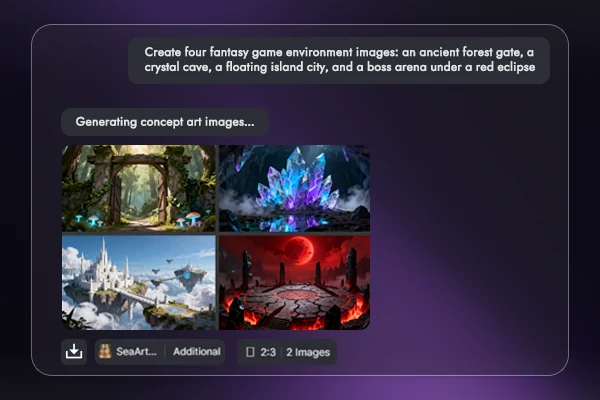
Batch Game Concept Art
Ask for four fantasy game environments in one request and keep the set together for review. The AI image generator can return an ancient forest gate, crystal cave, floating island city, and red eclipse boss arena as a matched concept pack instead of scattered one-off prompts.
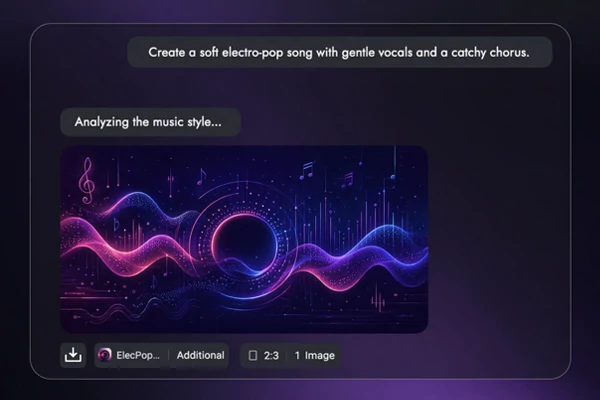
Draft Music From Text
Creative agents do more than visuals. Send a music idea such as soft electro-pop with gentle vocals and a catchy chorus, then keep the style notes, analysis text, and generated audio task attached to the campaign brief. That makes mood boards, ads, and game prototypes easier to present.
Connect SeaArt AI to Your Agent
Plan UGC ideas, product demos, short videos, and music cues, then send the brief to SeaArt AI through the MCP setup.
How to Connect the MCP Server in 3 Steps
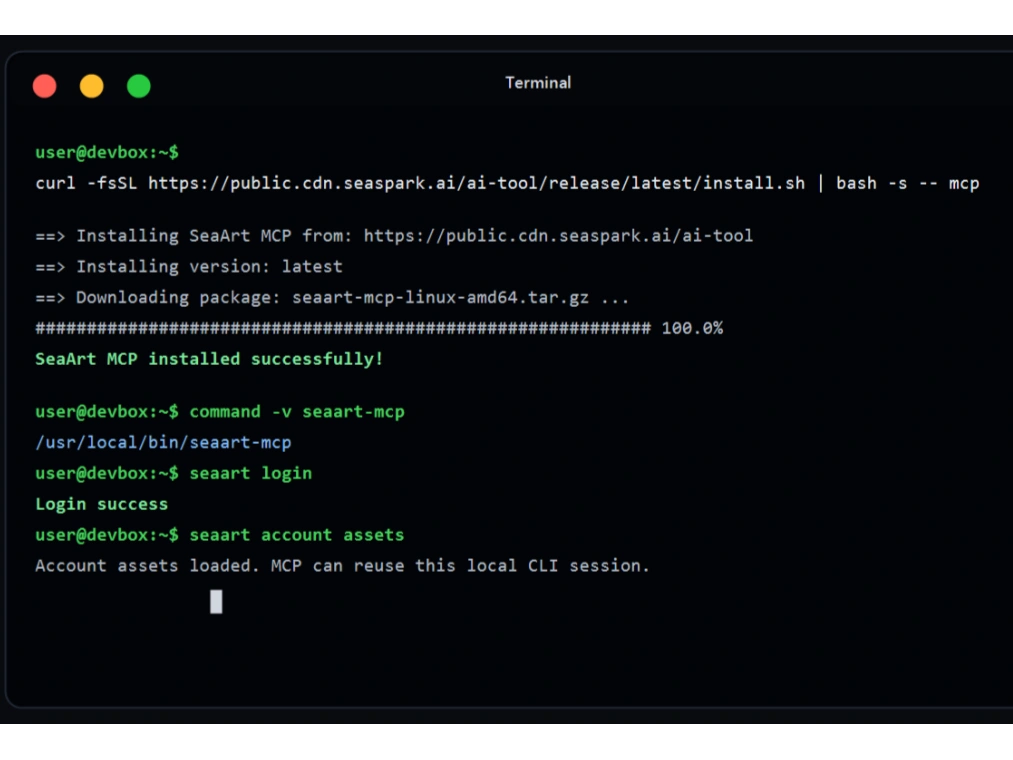
Install MCP Binary
Install seaart-mcp with the MCP installer, then confirm the binary and SeaArt CLI login before opening your client.
Start the Server
Run stdio for desktop clients, or start local HTTP only when the client needs a URL.
Add Client Config
Add the server block to your client config, then restart and check available tools.
Frequently Asked Questions

What creative tools can I call from an MCP client?

Which MCP clients does it work with?
Use any MCP-compatible client that can run a local stdio server or connect by local HTTP. The setup notes cover Claude Code, Cursor, Gemini CLI, Codex, and OpenClaw.
Do I need SeaArt CLI login first?
Yes. Install SeaArt CLI, run `seaart login`, and confirm `seaart account assets` before starting the MCP server.
Should I use stdio or local HTTP?
Use stdio when the client starts `seaart-mcp serve` for you. Use local HTTP only when you want a separate server at `127.0.0.1:8787/mcp`.
What if the client cannot find seaart-mcp?
Check the binary path in the same terminal environment your client uses. If PATH is not available there, set `command` to the absolute `seaart-mcp` path.
How should long video or image tasks run?
For stdio clients, start generation with `no_wait=true` when available, then poll `get_task_status`. This keeps JSON-RPC output clean while the creative job finishes.
Can custom MCP clients use it?
Yes. A custom client can use the same stdio command or the local HTTP URL, then call tools such as `generate_image`, `image2video`, `text2video`, `reference2video`, and `get_task_status`.