50M
+Creator

Create 4K images, short clips, and effects that bring uploaded pictures to life from a written description.
Upload Image
Click to upload or drag images here.
SeaArt AI brings image, video, model, and AI tools into one creative workspace.

Multi-Modal Creation
Create images and videos in one browser workspace, moving from a still concept to an animated result as the idea develops.

Watermark-Free Downloads
Download finished images and videos without watermarks, keeping your final visuals clean for sharing, presenting, or further editing.

Fast Draft Review
Compare early visual directions before spending time refining a final result.

Practical Creative Controls
Adjust the model, framing, and movement direction to refine a draft without rebuilding the project.
Choose the workflow that matches the idea, from written scene directions to photo-based effects.
Turn a text prompt or still image into a short video with a clear subject, action, camera move, and mood. Begin with the image when the composition is ready, or write the scene when the action needs to develop over time. Review the take for framing, pace, and identity before revising the direction.
Upload a photo and select an effect template when you want a faster route to motion. The template supplies the transformation and pacing direction, while the photo anchors the person, product, or scene. Use this route when the visual effect is the idea, rather than a fully written video prompt.
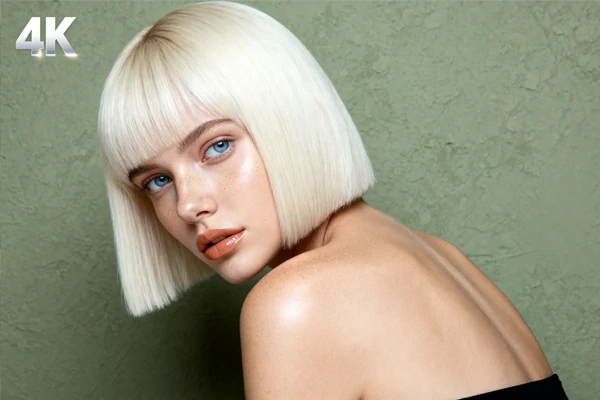
Generate a high-resolution still when the visual needs to stand on its own. Shape the subject, setting, and light, then inspect the output for composition, subject detail, and color treatment. Select the version that works as a finished image or gives a later animation a stronger visual base.
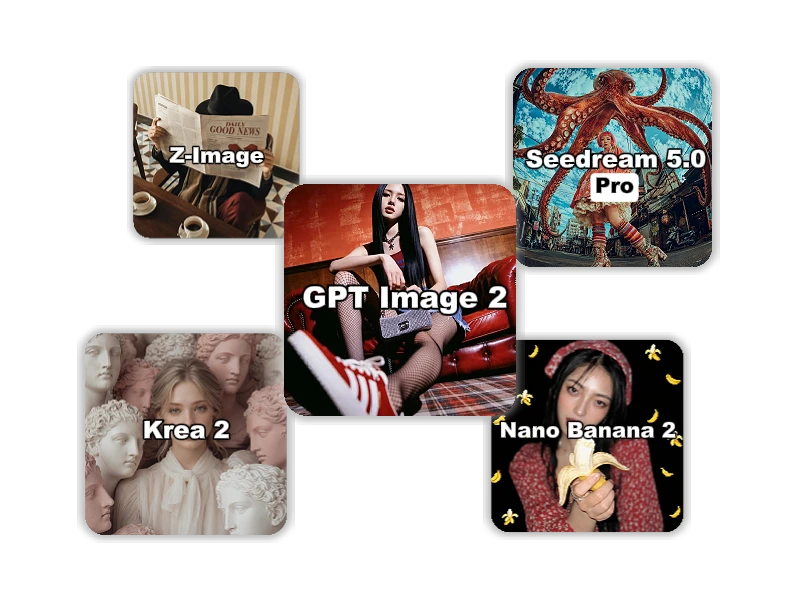
Test one scene across GPT Image 2, Nano Banana 2, and Krea 2 to see which image model handles composition, subject detail, and color best. After choosing a visual direction, assess video results by camera movement, timing, and continuity. The two reviews stay distinct, so each model is judged by its role.
Choose the route that fits the idea, then refine one creative decision at a time.
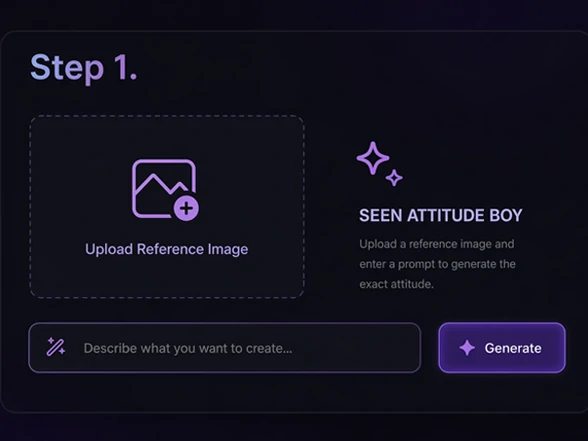
Choose Your Input
Open AI Video Generator and choose whether to begin with a written direction or a source image.
Describe or Upload a Reference
Enter the subject, motion, camera style, mood, and output goal, or provide a source image for guidance.
Generate, Preview, and Edit
Generate the result, preview the movement or image quality, then adjust one detail and continue editing.
Go from written directions or source images to polished visual drafts in one creative workspace.











What can this video generator create?

Can I create both images and videos from one idea?
Yes. Create a still to establish composition, then carry the subject and lighting into a short video.
How do photo effects work?
Upload a clear photo, choose an effect template, and make sure the subject is easy to separate from the background. Review the motion and face details before sharing the clip.
Can I compare image and video models?
Yes. Keep the subject and direction consistent, then inspect composition for image models and pacing for video models.
Can I make a neon birthday video for a child?
Yes. Use a family-friendly setup with a clear child portrait, then explore these AI birthday photo prompt ideas.