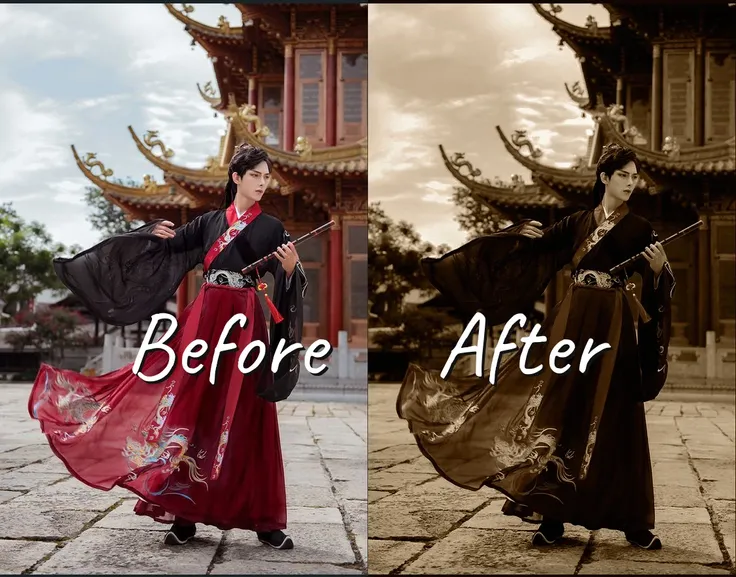
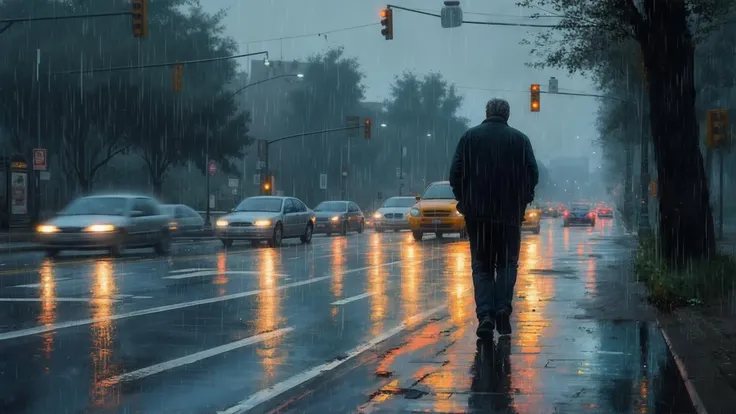
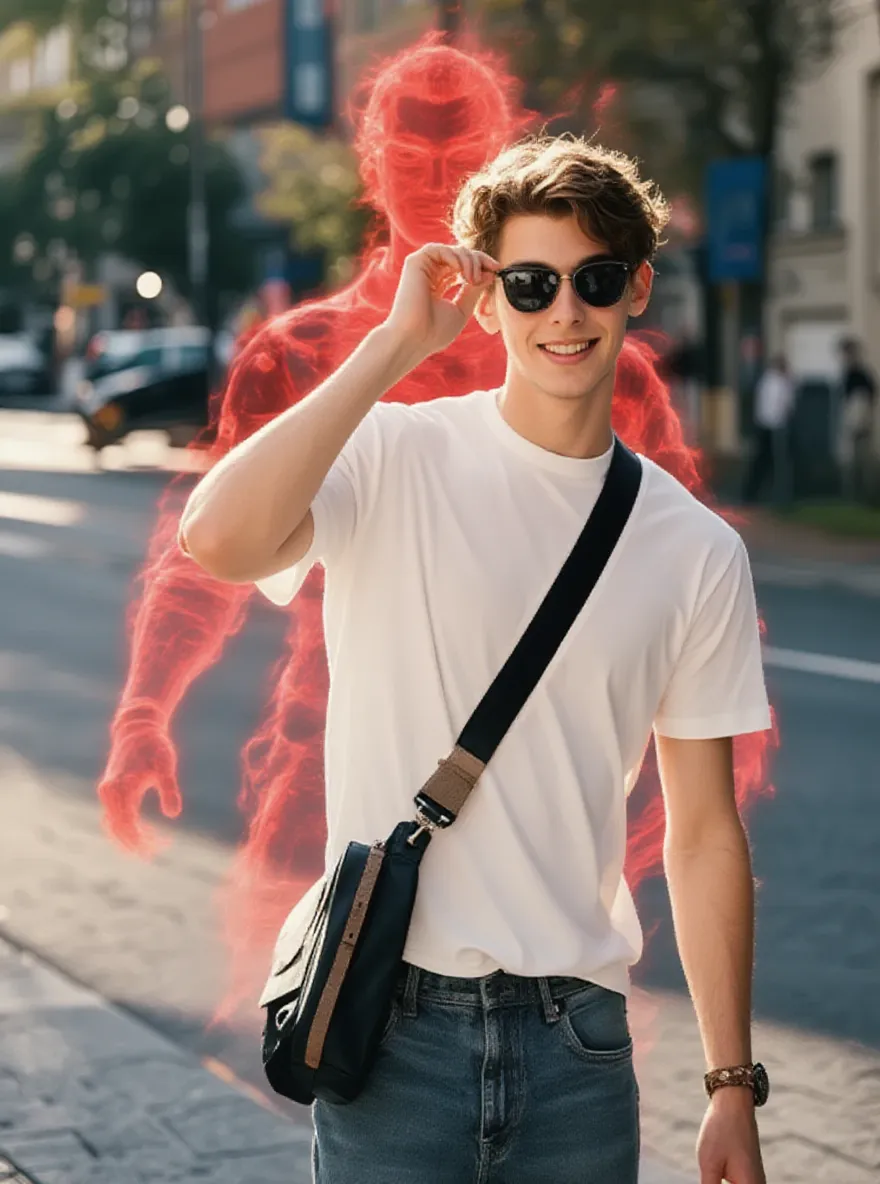
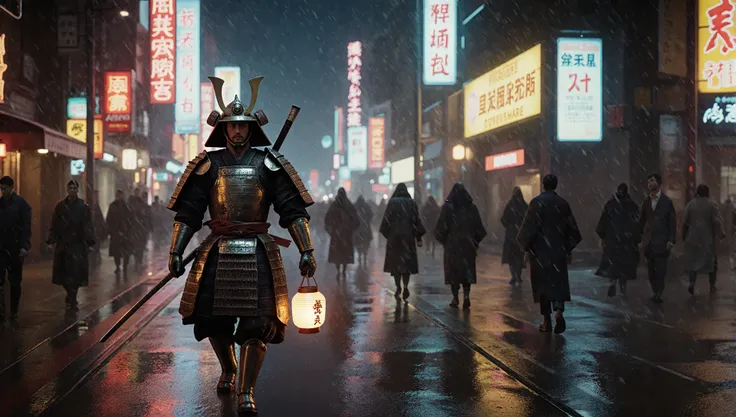
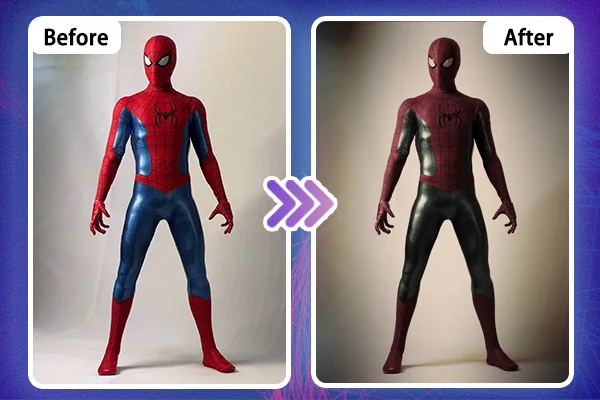
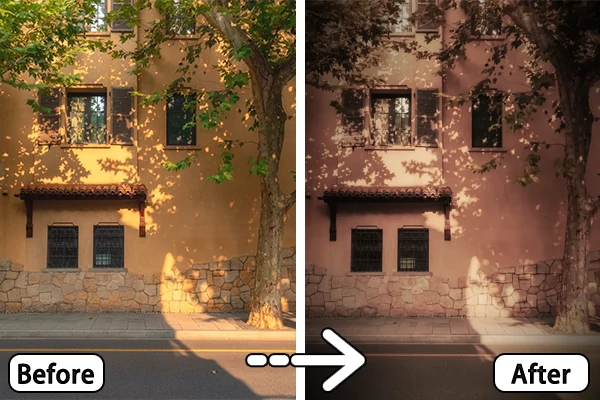
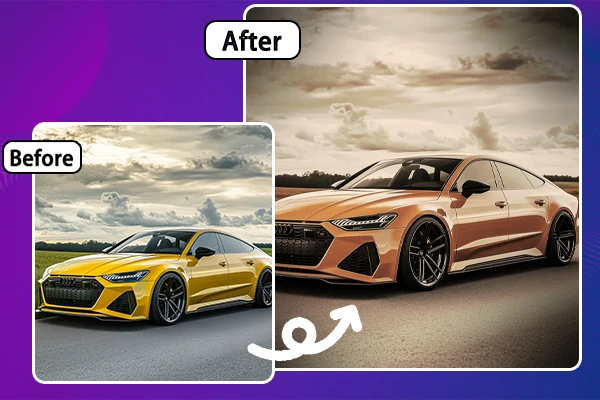
Sepia filter creates a sepia effect that preserves cold and warm colors and details but lowers brightness to create a sense of "antique" with a vignette.
Not enough ratings or reviews received yet




Free to Use
Enjoy the freedom to transform your photos without spending a dime.
Instant Results
No waiting around and get stunning results within seconds in just one click.

High-Quality Outputs
The sepia filter ensures your results look crisp, detailed, and professional every time.

Editing old photos or giving new ones a retro twist, the sepia filter brings out soft browns and earthy tones, ideal for creating a classic atmosphere.

SeaArt sepia filter is perfect for creating a warm, cozy atmosphere in your photos. The soft brown tones make your images feel timeless, giving them a nostalgic look that can evoke powerful emotions. It's ideal for vintage-inspired shoots or adding depth to modern photos. Along with other timeless filters, such as black and white filter or glitch effect to gain a collection of retro photos.

Whether you're enhancing a portrait or a landscape shot, this sepia filter adds a monochromatic look to every image. For portraits, it smooths out harsh contrasts. While in landscapes, it brings out natural textures and softens bright colors, making the photo feel more artistic and serene. It's an ideal choice for creating a timeless, retro vibe in any photo. Just try SeaArt free AI art generator and transform your ordinary pictures into captivating works of art.

Using the SeaArt sepia filter is a quick and simple way to upgrade your photos. With just one click, you can transform any image into a vintage masterpiece. This sepia filter offers an easy way to add a professional touch to your photos. Offer you a stand-out image that will leave a lasting impression and capture customers' attention, boosting your brand identity.

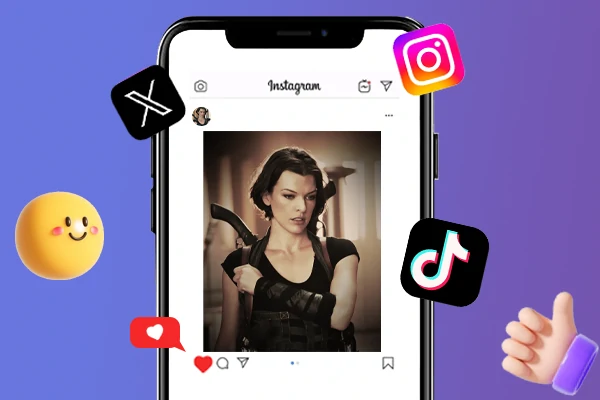
Show off your fresh, classic look by sharing your photos with the sepia filter on social media! Transform your pics into vintage masterpieces within seconds, and watch your feed light up with compliments. Whether you're posting a stunning portrait or a serene landscape, the sepia filter adds that perfect retro touch. Get ready to wow your followers and make your photos stand out with a timeless, warm vibe!
Upload Your Photo
Choose the photo you want to apply the sepia filter.
Apply the Sepia Filter
Click on the "Generate" button to start the transformation and wait for a few seconds.
Preview and Save
Preview the result and once you're satisfied with the sepia look, save or share it on social media to show off your vintage-style shot.
What is a sepia filter?
A sepia filter is a photo effect that gives your image a warm, brownish tone, creating a vintage or nostalgic look. SeaArt vintage filter is used to make photos appear timeless, softening colors and adding depth.
How do I get a sepia filter?
Getting a sepia filter is simple! Try the SeaArt sepia filter and just upload your photo, you'll have a classic, vintage look in seconds.
Is sepia brown or black?
Sepia is primarily a brownish color, often described as a reddish-brown or light brown. Sepia filter can transform your images into brownish style look.
Is there a sepia filter app available?
Yes, this tool is optimized for both desktop and mobile devices. Just download the SeaArt app and use the sepia filter on your mobile phone.