Not enough ratings or reviews received yet


Free to Try
Log in and start turning photos into Shin Chan-style characters at no cost - free daily Stamina, no payment required.
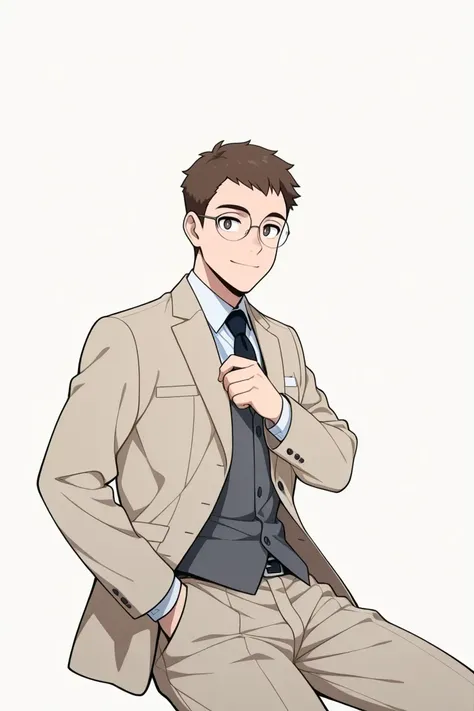
Faithful to the Art Style
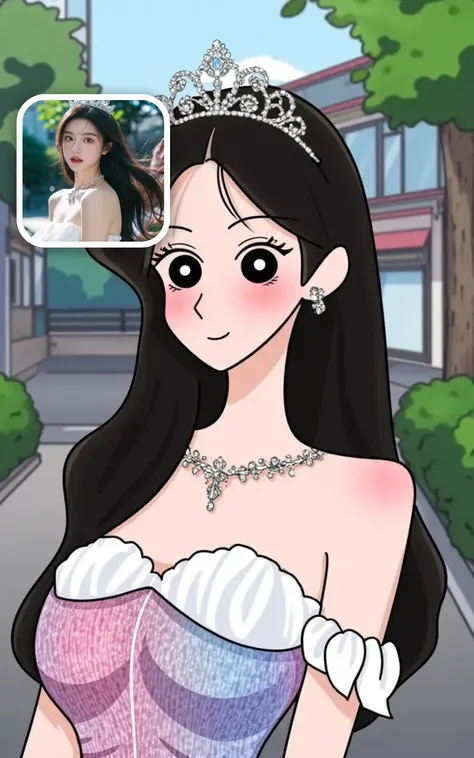
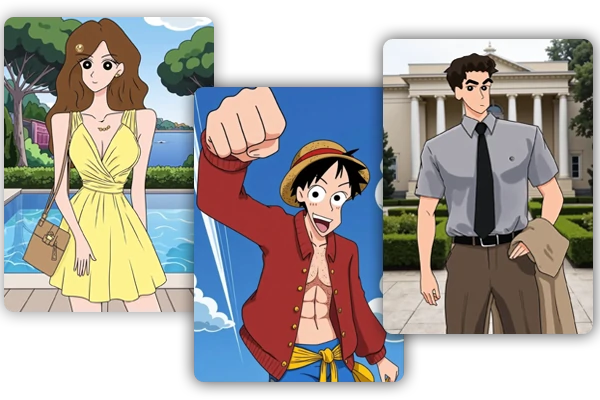
The AI captures the signature look - bold black outlines, flat color fills, and the chunky proportions Crayon Shin Chan is known for.
One Upload, Done
No drawing skills, no editing software. Upload a photo and the filter handles the cartoon transformation automatically.
Works on Any Device
SeaArt AI runs in the cloud - use the Shin-Chan filter from any phone, tablet, or computer, anytime.

The Crayon Shin-Chan filter takes your portrait and rebuilds it in the show's signature visual style - thick hand-drawn outlines, solid color blocks, rounded shapes, and that simple, expressive look that's made the series iconic for over 30 years. Upload a clear photo and the AI handles the full cartoon conversion. No drawing experience needed, no editing software.

The AI filter is trained specifically on Crayon Shin Chan's visual language - oversized head proportions, minimalist facial features, flat shading with no gradients. The output faithfully captures the show's signature style, making it a natural fit for fan art, profile pictures, and anything you'd actually want to share with other Shin Chan fans.
Upload Your Photo
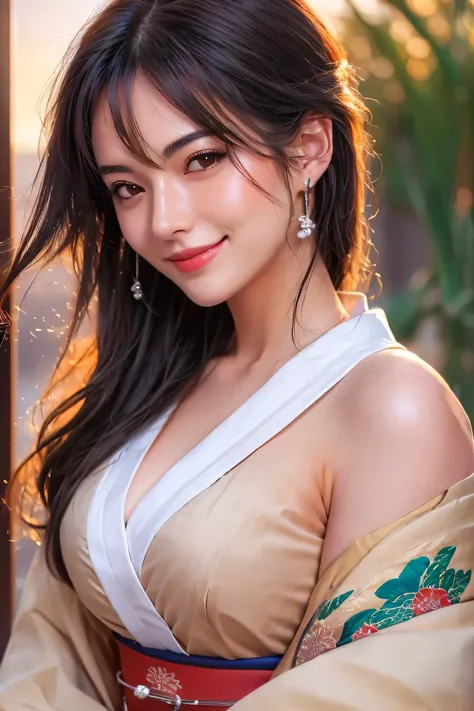
Upload a clear portrait - front-facing photos give the best results.
Apply the Filter
The AI analyzes your photo and converts it into a Crayon Shin Chan-style cartoon character automatically.
Download and Share
Save your Shin Chan character image and share it on social media, use it as a profile picture, or keep it as fan art.
Is the Crayon Shin Chan filter free?
Yes. SeaArt AI gives every user free daily Stamina to get started at no cost. You can earn more credits through daily check-in rewards and completing tasks in the event center.
What kinds of images can I convert with this filter?
Any face works - real portraits, selfies, and anime or cartoon characters too. Curious what Naruto or Luffy would look like in Shin Chan's flat-color style? Drop in a screenshot and find out.
Is my uploaded photo safe?
Yes. SeaArt AI does not share your uploaded images beyond the generation process. Your photos are used only to produce the output and are not accessible to other users.