Generate
Recently Used
Private Creationvip-icon
Original - Creator Incentive Program

AI Video Enhancer

4.9
2025-11-12 02:41:11 Update
6.1K Views
17.2K Apply
398
17
Comment
17
0/400
0 comment
empty
No Data

Why Choose Our AI Video Enhancer?

Effortless Enhancement

Improve brightness, contrast, and sharpness with one click, no editing expertise required.

Noise Reduction

Remove noises and artifacts from low-light or old footage for a polished, clear look.

Cross-Platform Access

Enhance videos online or on mobile, anytime, anywhere, without downloads.

One-Click AI Video Enhancer

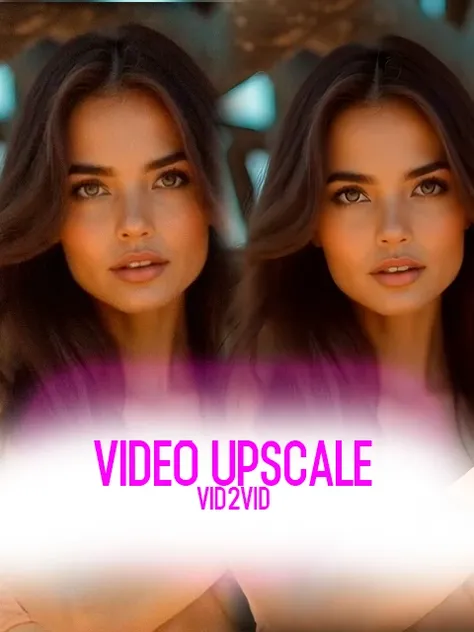
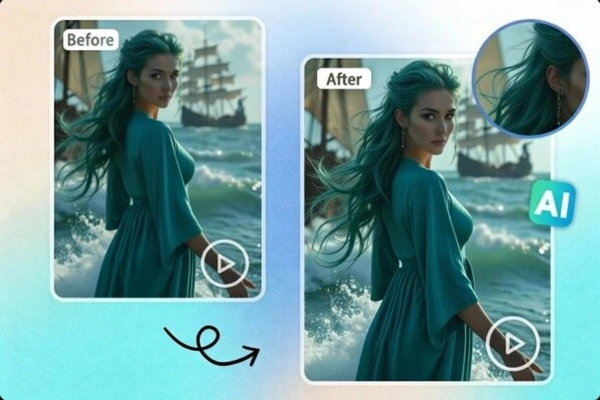
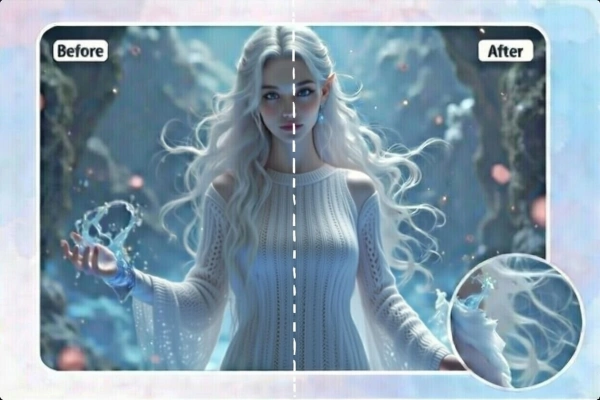
Transform your blurry videos into high-quality masterpieces with this AI-powered online video enhancer in just one click.

Enhance video quality easily with the AI video enhancer

Automatic Video Enhancement

Effortlessly enhance videos with this AI-driven video enhancer. Simply upload your clip, and the intelligent tool automatically adjusts brightness and sharpness, delivering stunning results without any manual editing skills required. Even novices can quickly enhance video clarity and achieve high-quality results

Increase video clarity

Improve Video Quality without Losing Detail

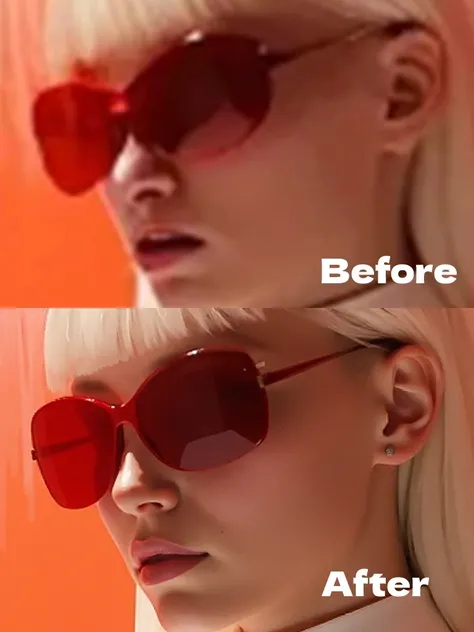
Transform your videos into high-quality masterpieces without sacrificing detail. Our AI enhances resolution and sharpens fine textures, ensuring every frame looks vivid and lifelike. From low-resolution clips to modern footage, enjoy professional-grade quality with crisp visuals that captivate your audience.

Enhance an old video

Revive Your Old Memories

Bring cherished memories back to life with the AI video enhancer. Sharpen blurry videos, and upscale low-quality footage to modern standards. Whether it's old family videos or vintage recordings, this tool revitalizes every moment, making them vibrant, clear, and ready to share with loved ones.

Share enhanced video on social media

Create Professional Content

Empower your creative vision with professional-grade AI video enhancements and image enhancement capabilities. SeaArt stabilizes shaky clips, optimizes lighting, and refines visuals to deliver polished results. Ideal for YouTubers, marketers, or filmmakers, it helps you produce stunning content that stands out and engages your audience effortlessly.

How to Enhance Video Quality in 3 Steps?

Step 1: Upload a Video

Upload your MP4 file to this user-friendly interface.

Step 2: Enhance the Video

Click "Generate" to automatically upscale, sharpen, and refine your video quickly.

Step 3: Save the Enhanced Clip

Preview your AI-enhanced video, then download or share it on YouTube, TikTok, or Instagram.

AI Video Enhancer - FAQs

collapse

Why do people need a video enhancer?

Aging devices or limited storage often result in low-quality videos, making it hard to preserve treasured clips. SeaArt's free video enhancer effortlessly restores blurry clips, reviving clarity and detail in just a few steps, so you can relive unforgettable moments with stunning quality.

expand

Can I upscale a video to 4k?

Yes. This advanced AI video upscaler enhance videos to 4K quality with a single click, delivering professional-grade results.

expand

Is the AI video enhancer free?

Yes! Start enhancing videos for free with daily stamina. Unlock premium features with affordable plans for unlimited access.

expand

Can I use the video quality enhancer on my phone?

Yes. Our tool works seamlessly on mobile devices or desktops, letting you enhance videos anywhere.

expand

Which video formats are supported?

This AI video enhancement tool supports MP4 format with 4K resolution (up to 10 seconds in length) for optimal processing.

empty
No Data