Generate
History
Private Creationvip-icon
Details
AI Video Extender
Original

AI Video Extender

9.0K
0
6.0K
2025-10-27 09:23:07 Update

Naturally extend your videos with customizable options. Experience smooth transitions and high-quality video extending effects.

Rating & Review

3.9 /5
0 Ratings

Not enough ratings or reviews received yet

no-data
No data available

Easily Extend Any Videos with a Few Clicks

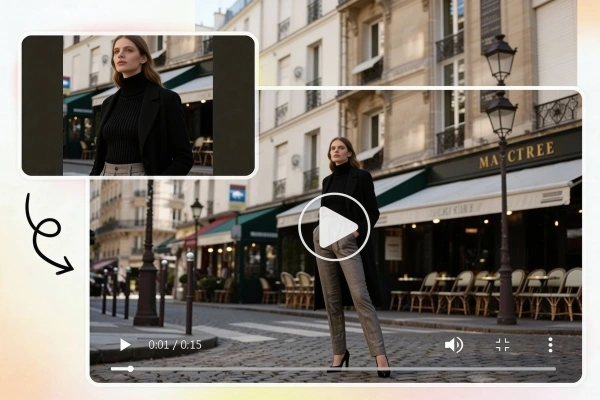
Recreate your video with a customizable video extension. Enjoy smooth, natural transitions with our free AI video extender online.

AI Video Extension

Instantly Extend Your Video with Prompts

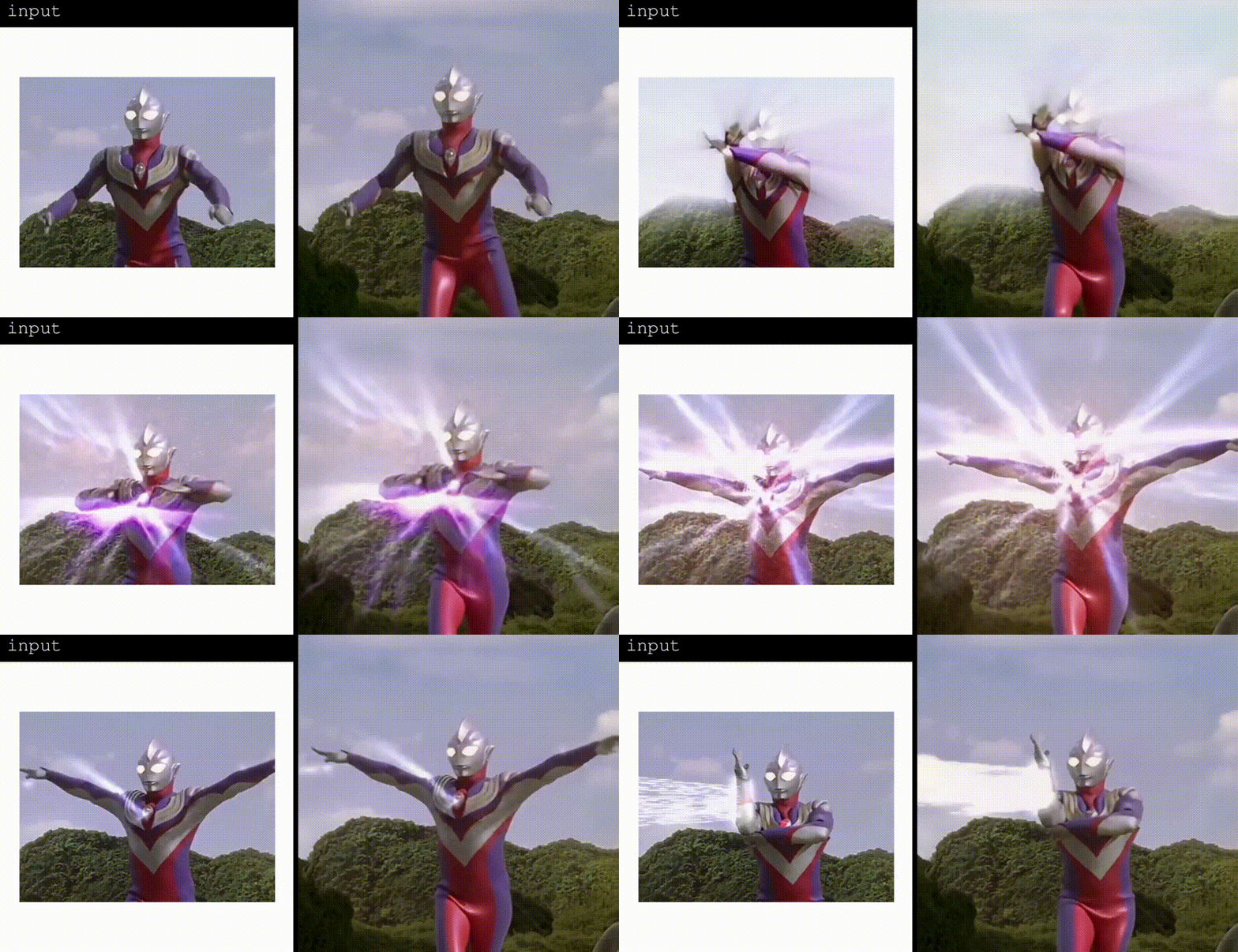
With SeaArt AI video extender, you can instantly extend your videos simply by entering a prompt. Just describe how you want your video to expand, and the AI intelligently generates seamless, high-quality extensions in seconds. This approach makes video editing creative and accessible to everyone. It empowers you to decide the extensions of your videos to fit your needs.

Seamless Video Extension

Flawless Transitions and Content Preservation

This AI video extender is designed for natural transitions and content preservation. By intelligently analyzing your original footage, the AI ensures that every extension blends seamlessly with the AI generated video. No jarring cuts or quality dips. Every extension feels like it was always meant to be there, perfectly matching the look and feel of your original video.

AI Video in Different Size

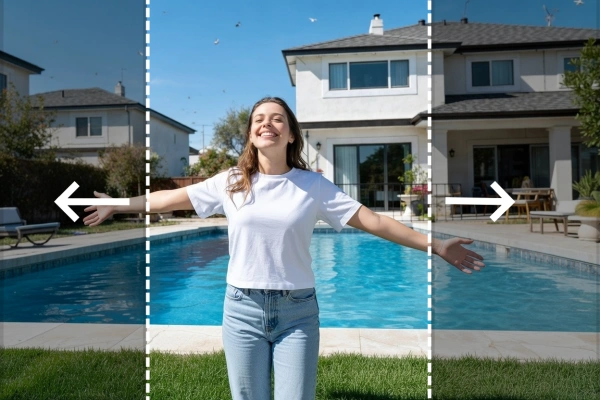
Adjustable Aspect Ratio for Your Video Extension

Say goodbye to jerky, rushed, or choppy videos with AI video extender. This smart tool automatically detects and smooths out stutters by generating seamless new frames, even filling in gaps in shorter clips. You can also adjust the value of extra padding to control the proportion of the extended part of your video, the higher the value, the more of the video will be padded.

How to Use AI Video Extender

Step 1: Upload your video

Choose the video you generated with SeaArt AI to extend.

Step 2: Enter the prompts

Provide a detailed description of the video you want to generate. Input your prompt of the extended part if needed, and adjust the value of "extra padding".

Step 3: Generate and download

Click the "Generate" button, and wait for a few seconds. Once the extension is complete, download and share the video as you like!

AI Video Extender - FAQs

collapse

What types of videos can I extend?

You can extend a wide range of videos, including those created with SeaArt AI, personal clips, social media content, marketing videos, and more.

expand

Is it possible to customize how my video is extended?

Absolutely. Many AI video extenders allow you to use prompts or adjust settings to tailor the extension to your creative vision.

expand

Will my video lose quality after being extended?

Absolutely not. SeaArt AI video extender preserves your video's high-definition clarity during the extension. You'll enjoy seamless transitions, steady motion, and crisp visuals - no blurriness or pixelation - so your extended videos remain sharp and professional from start to finish.

expand

Will the AI video extender handle complex scenes with movement or motion?

Yes, the tool is built to handle complex scenes with movement or motion. Advanced algorithms analyze each frame in detail, allowing the AI to accurately interpret and extend dynamic content, whether it's people walking, fast-paced action, or natural scenery. This ensures that transitions remain smooth and lifelike, even in videos with lots of motion.