 Enterprise Version
Generate
History
Private Creation
Private Creation
Create private works that are only visible to yourself.
[Private Creation] is a premium feature that is available after becoming an SVIP.
Unlock Now
Already the end

No Data
No Data
Details
Report
Not Interested
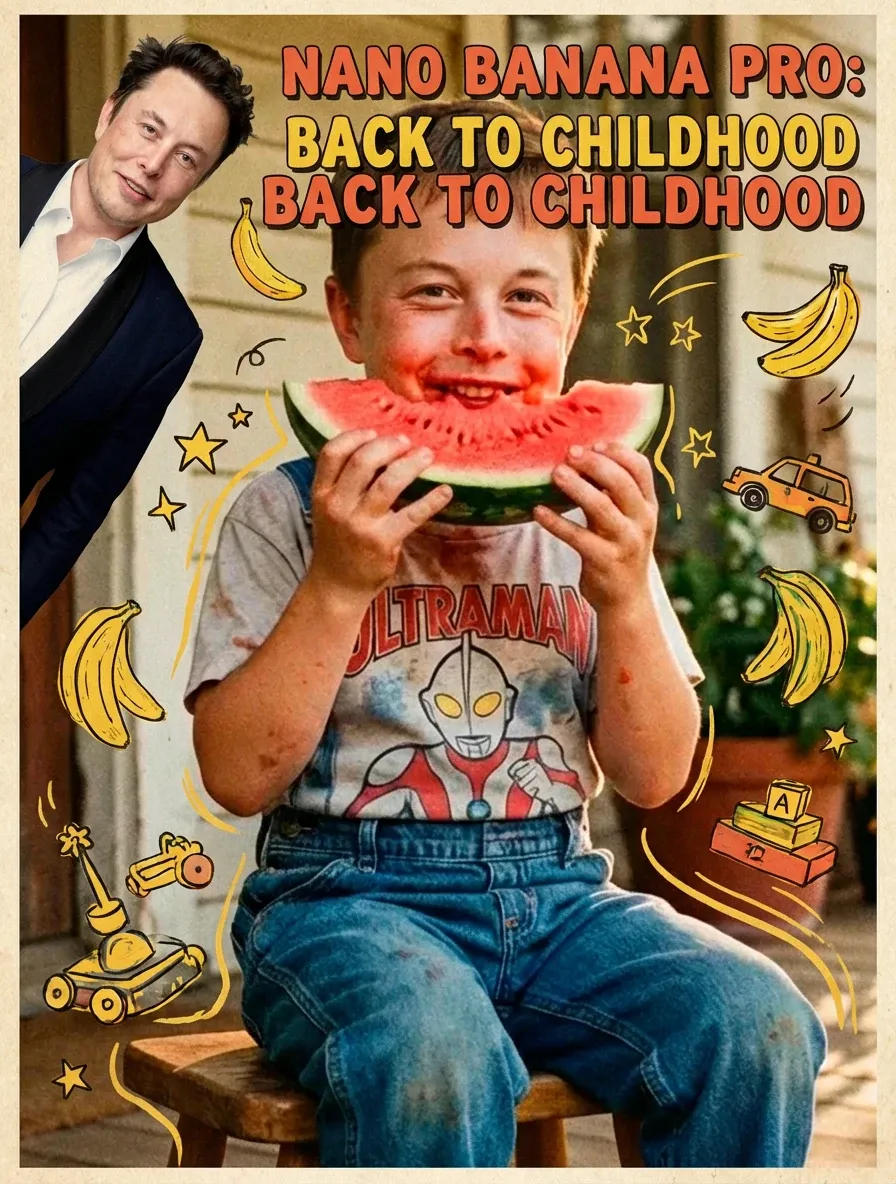
Original
AI Baby Filter
119
0
401
2025-12-22 07:00:45 Update
#Nano Banana Event 🔥
#featuremyoc
...View More
Input Image,Back to childhood
AI Baby Filter
View Translation
Rating & Review
-- /5
Not enough ratings or reviews received yet
more

No data available


Explore Related



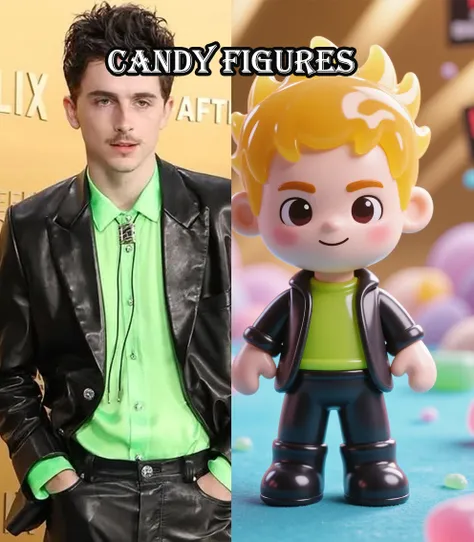


Download SeaArt App
Continue your AI creation journey on mobile devices
Travel Back in Time & See Your Childhood with Baby Filter
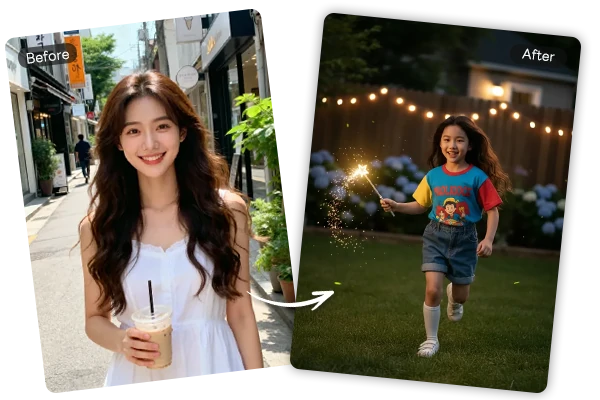
Upload One Photo, Get Your Baby Face Instantly
Simply drag and drop any portrait photo to start the transformation. The AI processes images in seconds with no complex settings or editing skills required. One-click operation delivers instant baby face results, making it effortless to see yourself as an adorable child. Transform selfies, casual photos, or professional portraits into baby faces in seconds.
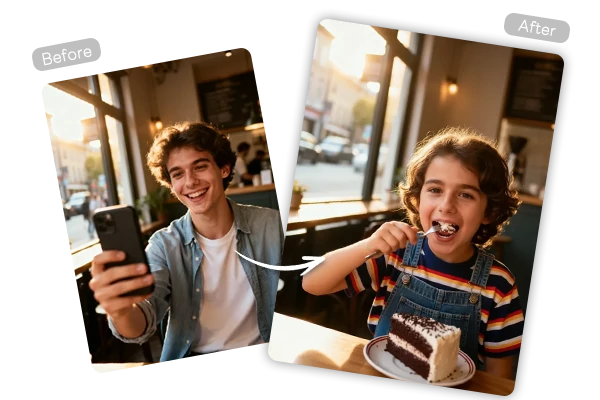
Natural Baby Faces That Look Just Like You
Advanced AI filter technology recognizes your distinctive features - eye shape, nose structure, and facial proportions - then maintains them while creating baby-like softness. The result is a realistic baby version where you're still recognizable, not a generic baby face. Authentic chubby cheeks, bigger eyes, and smooth skin blend naturally with your unique characteristics for believable childhood transformations.
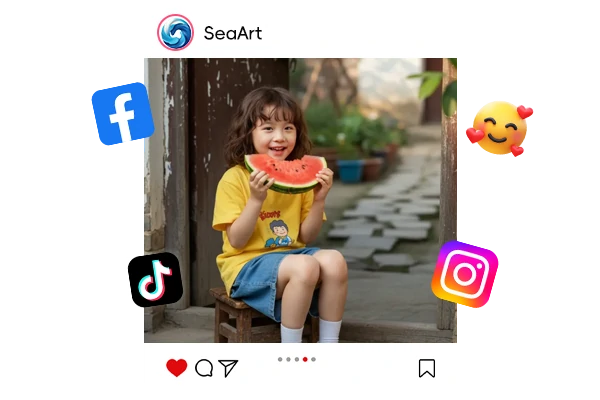
Transform Friends and Family for Social Media Fun
Turn your friend's or family member's photo into an adorable baby for entertaining social media posts. Create "guess who" games, throwback Thursday content, or hilarious comparison posts that spark conversations. Share directly to Instagram, TikTok, Facebook, and WhatsApp, where reliving childhood has become a trending phenomenon. Perfect for birthday surprises, family gatherings, and creating viral-worthy content that brings smiles to everyone.


Free to Use
Become a baby in photos with free access available. Transform your photos using AI baby filter without initial costs to get started.

HD Output Without Watermarks
Download high-definition younger-age photos with no watermarks. The AI preserves sharp details and natural skin tones in every transformation for clear, realistic results.



Use Anytime, Anywhere
Powered by SeaArt AI's cloud service, create baby transformations wherever you are with a seamless cross-device experience.

How to Create Baby Face Photos in 3 Steps
Upload Your Photo
Click or drag your portrait photo into the upload area to begin the transformation.
Apply AI Baby Filter
The AI automatically analyzes and transforms your face into a baby version within seconds.
Download and Share
Save your baby photo in high quality and share it on social media platforms.
Discover More Creative AI Tools
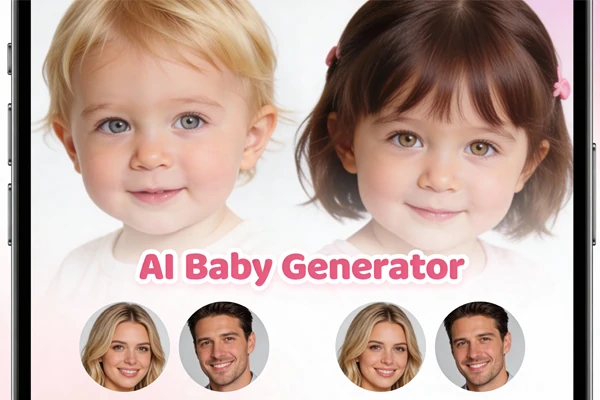
AI Baby Generator
Upload both parents' photos to predict your future baby's appearance with realistic facial features and inherited characteristics.
Upload both parents' photos to predict your future baby's appearance with realistic facial features and inherited characteristics.
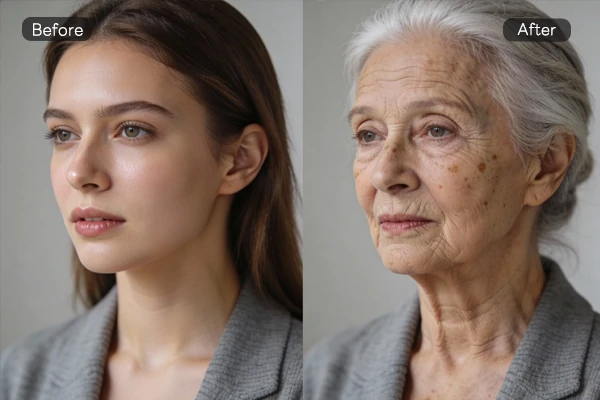
AI Age Filter
See yourself at any age from childhood to elderly with realistic age progressions and natural aging effects.
See yourself at any age from childhood to elderly with realistic age progressions and natural aging effects.
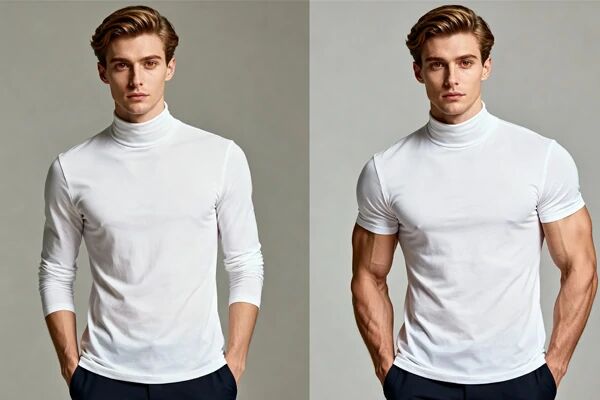
AI Muscle Generator
Transform your physique instantly with AI-generated six-pack abs and defined muscles for fitness motivation and social media.
Transform your physique instantly with AI-generated six-pack abs and defined muscles for fitness motivation and social media.
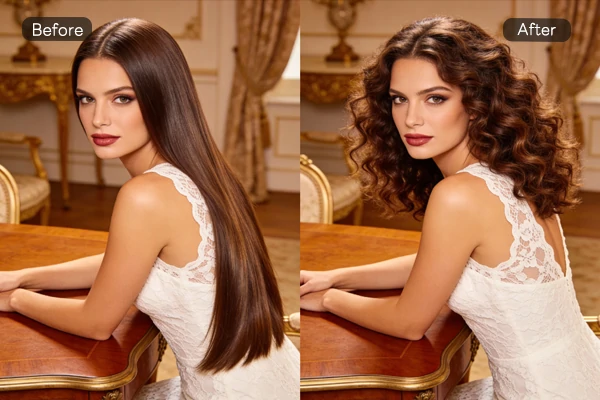
AI Hairstyle Changer
Try different hairstyles and colors virtually before real changes to find your perfect look instantly.
Try different hairstyles and colors virtually before real changes to find your perfect look instantly.
AI Baby Filter – FAQs

What is AI baby filter?
AI baby filter transforms adult photos into baby-like versions using artificial intelligence. Upload any portrait and the AI creates natural baby faces with soft features, chubby cheeks, and baby proportions while preserving your unique characteristics.

Can I use AI baby filter for free?
Yes, everyone can use the baby filter for free on SeaArt AI. Registered users receive daily free credits automatically, and you can earn additional credits through the event center by completing tasks and activities.
Can I transform celebrity photos with this tool?
You can use the baby filter on celebrity photos for entertainment purposes. However, please respect portrait rights and avoid commercial use without proper authorization when transforming others' images.
Explore More AI Apps


More
SUNRISEAI PTE. LTD.