Continue your AI creation journey on mobile devices
50M
+
Creator
100M
+
Generated Images
1M
+
Models
100K
+
AI App
How to Create AI Baby Dance Video?
Step 1: Upload a baby photo
Pick a clear portrait with good lighting and a visible face.
Step 2: Apply the AI baby dance effect
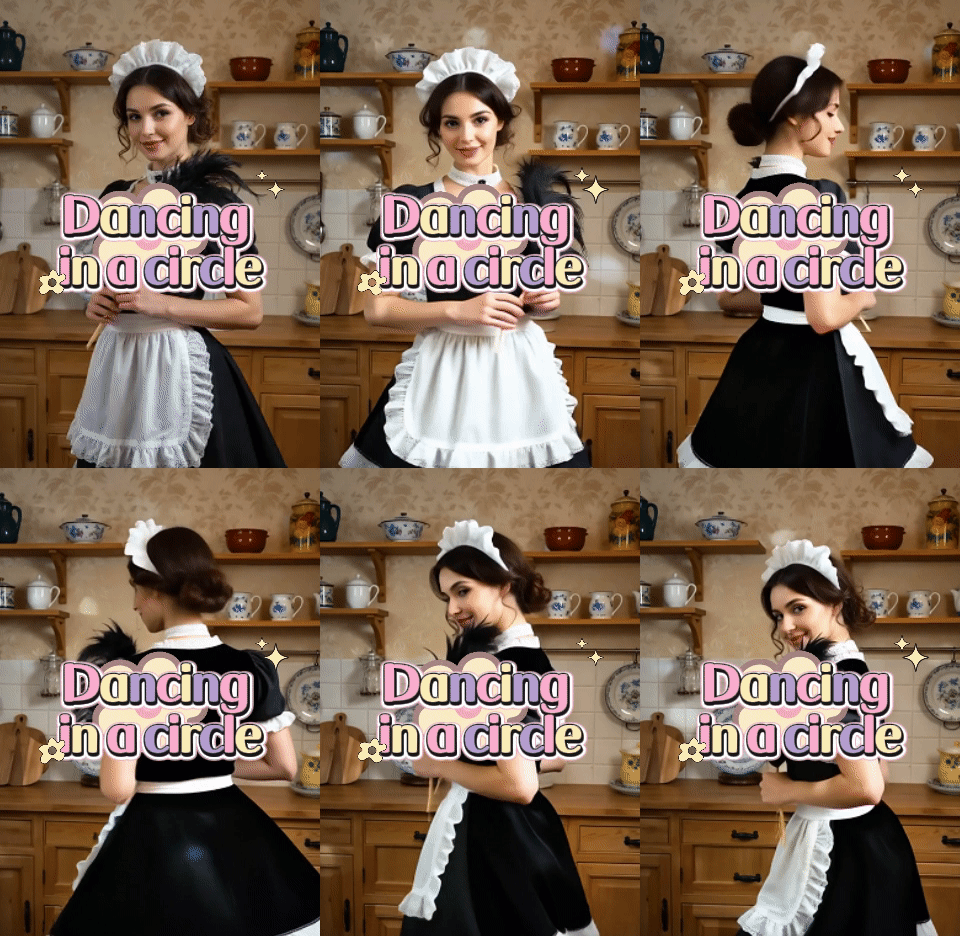
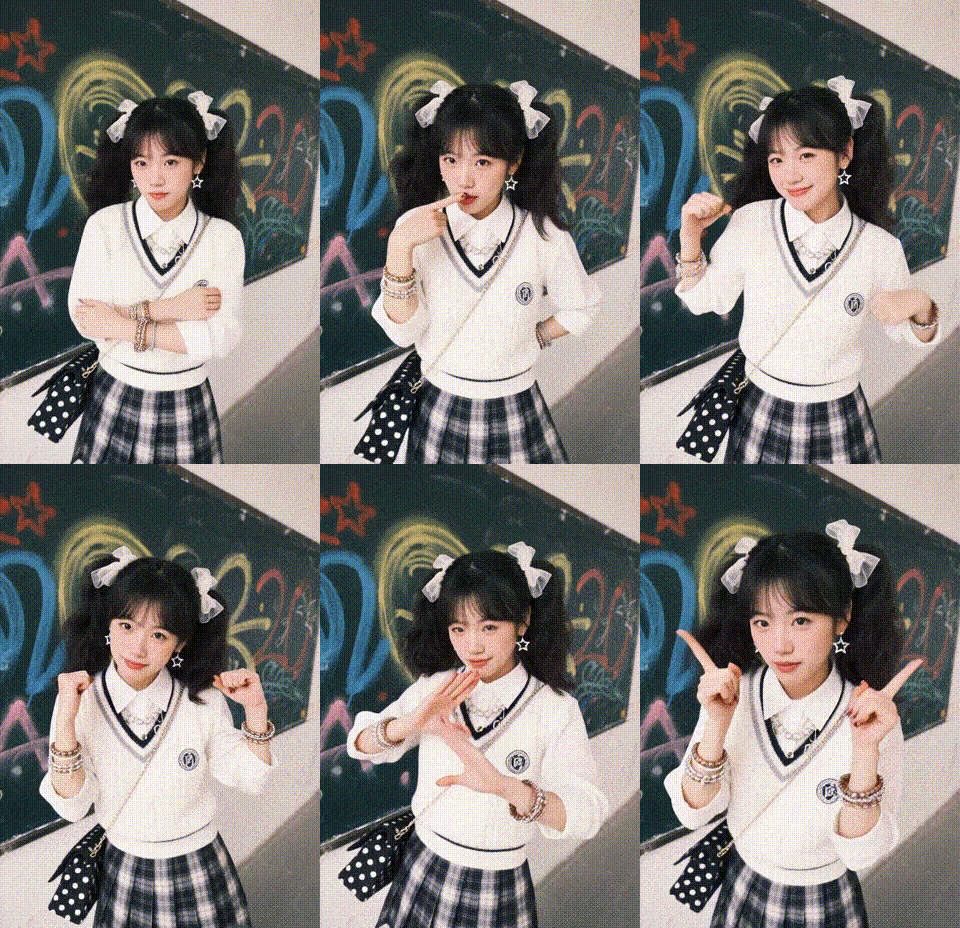
The AI will generate a short dancing video from your photo.
Step 3: Download and share
Save the MP4, then post it or send it to friends and family.
Create Your Trending Baby Dance Video with AI
One Tap to a Dancing Baby Video
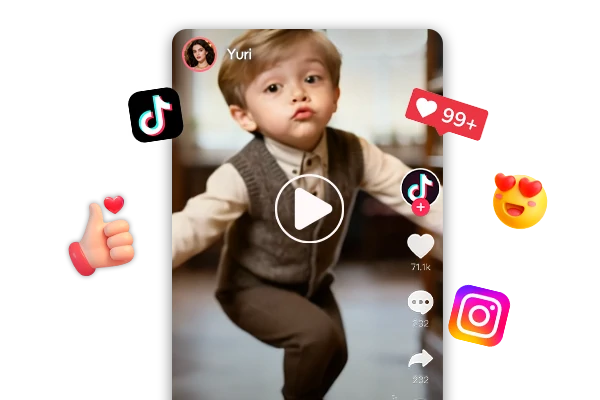
Transform a static baby photo into a lively dancing video with a single click. Forget complex timelines and tedious settings, our AI handles the choreography for you. You'll get a high-quality, ready-to-share clip that captures pure joy, making it the perfect solution for instant fun without the editing hassle.
Baby dance videos are pure "scroll-stoppers." Designed with TikTok and Instagram Reels in mind, this AI baby dance video generator helps you tap into trending energy effortlessly. Generate a dynamic dance, and pair it with a viral track. It's the ultimate "cheat code" for content creators when you need a fresh hook that resonates.
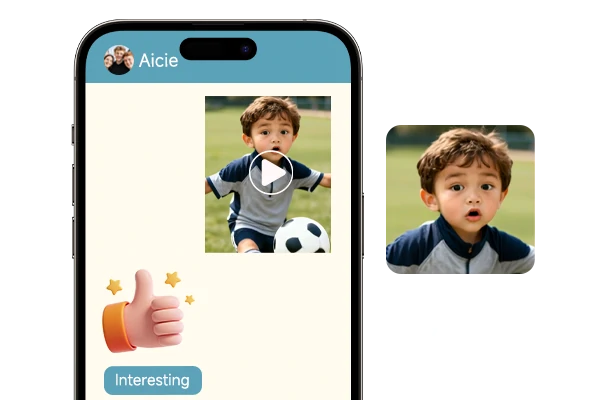
Beyond social feeds, these AI baby videos are perfect for sparking laughter in any conversation. Use them as hilarious reaction clips in family group chats, unique digital greeting cards for birthdays, or playful pranks to surprise friends.
What kind of photos work best for this baby dance effect?
Use a front-facing photo with good lighting, a visible face, and a simple background. Side angles, heavy blur, or busy patterns can confuse motion and make the result look less stable. A clean portrait usually looks better.
Is the baby dance generator free to use?
Yes. We offer free daily stamina, so you can create dance clips without paying upfront. If you run out, just come back the next day and keep generating.
Will the dancing video still look like my child?
Yes! Especially with a clear portrait. The tool tries to keep the face recognizable while adding motion. Results can vary with extreme angles, hands covering the face, or low light, so try a different photo if it looks off.