精选工作流

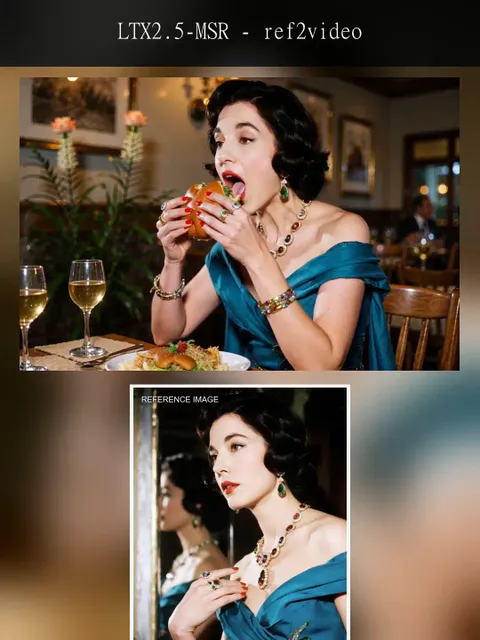
LTX-2.5_distilled

--

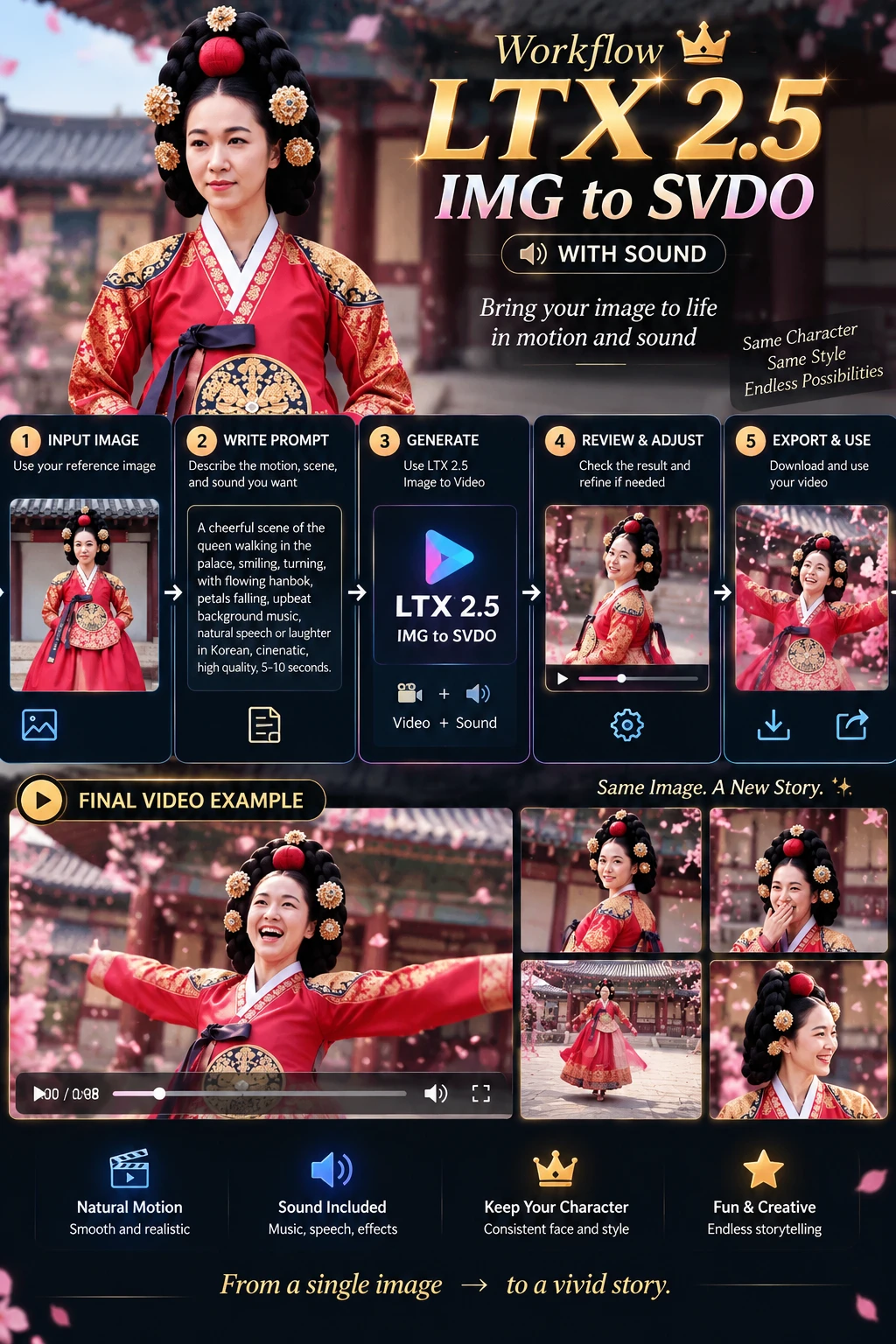
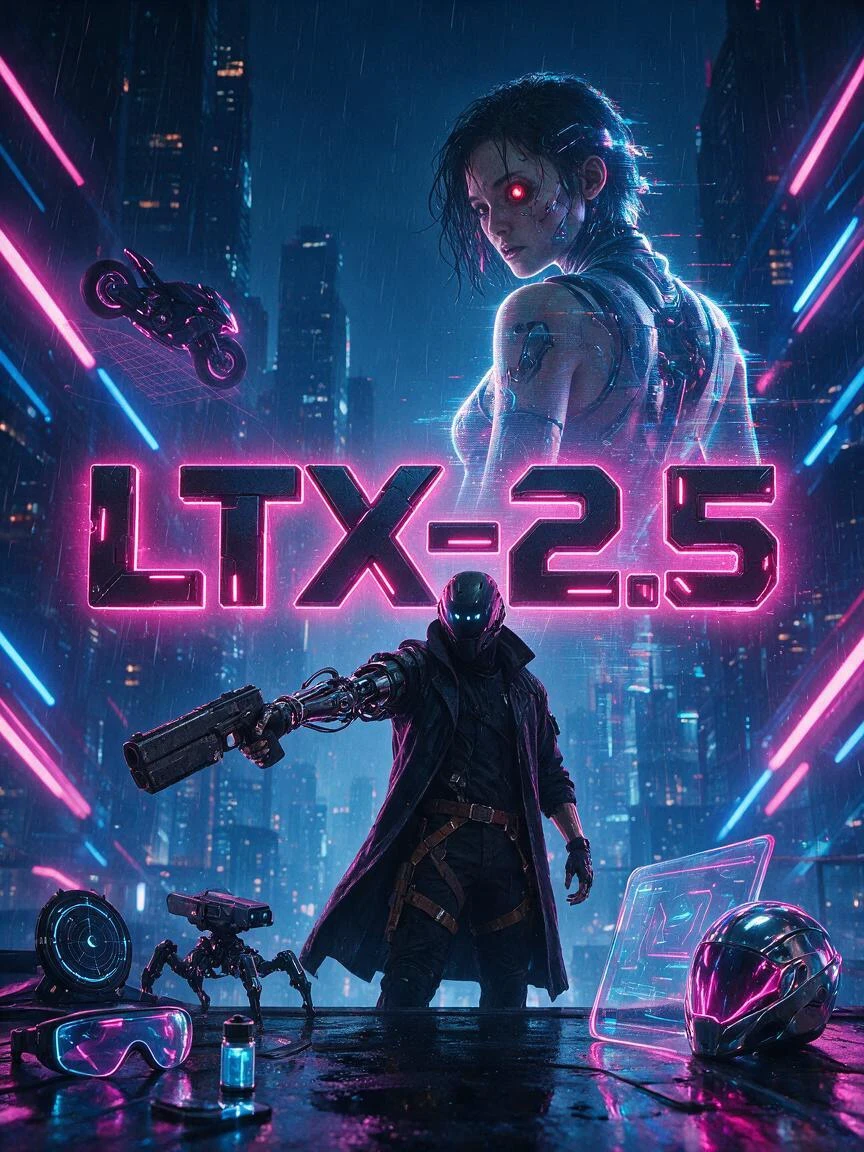
LTX-2.5 is a new-generation open-weight audiovisual generation model from LTX, capable of simultaneously generating high-quality video and synchronized audio in a single pass. It supports text-to-video, image-to-video, and start/end-frame-guided video generation, while delivering enhanced visual detail, motion stability, comprehension of complex prompts, and consistency across long-sequence content.Compared to LTX-2.3, LTX-2.5 introduces an all-new Diffusion Video Decoder that effectively mitigates issues such as blur, texture degradation, and loss of character detail during high-speed motion. It also incorporates native multi-shot generation capabilities, enabling the creation of multiple consecutive shots in a single run while maintaining—to the greatest extent possible—consistency in characters, scenes, lighting, style, and audio across shot transitions.The model utilizes an LTX-customized Gemma 4 12B text encoder, offering superior comprehension of multiple characters, actions, cinematic language, lighting, and complex scene descriptions. It also supports automatic duration prediction, dynamically matching the video length to the actions and scene content specified in the prompt. Furthermore, LTX-2.5 supports native 4K HDR, frame rates up to 50 FPS, and RAW workflows, providing greater flexibility for post-production in film, television, and high-quality video creation.As an open-weight model, LTX-2.5 supports local deployment, LoRA, and fine-tuning. Balancing generation speed, controllability, and openness, it is well-suited for applications such as short films, advertisements, character animation, multi-shot storytelling, and professional video production.
SeaArt Comfy Helper

最新推荐

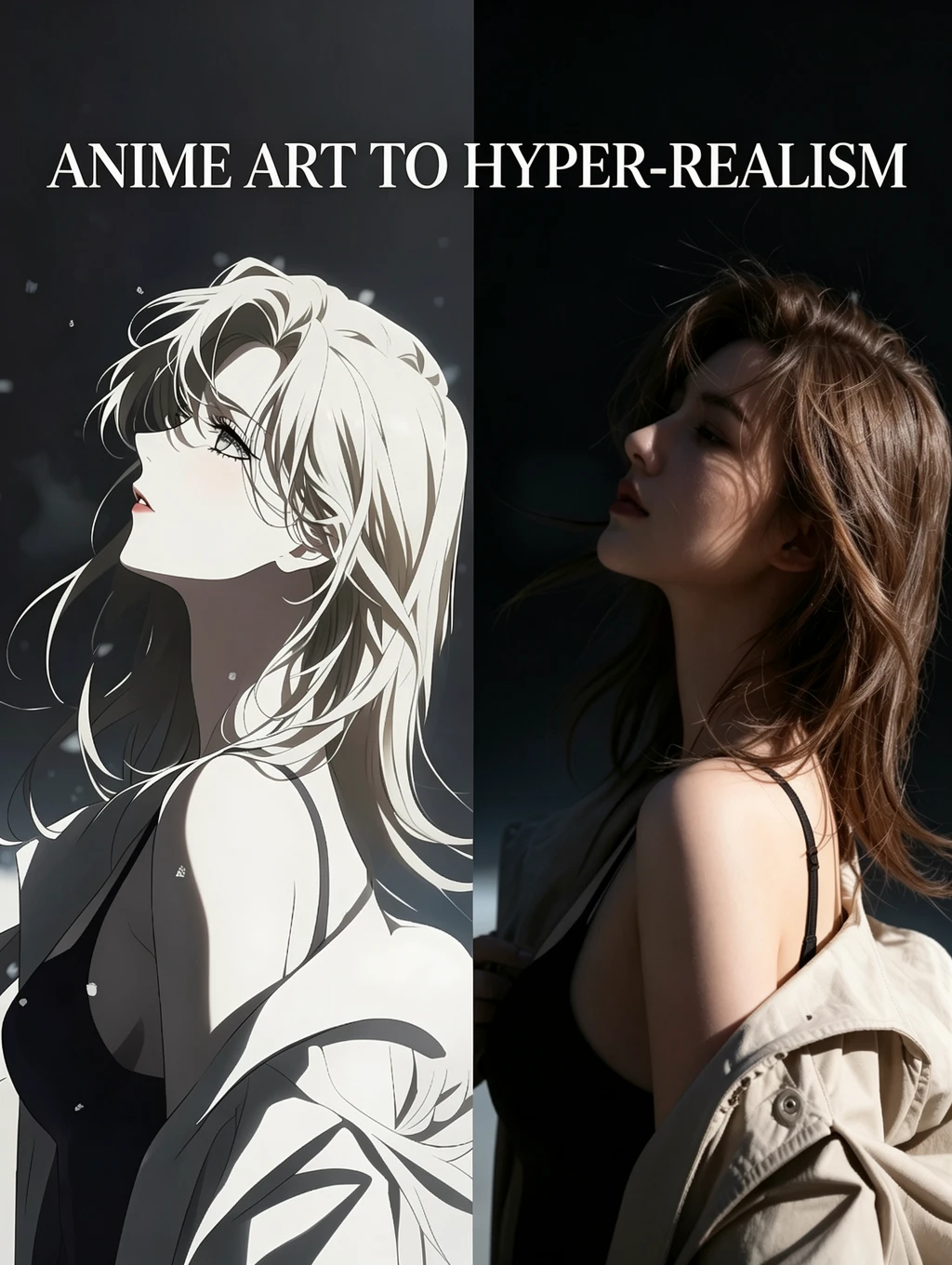
Anime to Real|One-Click Photoreal Redraw Workflow

--

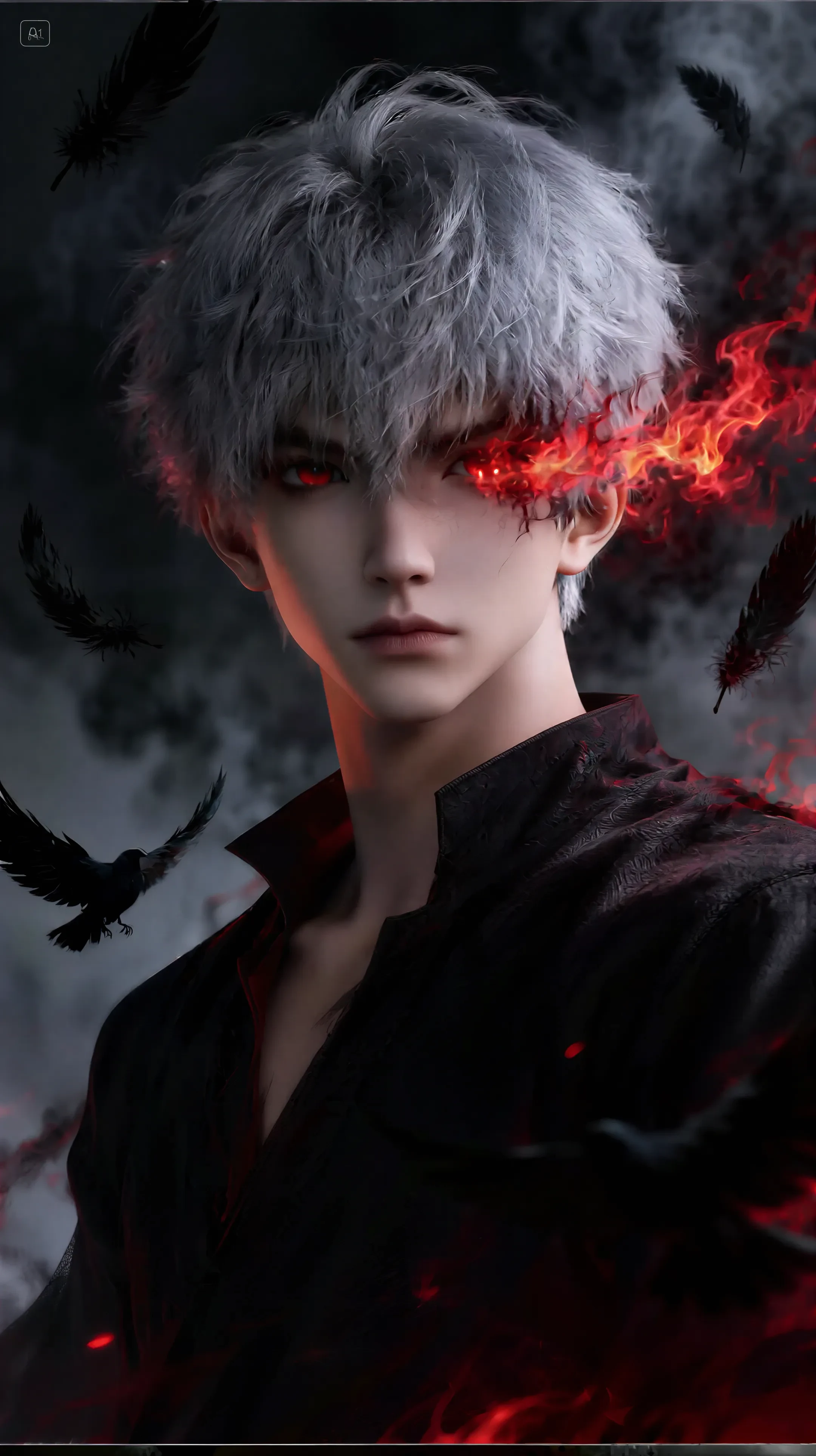
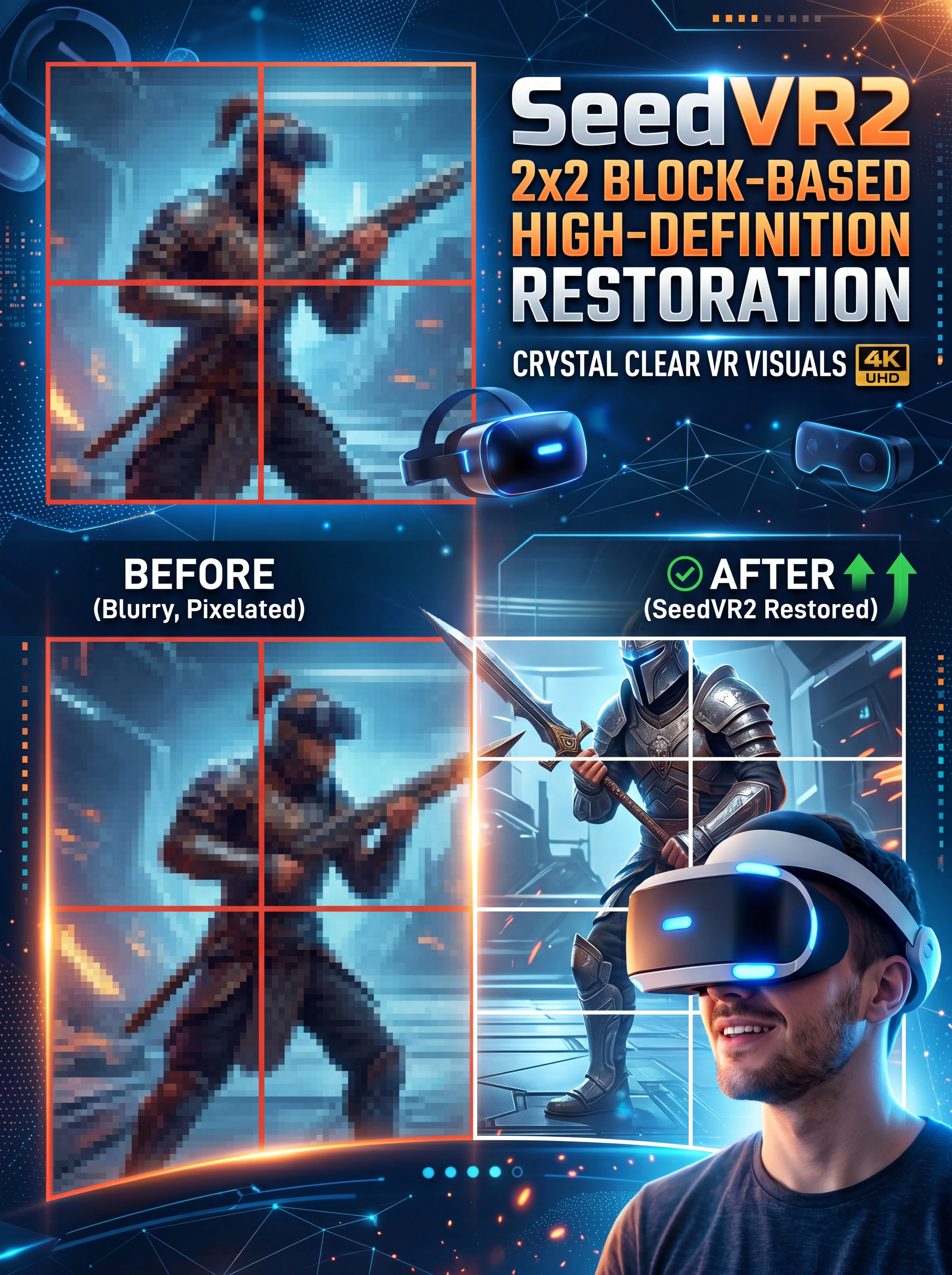
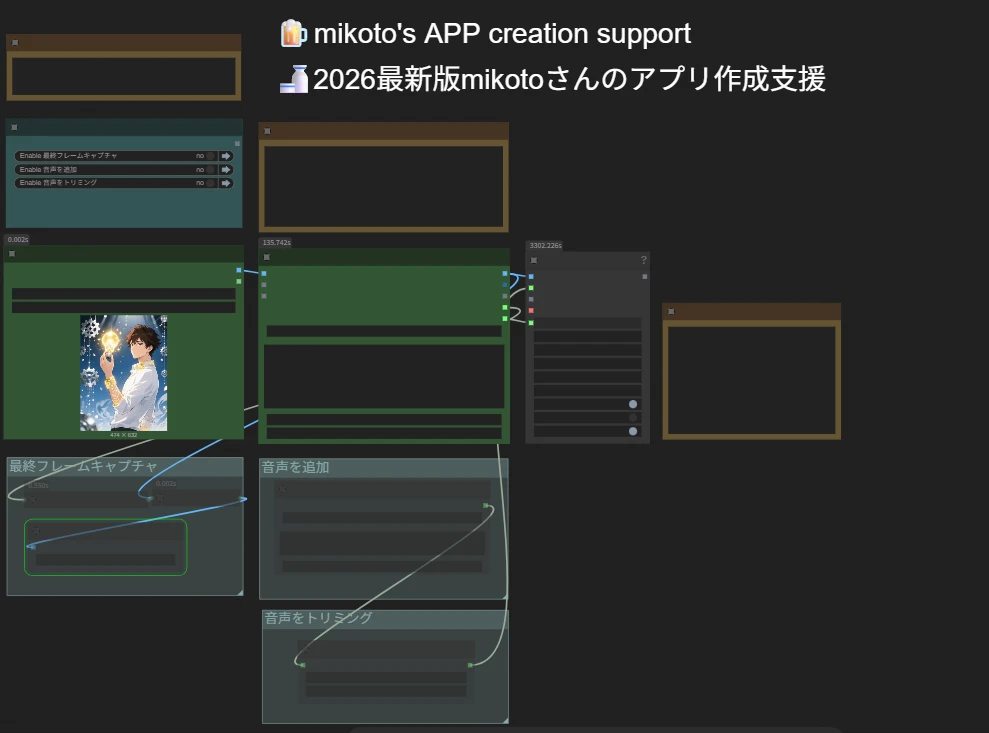
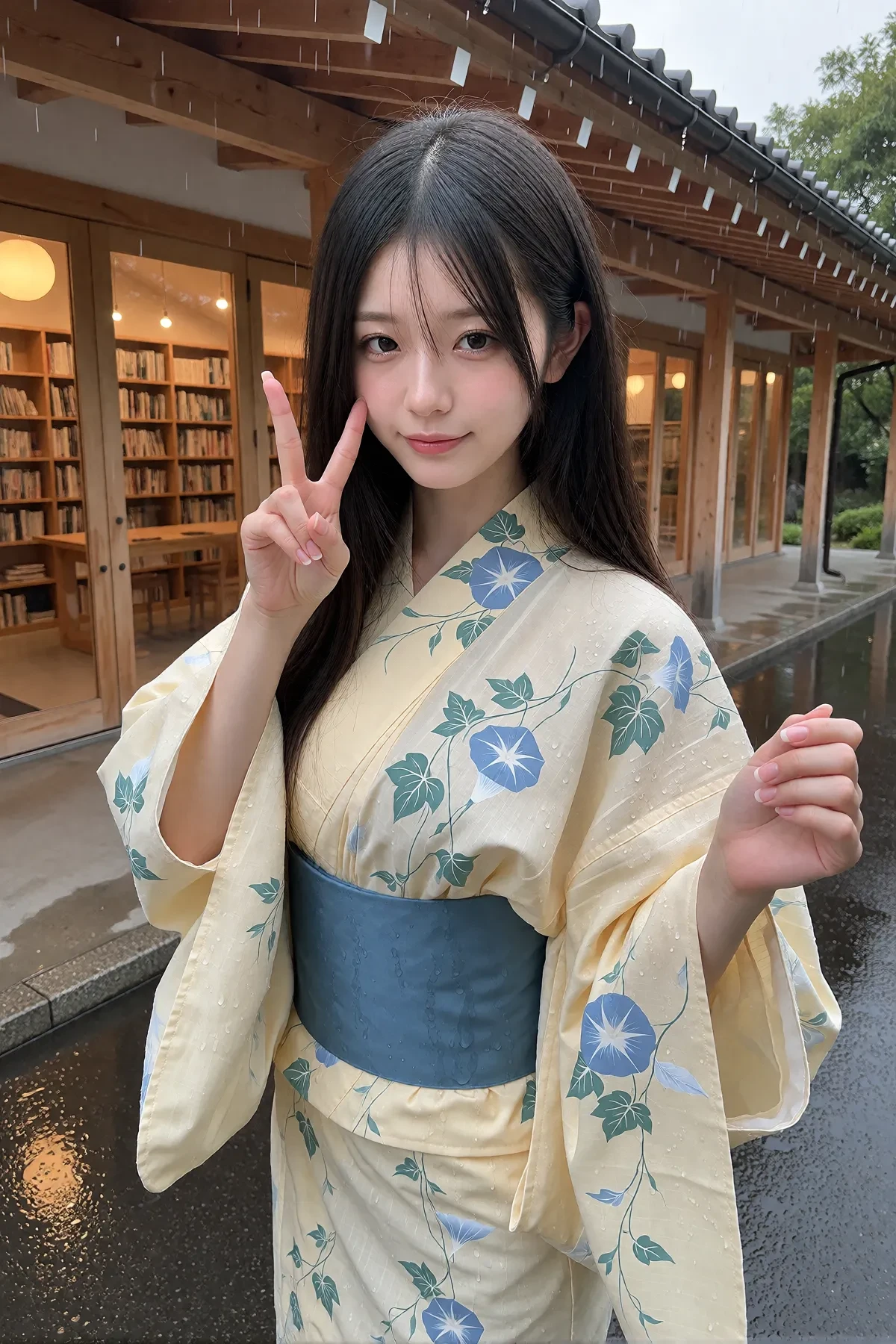
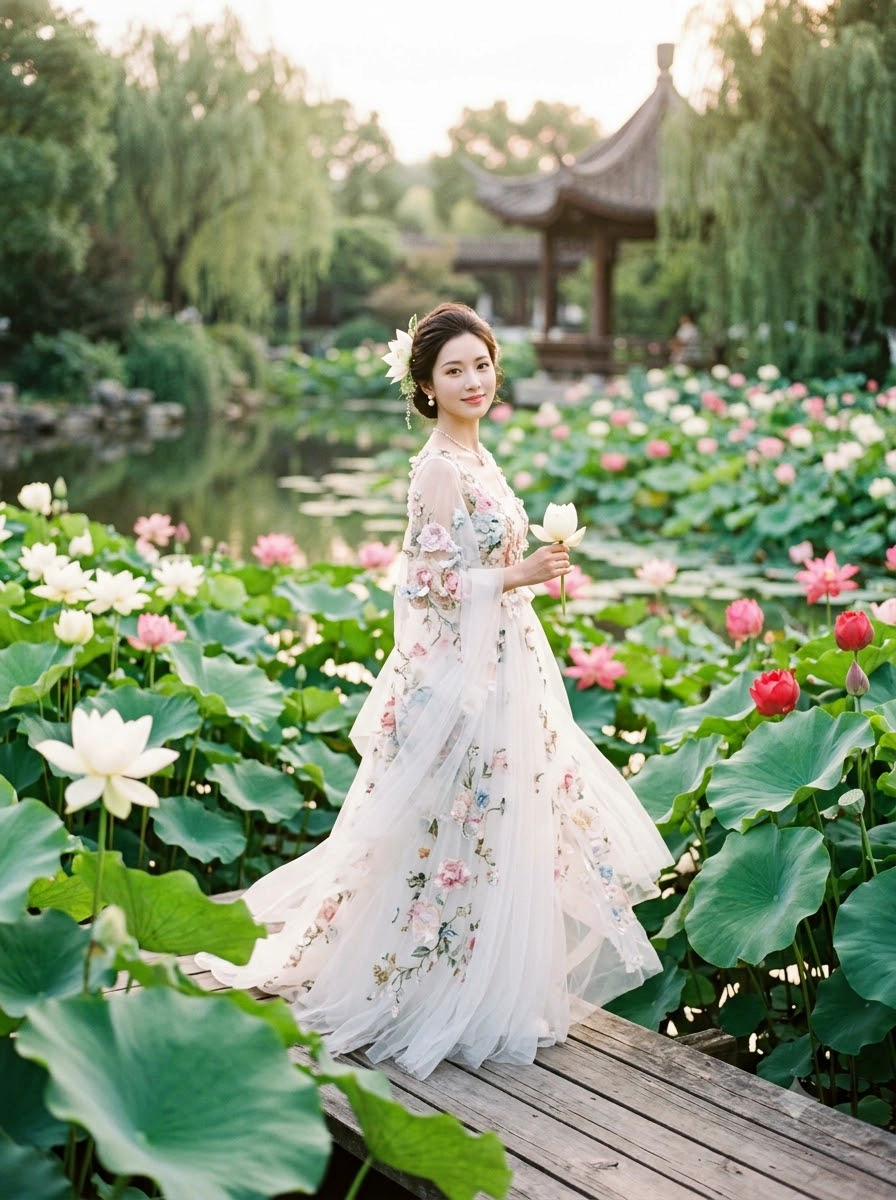
This is a high-quality workflow designed for anime-to-real conversion.Powered by Qwen’s strong image editing capability and enhanced with xiaozhi’s LoRA, it can stably redraw anime characters into realistic human portraits while preserving core character identity. At the same time, it helps reduce the awkward proportion and perspective issues that often happen when the result follows the original anime structure too rigidly, making the final image look more natural and visually convincing.After the initial realistic redraw, the workflow uses Z-Image to refine the texture and reduce the plasticky skin look that can sometimes appear in Qwen-generated results. This helps produce more natural skin, cleaner facial texture, and a more photographic overall finish.Finally, SeedVR2 is used for super-resolution upscaling to further enhance sharpness, restore fine details, and reduce the slightly dirty or noisy look that may occasionally appear after Z-Image refinement.The full node setup and parameters have already been organized and prepared, so there is no need to build the workflow manually. Just upload your image and click generate to experience a clean and efficient anime-to-real conversion pipeline.Perfect for:Anime to real portrait conversionStylized character to realistic human redrawCharacter redesignPoster-quality portrait generationAI image transformation and refinementIf you want a workflow that delivers more stable, more natural, and more detailed anime-to-real results, this one is definitely worth trying.
ANNO_Yoo杏野

优秀创作者

悬赏活动
基础
视频生成
音频生成
3D生成
FLUX
风格
设计
摄影
图片处理
创意玩法
MimiMax H3 Motion

4.8

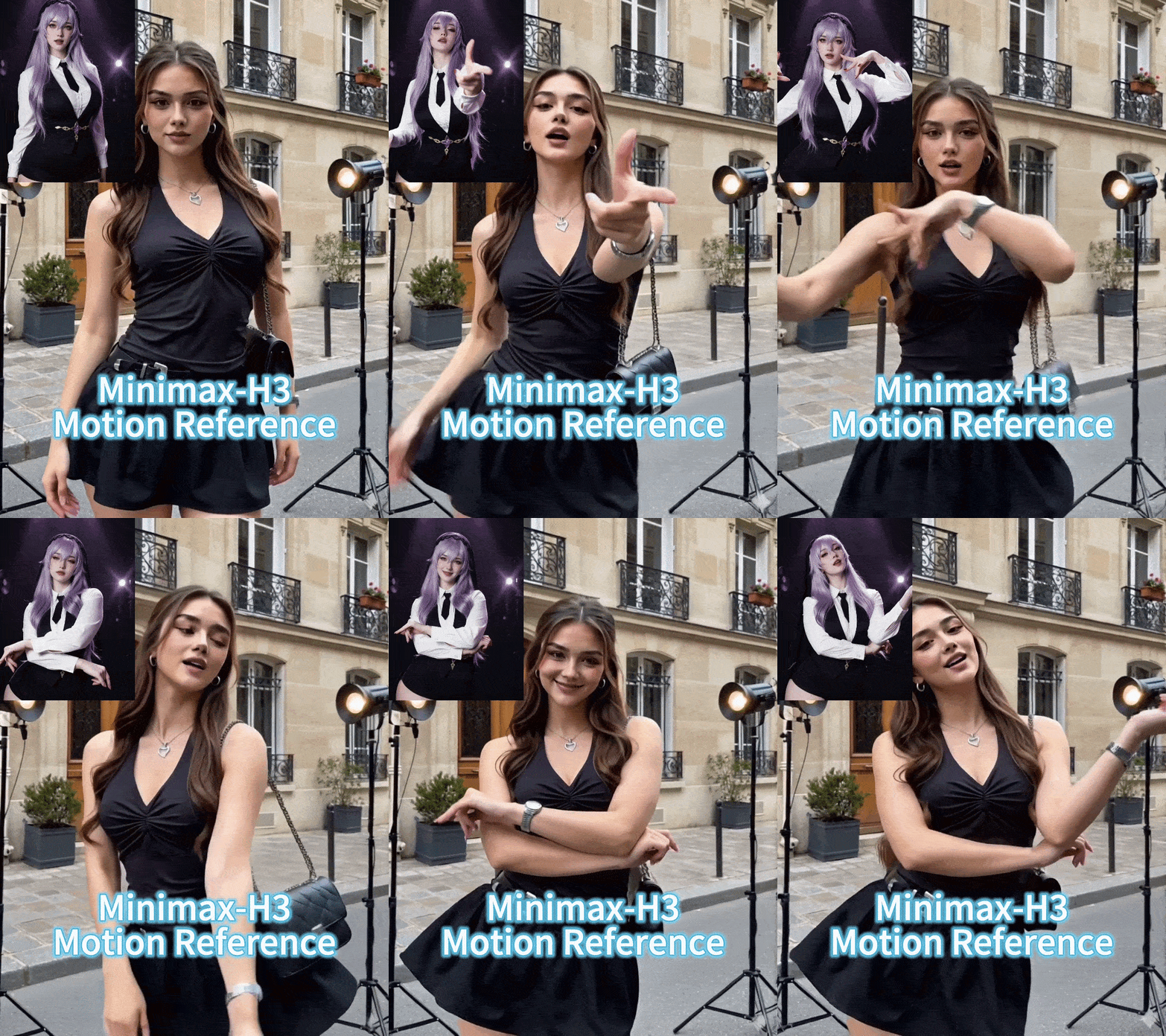
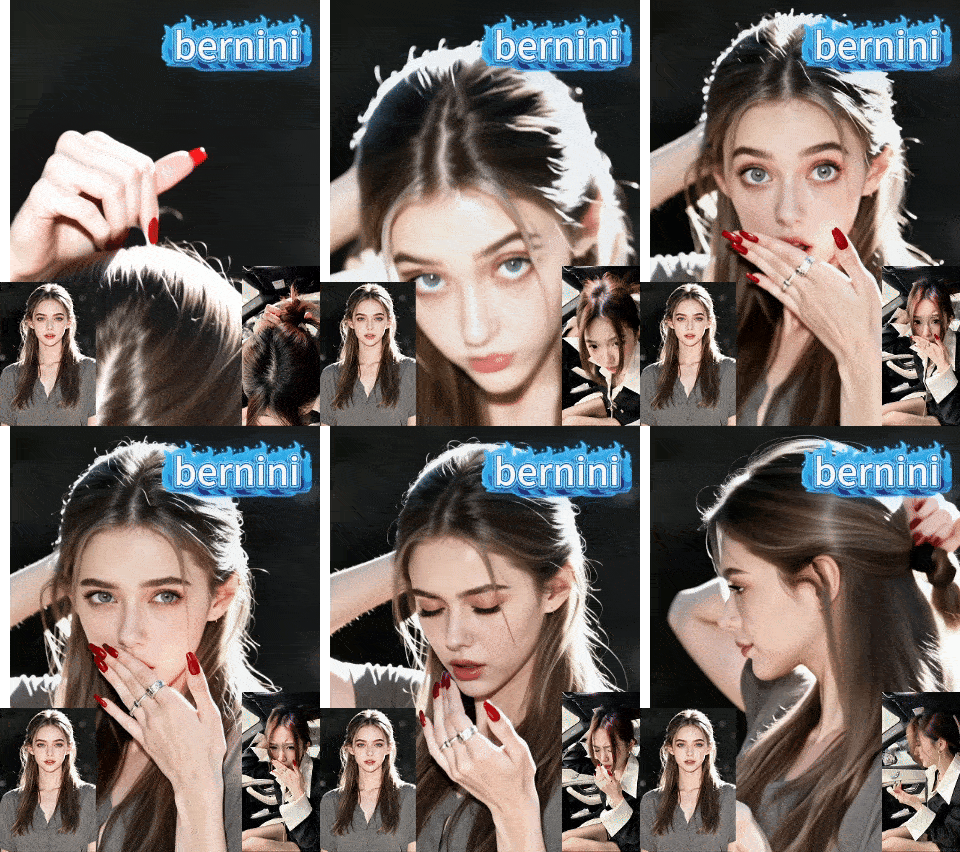
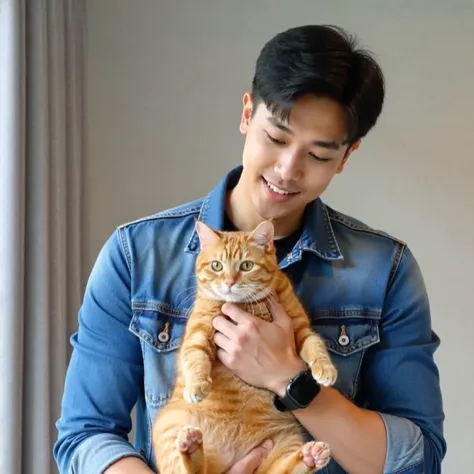
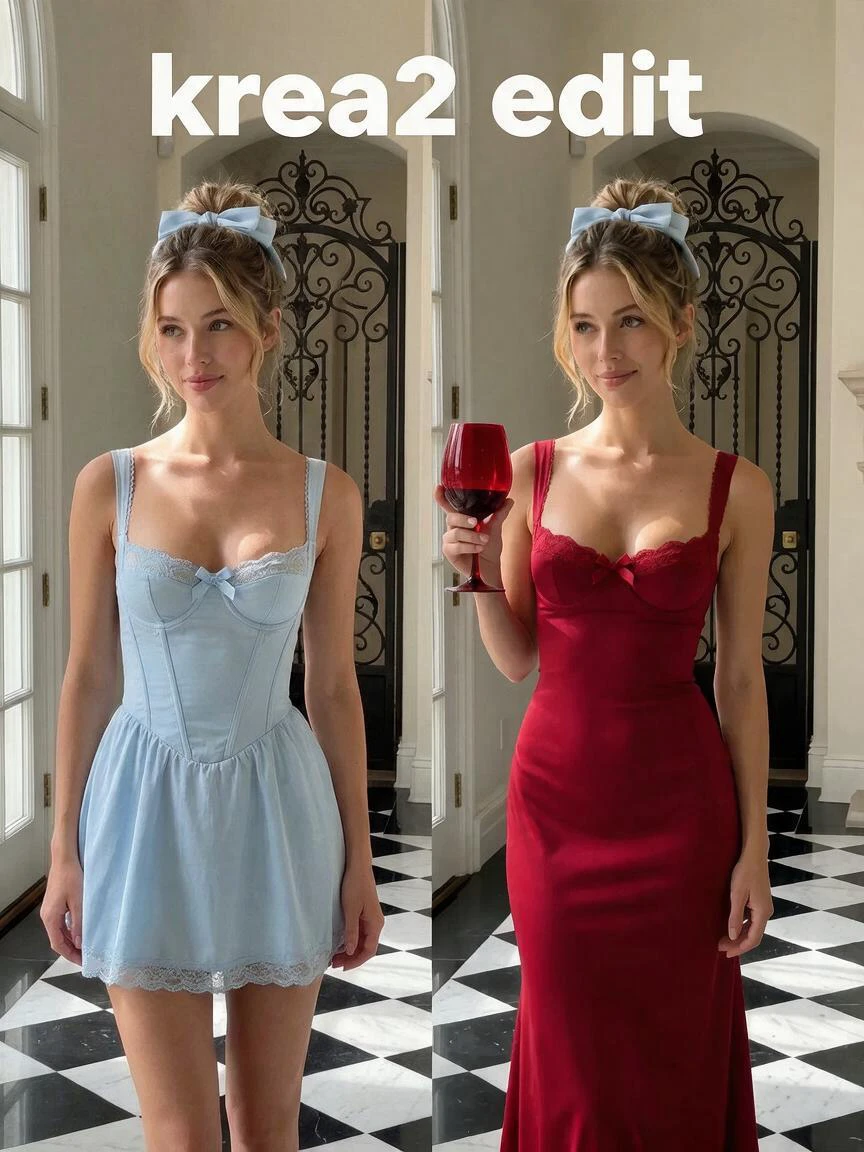
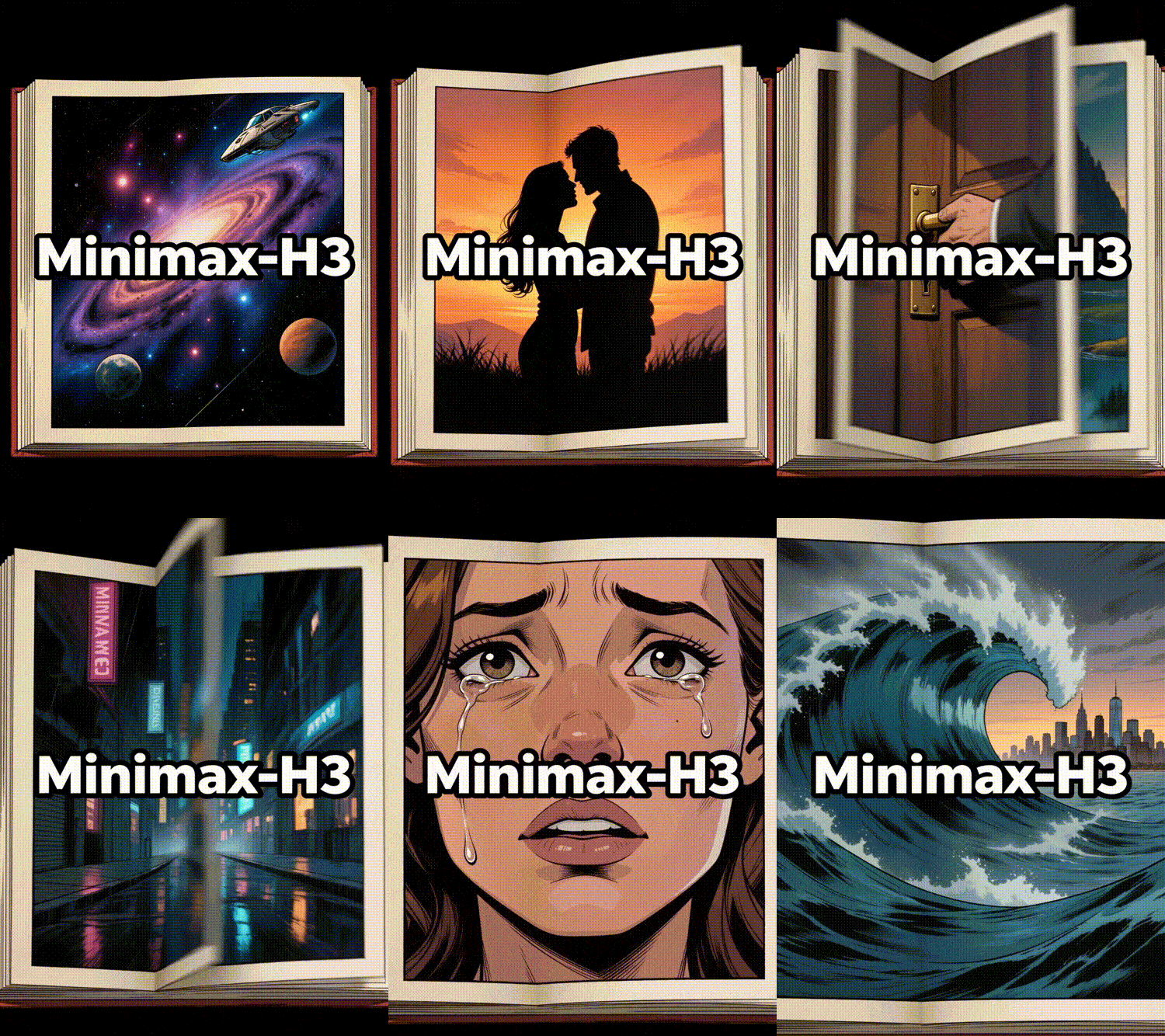
MimiMax H3 Motion Credit to Seaart. Customized from Seaart workflow.### ⚡ FAST TEST MODE (Save Credits & Quick Preview):1. ⏱️ **Duration**: Set to **`2.0`** or **`3.0`** seconds in `⚡ [CONTROL 1]`. (Only the first 2-3s will be rendered for fast testing!)2. 📐 **Resolution**: Set to **`0.30`** in `⚡ [CONTROL 2]` for fast test preview (saves 60-70% render time & credits). Set `0.5 - 1.0` for final HD.3. 🖼️ **Inputs**: Upload photo in `[INPUT 1]` and motion video in `[INPUT 2]`.4. 🚀 Hit **Queue Prompt** to generate!---# 📌 Best Practices Guide: Image & Video Reference (MiniMax-H3 Motion Transfer)Follow these guidelines to achieve clean motion transfer and preserve character identity.---### 1. 🖼️ Character Reference Image Guidelines* ✅ **Recommended Framing**: - Use **Upper-body (Medium shot)** or **Full-length** portraits. - Avoid extreme close-ups (face-only), as the model needs visual context for clothing and posture.* ✅ **Pose & Angle**: - Front-facing or a slight three-quarter view with clear facial visibility. - Natural posture (avoid hands occluding the face or central outfit details).* ✅ **Lighting & Clarity**: - Sharp focus with balanced lighting. - Clean background with a single subject.---### 2. 🎬 Motion Video Reference Guidelines* ✅ **Framing Consistency (Crucial for Best Results)**: - **Upper-body Image** ➡️ Pair with **Upper-body Video**. - **Full-length Image** ➡️ Pair with **Full-length Video**. *(Matching camera distance and subject framing ensures precise motion alignment).** ✅ **Motion & Camera Stability**: - Smooth, continuous choreography without rapid camera zooms or scene cuts. - Ensure the background is free from other moving subjects.* ✅ **Duration & Fast Testing**: - Set duration to **`2.0` – `3.0` seconds** for quick preview tests to save render credits. - Increase to **`4.0` – `6.0` seconds** once you are satisfied with the performance.---### 💡 Pro-Tips for Maximum Quality:1. **Hair & Wardrobe Alignment**: Matching general hair length and clothing style helps prevent visual flickering.2. **Initial Starting Pose**: The closer the performer's initial position matches the reference image, the smoother the motion inception will be.
🌸•Oriora•🌷
LTX-2.5_image2video

--

LTX-2.5 is a new-generation open-weight audiovisual generation model from LTX, capable of simultaneously generating high-quality video and synchronized audio in a single pass. It supports text-to-video, image-to-video, and start/end-frame-guided video generation, while delivering enhanced visual detail, motion stability, comprehension of complex prompts, and consistency across long-sequence content.Compared to LTX-2.3, LTX-2.5 introduces an all-new Diffusion Video Decoder that effectively mitigates issues such as blur, texture degradation, and loss of character detail during high-speed motion. It also incorporates native multi-shot generation capabilities, enabling the creation of multiple consecutive shots in a single run while maintaining—to the greatest extent possible—consistency in characters, scenes, lighting, style, and audio across shot transitions.The model utilizes an LTX-customized Gemma 4 12B text encoder, offering superior comprehension of multiple characters, actions, cinematic language, lighting, and complex scene descriptions. It also supports automatic duration prediction, dynamically matching the video length to the actions and scene content specified in the prompt. Furthermore, LTX-2.5 supports native 4K HDR, frame rates up to 50 FPS, and RAW workflows, providing greater flexibility for post-production in film, television, and high-quality video creation.As an open-weight model, LTX-2.5 supports local deployment, LoRA, and fine-tuning. Balancing generation speed, controllability, and openness, it is well-suited for applications such as short films, advertisements, character animation, multi-shot storytelling, and professional video production.
SeaArt Comfy Helper

为什么要选择海艺AI的ComfyUI工作流?

简单的界面

海艺AI提供的直观界面,让你可以轻松配置工作流。即使没有编程经验,你也能驾驭所有工作流。

可自定义的工作流

按你的方式设计工作流。从高级LoRA训练到复杂精细的文生图,每个步骤都可以根据你的需求进行调整。

高效率

海艺优化了AI艺术创作过程,加快渲染时间,减少技术障碍,助你快速生成令人惊叹的视觉效果。

海艺AI上的多个工作流

成千上万的AI艺术创作工作流

通过海艺工作流扩展你的艺术视野。访问成千上万个预设工作流,轻松生成各种格式的AI艺术,如文生图、图生图和图生视频。这些工作流集成了Flux、SD 3.5等强大的AI模型,以及包括条件生图在内的其他流行选项,给予你极大的灵活性去创作符合个人喜好的惊艳视觉效果。

海艺AI上的可自定义工作流

通过可自定义的工作流掌控一切

通过海艺工作流,你可以完全控制生成过程。我们提供强大的自定义选项,允许你根据特定需求调整工作流,例如调整参数,修改AI模型,以及微调设置,以确保最终效果符合你的创作愿景。

常见问题解答

collapse

什么是ComfyUI工作流?

海艺AI的工作流是一种超越简单文本提示词的创新工具。与传统的AI艺术生成器不同,海艺提供了一个可视化的工作流系统,你可以在其中打造自定义的工作流,精确控制图像和视频生成过程。

expand

我能用工作流生成哪些类型的AI艺术?

我们的工作流允许你轻松生成各种类型的AI艺术,包括写实人像、奇幻风景、动漫角色和抽象创作。你可以轻松实现文生图、图生图和图生视频,应用风格变化,甚至还能生成3D模型。

expand

新手可以使用ComfyUI工作流吗?

可以!借助我们易于使用的拖放界面和实时预览,海艺的工作流既适合新手也适合高级用户,让AI艺术创作变得简单无比。

expand

我可以自定义我的工作流吗?

可以,海艺AI提供了多种可自定义的设置,允许你根据具体项目需求调整工作流。