Generate
Recently Used
Private Creationvip-icon
Original - Creator Incentive Program

AI Colorize Drawing

4.3
2025-08-21 08:51:41 Update
3.6K Views
3.2K Apply
97
3
Comment
3
0/400
0 comment
empty
No Data

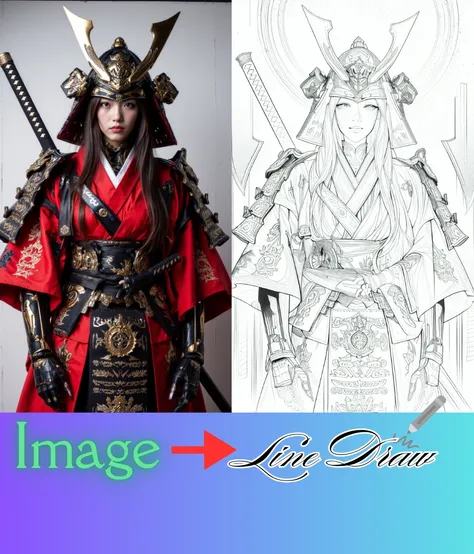
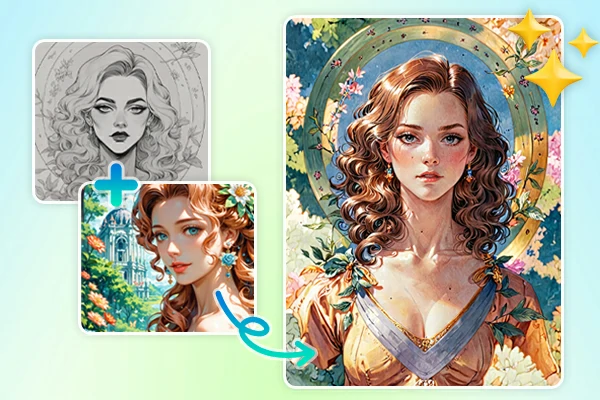
Effortlessly Bring Line Art to Life with Color

Enjoy a smooth, stress-free colorize process on SeaArt AI that transforms your line art into a colorful image.

Color Any Art Style with AI Colorizer

Ideal for Any Art Style

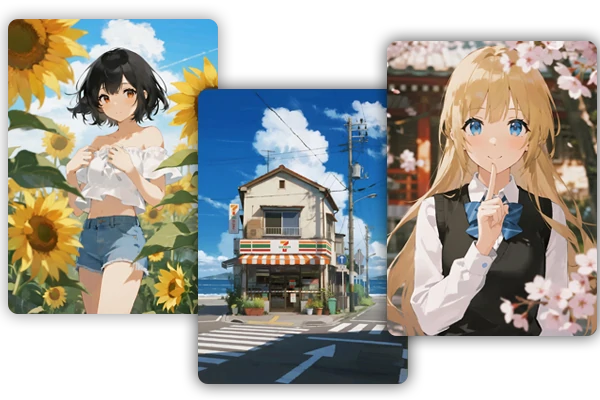
Manga, doodles, portraits, fan art, children's books or more, AI adapts to any art form. Use it for character designs, landscapes, or abstract sketches – the possibilities are endless. Pair your line art with any color reference, and watch your vision come to life in vibrant detail. It's the perfect tool for artists exploring new styles or refining their craft!

Auto Color Drawing AI Online Free

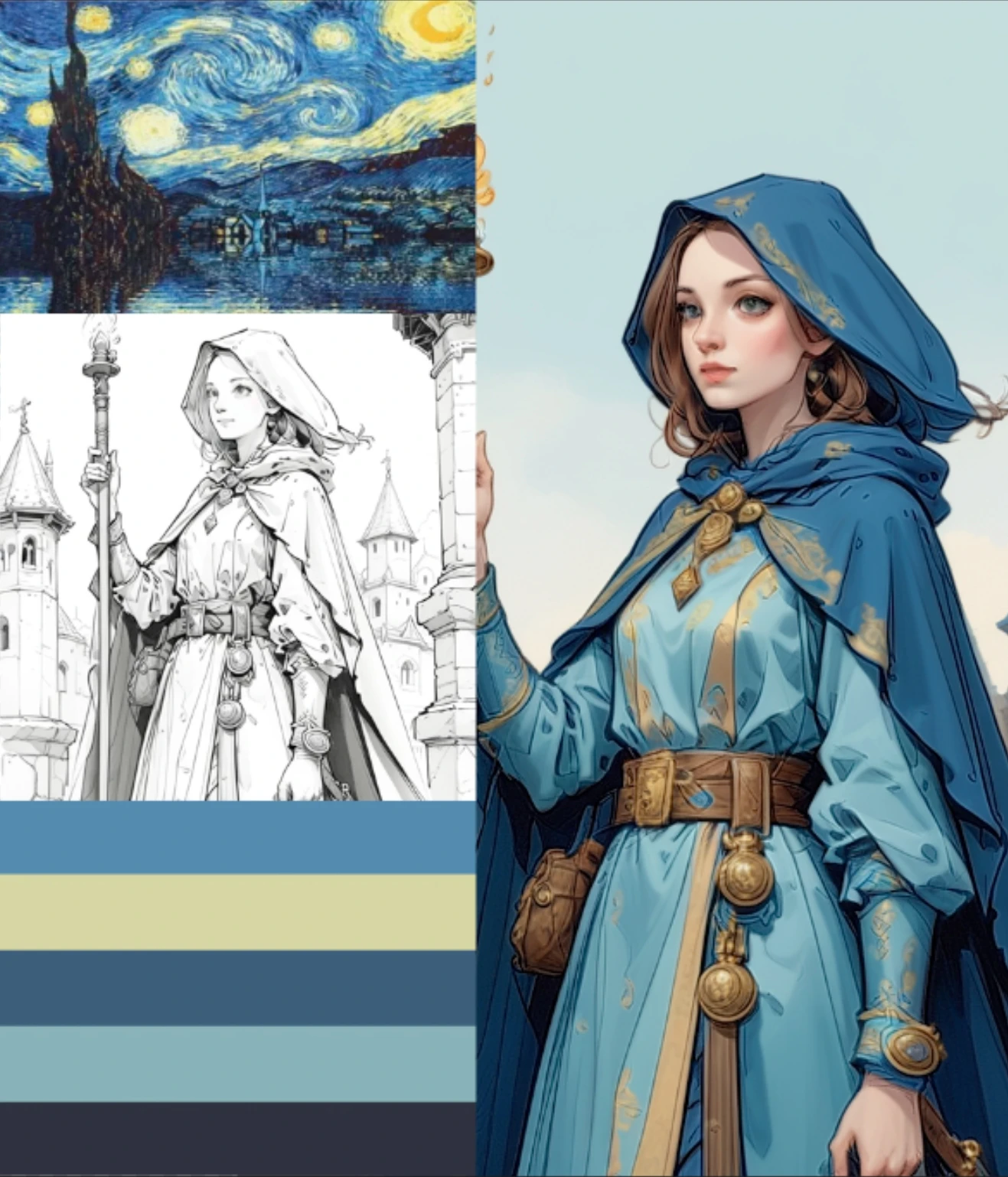
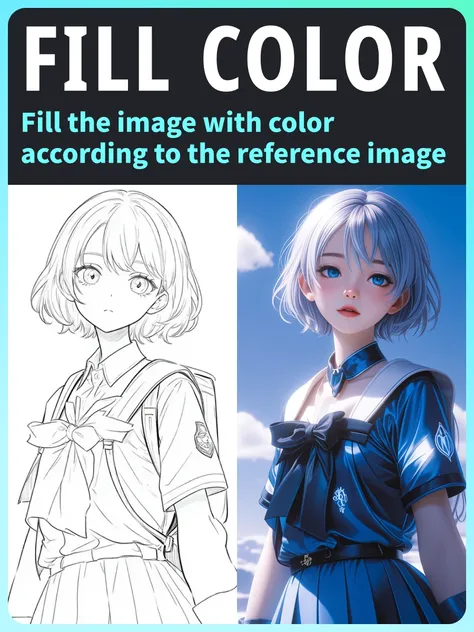
Colorize Drawing from Reference Image

This colorize drawing tool makes coloring simple and automatic for everyone. Just upload your line art and a color reference image, and the tool intelligently applies hues that match your style. Whether you're an artist, hobbyist, or beginner, this feature delivers fast, accurate results you'll love. Experiment with different references to create unique, eye-catching artwork effortlessly!

Share Your Colorized Artwork

Share Your Masterpieces Easily

Once your drawing is colorized, share it with the world! Download high-quality files and post them online to impress friends, followers, or clients. Boost your visibility as an artist with stunning, colorful creations. The AI sketch colorizer makes it easy to showcase your work without watermarks, helping you stand out effortlessly.

Why Use AI to Colorize Drawing?

User-Friendly Interface

No learning curve - upload your images and colorize your drawing with zero hassle.

Speedy Creation Process

Create fully colored artwork in moments. AI handles everything instantly so you can create more.

Advanced AI Technology

Smart algorithm learns from reference images to deliver accurate and natural color results every time.

How to Use the AI Colorize Drawing?

Step 1: Upload Your Images

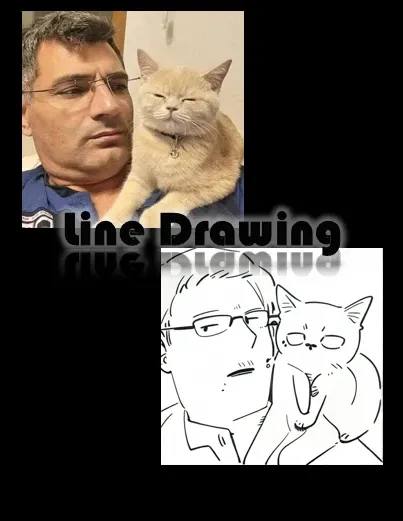
Start by uploading a color reference image and line art drawing, or use a line art generator to create one from scratch.

Step 2: Click Generate

Hit the Generate button, and AI analyzes your reference and applies vibrant, accurate colors to your drawing automatically.

Step 3: Download & Preview

Preview your colorful artwork, then download it without watermarks. Share or print your creation instantly.

collapse

Is the AI colorize drawing free to use?

Yes! SeaArt AI offers free users 150 stamina daily. Earn more by joining event center tasks, letting you enjoy the tool at no cost while creating stunning colored art!

expand

Do I need drawing skills to use this AI colorizer tool?

Not at all. The tool is designed to be beginner-friendly. Just upload your line drawing and color reference - the AI handles the rest.

expand

Can I use the AI line art colorization for commercial art?

Yes, you can use the output for personal and commercial projects. Always check the platform's licensing terms for full details before publishing.

empty
No Data