
Continue your AI creation journey on mobile devices

Easily Retouch Portrait with AI Face Smoother
One-Click Magic That Skin Smoother
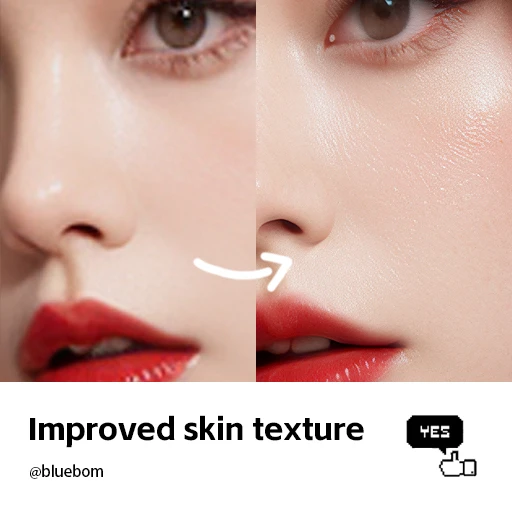
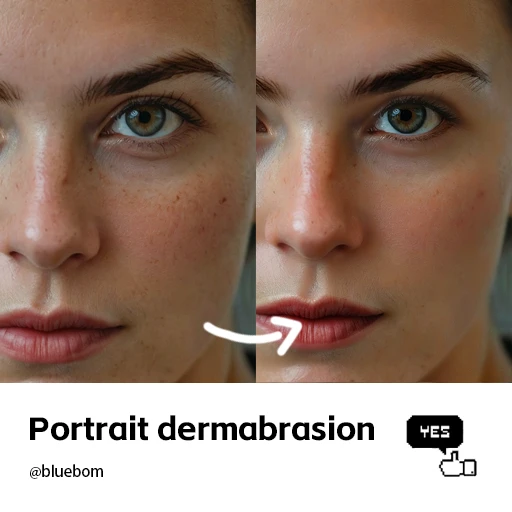
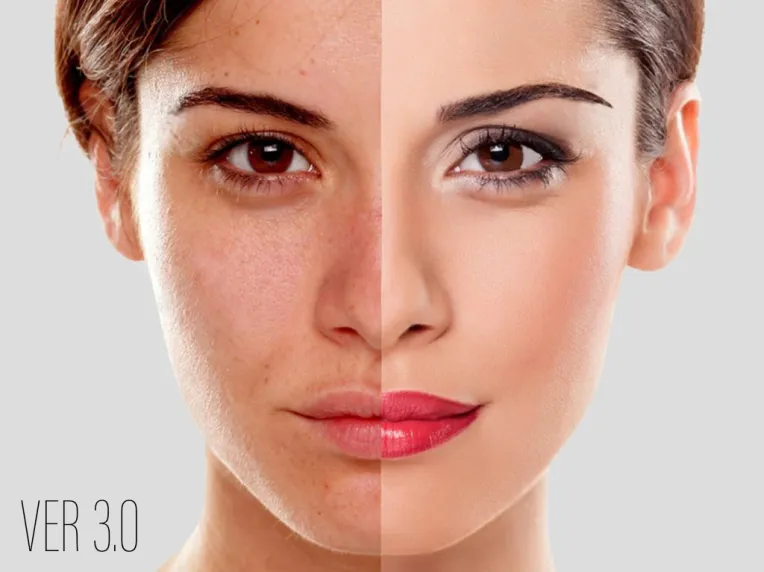
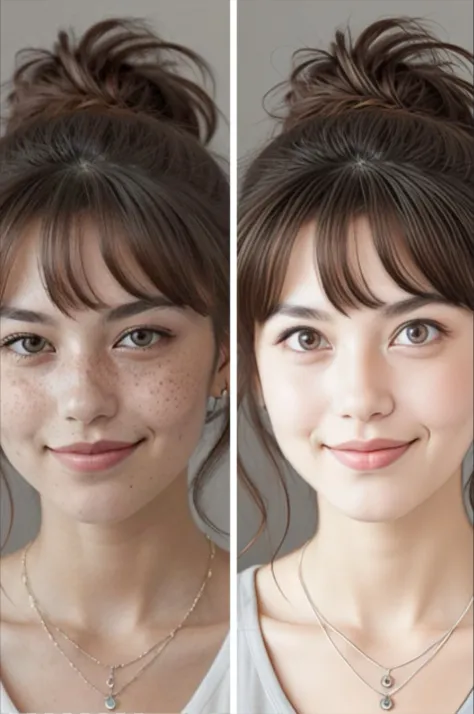
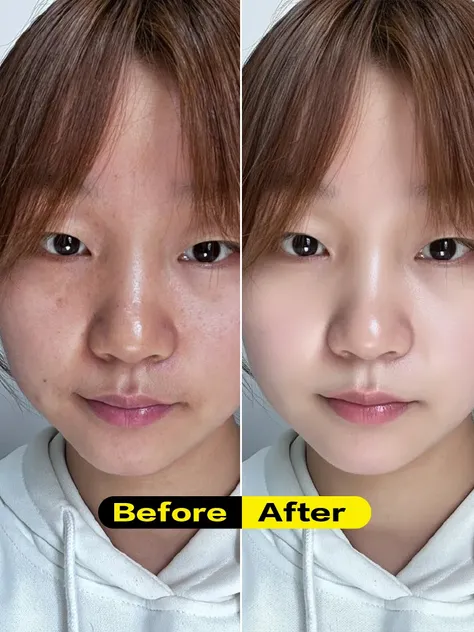
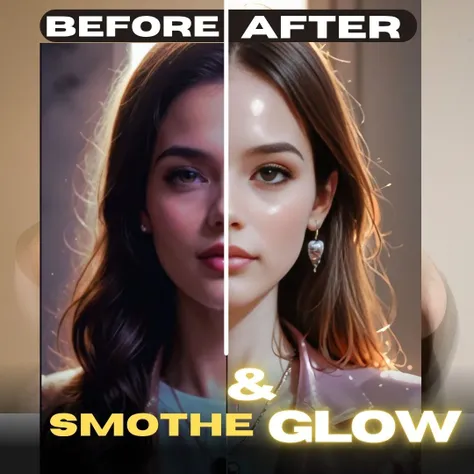
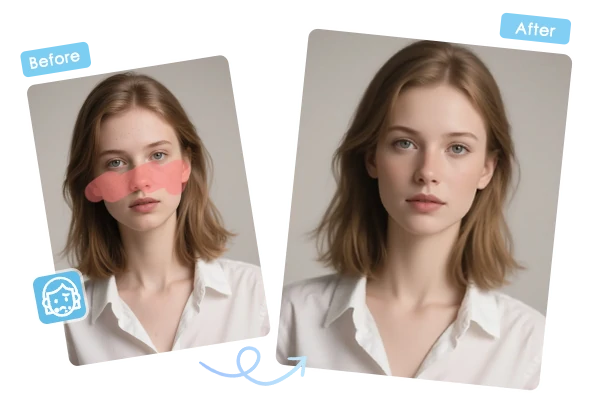
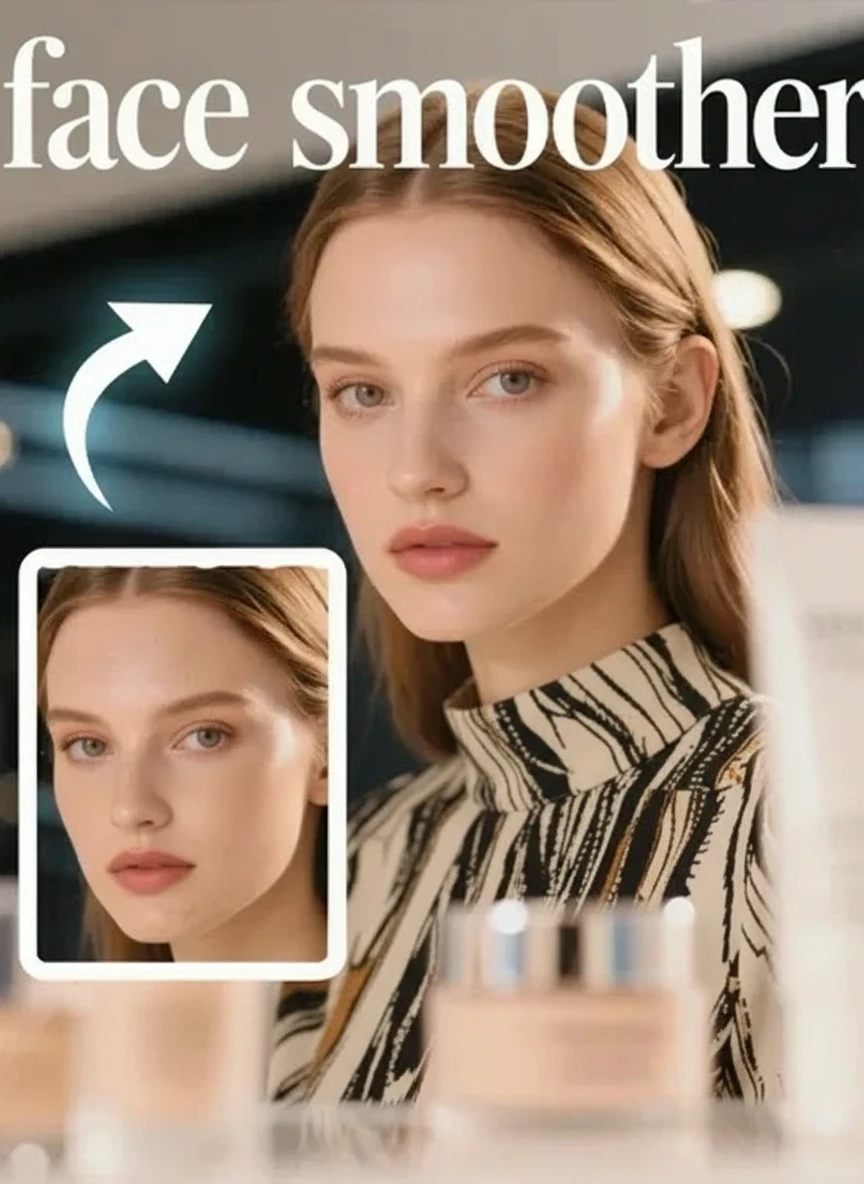
Tired of complicated photo editing? This AI face smoother does all the heavy lifting for you. Simply upload your photo and watch as intelligent algorithms analyze every detail, revealing your natural beauty while keeping you authentically you. No tutorials needed, no confusing buttons - just results that'll make you smile.
Remember having perfect skin as a kid? This tool brings back that flawless look by tackling wrinkles, acne scars, freckles, and those stubborn blemishes that photobomb your selfies. The smart AI knows exactly what to smooth and what to leave alone, so you still look authentically beautiful.
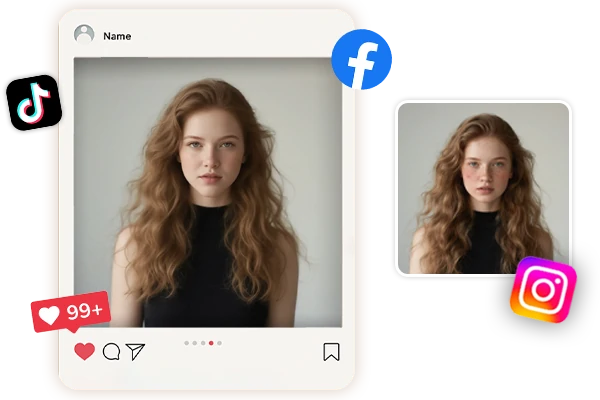
Finally, photos you're excited to post! Whether it's your LinkedIn headshot, dating profile, or that group photo from last weekend, this face smoother on SeaArt AI gives you the confidence to share without second-guessing. Your friends will wonder what skincare routine you're secretly using.
Upload your photo and start smoothing immediately - no payment needed to get beautiful results.
Your Grandma Could Use It
If you can upload a photo, you can use this. No tutorials, no confusion, just results.
Smart AI That Gets You
Recognizes your unique features and smooths only what needs smoothing - keeps your personality intact.
Works on Everything
Phone, tablet, laptop, ancient computer - if it has internet, it can make you look amazing.
How to Use Face Smoother?
Upload a Portrait
Simply drag and drop your photo or click to browse and select your portrait image from your device.
Click Generate
Click the generate button and watch as our AI technology automatically smooths and enhances your facial features.
Download and Enjoy
Download your beautifully enhanced photo with no watermark, then enjoy and share your stunning results.
Face Smoother - FAQs
Is the AI face smoother free to use?
Yes, it's a free AI face smooth. You get free stamina every day, and you can join the SeaArt AI event center and sign in to easily earn more credits to explore more AI features.
How do I make my face look better in pictures?
Use window light, hold your phone above eye level, and clean your lens first. Tilt your chin down slightly. This AI face smoother handles the rest instantly.
How to clear skin in pictures?
Shoot near windows during daytime, avoid flash, hold phone steady. Use portrait mode if available for natural softening. For existing photos, this AI photo retouch removes blemishes in seconds.