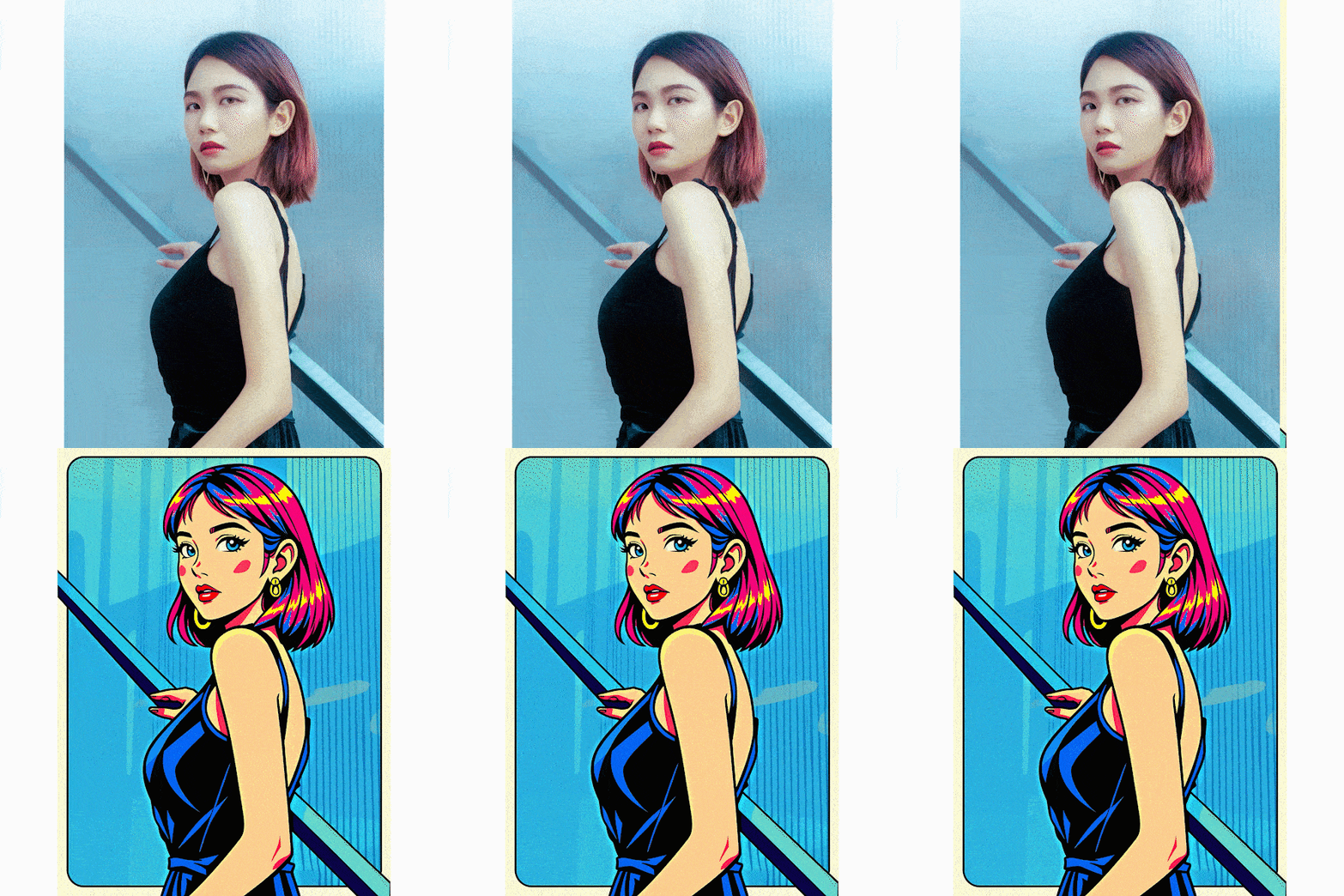
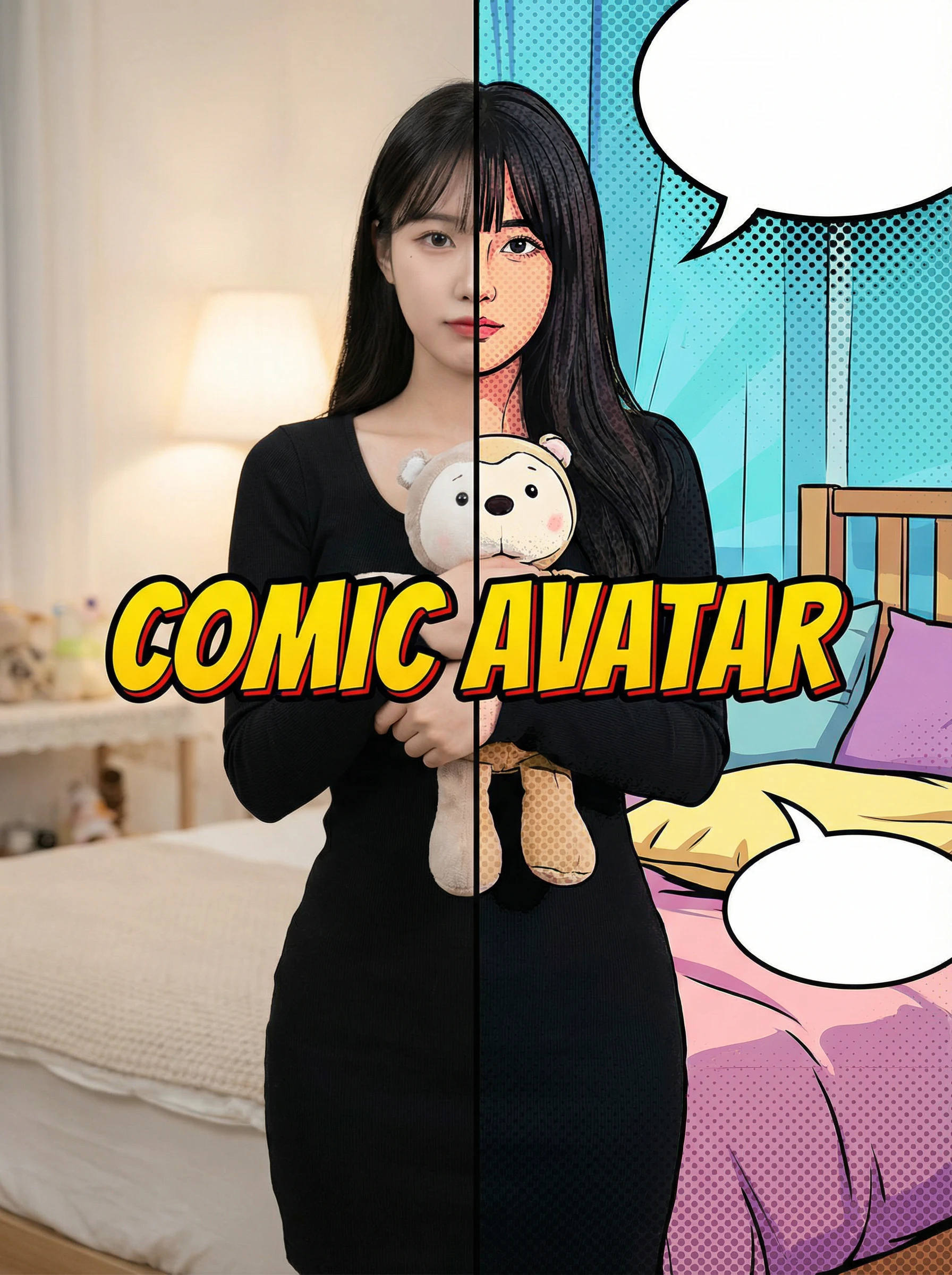
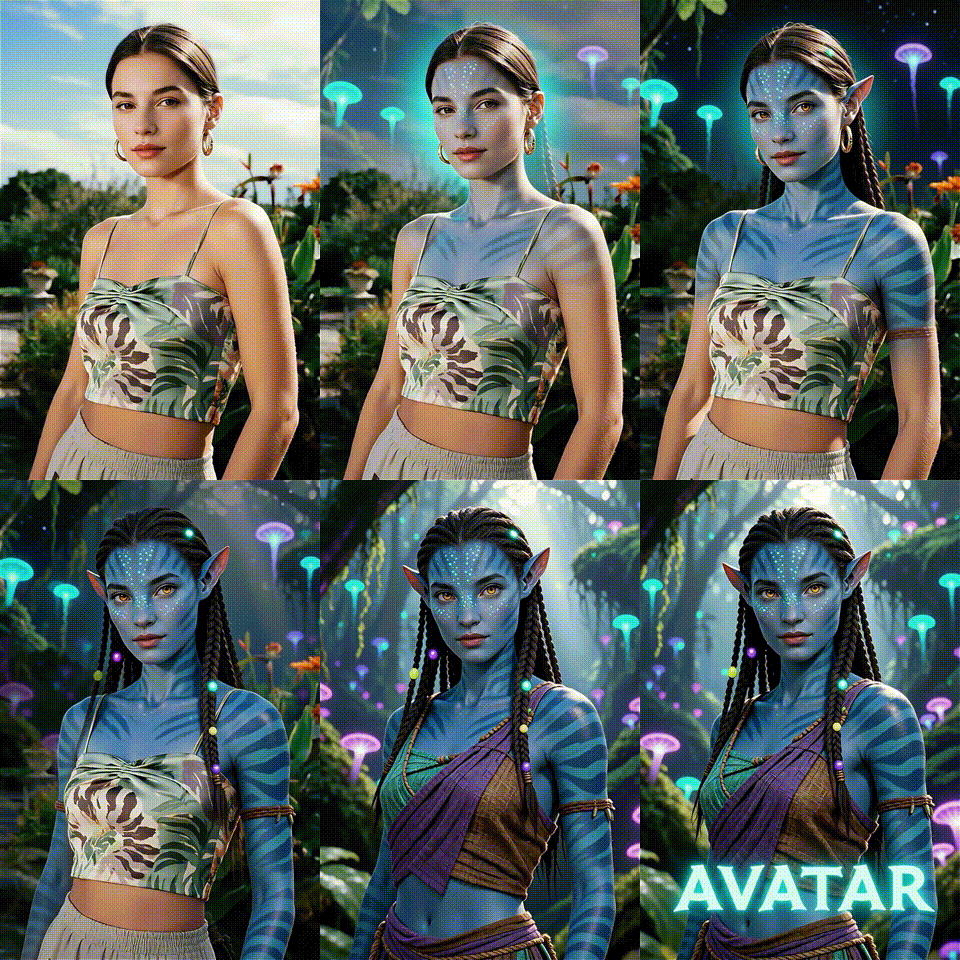
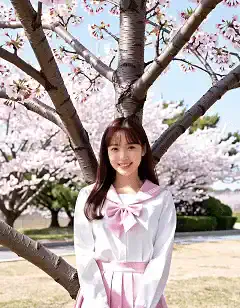
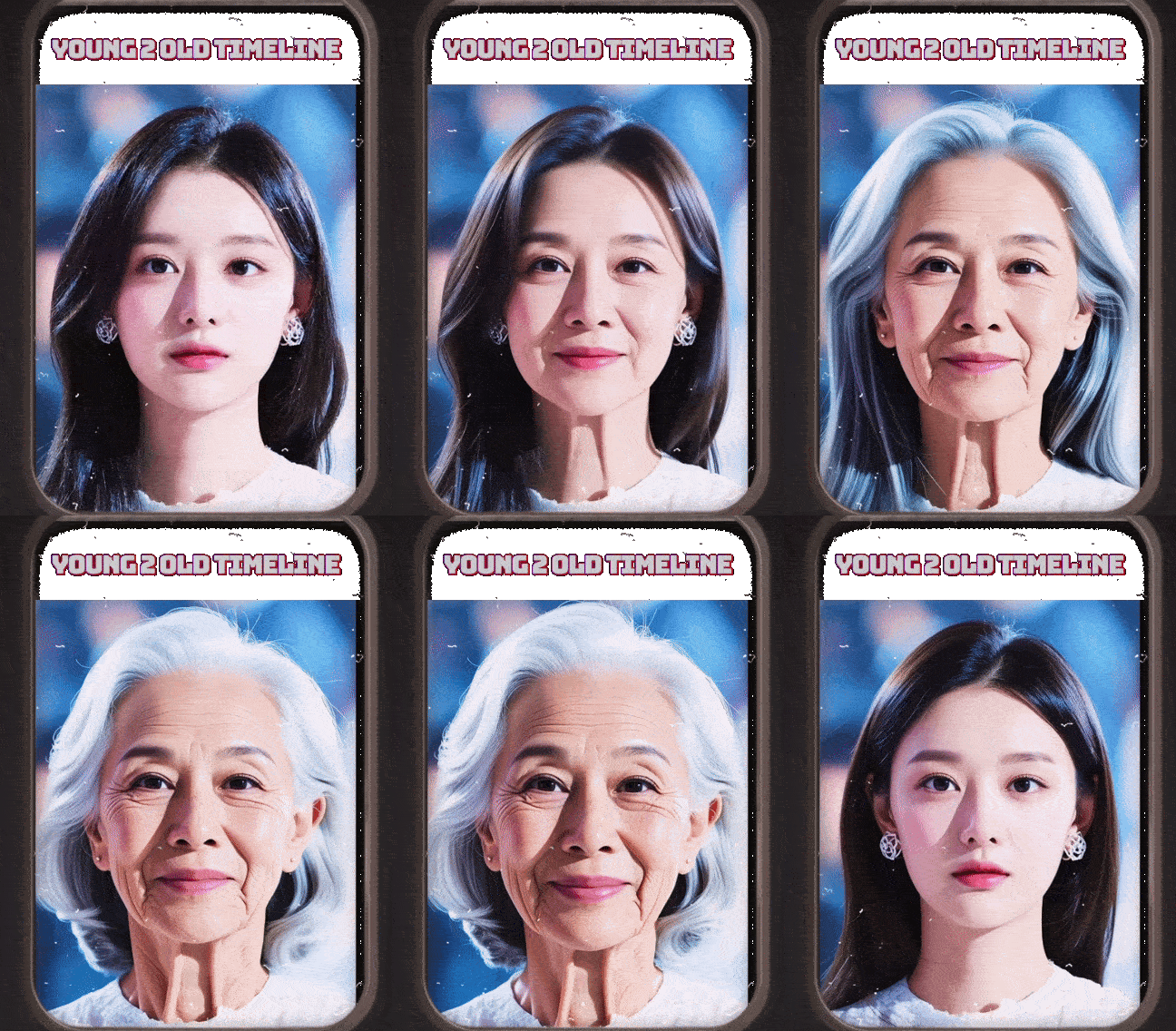
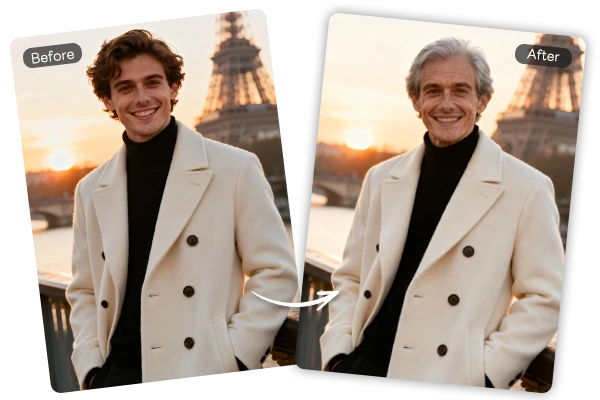
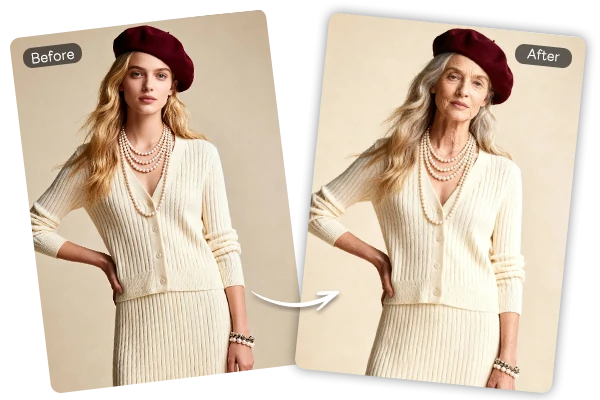

Upload any portrait photo and get a short AI-generated video showing realistic age transformation.
Not enough ratings or reviews received yet


Realistic Aging, Not a Cheap Overlay
AI adds natural wrinkles, gray hair, and skin texture changes to any portrait - age progression that looks genuinely convincing, not like a flat filter preset.
Video Output, Not Just a Static Photo
Get an animated aging video - not a still image - sized and ready to share directly on TikTok, Instagram Reels, or Facebook without any conversion.
Free to Start on SeaArt AI
No subscription needed to begin. Sign in with SeaArt AI and generate your first aging transformation video at no cost.
Works on Any Device, Any Browser
Everything runs in your browser - upload a photo from desktop or mobile, get your aging video, and download it directly without installing anything.
Upload any portrait and get a short aging video - not just a static photo. This AI old age filter reads your facial structure and adds wrinkles, silver hair, and softened features in positions that match your actual face. The result is a video showing the transformation in real time, ready to download and share in seconds.

Aging transformation videos perform consistently on TikTok and Instagram - one photo, one upload, one shareable video via the AI video generator infrastructure. Unlike flat overlay filters, SeaArt's AI reads your face's actual geometry, placing wrinkles and lines where they'd naturally form on your specific face, not on a generic template.

SeaArt AI is built with user privacy in mind. Your portrait is processed to generate the aging video and nothing more - no profiles built from your face, no content stored after your session ends. Upload, get your video, and leave. What you create here stays under your control.
Upload a portrait photo and get a short aging video showing realistic wrinkles, gray hair, and age progression - all generated in under 60 seconds. For static aged portraits instead of video, the AI Age Filter on SeaArt is a solid alternative. Both tools are free to start - no credit card required.
Upload Your Portrait Photo
Open the tool in your browser and upload a clear, front-facing portrait. Well-lit photos with the full face visible work best.
AI Generates Your Aging Video
Your photo is processed automatically. Wrinkles, gray hair, and skin texture changes are applied based on your facial structure - ready in about 30 to 60 seconds.
Download and Share Your Video
Download the aging video directly to your device and share it on TikTok, Instagram, or any platform. No editing needed.

What is an AI old age filter?
An AI old age filter applies realistic aging effects to a portrait photo and outputs the result as a short video. Unlike basic filters that paste a generic texture, it reads your facial structure and places wrinkles, gray hair, and skin changes where they'd naturally appear on your specific face.
How realistic is the aging effect in the video?
Realistic enough that people regularly mistake the output for an actual old photo. Wrinkles land in anatomically correct positions, hair shifts to silver naturally, and the video format makes the transformation look organic rather than like a flat overlay. Clear, well-lit front-facing portraits produce the best results.
Is the best old age filter on SeaArt AI free to use?
Yes. Sign up with a free SeaArt AI account and start generating aging videos immediately - no credit card required. Free users get daily Stamina to create content, with additional Stamina available for higher-volume use.

What photos work best for the old filter online?
Clear, front-facing portraits in good lighting work best. The tool needs a full view of your face to apply aging accurately - hair, glasses, or extreme side angles reduce quality. JPEG and PNG both work.
How long does it take to generate the aging video?
Most videos are ready in 30 to 60 seconds. Larger files or peak load may push it closer to two minutes. The result appears directly in your browser when done - no email, no waiting.
What's the difference between the Old Age Filter and the AI Age Filter?
The Old Age Filter outputs an aging video - the transformation plays out in motion, which works well for TikTok and Instagram. The AI Age Filter covers a wider age range and delivers a static photo instead.

"I've tried three different aging filters for TikTok content and this is the only one that actually fools people. Comments always ask if it's a real photo from the future. The video format is what makes it - a static photo doesn't get the same reaction at all."

Marcus T.
TikTok Content Creator
"We used this at a family reunion - uploaded photos of everyone and played the aging videos on a screen. People couldn't stop laughing at how believable the results were. My uncle's aged version looked exactly like his grandfather. The whole thing took maybe 10 minutes to set up."
Sandra K.
Event Planner
"SeaArt AI has everything I need in one place - aging videos, face filters, image generation. I stopped jumping between five different apps the moment I found it. The output quality is consistently post-ready across all the tools, which saves me a few hours every week."
Priya M.
Lifestyle Content Creator