


Original

Wan 2.2 Text to Image ComfyUI

Last Update:2025-11-05

It can only be described as stunning

250802*The update includes an optimized section for prompt enhancer

250812*Optimize the promscpt enhancer and reduce limb errors

250813*The sampler and scheduler have been modified

Quick Translation
Node Preview 19 nodes
Full Screen
Click to Load Node Preview
Run (10.9K)
Favorite (98)
Download (1.3K)
Share
Workflow Details
Type
Workflow
Rating
5
Publish Time
2025-08-01
Status
Usable
Node Info (19)
Comment
10
0/400
0 comment

Enjoy Wan 2.2 ComfyUI for Effortless Image Creation

Wan 2.2 Text to Image Example 1

Cinema-Grade Power Made Simple

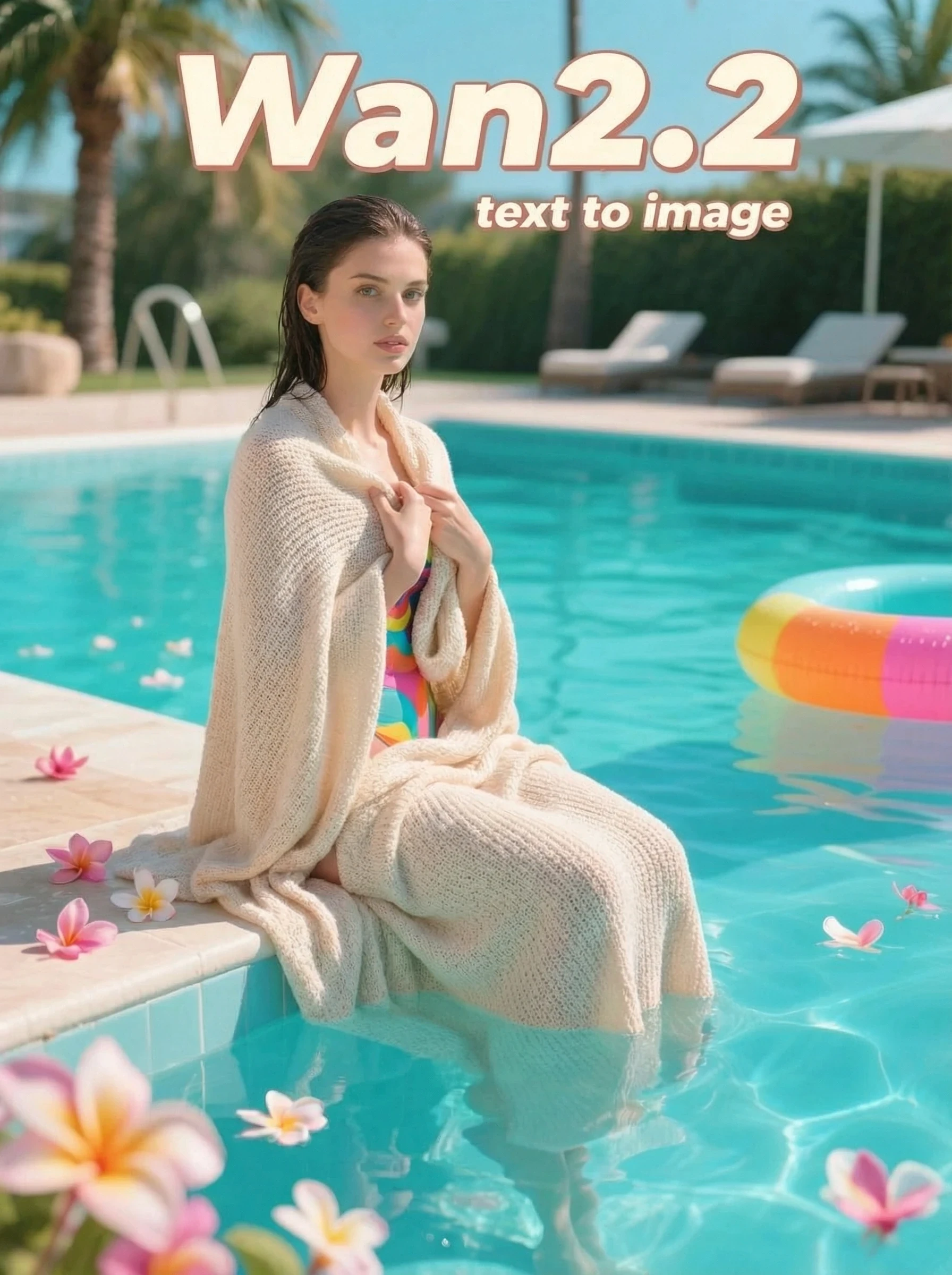
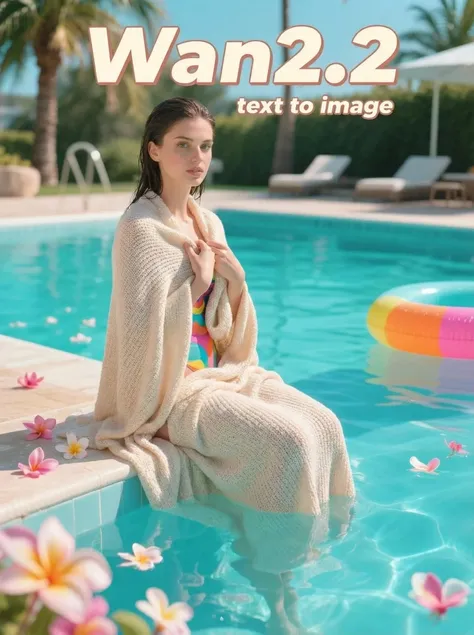
You're actually working with cutting-edge video AI technology, but the Wan2.2 t2i workflow makes it feel effortless. By automatically setting the frame parameter to 1, it transforms this powerful video generation model into a precision image creator. The result? Hollywood-quality visuals through a simple interface that handles all the complex technical setup for you.

Wan 2.2 Text to Image Example 2

Your Ideas, Perfectly Translated

Start with something simple like "a cat in space" and watch the transformation happen. This Wan2.2 text to image ComfyUI's specialized prompt enhancement nodes take your basic input and intelligently expand it into rich, detailed descriptions. They add artistic elements, lighting details, and compositional choices you might not have considered. The result is professional-quality prompts from everyday language.

Wan 2.2 Text to Image Example 3

Smart Creation Process

Here's where the Mixture-of-Experts architecture shines. The Wan 2.2 ComfyUI divides creation into two specialized phases: high-noise expert models first establish your image's overall structure and composition, then low-noise experts step in to refine every detail and texture. This intelligent workflow delivers both stunning composition and crystal-clear details in just eight efficient steps.

Free to Try

Start creating instantly with no credit card required or hidden fees whatsoever.

Easy and Fast

Pre-configured workflow eliminates complex setup - just run and create stunning images instantly.

Customize Everything

Complete node-level customization and personalized settings - available online or downloaded locally.

Cloud-Powered

No expensive hardware required - create professional images from any device, anywhere globally.

How to Use Wan 2.2 Text to Image ComfyUI Online

Click Run

Launch the pre-configured Wan 2.2 workflow instantly - all components load automatically.

Customize Settings

Input your prompt and adjust nodes as needed for your creative vision.

Generate and Enjoy

Hit generate and watch your ideas become stunning images - no watermarks, full ownership.

Wan 2.2 Text to Image ComfyUI – FAQs

collapse

What is the Wan 2.2 model?

Wan 2.2 is Alibaba's latest AI model using Mixture-of-Experts (MoE) architecture. Originally designed for video generation, it creates exceptional single-frame images by setting frame count to 1. This approach delivers cinema-quality results with advanced prompt understanding and multilingual support.

expand

Is the Wan 2.2 ComfyUI workflow free to use?

Yes, free to start with no credit card required. Use it online instantly or download for local setup. Earn additional credits through event center tasks to explore more AI features.

expand

Can I customize the ComfyUI nodes and workflow?

Absolutely. Full node-level customization is available for you. Modify parameters, add custom nodes, or create entirely new workflows. Save and share your personalized configurations with the community.