

Currently, following prompts is not well. Please wait for future updates.


High-Level Visual Semantic Editing
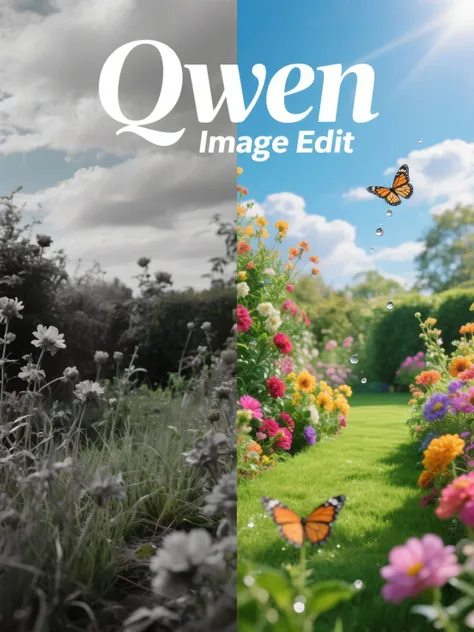
Combines semantic understanding with appearance control, enabling both high-level concept changes and precise modifications in a single Qwen-Image-Edit workflow.
Powerful Text Modification
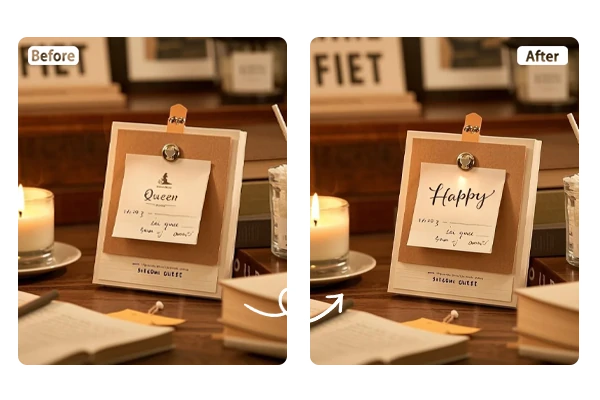
Edit text directly within images while preserving original fonts, sizes, and styling. Perfect for poster editing, signage updates, and multilingual content creation.
Industry-Leading Performance
Built on the 20B Qwen-Image-Edit model with state-of-the-art results on multiple benchmarks, delivering professional-grade image editing through our ComfyUI implementation.
Chained Editing Workflow
Perform multiple sequential edits to achieve perfect results. Fix calligraphy errors, refine details, and make progressive improvements with our iterative editing approach.
100% Free
Experience the full power of Qwen image editor on SeaArt without any costs and usage limits. Professional AI image editing accessible to everyone.
Transform your images effortlessly with this streamlined ComfyUI workflow interface, edit your image from any aspect with ease.

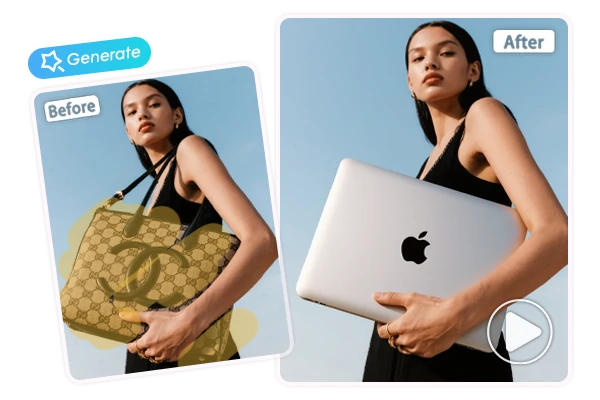
Upload your image and describe the changes you want using natural language. Qwen-Image-Edit workflow handles complex tasks like object removal, background replacement, and element addition through intelligent text interpretation and precise execution.

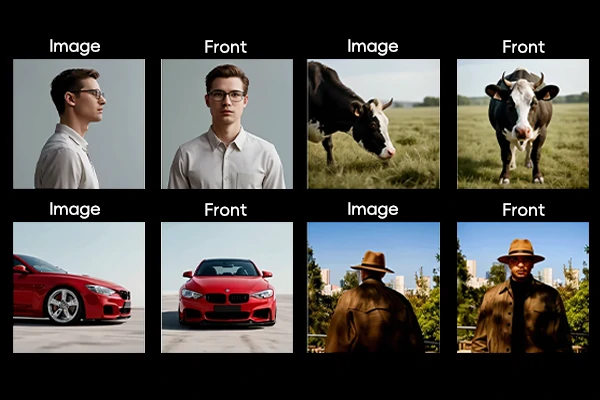
Transform perspectives dramatically with Qwen-Image-Edit capabilities. Rotate objects 90 or 180 degrees, reveal hidden angles, and create entirely new viewpoints while preserving character consistency and visual authenticity.

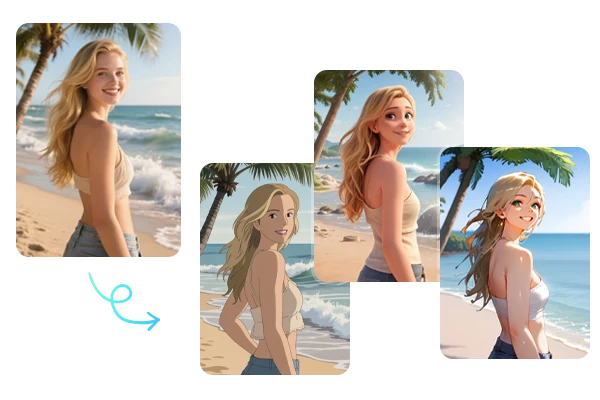
Transform artistic styles instantly - from photorealistic to anime, vintage to modern aesthetics. Qwen-Image-Edit maintains subject identity while completely changing visual presentation and artistic direction.

Modify text within images without recreating the entire design. Ideal for updating posters, marketing materials, and signage while preserving layout, fonts, and visual hierarchy perfectly.
Step 1: Upload an Image
Select and upload your target image directly to our Qwen-Image-Edit ComfyUI interface.
Step 2: Enter Your Editing Prompt
Describe your desired changes using natural language, specify objects, styles, text modifications, or transformations needed.
Step 3: Configure Workflow Settings
Adjust advanced parameters for optimal results.
Step 4: Generate and Download
Process your image with the Qwen image editing workflow and download the professionally edited result instantly.