
Seedance 1.5 Pro AI Video Generator
Seedance 1.5 pro AI Video Generator creates videos with full audio synchronization. Generate content with environmental sounds, action effects, music, and natural voiceovers in multiple languages. Enhanced motion, rhythm, emotion, and visual quality for professional results.
Why Choose Seedance 1.5 pro AI Video Generator


Audio-Enabled Video Generation
Generate videos with synchronized audio including various sound effects, realistic voiceovers, BGM, instruments, and more.

Multilingual Voice Support
Support for Chinese dialects (Mandarin, Shaanxi dialect, Sichuan dialect) and international languages.

Enhanced Visual Quality
Improved motion, action, rhythm, emotion, and overall visual quality. Every aspect of video generation has been upgraded.

Fast Generation Speed
Generate complete audio-synchronized videos quickly. Advanced processing ensures fast turnaround times without compromising quality.

Tap into All-in-One AI Video Generator
SeaArt AI offers you powerful all-in-one image&text-to-video AI generator. Beyond its core tools, it brings multiple industry-leading video models together in one place, so you can switch between them smoothly and create impressive visuals without bouncing across platforms.


Generate Videos with Full Audio Synchronization
Watch how Seedance 1.5 pro transforms text or images into complete videos with perfectly synchronized audio. Environmental sounds match scene atmosphere, action effects synced with movements, synthesized audio for creative effects, instrument sounds, background music, and natural voiceovers. Seedance 1.5 pro aligns all audio with visual actions, making your AI generated video more immersive.
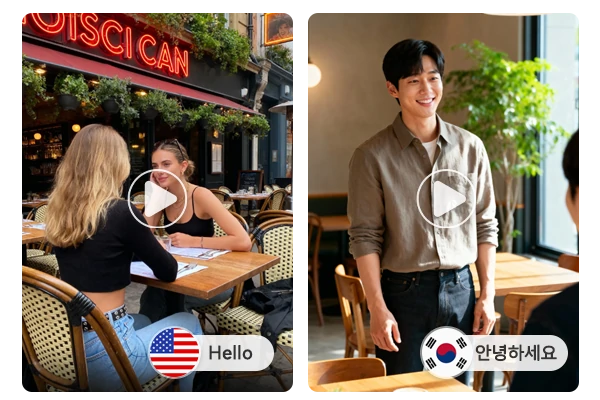
Multilingual Support for Global Content Creation
Seedance 1.5 pro AI video generator supports voiceovers in multiple languages and dialects. Chinese support includes Mandarin and multiple dialects. International language support covers English, Japanese, Korean, Spanish, Indonesian and more, enabling video creation for global audiences. The tool understands linguistic nuances and cultural context, delivering natural-sounding voiceovers to native speakers.
Enhanced Motion, Action, and Rhythm Control
Seedance 1.5 pro's improved motion generation creates more natural, fluid movements with better physics and timing. Action sequences feel more dynamic and realistic. Rhythm control syncs visual elements with audio beats and musical elements, creating harmonious AI video effects. Whether you're creating dance videos, action sequences, or rhythmic visual content, every movement feels intentional and well-timed.
Advanced Emotion and Visual Quality Upgrades
Seedance 1.5 pro AI video generator improves emotional delivery through facial expressions, body language, and scene mood. Visual upgrades add sharper detail, stronger color grading, better lighting, and more realistic textures. The result looks professional and feels engaging, from subtle micro-expressions to big moments, so every frame matches the intended atmosphere with cinematic polish.
Real-World Applications for Seedance 1.5 pro Videos
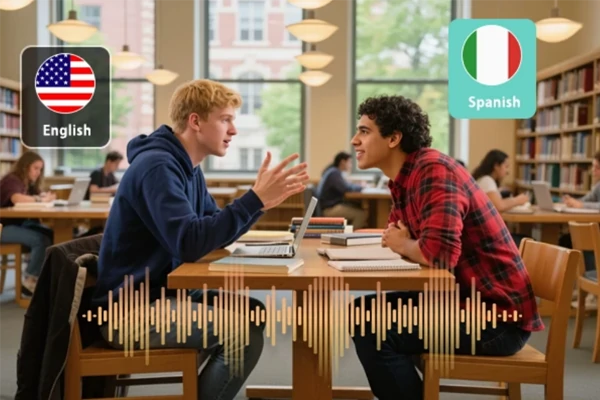
Multilingual Marketing Campaigns
Create marketing videos with localized voiceovers for different markets. Generate the same visual content with Mandarin, English, Japanese, or Spanish voiceovers.
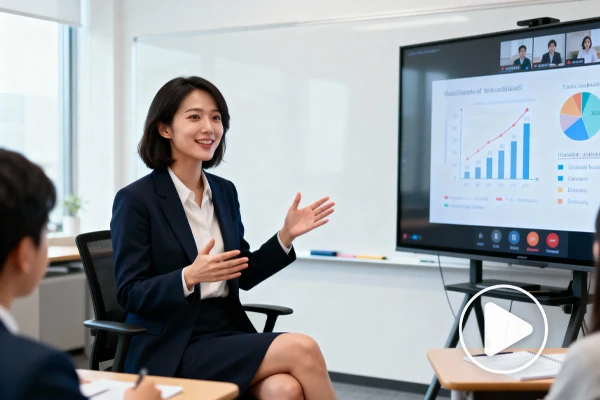
Educational Content with Natural Narration
Produce educational videos with natural-sounding narration in various languages and dialects. Create content for Mandarin-speaking audiences or English-language courses.
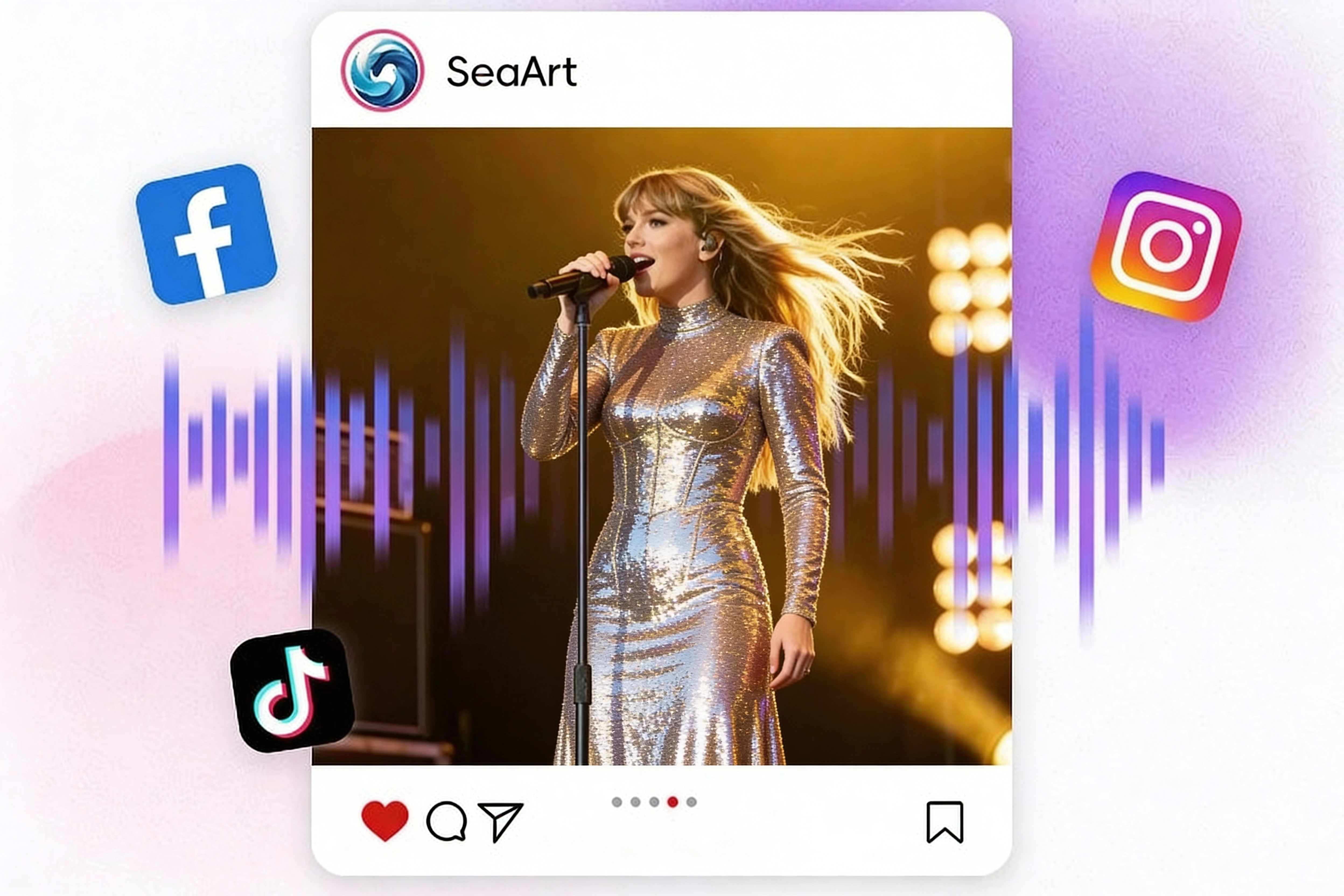
Social Media Content with Dynamic Audio
Make engaging social media videos with sound effects. Enhanced motion and rhythm create viral-ready content that captures attention.
How to Use Seedance 1.5 Pro AI Video Generator?
Step 1: Input Your Content
Enter a text prompt or upload an image. Specify your audio requirements and visual preferences.
Step 2: Configure Settings
Select your preferred language or dialect. Choose aspect ratio and duration.
Step 3: Generate and download
Click the "Generate" button, and wait for a few seconds. Download and share the video as you like!
Seedance 1.5 Pro AI Video Generator – FAQs

What has been improved in Seedance 1.5 Pro compared with Seedance 1.5?

What kind of videos can I create with Seedance 1.5 pro?
With Seedance 1.5 pro, you can create short AI videos like product promos and ad creatives with synced sound, social media clips (Reels/Shorts/TikTok) with strong rhythm and motion, cinematic scenes with controlled camera moves, action or dance sequences with smoother physics, storytelling micro-scenes with clearer emotions and atmosphere, and educational/explainer clips with narration-style voiceovers and matching ambience.
How do I get more consistent motion and fewer artifacts in my videos?
Keep prompts specific about subject, action, camera, and mood. Use simple backgrounds when testing motion, then add complexity later. If available, start from a clean reference image for style/character stability. Avoid packing too many actions into one clip; one clear action reads better than three competing ones. Iterate with small changes instead of rewriting everything.
What export formats and resolutions are supported?
Typical exports include standard web-friendly video formats (e.g., MP4) and common aspect ratios for social platforms. Available resolution, duration, and frame-rate options may vary by model version and account tier. If your goal is paid ads, generate at the highest quality offered, then do final resizing and compression in your editing tool for platform-specific delivery.


